Community articles
Five Questions Your App Should Answer Before Anyone Has to Ask
Building software requires solving a lot of technical problems. There are features to implement, bugs to fix, updates to prepare, and decisions about how…
By Kyle · · 6 min read
2
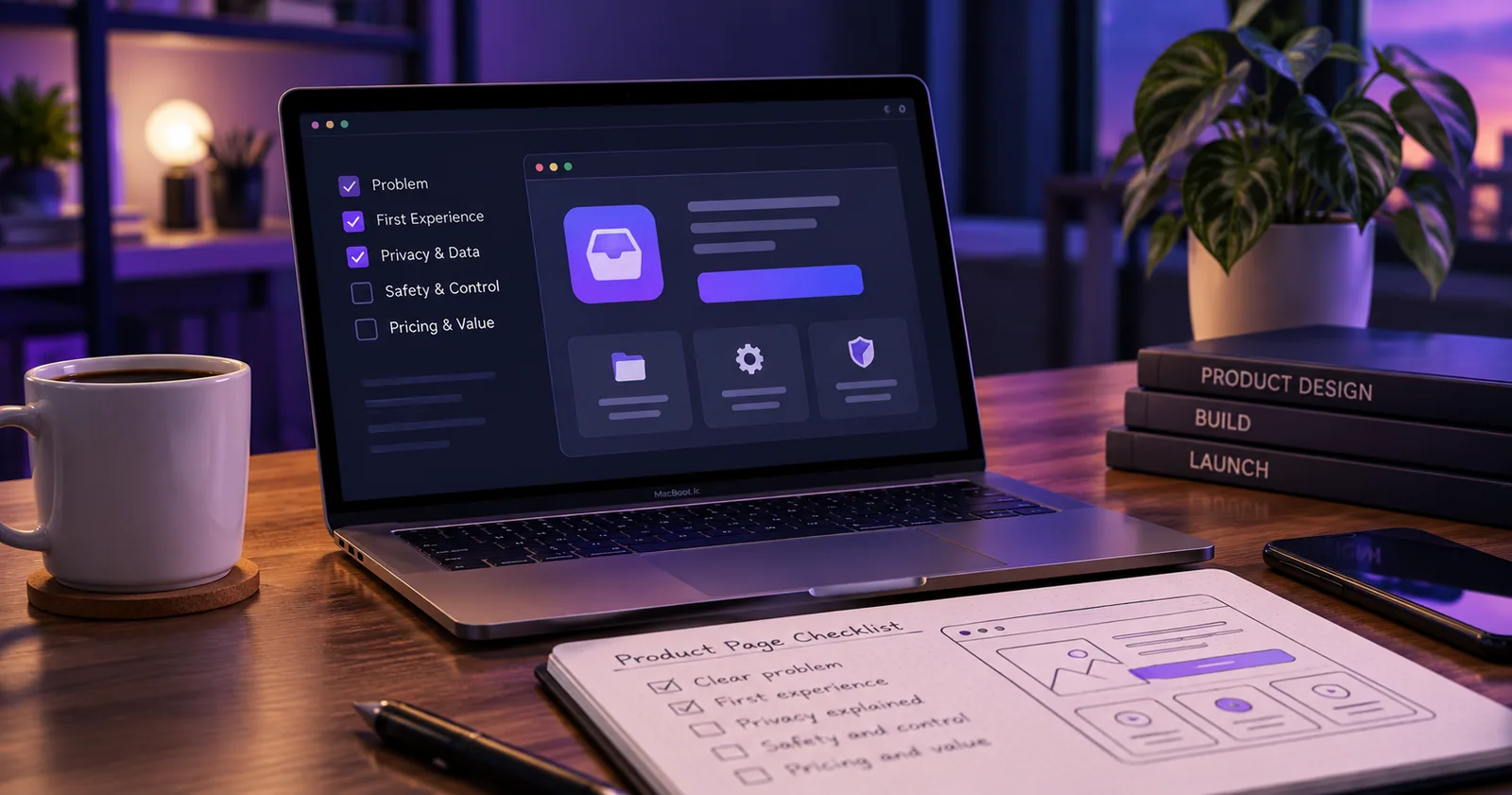
Building software requires solving a lot of technical problems. There are features to implement, bugs to fix, updates to prepare, and decisions about how everything should work.
But there's another problem that's easy to underestimate, especially when you're developing an app independently.
Someone discovering your product for the first time doesn't know what you know about it.
They haven't spent time with the code. They don't know why you chose one feature over another, what you've deliberately left out, or which parts of the application are most useful.
All they have is whatever you show them.
I've been thinking about that while building apps under RelayByte, particularly Trayage, my macOS Downloads review utility. Explaining what a product does is a different job from building it.
And I think there are five questions worth answering before expecting someone to download, install, or pay for your software.
1. What problem does this actually solve?
Developers naturally describe their software through its capabilities.
A product might have smart filters, local processing, configurable rules, keyboard shortcuts, and a carefully designed interface.
Those features might all be useful, but they don't necessarily tell a visitor why the application exists.
Start with the task instead.
What is someone struggling to accomplish? What are they currently doing to get it done? What makes that process inconvenient, confusing, or unnecessarily repetitive?
For Trayage, the problem is deciding what to do with accumulated files in Downloads. Describing it that way gives someone a starting point before introducing filters, file categories, or any other feature.
A useful explanation connects the product to a recognizable situation.
You can still describe the technical details. Just don't expect the reader to work backward from those details to figure out the benefit.
2. What happens when I open it?
A download button is an invitation to trust the developer.
Before clicking it, someone may want to know what the application actually looks like and what happens after installation.
Will it ask for access to their files? Does it need an account? Does it immediately perform an action, or will it show a preview first?
These questions matter even more for utilities that interact with personal information, system settings, or files.
Real screenshots help. A short walkthrough can help even more when the workflow isn't obvious from a static image.
But screenshots need enough context to be useful. An attractive dashboard filled with unfamiliar controls can create more questions than it answers.
Show the first meaningful action someone can take and explain what it accomplishes.
For a small application, that may be more valuable than a gallery showing every screen.
3. What happens to my information?
Privacy is often treated as a feature to mention near the bottom of a product page.
I think it deserves a more practical explanation.
Does the application analyze information locally? Does it communicate with an external service? Does it require an account? If it handles purchases or licensing, which services are involved?
The answers don't need to become a technical white paper on the homepage. They do need to be accurate.
An application might process files locally while still contacting external services for updates or licensing. Saying that it has no network activity would be misleading, even if its core functionality never uploads user files.
The goal is to explain the actual data flow in language someone can understand.
For developers, this also creates a useful design exercise. If describing what your app does with data is unexpectedly complicated, you may have found something worth reviewing in the architecture itself.
4. What happens if I make the wrong choice?
This question is particularly important for applications that modify or delete information.
Can someone preview an action? Is confirmation required? Can it be reversed? What happens when something goes wrong?
Some actions are easy to undo. Others are not.
In Trayage, I chose to have users select files and confirm before they move to the system Trash. The app doesn't empty Trash for them.
That decision adds a step to the process. It also gives the user an opportunity to check what is about to happen.
Not every application needs that exact behavior. The point is to make the consequences of an action understandable before the person commits to it.
The same principle applies to bulk edits, account changes, imports, and anything that affects information someone depends on.
A reassuring interface doesn't replace a clear explanation of the consequences.
5. What will this cost me?
This one seems obvious until you look at how many product pages leave important details scattered across different screens.
If the application is free, say what is included.
If it offers a trial, explain when the trial begins, what stops working afterward, and whether payment happens automatically.
If there's a one-time purchase, explain what that purchase covers. If there are subscriptions, make the recurring cost and cancellation process understandable.
People shouldn't need to discover the purchasing model halfway through a workflow.
The same applies to compatibility. An application that requires a particular operating system or device should say so before someone downloads it.
Clear expectations make for a better first experience, even if a visitor decides the product isn't right for them.
A simple exercise before your next release
You don't need a complicated research program to find obvious communication gaps.
Take your current product page, ideally on a device where you haven't been editing it for the last several hours.
Look at the first screen without scrolling.
Can you identify the user problem, the action the product helps with, and what you're expected to do next?
Then look at the application screenshots. Can someone understand what is happening without reading a long list of features?
If possible, show the page to someone unfamiliar with the product. Ask them what they think it does, what they expect to happen after installation, and what questions they still have.
Don't explain the product first. The point is to learn what the page communicates on its own.
Record what they actually say instead of trying to turn their reaction into a positive review. One person's response won't establish market demand, but it can reveal a confusing sentence or an important missing detail.
Then fix the highest-impact problem and repeat the exercise when you have the opportunity.
Clear expectations are part of the product
Independent developers have limited time. Improving documentation, screenshots, onboarding, and pricing explanations can feel less urgent than building the next feature.
But none of those things are separate from the experience someone has with your software.
A useful feature won't help someone who never understands why they need it. A carefully designed application can still lose someone's trust if its permissions or purchasing behavior come as a surprise.
I don't think the answer is to make every application simpler until there's nothing interesting left.
It's to make the important parts understandable.
Before adding another feature to your next release, it may be worth asking whether people can clearly understand the product you've already built.
Sometimes the next improvement belongs in the explanation rather than the code.