Community articles
Why I Built Trayage Around Review First, Cleanup Second
Building my first Mac app taught me that giving people control over their files matters just as much as making cleanup convenient. If you've used a Mac…
By Kyle · · 5 min read
9
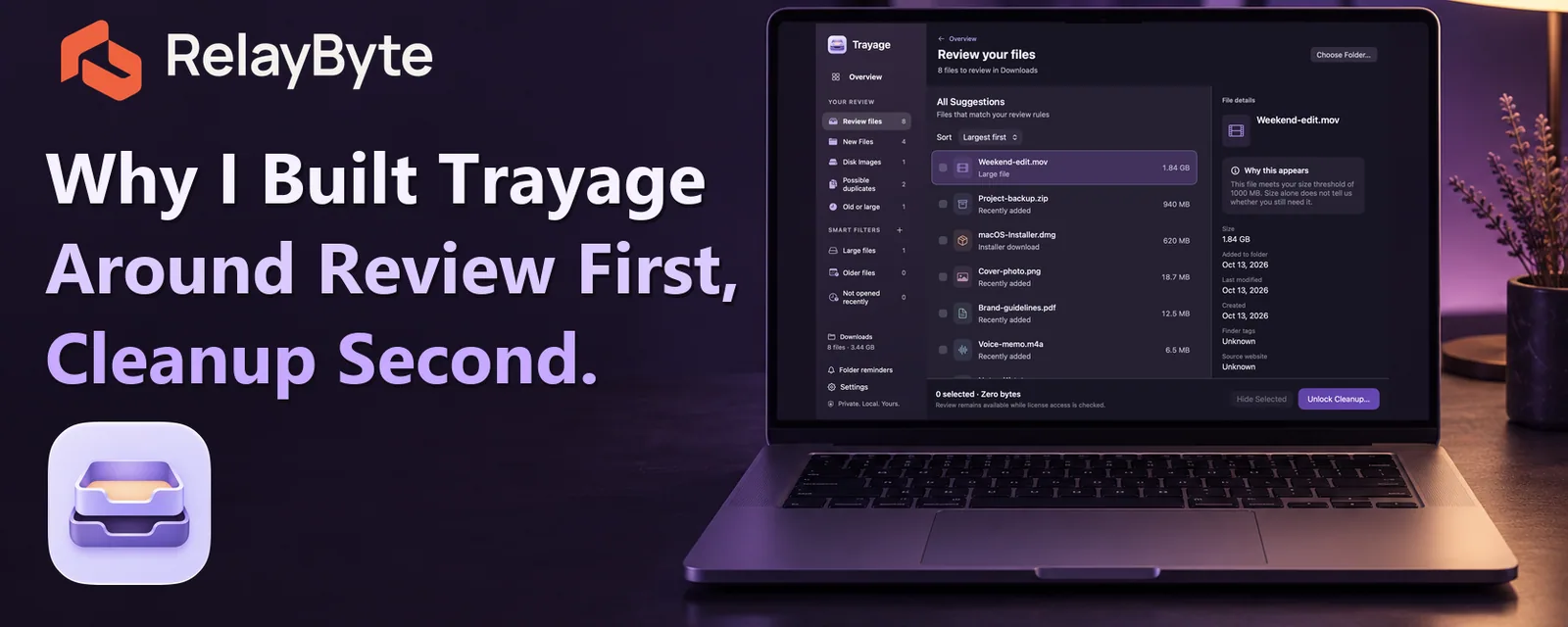
Building my first Mac app taught me that giving people control over their files matters just as much as making cleanup convenient.
If you've used a Mac for any length of time, there's a good chance your Downloads folder has become a collection of things you meant to deal with later. App installers, PDFs, ZIP files, old documents, and probably a few files you don't even remember downloading.
Cleaning it up sounds simple enough. Find what you no longer need and get rid of it.
But there's a difference between identifying a file that might be unnecessary and knowing that it's safe to remove.
That distinction became one of the guiding principles behind Trayage, my first native macOS app and the first product I've released under RelayByte.
The problem I wanted to solve
Downloads is one of those folders that doesn't always get much attention until it becomes a problem.
You download something, use it, and move on. Maybe it's an installer you only needed once. Maybe it's a document you'll need again next month. Over time, everything ends up mixed together.
The challenge isn't necessarily finding files. Finder already does that. It's figuring out which files deserve another look and making those decisions without accidentally getting rid of something important.
I wanted Trayage to make that process easier without taking those decisions away from the person using it.
It brings together installers, possible duplicate downloads, older files, and large files so you can review them in one place. Rather than assuming those files are disposable, it explains why they're worth checking.
You decide what stays and what moves to Trash.
Why I didn't want automatic cleanup
My background is in IT administration, managed services, and cybersecurity. A lot of that work involves thinking carefully about permissions, risk, and what happens when software does something the user didn't expect.
Those same considerations apply to smaller, everyday applications.
An old file isn't necessarily useless. Two documents with similar names might contain different information. Even when two files have identical contents, that doesn't automatically tell you which copy someone wants to keep.
Trayage 1.1 includes local content checks to provide more information about possible duplicates, but that information is there to support a decision, not make it for you.
I could have approached the app with the goal of removing as much as possible with as few clicks as possible. Instead, I chose to make reviewing and confirming the action part of the workflow.
Nothing moves to Trash simply because you open a folder or review a suggestion. You select the files, confirm the cleanup, and Trayage moves them to the system Trash. It never empties Trash for you.
That adds a deliberate step, and I'm comfortable with that tradeoff.
Sometimes a little extra friction is reasonable when it prevents an unwanted action.
Keeping the behavior understandable
Another priority was making sure people could understand what the app was doing.
Trayage performs its file analysis locally on the Mac. It doesn't need to upload your files or their contents to a cloud service to determine what should appear in the review. Separate services handle things like purchasing, licensing, and updates.
I think that distinction matters, especially when an app has access to someone's personal files.
It should be clear what information an application uses, what it does with that information, and which decisions remain in the user's hands.
That doesn't mean every application needs to operate the same way. There are plenty of situations where automation makes sense. But I don't think automation should be the default answer to every problem simply because it's technically possible.
Building the app was only part of releasing it
I released Trayage in September, and getting that first native Mac app out into the world was a pretty big milestone for me.
I'd built tools and personal projects before, but preparing something that other people could download and use involved considerably more than writing the application itself.
There was the direct download experience, purchasing and licensing, updates, support documentation, privacy information, and getting everything ready for Apple's review process.
Then came the other challenge: explaining what I'd built.
I launched Trayage on Product Hunt in early October and spent time getting the listing, screenshots, and promotional material ready. Getting the app noticed has been slow going, and I've been working on finding clearer ways to explain what it actually does.
That's been an interesting part of the experience.
When you're the person building something, you know why every feature exists. Someone discovering it for the first time doesn't have that context.
They need to understand the problem, what the software will do, and why they might want it.
A long feature list doesn't necessarily answer those questions.
What I'm taking into future RelayByte apps
RelayByte is the home for the independent apps I'm building, and I want each one to have a clear purpose.
Working on Trayage has reinforced a few things I want to carry into those projects.
Keep the scope understandable. Explain what the software does without making people guess. Be deliberate about permissions and data handling. And when an action has consequences, give the user enough information to make an informed decision.
There will always be improvements to make, both in the applications and in how I communicate their purpose. That's part of building software independently.
I'm still learning how to get these products in front of the right people, and I'm interested in hearing how other developers approach similar decisions.
When you're building an application that can change or remove someone's data, where do you draw the line between helpful automation and keeping the user in control?
If you're curious about Trayage and the approach behind it, you can learn more at https://trayage.app/.