Marketing tools
Post Formatter
Bold Text & 30+ Fonts
- Category
- Marketing tools
- Stage
- Growth
- For
- Social media creators and professionals publishing on LinkedIn and other supported platforms.
About
LinkedIn post formatter Chrome extension. Add bold, italic & 30+ Unicode fonts with AI proofread, drafts & live preview. Works on X, Facebook, Threads & more.
Features
- Problem
- Native social editors offer limited text styling.
- How it works
- Shows a floating inline toolbar when text is selected and applies bold, italic, strikethrough, underline, lists, and 30+ Unicode styles.
- Result
- Posts can be formatted directly in supported social editors.
- Why
- Unicode characters retain their appearance after publishing without HTML rendering.
- Problem
- Creators cannot reliably see how a post will render before publishing.
- How it works
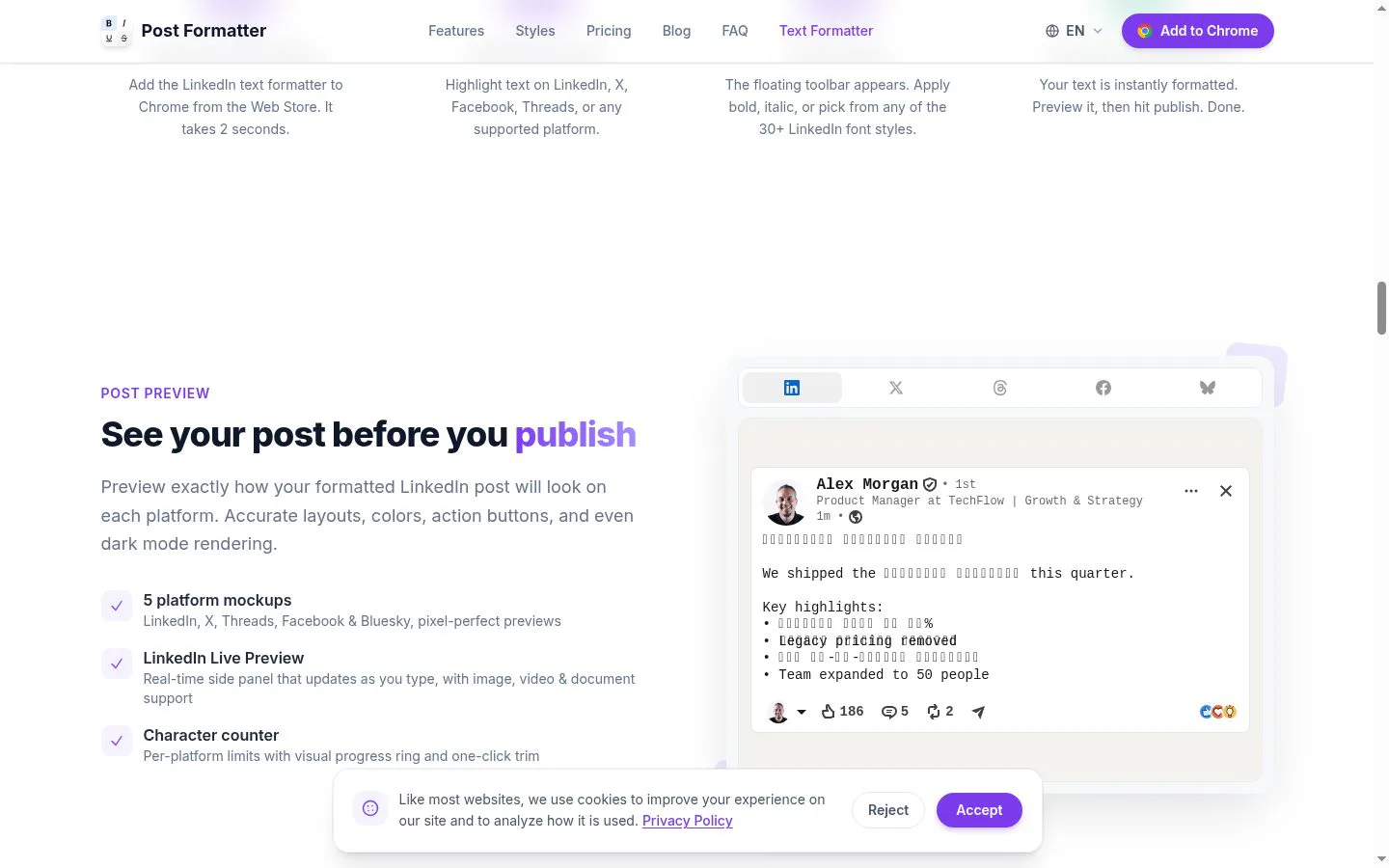
- Provides live and platform-specific post previews, including dark-mode rendering and character-limit tracking.
- Result
- Users can refine posts before publishing.
- Why
- Platform layouts and limits differ.
- Problem
- Pasted content can lose its visual hierarchy.
- How it works
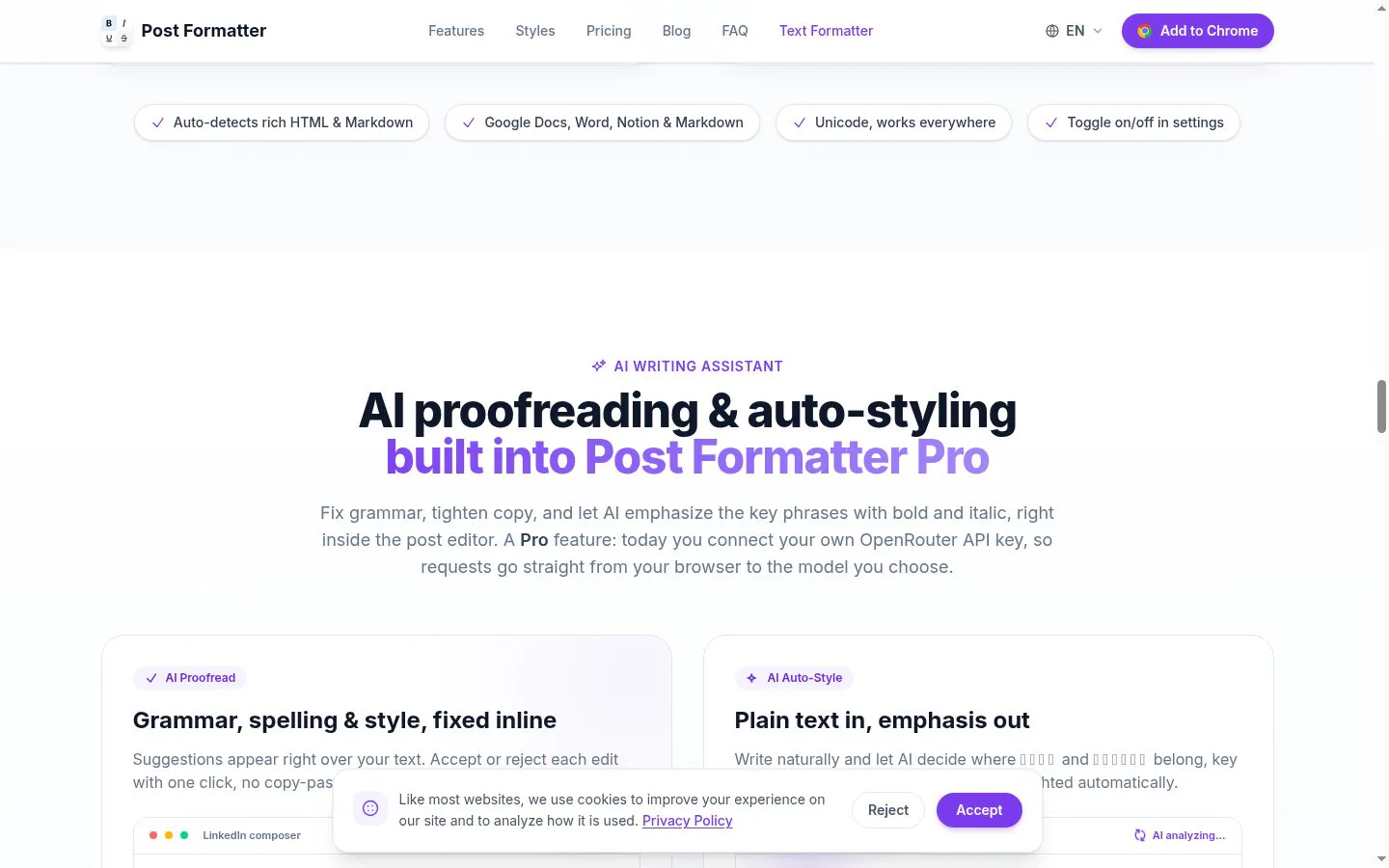
- Smart Paste converts rich HTML and Markdown formatting from Google Docs, Word, and Notion into Unicode equivalents.
- Result
- Bold, emphasis, and lists are preserved in a portable form.
- Why
- Formatted source content needs to remain readable in plain social editors.
- Problem
- Post ideas and prepared copy are easy to lose.
- How it works
- Saves drafts and supports folders, tags, full-text search, ready-to-post status, and context-menu insertion.
- Result
- Drafts are easier to find, prepare, and reuse.
- Why
- Creators need lightweight content organization where they write.
- Problem
- Editing for clarity and emphasis can require separate tools.
- How it works
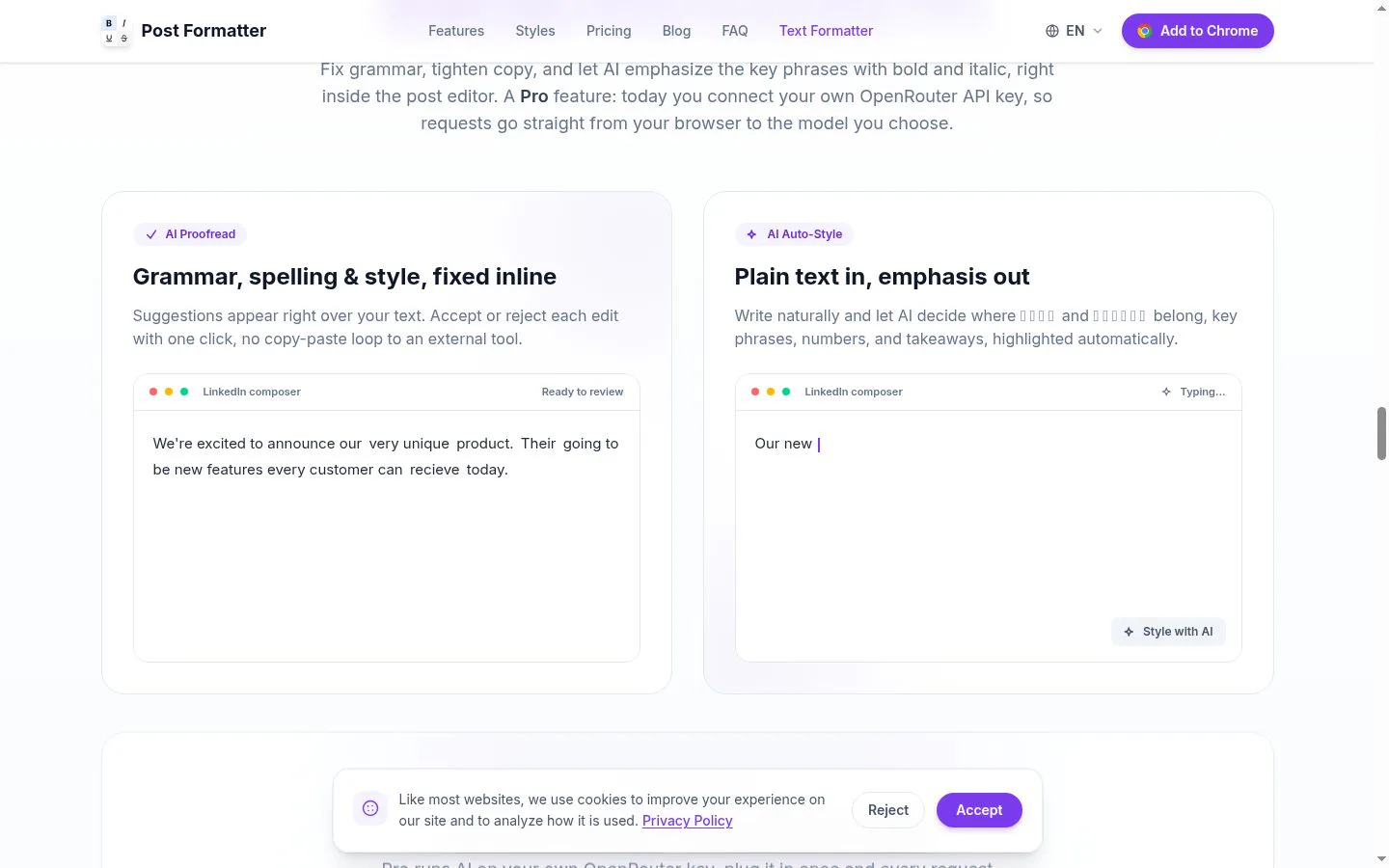
- Pro users can connect their own OpenRouter API key for inline proofreading suggestions and automatic bold/italic styling.
- Result
- Users can review copy and apply emphasis without a copy-paste workflow.
- Why
- Requests go directly from the browser to the user-selected model.
Product questions
What does Post Formatter do?
Post Formatter is a browser extension that formats social posts directly in supported editors using Unicode styles, with drafting, previews, paste conversion, and optional AI writing help.
Who is Post Formatter for?
Social media creators and professionals publishing on LinkedIn and other supported platforms.
Screenshots