Productivity
Scootch
One keyboard and mouse for every computer on your desk. For Windows, Mac and Linux. Seamless file transfer, clipboard carryover and more.
- Category
- Productivity
- Stage
- Growth
- For
- People who use two or more Windows, Mac, or Linux computers at the same desk and want to share a keyboard, mouse, and files between them.
- Platforms
- Windows, MacOS, Linux
- Pricing
- 3-day free trial, then a single payment
About
One keyboard and mouse for every computer on your desk. Any mix of Windows, Mac and Linux. Transfer files seamlessly in any direction.
Features
- Problem
- Switching between computers requires reaching for another mouse or using a hardware switch.
- How it works
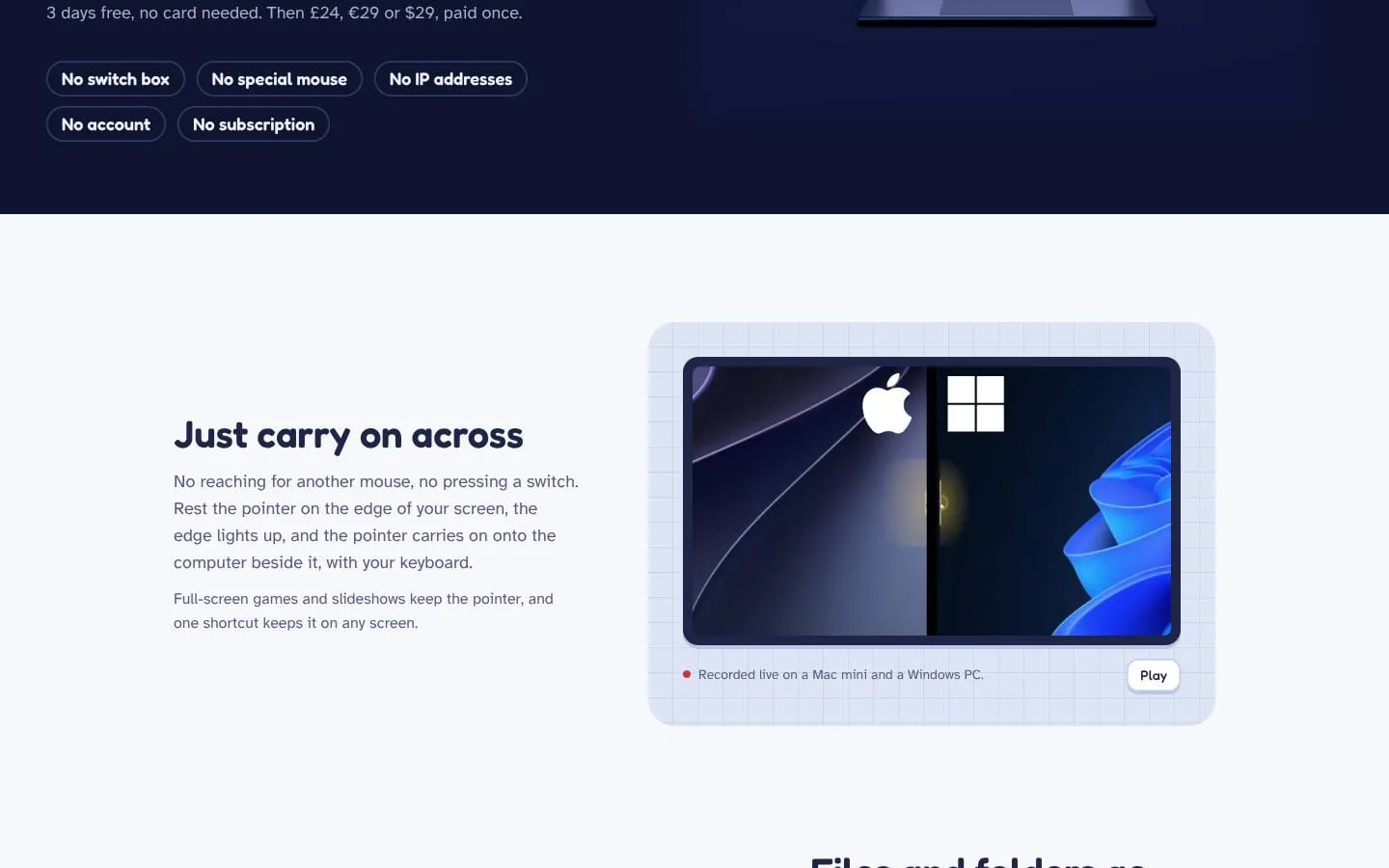
- Move the pointer across a screen edge to use the adjacent computer; the keyboard follows. A shortcut can keep the pointer on one screen or jump to a computer.
- Result
- One keyboard and mouse work across a mixed set of supported computers.
- Why
- Let people continue working across their desk without interrupting their flow.
- Problem
- Moving files between computers often means emailing them, using cloud storage, or finding a USB drive.
- How it works
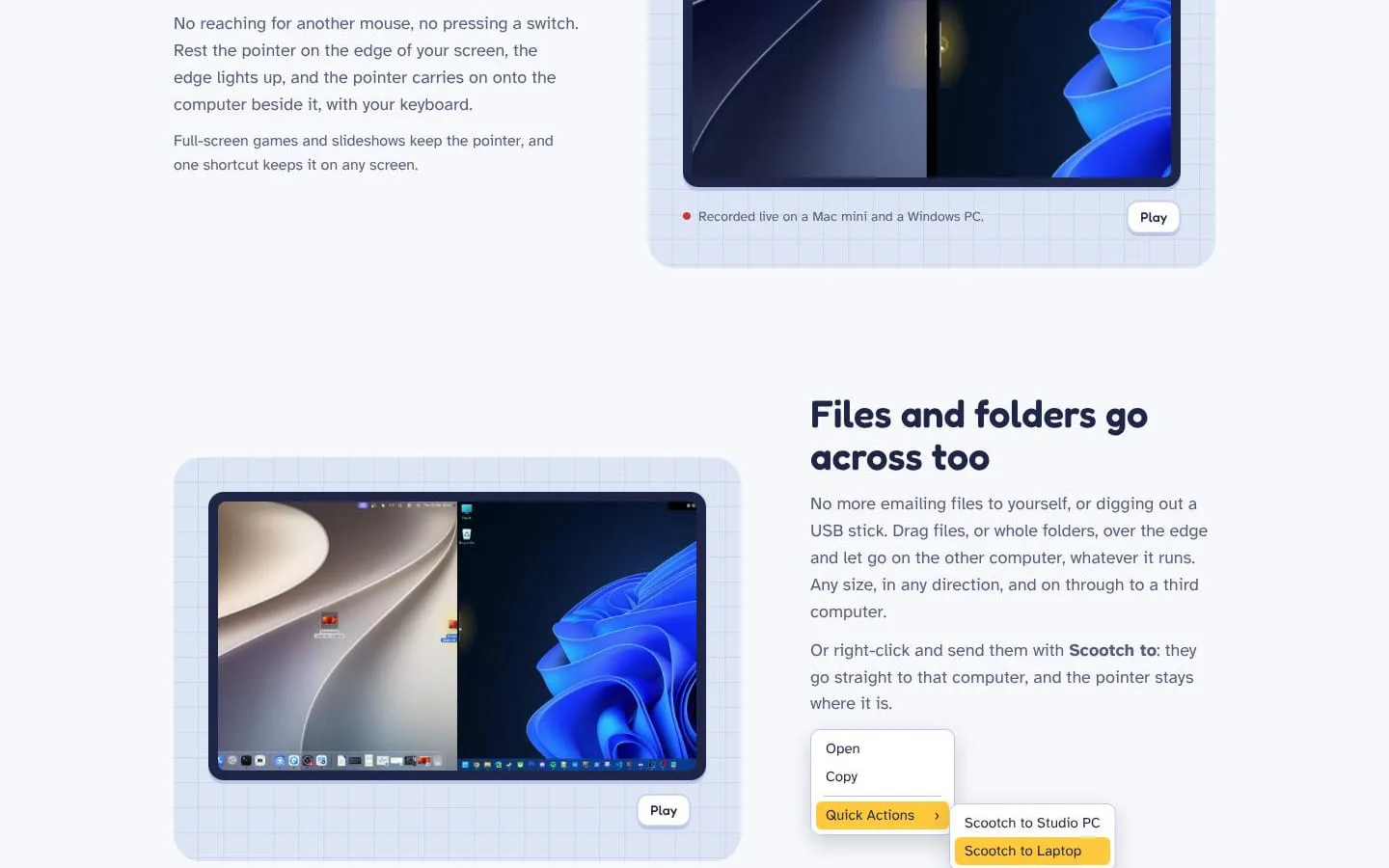
- Drag files or folders across the screen edge, send them through the right-click “Scootch to” option, or copy and paste files. Transfers go directly over the local network.
- Result
- Files arrive in Downloads/Scootch, while originals stay in place.
- Why
- Make file sharing part of the same movement between computers, without an extra transfer service.
- Problem
- Computers positioned differently on a desk can make it unclear which screen edge leads to which machine.
- How it works
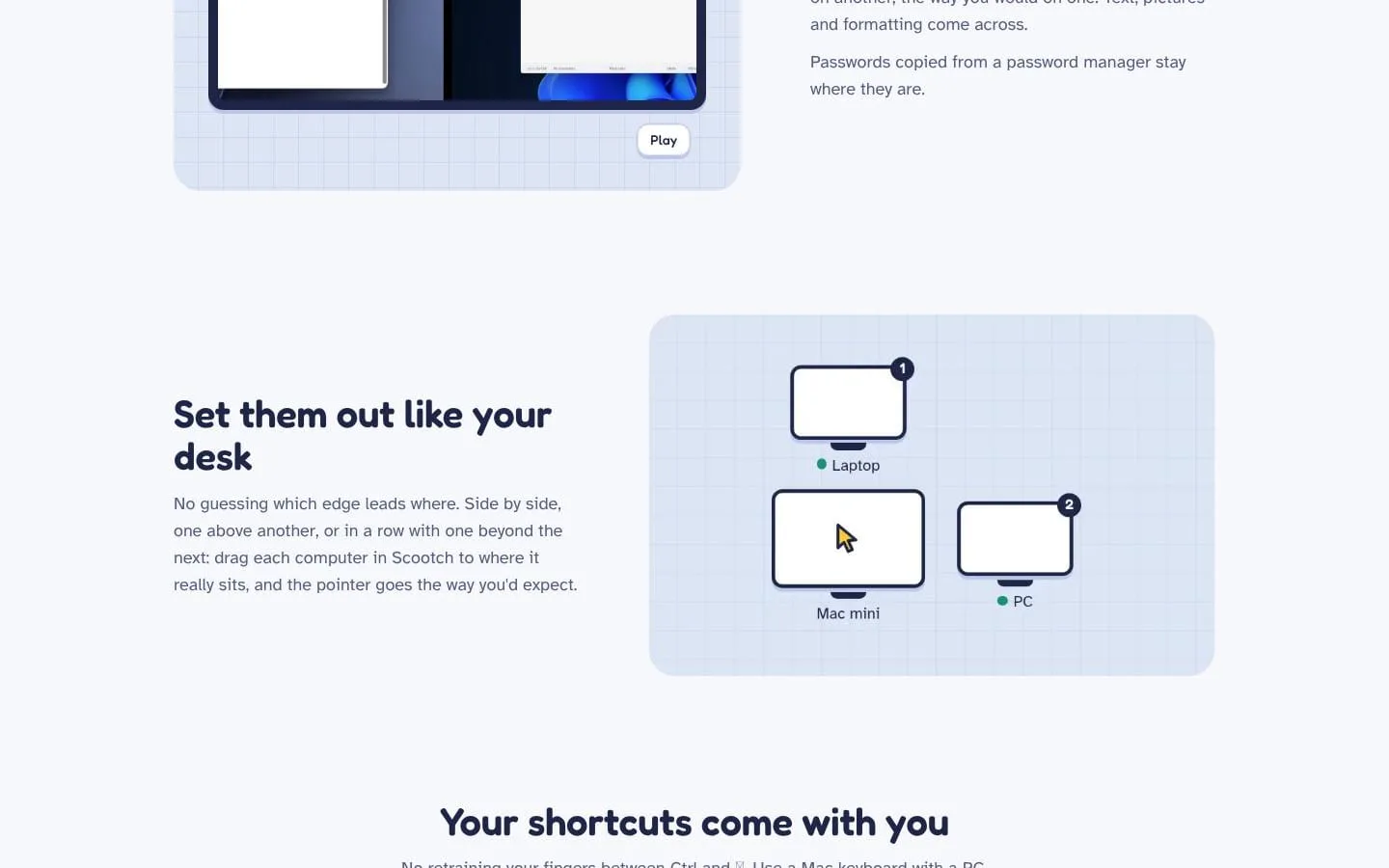
- Arrange computers in Scootch to match their physical positions, including side-by-side, vertical, or extended layouts.
- Result
- Moving the pointer across an edge leads to the expected computer.
- Why
- Make pointer movement correspond to the real desk layout.
- Problem
- Copied text, pictures, or formatting may need to be sent manually, and shortcuts differ between Mac and PC keyboards.
- How it works
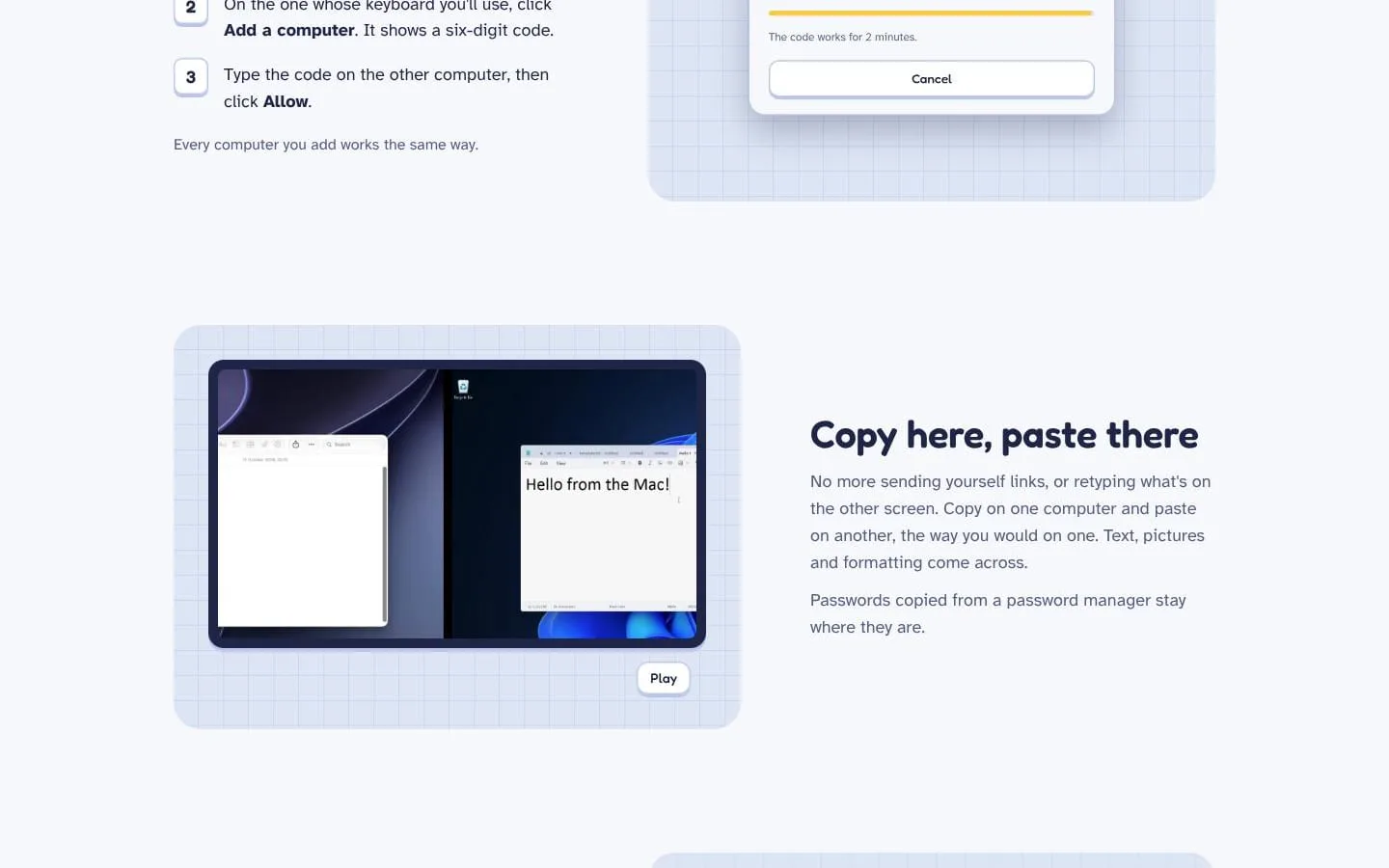
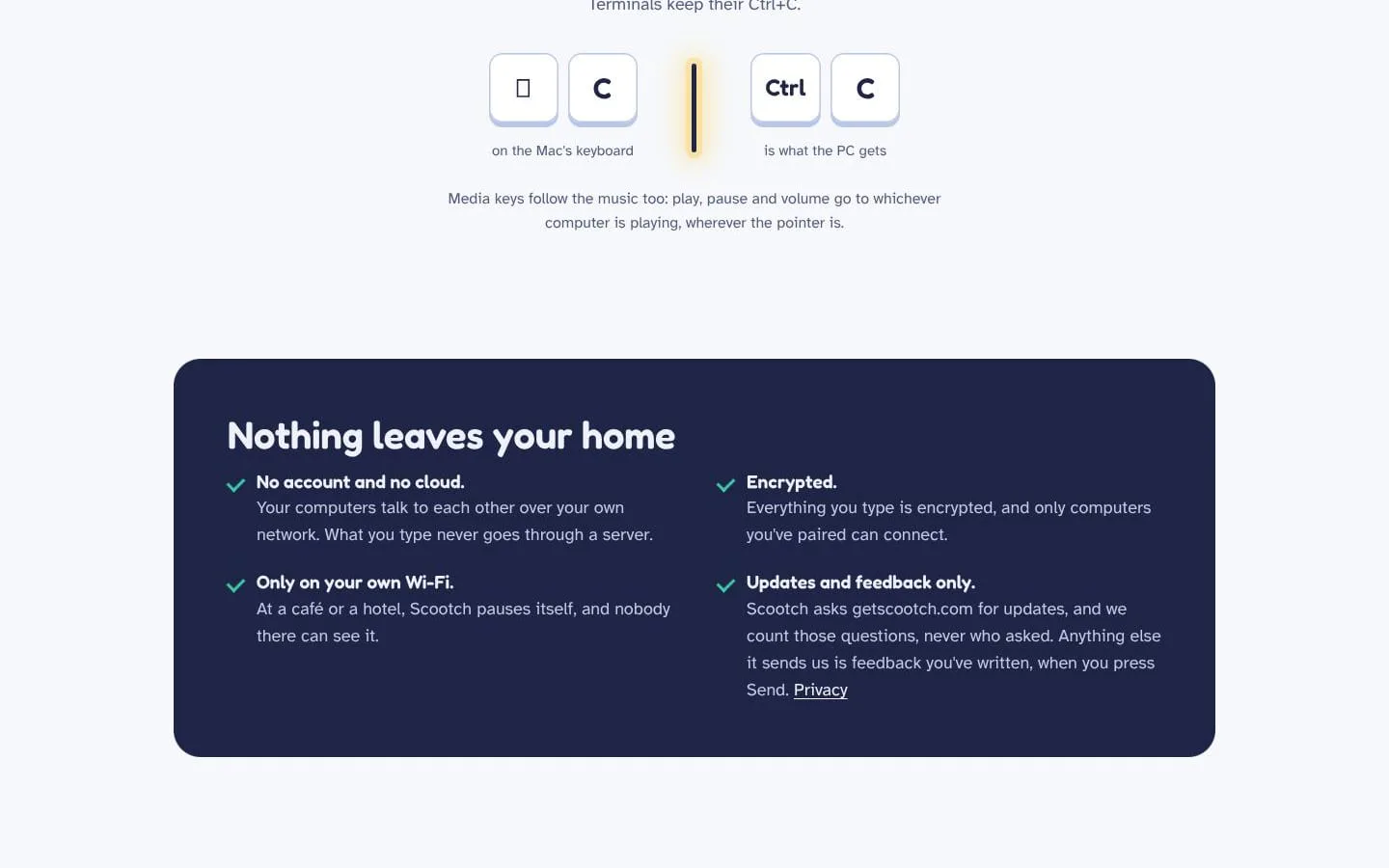
- Copy on one computer and paste on another; Scootch also adapts familiar keyboard shortcuts when using a Mac keyboard with a PC or vice versa.
- Result
- Clipboard content and familiar shortcuts are available across the connected computers.
- Why
- Keep everyday actions familiar while moving between operating systems.
- Problem
- Sharing keyboard input and files across computers raises privacy and security concerns.
- How it works
- Pair computers with a six-digit code and approval. Connections are encrypted, and Scootch pauses on networks that have not been approved.
- Result
- Computer communication stays on the user's network and is limited to paired devices.
- Why
- Restrict sharing to computers the user has paired and networks they trust.
Product questions
What does Scootch do?
Scootch lets one keyboard and mouse control multiple Windows, Mac, and Linux computers on the same network. Move the pointer between screens and share files and clipboard contents without a switch box or cloud account.
Who is Scootch for?
People who use two or more Windows, Mac, or Linux computers at the same desk and want to share a keyboard, mouse, and files between them.
How much does Scootch cost?
3-day free trial, then a single payment
Which platforms does Scootch support?
- Windows
- MacOS
- Linux
Screenshots