Productivity
Hourbun
Time tracking and invoicing for freelancers and teams
- Category
- Productivity
- Stage
- Growth
- For
- Freelancers, consultants, and teams that bill clients by the hour.
About
Hourbun is fast, intuitive time tracking and invoicing for freelancers and teams who bill by the hour. Track hours, send invoices and get paid online.
Features
- Problem
- Capturing work time can be cumbersome and easy to delay.
- How it works
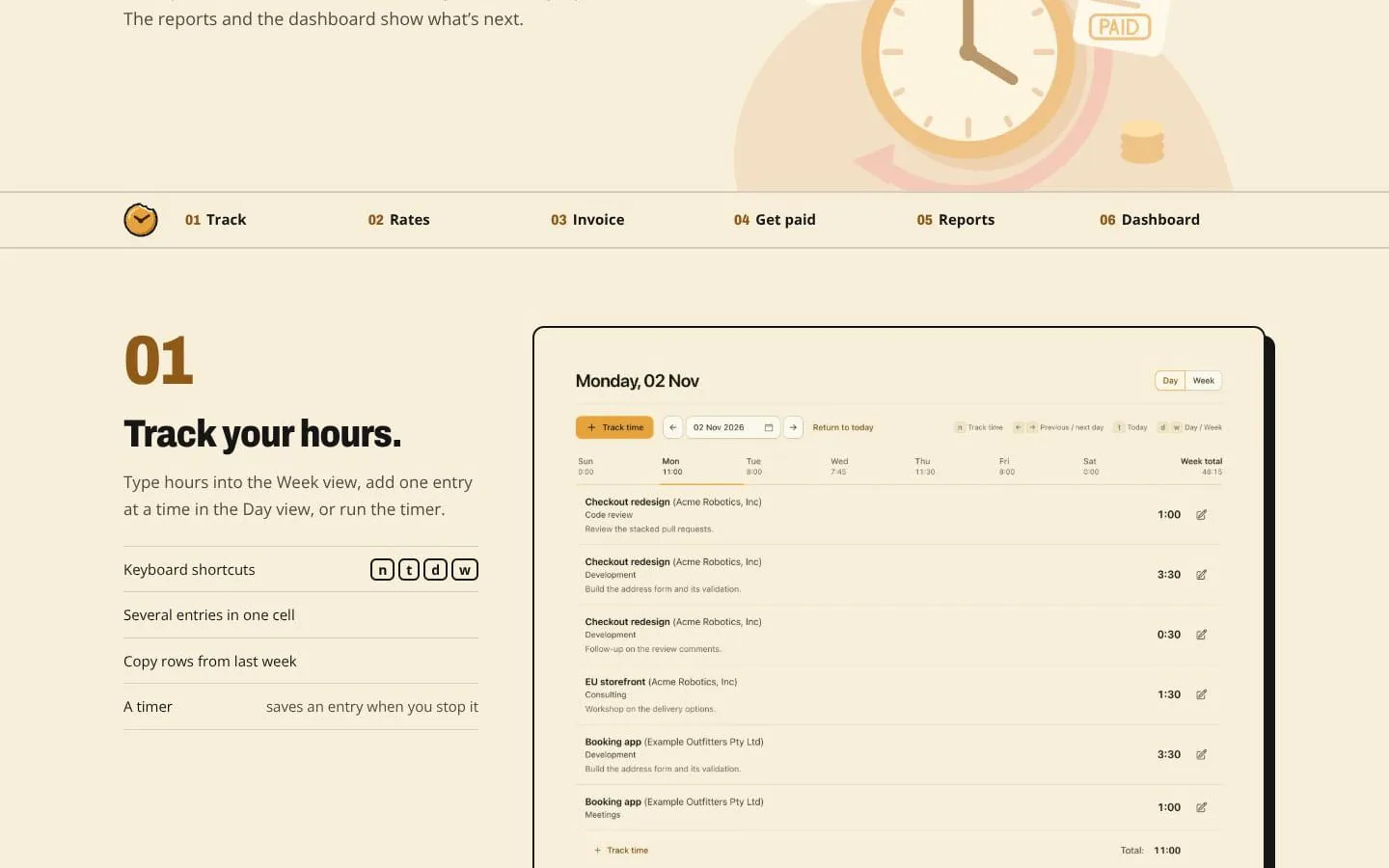
- Users enter hours in a week grid, add entries in a day view, or run a timer; entries can include projects, tasks and notes.
- Result
- Tracked hours are organized by day, week, project and task.
- Why
- Multiple entry methods and quick editing make it easier to record work as it happens.
- Problem
- Rates can vary by client, project or task, and may change over time.
- How it works
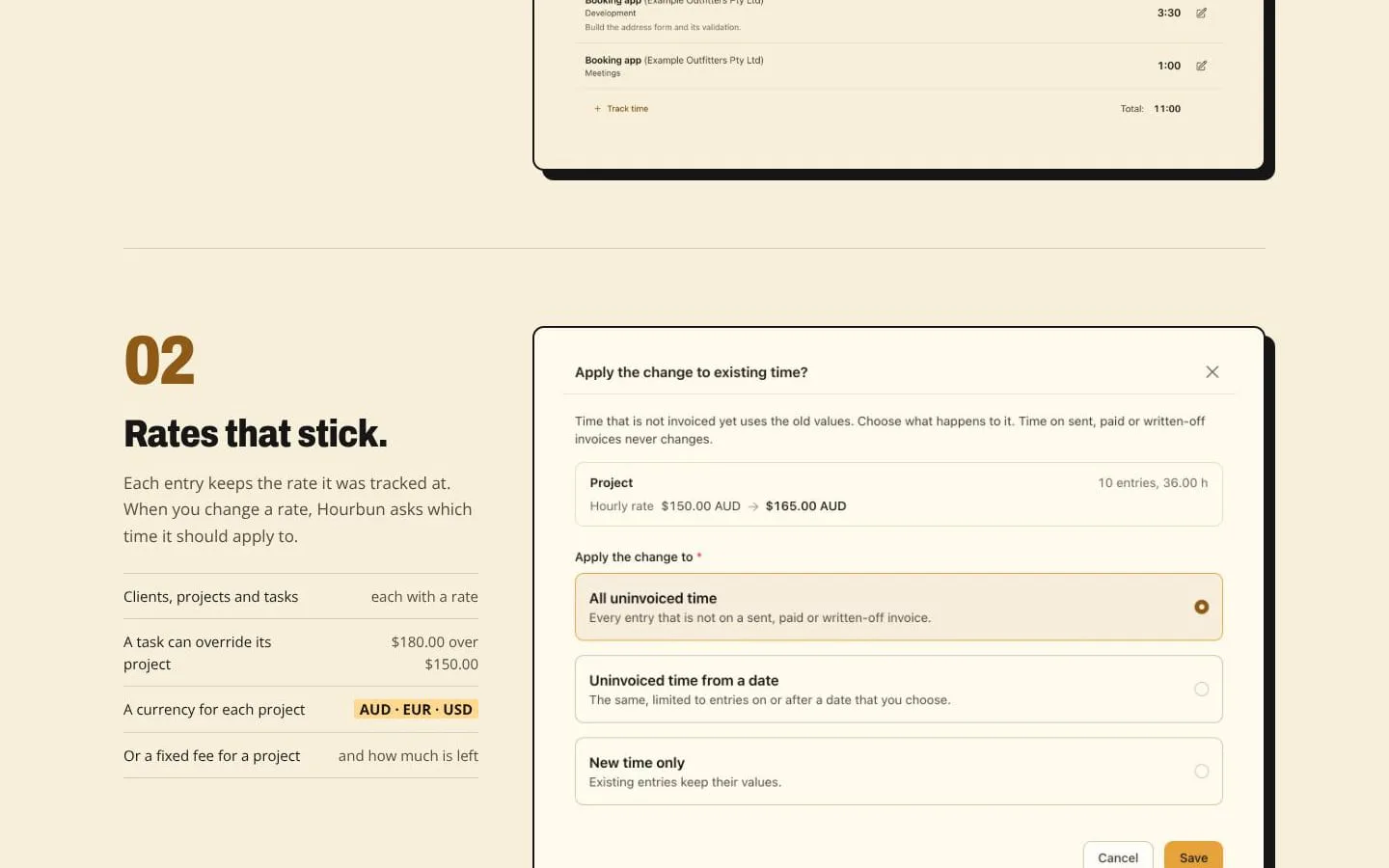
- Users set rates for clients, projects and tasks, and choose which existing time entries a rate change applies to.
- Result
- Time can be billed at the intended rate, including in multiple currencies or against a fixed project fee.
- Why
- Keeping the applicable rate with each entry supports consistent billing when rates change.
- Problem
- Turning tracked hours into a clear invoice takes manual effort.
- How it works
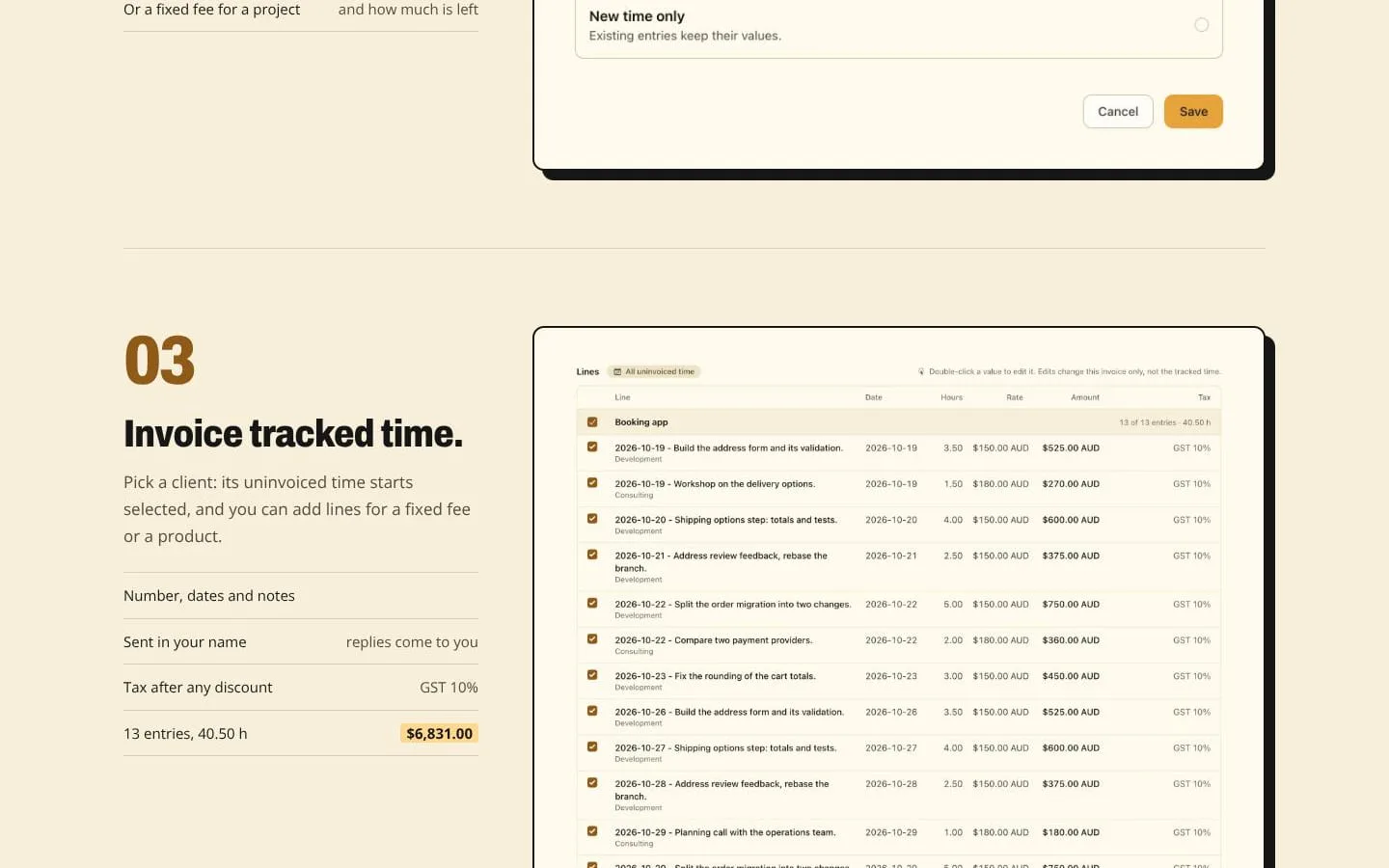
- Users select uninvoiced time for a client and add fixed-fee or product lines, taxes, discounts and invoice details.
- Result
- Users can issue invoices for tracked work and other billable items.
- Why
- Building invoices from tracked entries reduces re-entry and keeps work details attached to charges.
- Problem
- Getting paid and following up on outstanding invoices require extra steps.
- How it works
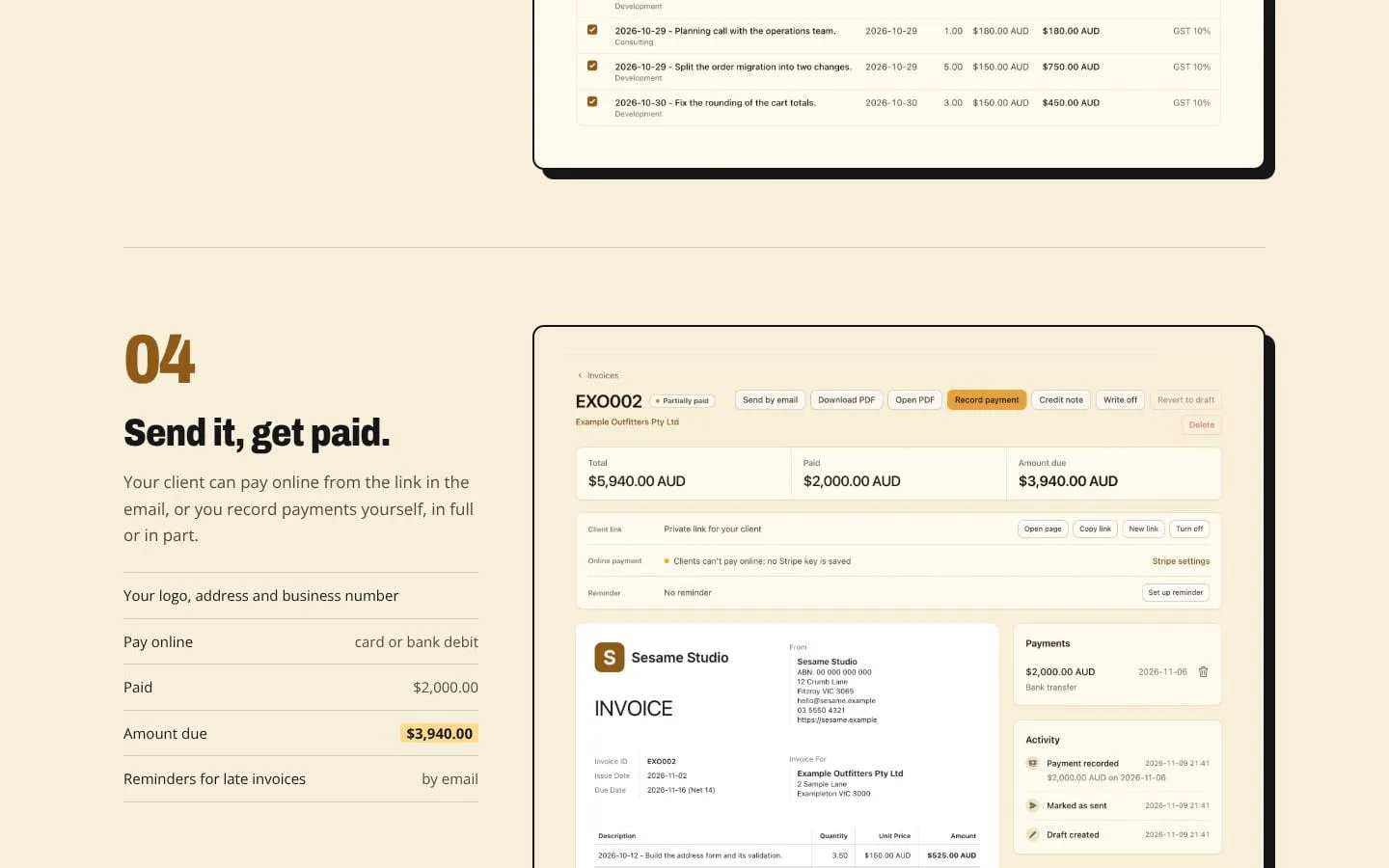
- Clients can pay from an invoice link by card or bank debit through a linked Stripe account; users can also record full or partial payments and send late-payment reminders.
- Result
- Users can see amounts paid and still due.
- Why
- Payment options and status tracking keep collection activity connected to the invoice.
- Problem
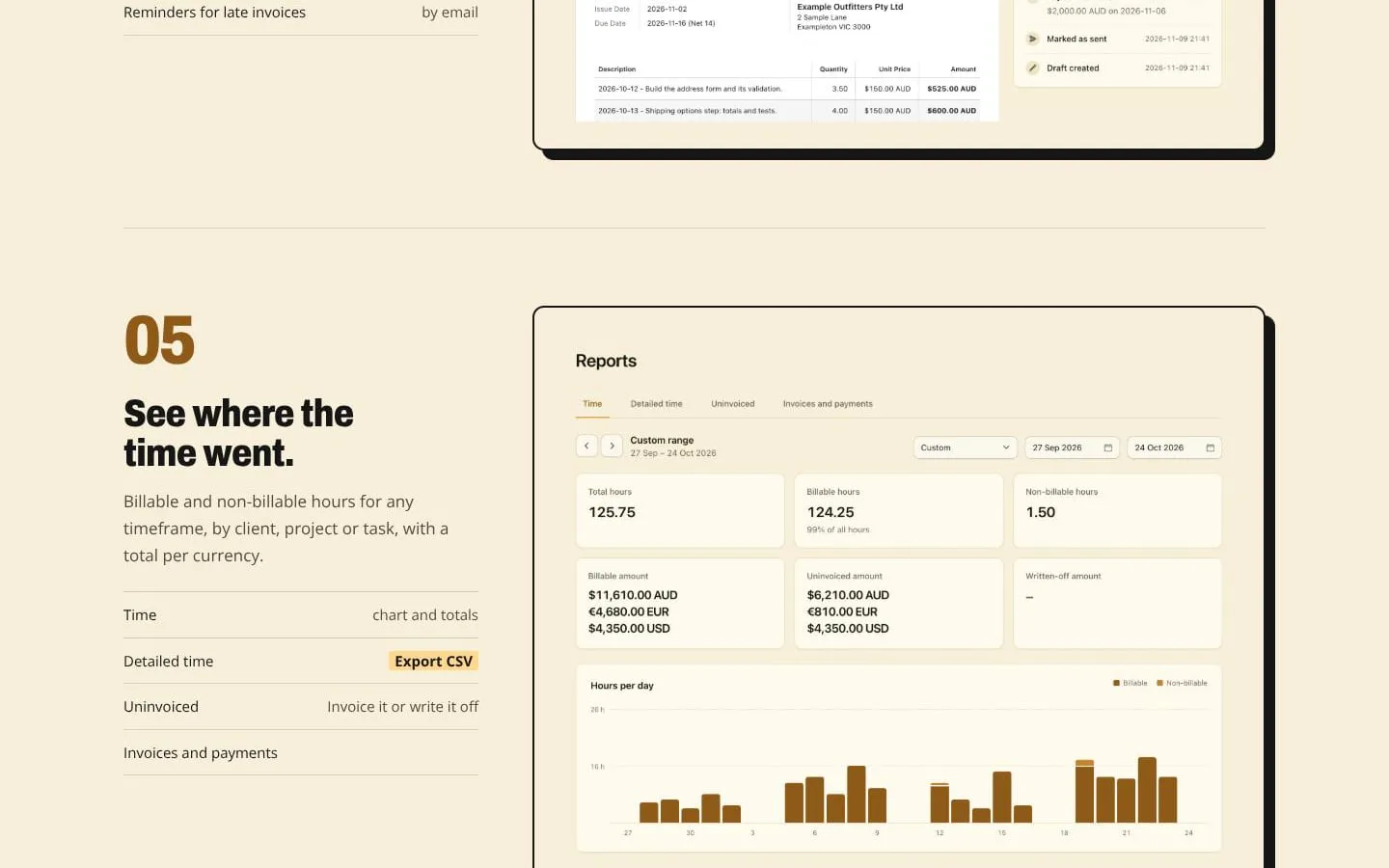
- It can be hard to see where time went or what needs attention.
- How it works
- Reports break down billable and non-billable time by client, project or task, while the dashboard surfaces uninvoiced work, overdue invoices and other attention items.
- Result
- Users can identify work to invoice and monitor billing activity.
- Why
- Summaries help users understand their work and billing position without reviewing every entry.
- Problem
- Teams need a way to review work before it is billed.
- How it works
- Teammates submit weekly timesheets for manager approval; managers can approve or request changes, and only approved time is invoiced.
- Result
- Teams can validate timesheets before billing clients.
- Why
- A review step gives teams control over submitted billable time.
Product questions
What does Hourbun do?
Hourbun is a web app for freelancers, consultants and teams to track billable time, turn it into invoices, and record payments. It also supports estimates, expenses, reporting and team timesheet approvals.
Who is Hourbun for?
Freelancers, consultants, and teams that bill clients by the hour.
Screenshots