Productivity
Drift
Share to Mastodon
- Category
- Productivity
- Stage
- Growth
- For
- Chrome users who share articles and highlights on Mastodon
About
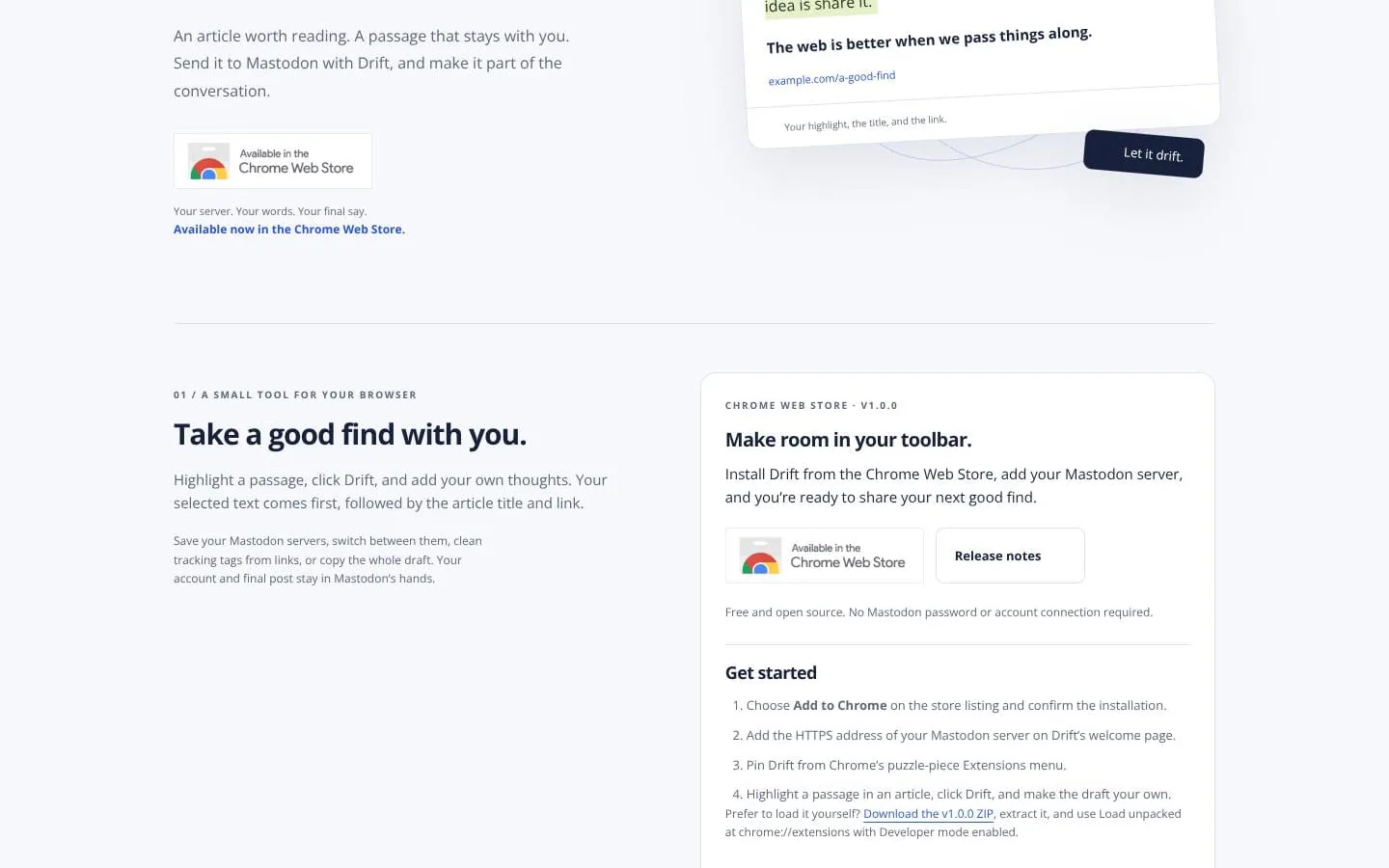
Highlight a passage, add your thoughts, and share it to Mastodon. Drift brings your selected text, the article title, and its link into one editable draft.
Features
- Problem
- Shared links can lack the passage and context that made them valuable.
- How it works
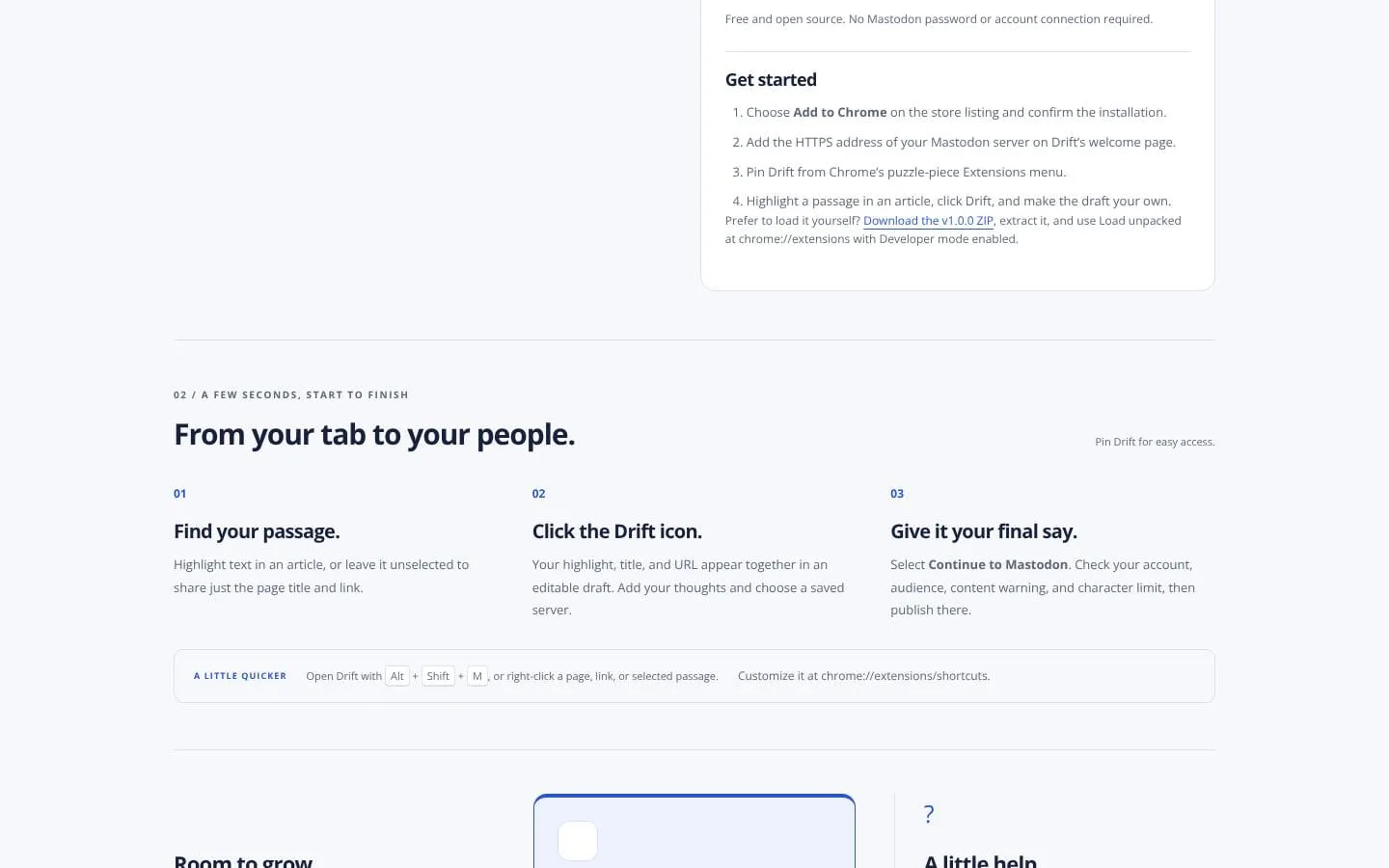
- Captures a selected passage—or just the page title and link—and places them in an editable draft.
- Result
- A more complete post is ready to share.
- Why
- Lets people add their own thoughts while preserving the source context.
- Problem
- People may post through more than one Mastodon server.
- How it works
- Saves Mastodon server addresses and lets users choose a saved server for a draft.
- Result
- Users can prepare shares for their chosen server.
- Why
- Keeps server selection available without connecting a Mastodon account to Drift.
- Problem
- Article URLs can include tracking tags.
- How it works
- Offers optional tracking-tag cleanup for links.
- Result
- Posts can use a cleaned source URL.
- Why
- Keeps shared links cleaner.
- Problem
- A prepared draft may need another way to be used or recovered.
- How it works
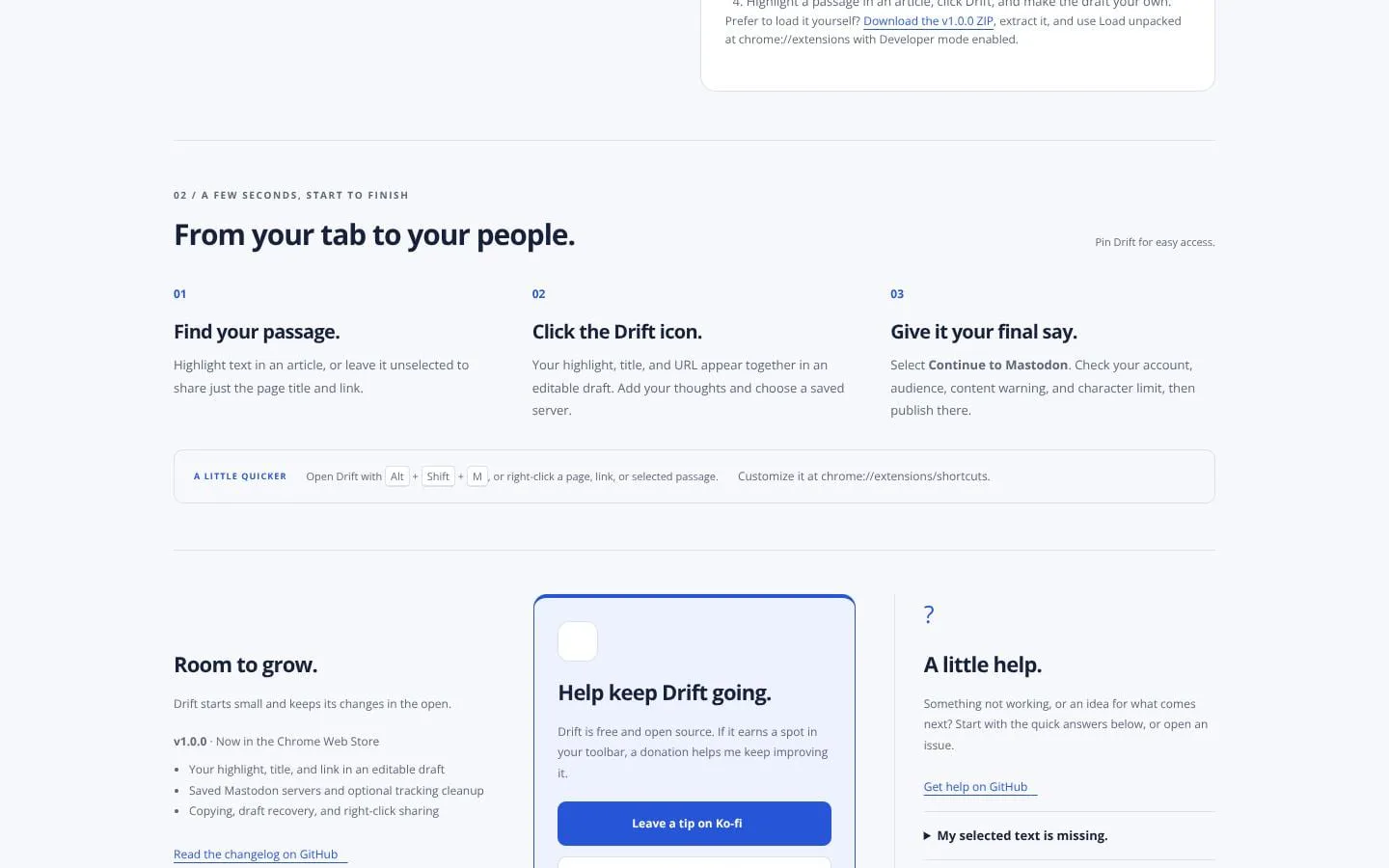
- Supports copying drafts and temporary draft recovery.
- Result
- Drafts can be reused or recovered during a browser session.
- Why
- Gives users control over their draft text.
- Problem
- Sharing should remain under the user’s Mastodon account controls.
- How it works
- Opens the selected server’s Mastodon share page when the user chooses Continue to Mastodon.
- Result
- Users review and publish the final post on Mastodon.
- Why
- Mastodon retains the final publishing flow, including account, audience, content-warning, and character-limit review.
Screenshots