AI
NeuralSound
AI music source separation: remove vocals, instrumentals or background music from any song or recording.
- Category
- AI
- Stage
- Beta
- For
- Vocalists, guitarists, bassists, drummers, producers and educators who need one part of a track.
About
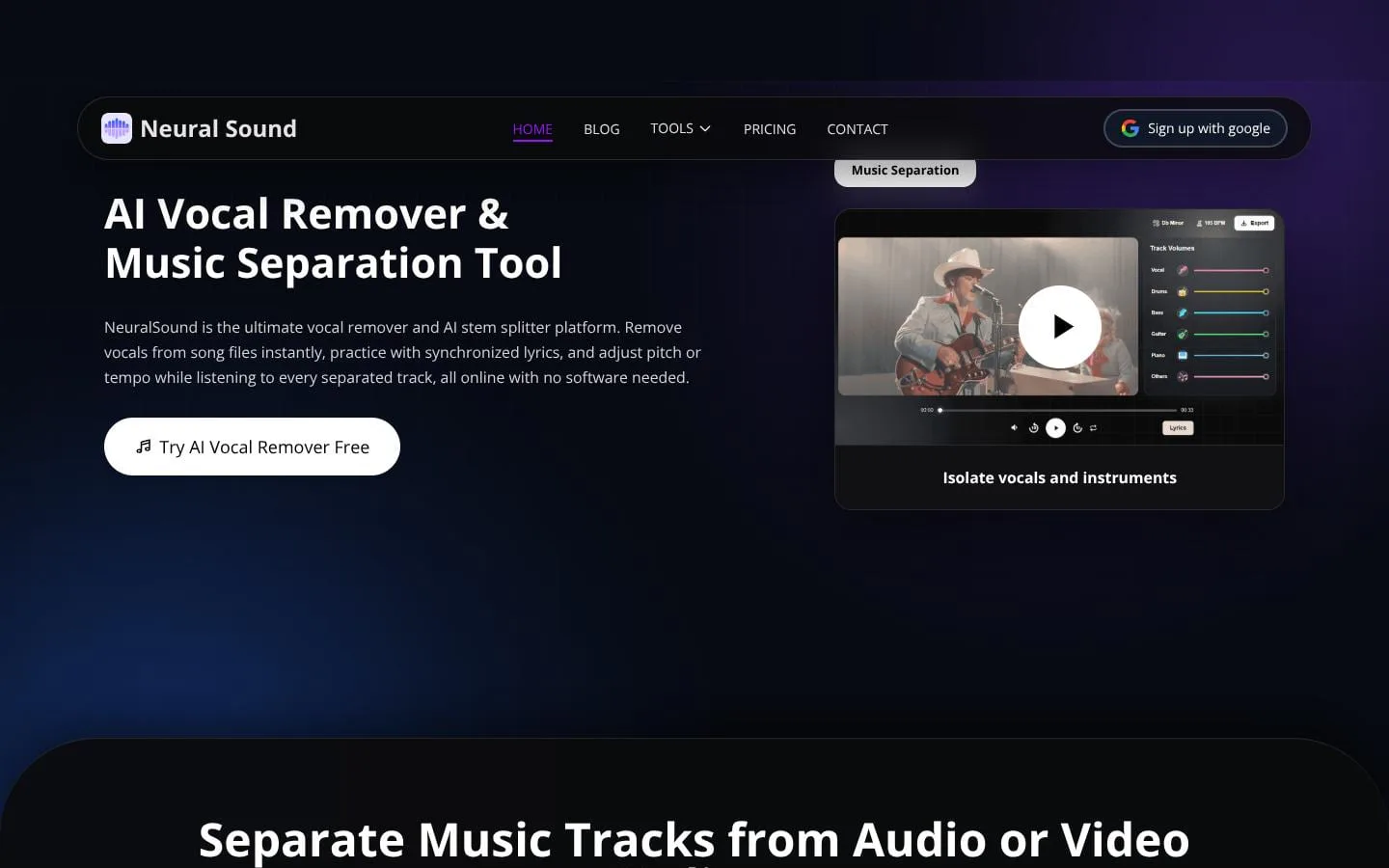
NeuralSound is an AI music source separation platform. You give it a song or a recording, and it separates the audio into parts so you can keep the one you need. The vocal remover takes the vocals out of a song and leaves the music, which is handy for karaoke and practice: https://neuralsound.org/vocal-remover The instrumental remover does the opposite and leaves the vocals on their own: https://neuralsound.org/instrumental-remover The background music remover takes the music out from behind a recording: https://neuralsound.org/background-music-remover The vocal isolator focuses on pulling a clean voice out of the mix: https://neuralsound.org/vocal-isolator Music separation splits a track into stems so you can work with each part separately: https://neuralsound.org/tools/music-separation
Features
- Problem
- A mixed song makes it hard to access a specific vocal or instrument part.
- How it works
- Separates uploaded audio or video into 2-stem, 4-stem, 6-stem, and Hi-Fi 2-stem outputs.
- Result
- Users can download individual vocal, instrumental, or stem tracks.
- Why
- AI source separation identifies vocals, drums, bass, guitar, piano, and other musical layers.
- Problem
- Musicians need more usable practice tracks than a static instrumental.
- How it works
- Displays timed lyrics alongside separated tracks and provides pitch and tempo controls.
- Result
- Users can rehearse songs as interactive karaoke-style sessions.
- Why
- Playback can be adapted to a learner’s key, pace, and place in the song.
- Problem
- Creators need to make karaoke videos from existing media.
- How it works
- Generates timed lyrics, supports lyric style and placement edits, and exports karaoke videos.
- Result
- Users can create shareable sing-along videos.
- Why
- Lyrics and separated music are brought into one creation workflow.
- Problem
- Recordings may contain distracting background noise.
- How it works
- Processes audio or video to reduce background noise while preserving the wanted sound.
- Result
- Users get a clearer audio file or cleaned video output.
- Why
- A cleaner recording is easier to review, edit, and export.
- Problem
- Home recordings can need a more polished mix.
- How it works
- Provides controls for EQ, compression, reverb, and loudness, with original-versus-enhanced comparison.
- Result
- Users can export polished audio or replace sound in a video.
- Why
- Creators can refine a rough recording in one focused workspace.
Screenshots