Sales
Google Maps Email Extractor
Extract emails and local business leads from Google Maps
- Category
- Sales
- Stage
- Growth
- For
- Sales professionals, marketers, and businesses seeking local B2B leads for prospecting and marketing campaigns.
About
Extract local business leads from Google Maps effortlessly. Get emails, phone numbers, websites, social media links. Export results to CSV/XLSX.
Features
- Problem
- Manually collecting business contact details from map listings is time-consuming.
- How it works
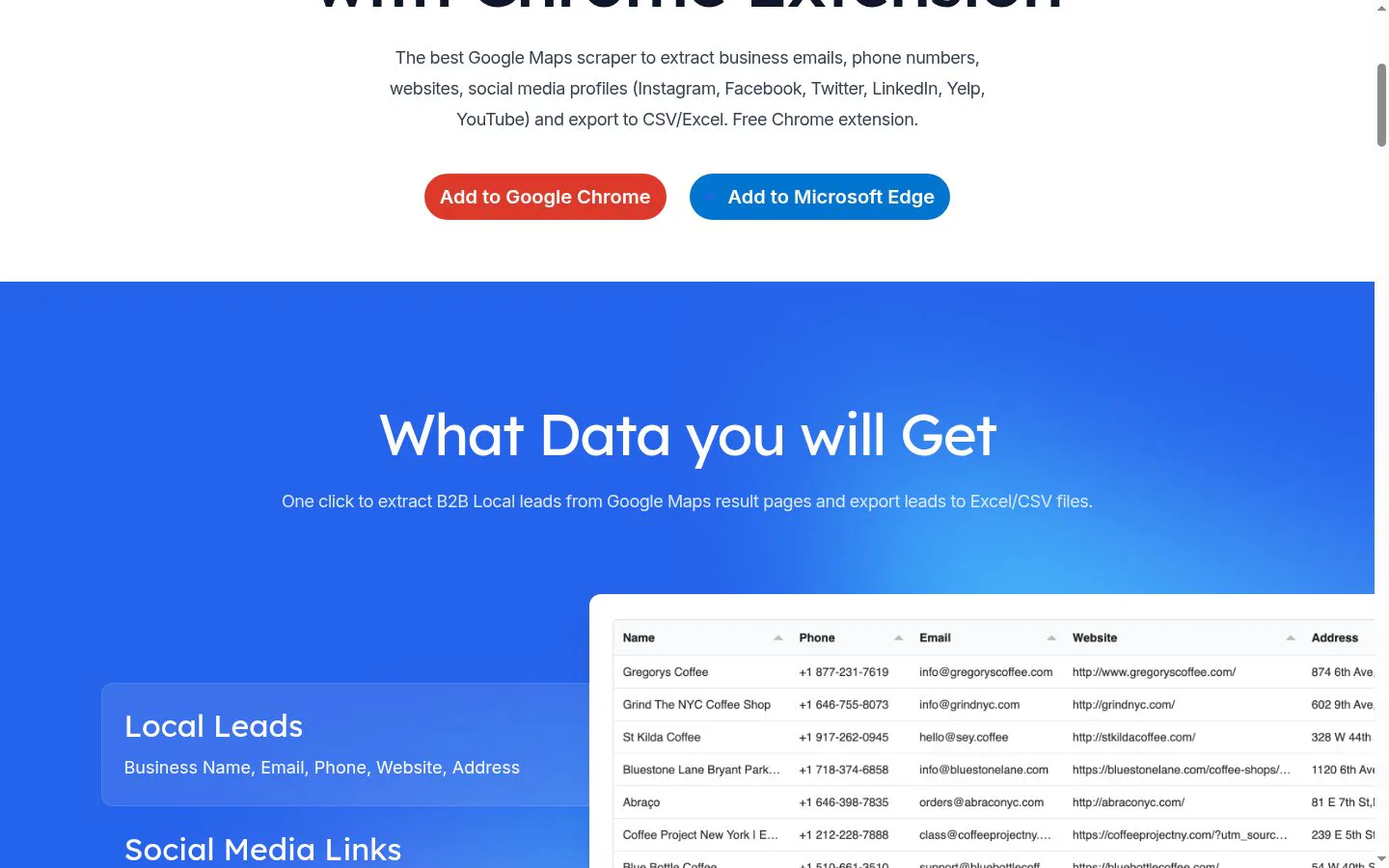
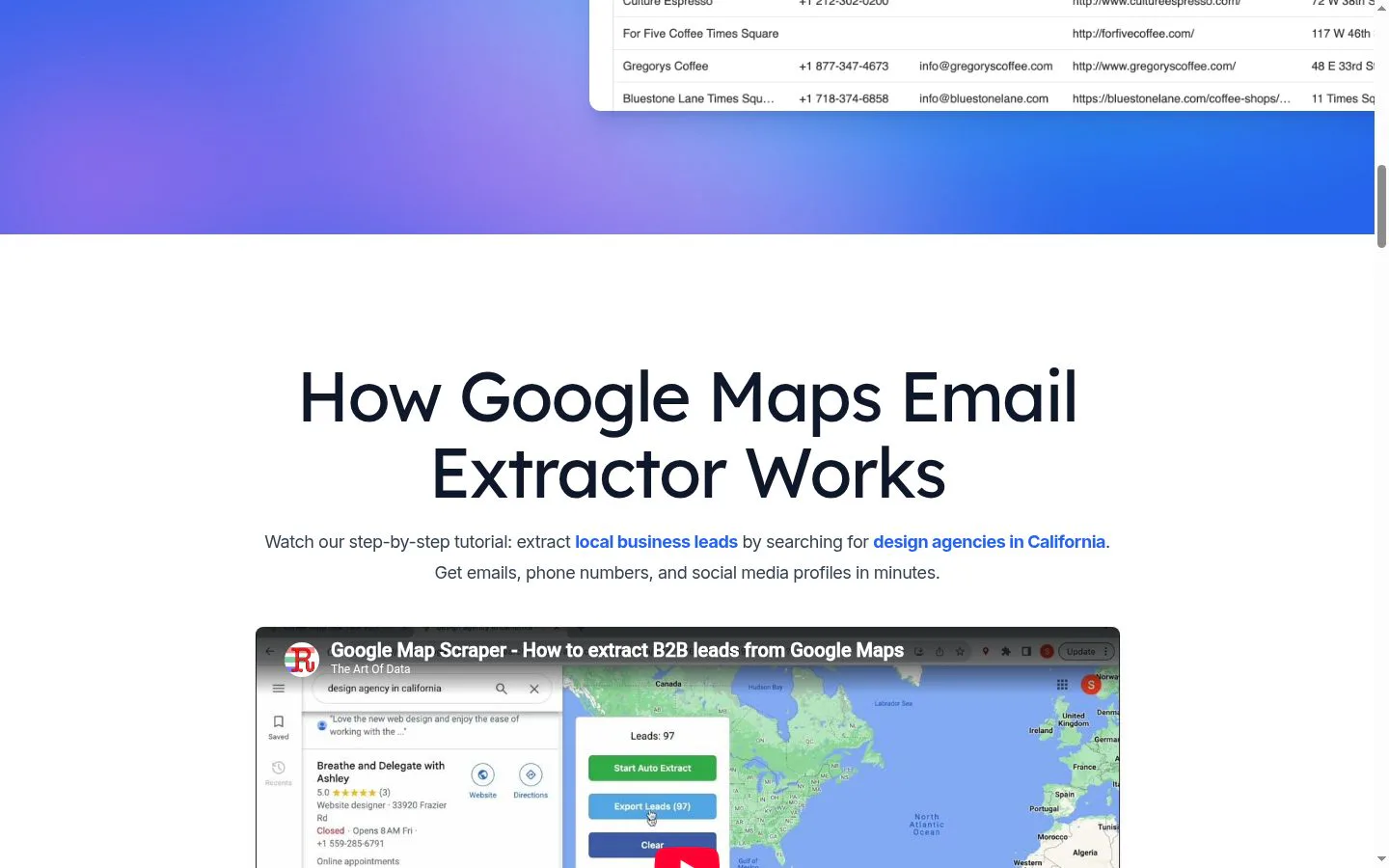
- Detects Google Maps search results and extracts business names, phone numbers, websites, addresses, and emails.
- Result
- A structured list of business leads for sales and marketing workflows.
- Why
- Search results provide a starting point for compiling local business prospects.
- Problem
- Some businesses' email addresses are not shown directly in their Google Maps listings.
- How it works
- Uses AI email detection and analyzes business websites, social profiles, and other public sources linked to listings.
- Result
- Email addresses can be included when found; the site notes that not all businesses publish an email.
- Why
- Publicly linked sources may contain contact details not visible in the listing itself.
- Problem
- Collecting leads across many search results can require repetitive paging and create duplicate records.
- How it works
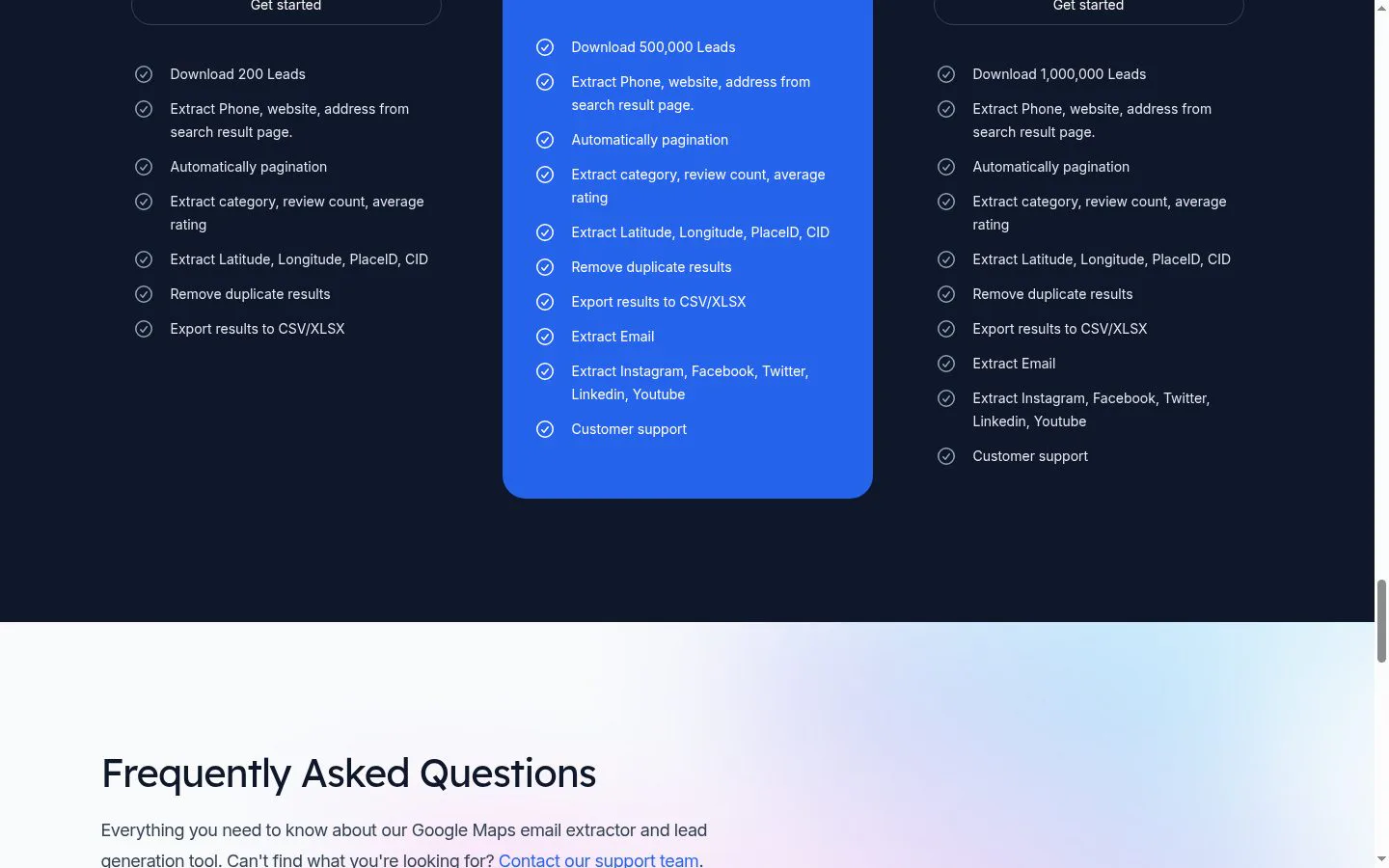
- Automatically paginates through results and removes duplicates; the site advertises extraction of up to 500,000 leads on its Professional plan.
- Result
- A larger, deduplicated set of local business records.
- Why
- Automating these repetitive steps supports larger lead-gathering sessions.
- Problem
- Prospecting through only one contact channel can limit outreach options.
- How it works
- Extracts linked Instagram, Facebook, Twitter, LinkedIn, YouTube, and Yelp profiles.
- Result
- Lead records can include social profiles alongside business contact details.
- Why
- Multiple public contact channels give users more ways to reach prospects.
- Problem
- Raw lead data needs to be usable in spreadsheets and other sales workflows.
- How it works
- Exports results in CSV and Excel/XLSX formats; the site also lists JSON export in its feature and FAQ content.
- Result
- Downloadable lead files ready for spreadsheet review or CRM and marketing workflows.
- Why
- Common file formats make it easier to move extracted data into other tools.
- Problem
- Business review and location context can help users qualify prospects.
- How it works
- Extracts category, review count, average rating, latitude, longitude, PlaceID, and CID.
- Result
- Lead records include additional business and location details.
- Why
- Listing and geographic attributes add context beyond basic contact information.
Product questions
What does Google Maps Email Extractor do?
Google Maps Email Extractor is a browser extension for gathering local business leads from Google Maps searches. It collects business contact details, email addresses, social profiles, and listing information, then exports the results for prospecting and marketing.
Who is Google Maps Email Extractor for?
Sales professionals, marketers, and businesses seeking local B2B leads for prospecting and marketing campaigns.
Screenshots