Productivity
Lemora
Convert any file right from Finder, privately on your Mac
- Category
- Productivity
- Stage
- Growth
- For
- Mac users who want to convert and manage files directly from Finder, with private, on-device tools for personal or work use.
- Platforms
- MacOS
- Pricing
- Free to try with every feature for your first 25 actions. Lemora Pro is a one-time purchase: No subscription, and Family Sharing is included.
About
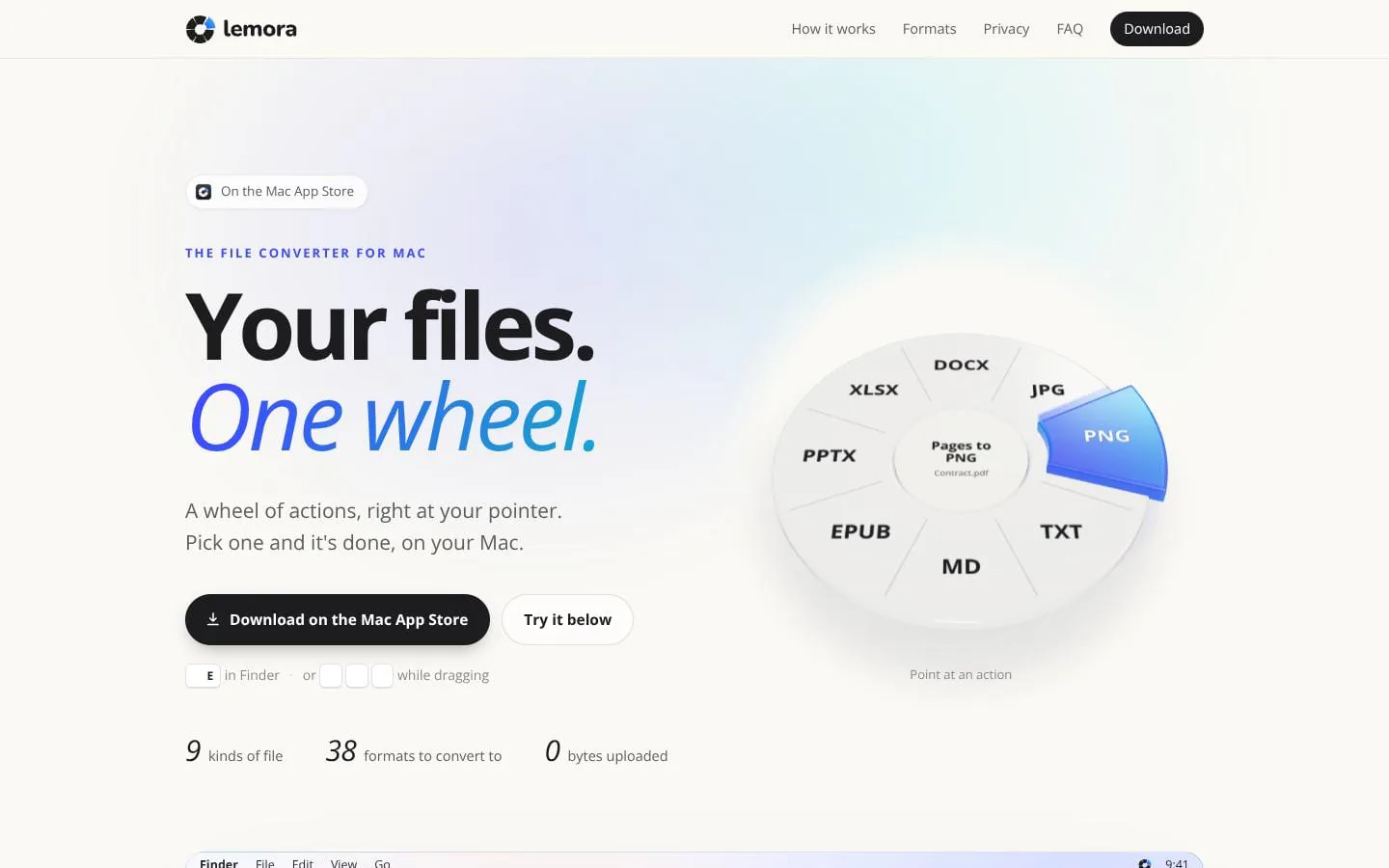
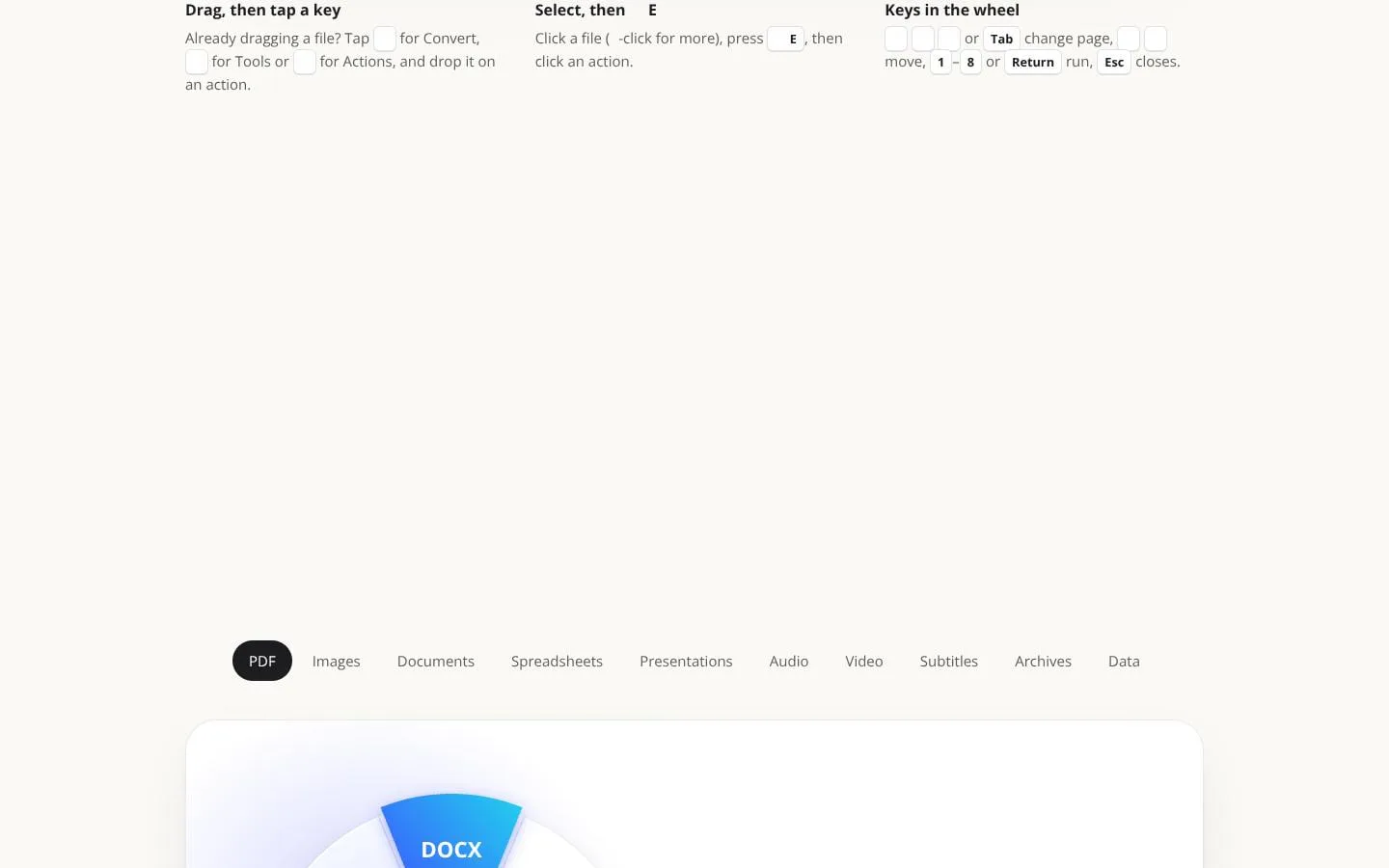
Lemora is a file converter for Mac that lives where your files already are: in Finder. Select a file and press ⇧⌘E, or drag it and tap ⌃, ⌥ or ⌘, and a wheel of actions opens right at your pointer. Pick one and it's done. No app window, no uploading to a website, no waiting. What it handles • PDF: to Word, Excel, JPG; compress, merge, split, OCR, password protect • Images: HEIC, WebP, AVIF, RAW to JPG/PNG; resize, remove background, strip metadata • Video: to MP4, GIF; compress, trim, extract audio, blur faces, auto subtitles • Audio: to MP3, M4A, WAV, FLAC; trim, join, transcribe • Documents, spreadsheets, presentations, subtitles, archives (RAR, 7Z) and data files Private by design Lemora has no network access. Every conversion, OCR scan, transcription and summary runs on your Mac. Your files never leave it.
Features
- Problem
- Files selected in Finder are inconvenient to send to separate conversion tools.
- How it works
- Select one or more files in Finder and open Lemora’s action wheel with ⇧⌘E, or use its Convert and Tools pages.
- Result
- Conversions and tools can be run directly from Finder.
- Why
- Keeps file tasks close to where users manage their files.
- Problem
- Files may be in formats that other devices or apps cannot use.
- How it works
- Convert images, audio, video, PDFs, documents, and presentations between supported formats, including HEIC to JPG and MKV to MP4.
- Result
- Users can create more compatible copies of their files.
- Why
- Different formats suit different apps and sharing needs.
- Problem
- Large files can be difficult to email or upload.
- How it works
- Compress PDFs and videos; video compression uses HEVC at up to 1080p.
- Result
- A smaller copy is saved for sharing.
- Why
- Smaller files are easier to share.
- Problem
- Combining, extracting, or organizing files can require extra utilities.
- How it works
- Merge PDFs, make scanned PDFs searchable, organize PDF pages, and extract supported archives.
- Result
- Users can work with documents and archives from the same Finder-based workflow.
- Why
- These common file-management tasks fit alongside conversion tools.
- Problem
- Uploading files to online tools can expose private content.
- How it works
- Processes files on the Mac and works offline; outputs are saved as new files beside originals.
- Result
- Files stay on the Mac and the original remains unchanged.
- Why
- Local processing avoids sending files to an online service and preserves the source.
Product questions
What does Lemora do?
Lemora is a Mac file converter and utility that works from Finder. It converts, compresses, combines, extracts, and edits files locally, saving new results beside the originals.
Who is Lemora for?
Mac users who want to convert and manage files directly from Finder, with private, on-device tools for personal or work use.
How much does Lemora cost?
Free to try with every feature for your first 25 actions. Lemora Pro is a one-time purchase: No subscription, and Family Sharing is included.
Which platforms does Lemora support?
- MacOS
Screenshots