AI
VideoTextRemover
Remove Text from Video with AI — no blur or crop.
- Category
- AI
- Stage
- Growth
- For
- People editing their own videos, including creators, social-media publishers, and film or series viewers who need to remove burned-in text.
- Platforms
- Web browser, Mobile browser
- Pricing
- Freemium: 30 free seconds every month
About
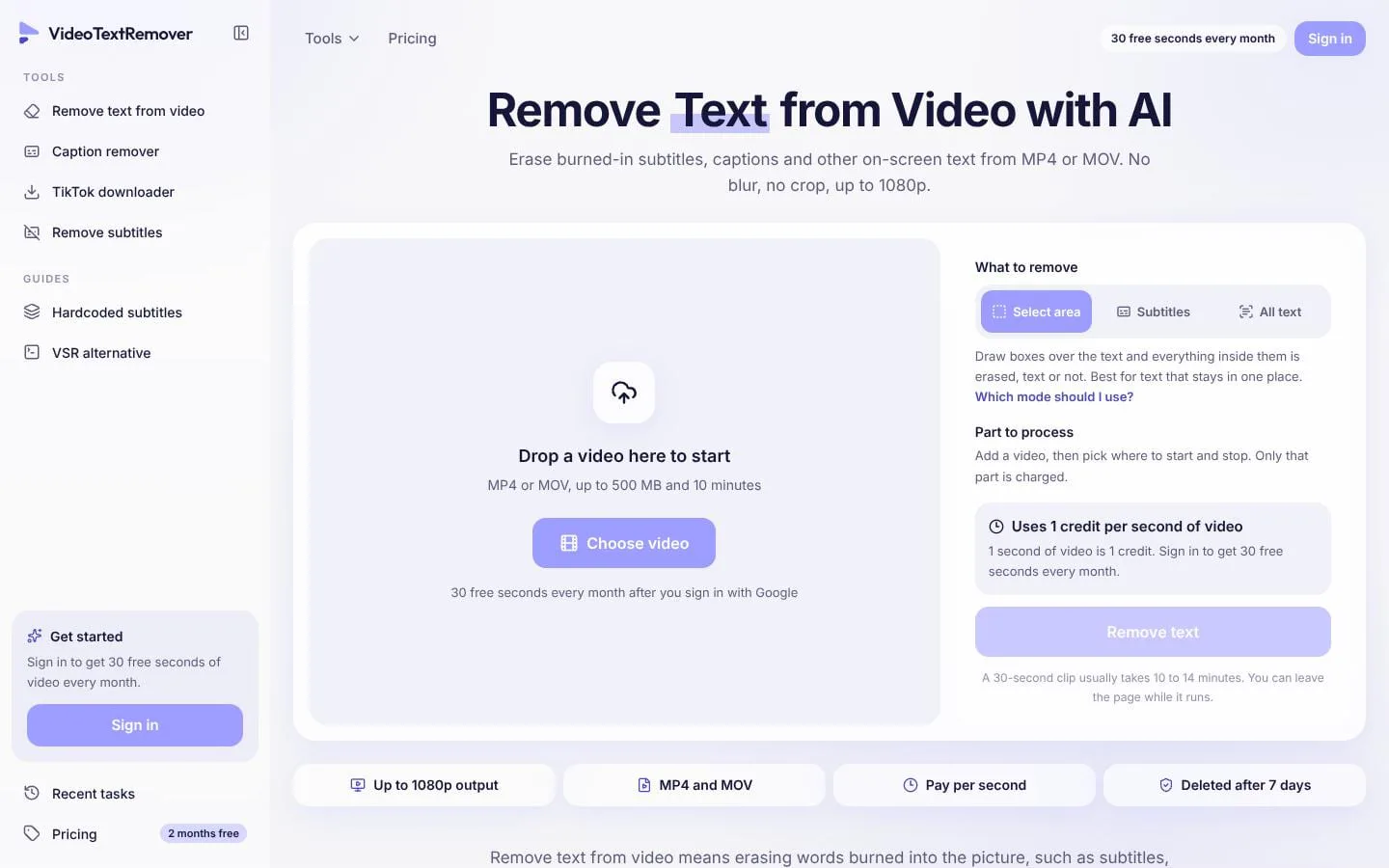
AI tool that removes text, captions, and watermarks from video without blur or crop. Freemium: 30 free seconds every month.
Use cases
- Remove burned-in subtitles and captions
- Clear titles, labels, timestamps, and lower thirds
- Prepare owned clips for reposting or new captions
- Process only a selected video segment
Features
- Problem
- Subtitle lines can move around the frame, making fixed selection boxes impractical.
- How it works
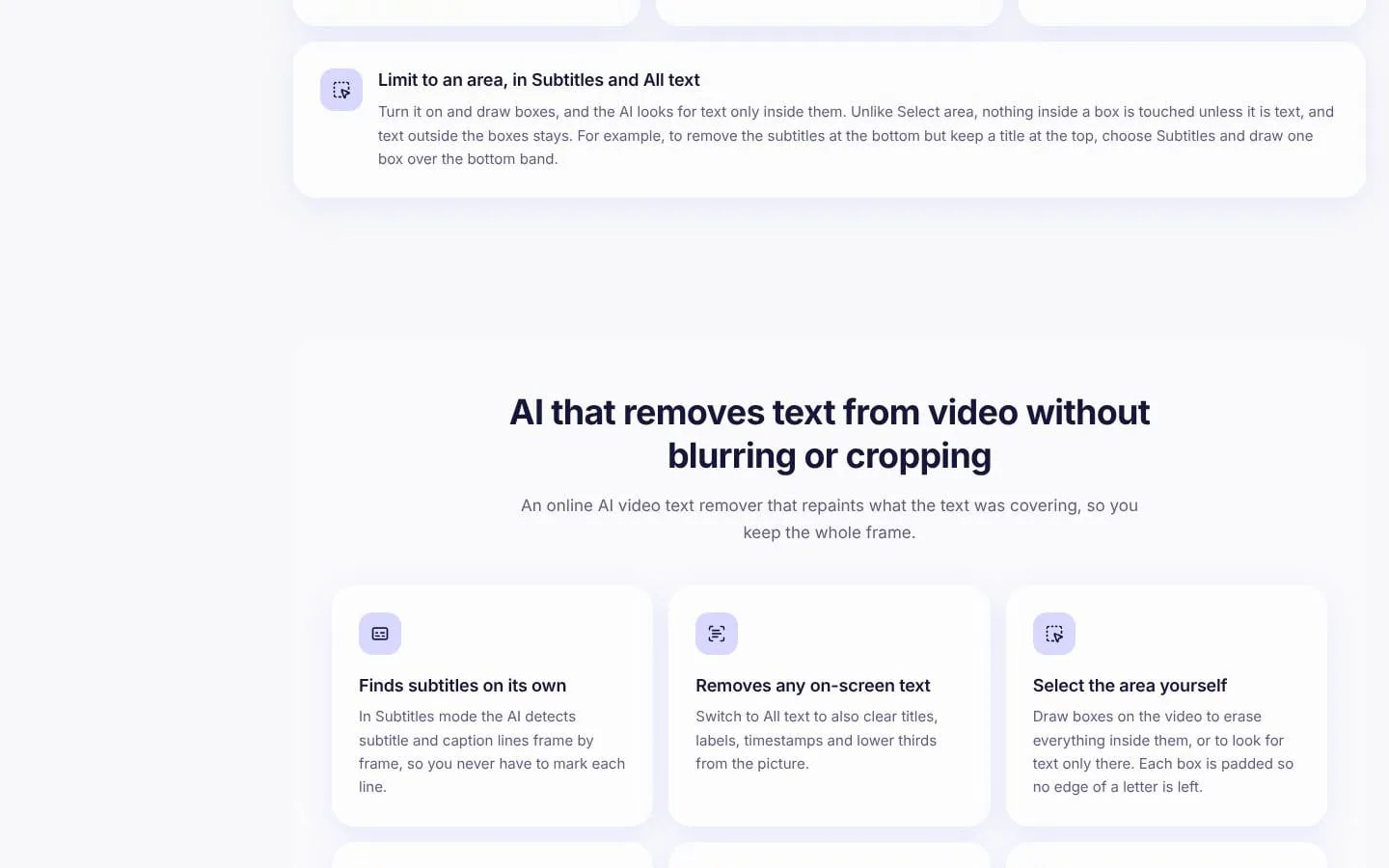
- Subtitles mode finds subtitle and caption lines frame by frame without requiring boxes.
- Result
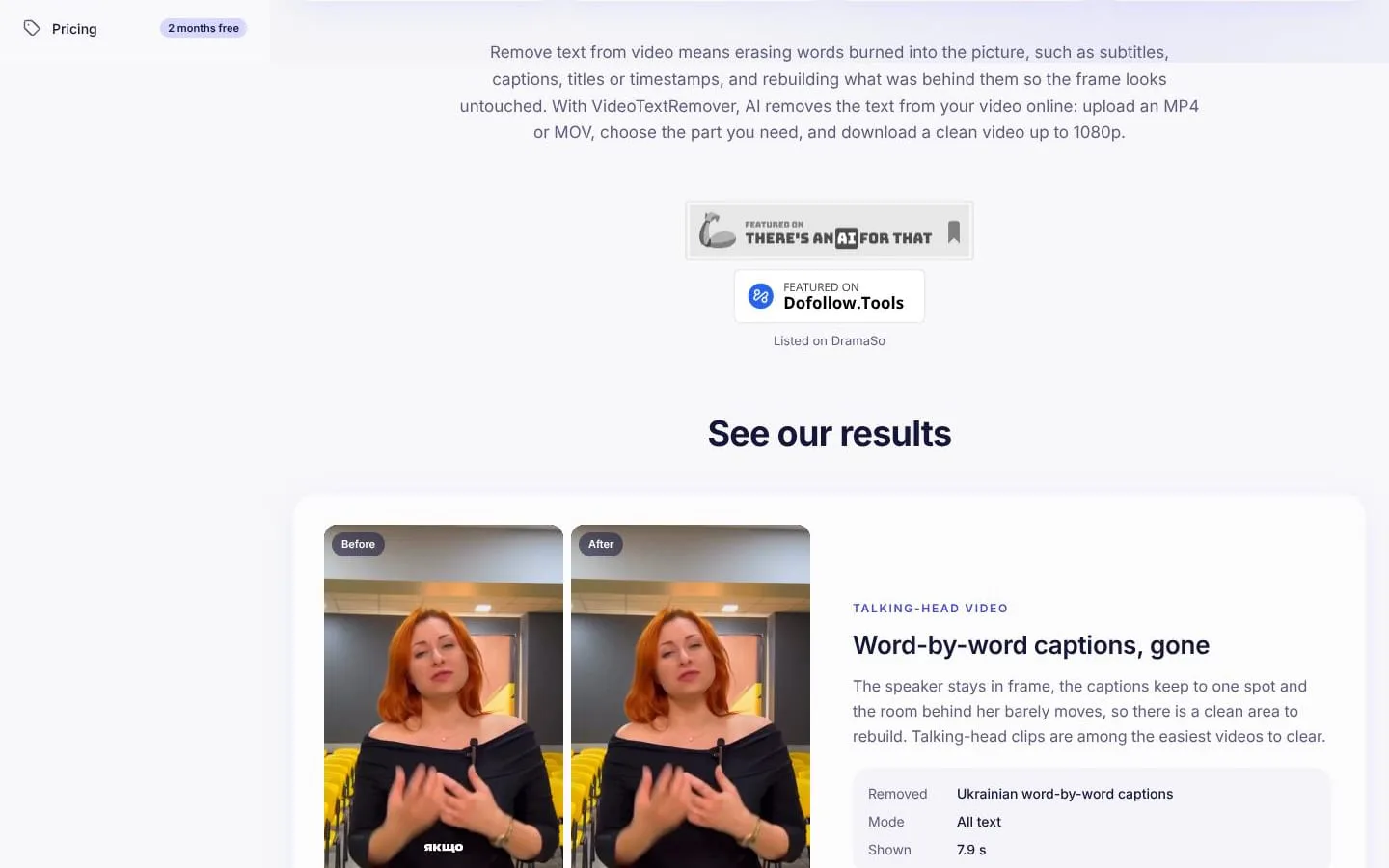
- Captions in varying positions can be removed while keeping the full frame.
- Why
- Automatically locating each line avoids marking every caption by hand.
- Problem
- A video may contain titles, labels, timestamps, or other text in addition to subtitles.
- How it works
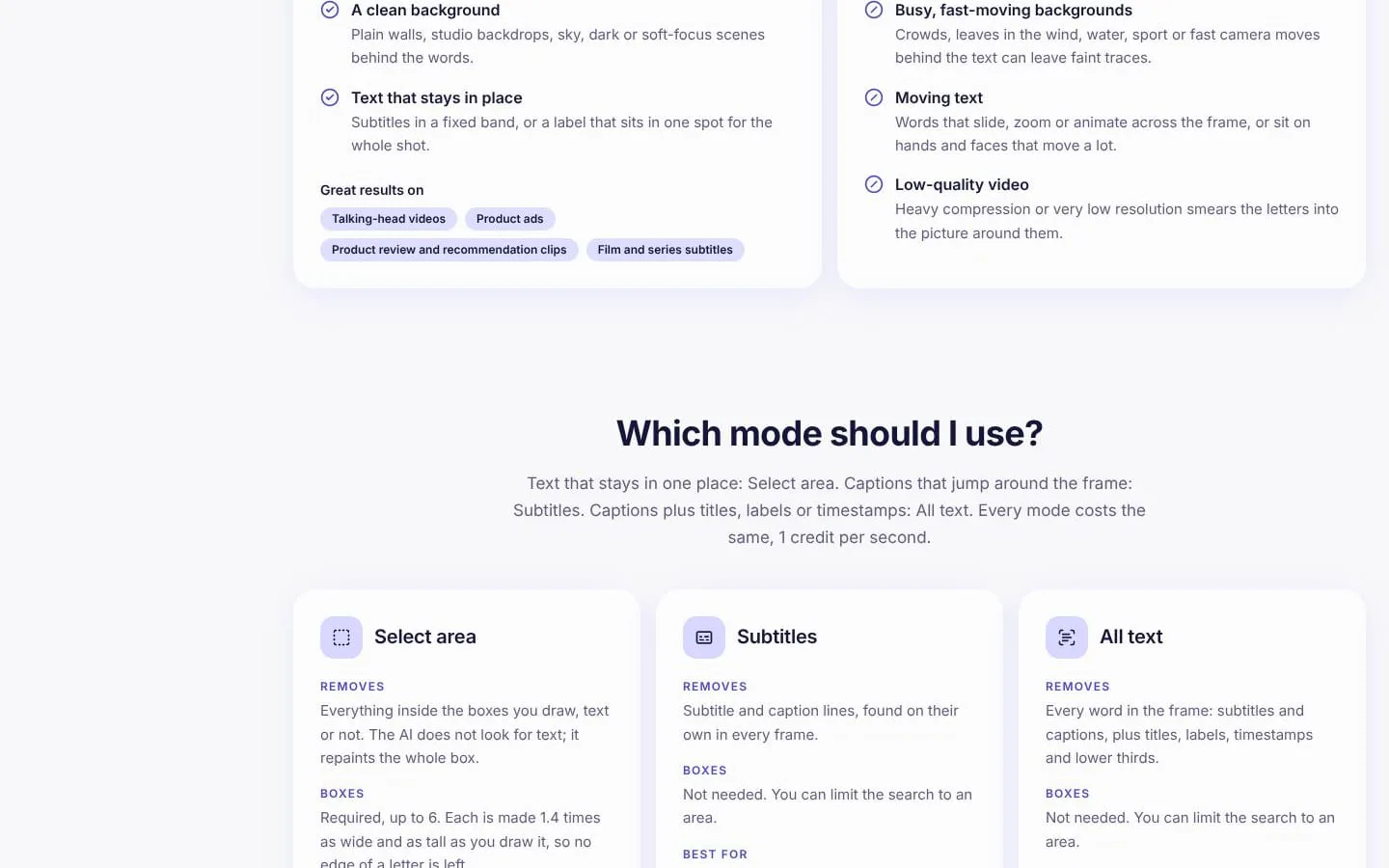
- All text mode searches for words throughout the frame; users can limit the search to selected areas.
- Result
- Multiple kinds of on-screen text can be cleared in one task.
- Why
- A broader text search handles clips where subtitle-only detection is insufficient.
- Problem
- Text that remains in one place may need predictable removal, even if automatic detection misses it.
- How it works
- Select area lets users draw up to six boxes; everything inside each box is repainted.
- Result
- Users can target a subtitle band or other stationary text directly.
- Why
- A fixed area works well for text in a consistent position.
- Problem
- Processing an entire video can cost more than needed.
- How it works
- Users choose start and end points, and only that section is processed and charged.
- Result
- Users can remove text from only the relevant portion at one credit per second.
- Why
- Charging is based on the seconds actually selected.
- Problem
- Blurring or cropping hides text but visibly alters the video.
- How it works
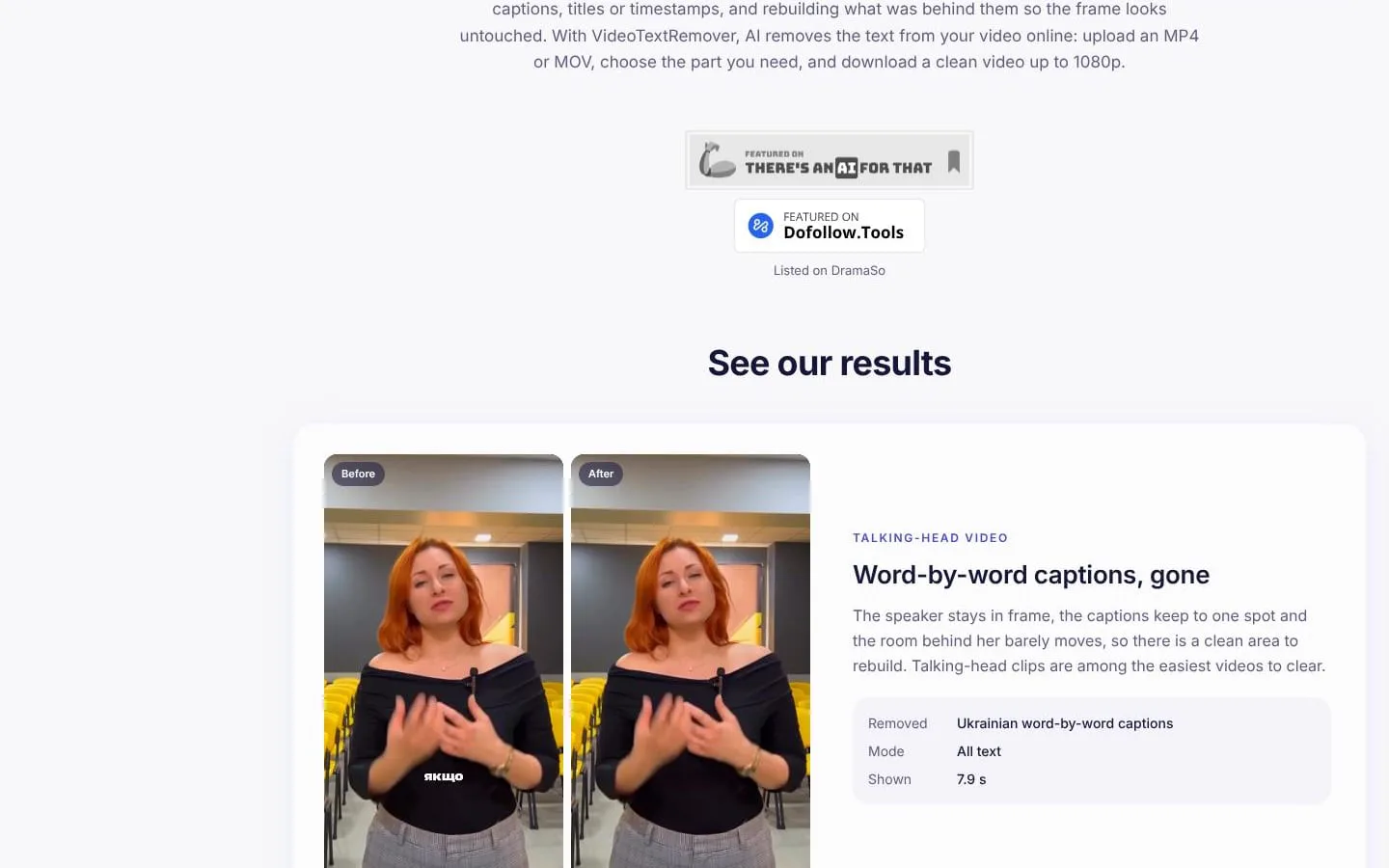
- AI repaints the area behind text using surrounding pixels and nearby frames.
- Result
- The output retains the frame and resolution, up to 1080p, though busy backgrounds may leave traces.
- Why
- Reconstruction preserves the full frame rather than placing a blur or cover over it.
- Problem
- Users need to know how their uploaded footage is handled.
- How it works
- Uploads and results are private to the account and deleted after seven days.
- Result
- Users can retrieve completed tasks before automatic deletion.
- Why
- Time-limited retention limits how long processed files remain available.
What makes it different
- Repaints text-covered areas instead of blurring or cropping
- Three modes: Select area, Subtitles, and All text
- Charges only for selected seconds processed
- Supports MP4 and MOV up to 500 MB and 10 minutes
Product questions
What does VideoTextRemover do?
VideoTextRemover is a browser-based tool that uses AI to remove burned-in subtitles, captions, and other on-screen text from MP4 or MOV videos, rebuilding the covered picture without cropping or blurring.
Who is VideoTextRemover for?
People editing their own videos, including creators, social-media publishers, and film or series viewers who need to remove burned-in text.
How much does VideoTextRemover cost?
Freemium: 30 free seconds every month
Which platforms does VideoTextRemover support?
- Web browser
- Mobile browser
What can I use VideoTextRemover for?
- Remove burned-in subtitles and captions
- Clear titles, labels, timestamps, and lower thirds
- Prepare owned clips for reposting or new captions
- Process only a selected video segment
What makes VideoTextRemover different?
- Repaints text-covered areas instead of blurring or cropping
- Three modes: Select area, Subtitles, and All text
- Charges only for selected seconds processed
- Supports MP4 and MOV up to 500 MB and 10 minutes
Screenshots