Productivity
Bytebud
Your Mac's health, as a menu bar creature
- Category
- Productivity
- Stage
- Growth
- For
- Mac users, especially developers and power users who want a quick, actionable view of memory, heat, battery and disk health.
About
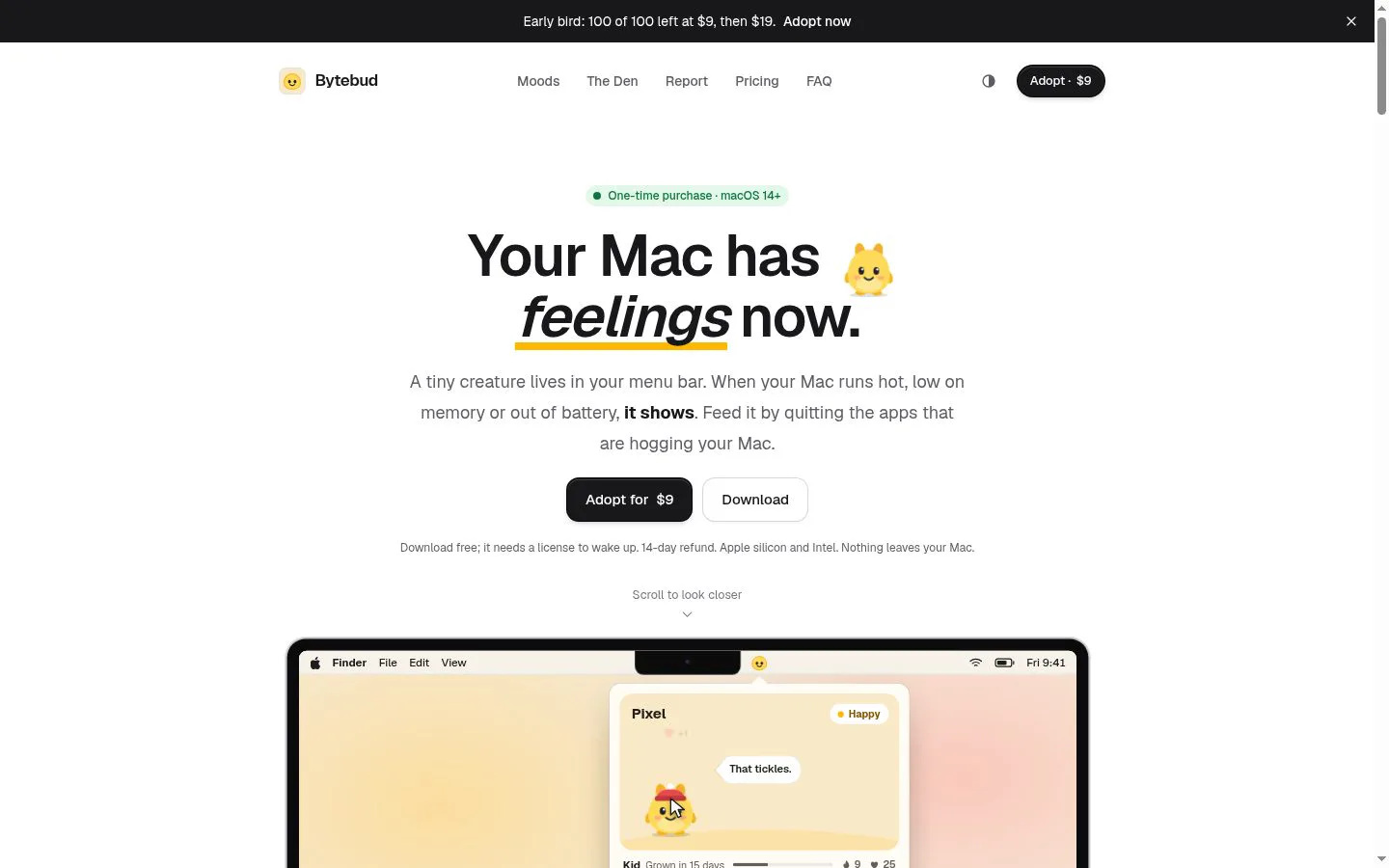
A Mac menu bar app with a tiny creature that shows your Mac's health: memory, heat, battery and disk. When it looks off, fix the cause in one click.
Features
- Problem
- Important system issues can be easy to miss or hard to interpret at a glance.
- How it works
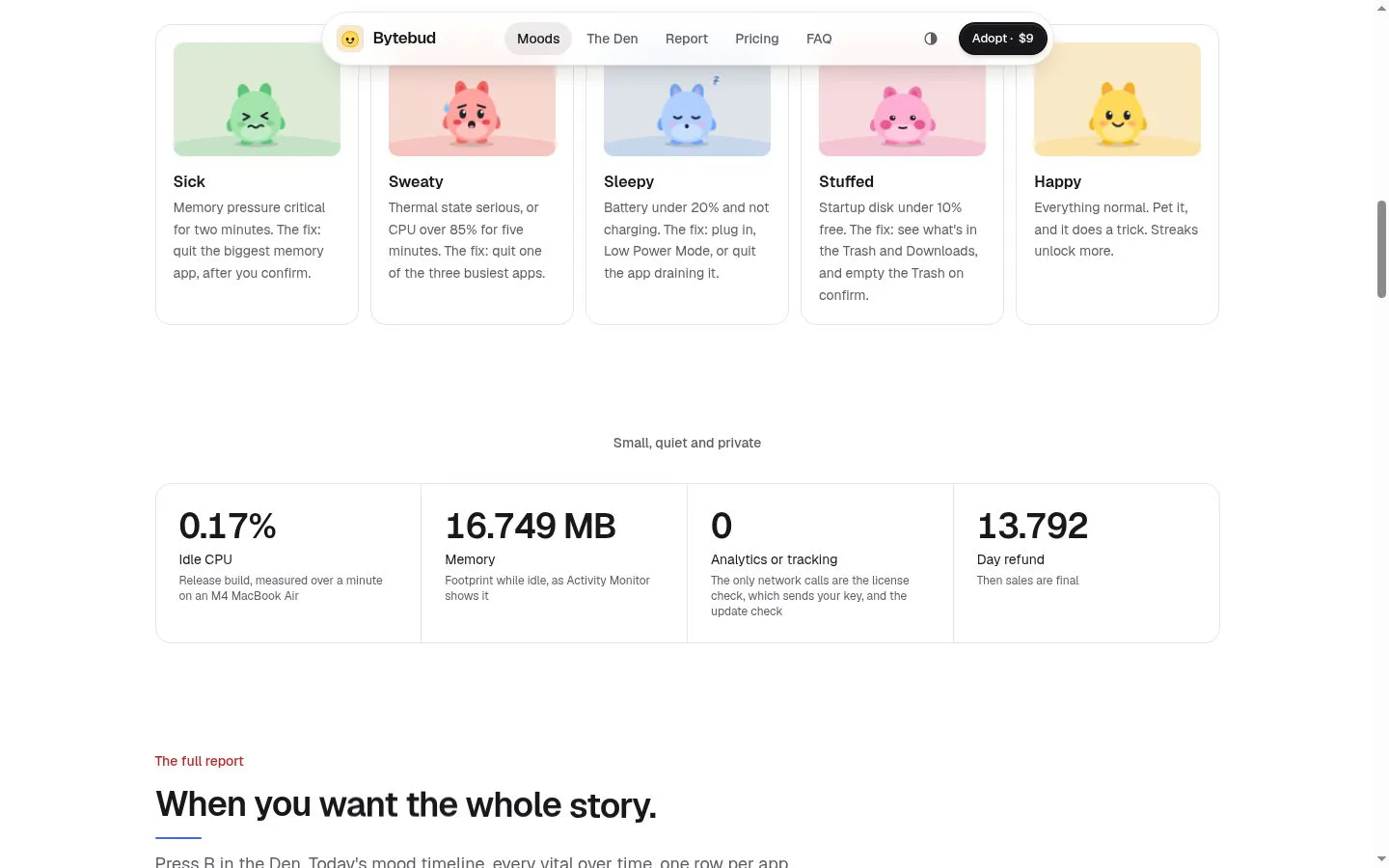
- A menu bar creature reflects the worst of memory pressure, thermal state or CPU use, low battery, and startup disk space.
- Result
- Users can quickly see when their Mac may need attention.
- Why
- A single, recognizable mood makes the most urgent signal easier to notice.
- Problem
- A warning alone may not explain what is causing it.
- How it works
- Bytebud identifies resource-heavy apps and provides explanations, such as memory pressure or app growth over time.
- Result
- Users get context for a Mac health alert.
- Why
- Showing a likely cause helps users decide whether an issue is expected or needs action.
- Problem
- Taking action on a problem can require digging through system tools.
- How it works
- Bytebud offers actions such as quitting or restarting an app, with confirmation; it also supports fixes from notifications.
- Result
- Users can respond directly, while apps are asked to quit normally.
- Why
- An actionable prompt reduces the steps between spotting an issue and addressing it.
- Problem
- A quick status may not provide enough detail to understand recurring issues.
- How it works
- The report shows mood history, vital trends, app activity, recurring troublemakers, battery and disk details, and developer leftovers.
- Result
- Users can review what affected their Mac over time and inspect possible cleanup targets.
- Why
- A fuller view helps users investigate patterns beyond the current menu bar status.
- Problem
- Monitoring can raise concerns about background load and personal data.
- How it works
- Bytebud reports low idle CPU and memory measurements and says it has no analytics or tracking; its stated network calls are license and update checks.
- Result
- Users can understand Bytebud’s stated idle impact and privacy behavior.
- Why
- Making resource use and network behavior explicit helps users assess the app’s footprint.
- Problem
- Apps may be busy by design, and interruptions can be unwelcome.
- How it works
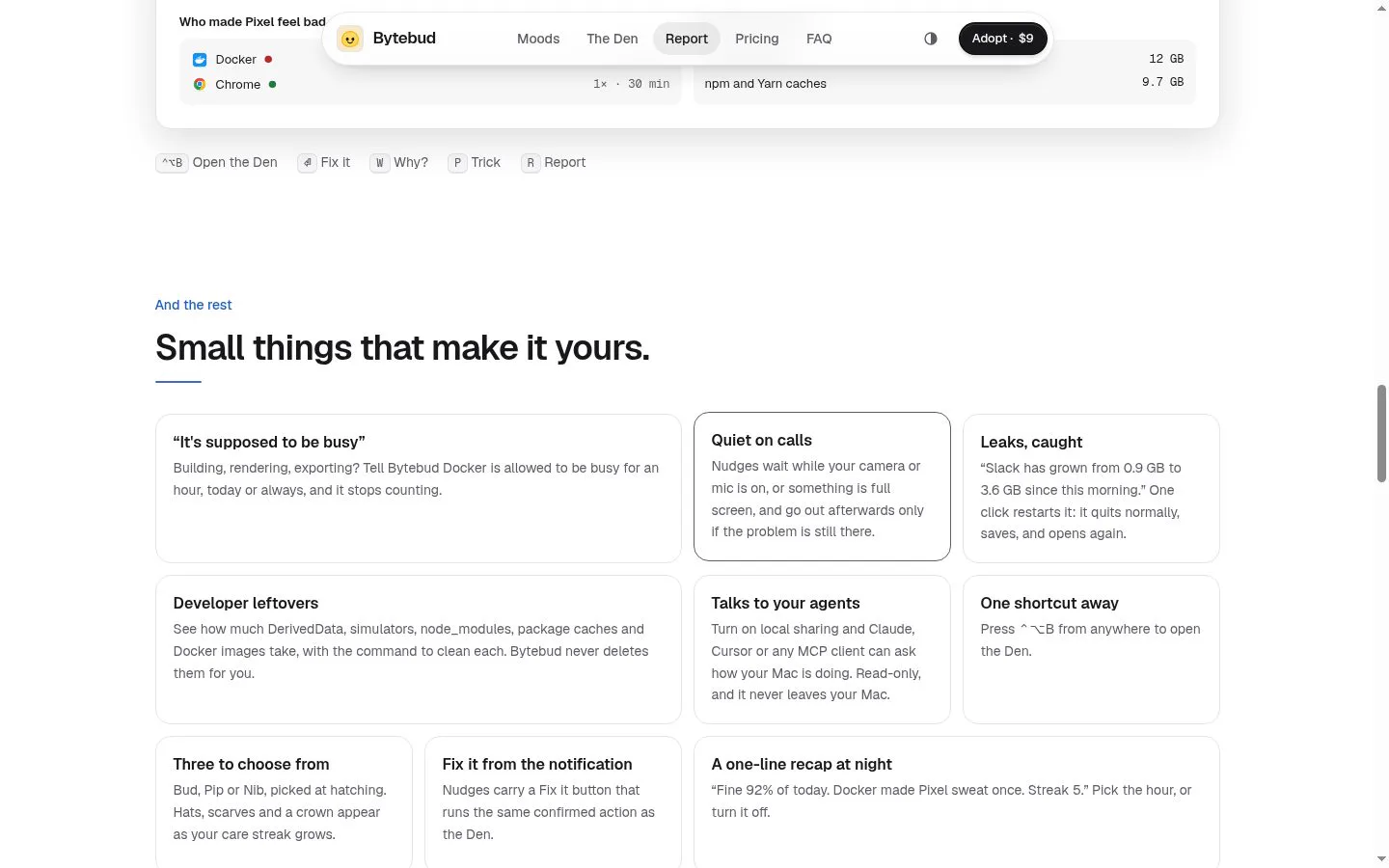
- Users can mark an app as intentionally busy, defer nudges during calls or full-screen use, and protect apps from quit suggestions.
- Result
- Alerts and suggested fixes can better fit the user’s work.
- Why
- User controls help distinguish expected workloads from problems and avoid inappropriate interruptions.
- Problem
- Developer files and local services can consume space or remain unnoticed.
- How it works
- Bytebud reports developer leftovers and local servers, and can show cleanup commands without deleting developer files itself.
- Result
- Users can inspect disk usage and listening services while retaining control over cleanup.
- Why
- Visibility into these items helps users choose what to clean up or stop.
Product questions
What does Bytebud do?
Bytebud is a paid macOS menu bar app that turns memory pressure, heat, battery and disk signals into a small creature’s moods, with explanations and confirmed actions to address problems.
Who is Bytebud for?
Mac users, especially developers and power users who want a quick, actionable view of memory, heat, battery and disk health.
Screenshots