Developer tools
Omi CLI
AI coding agent in your terminal
- Category
- Developer tools
- Stage
- Beta
- For
- Developers and software engineers who want an AI coding agent to work in their terminal and help with coding tasks, tests, and code reviews.
About
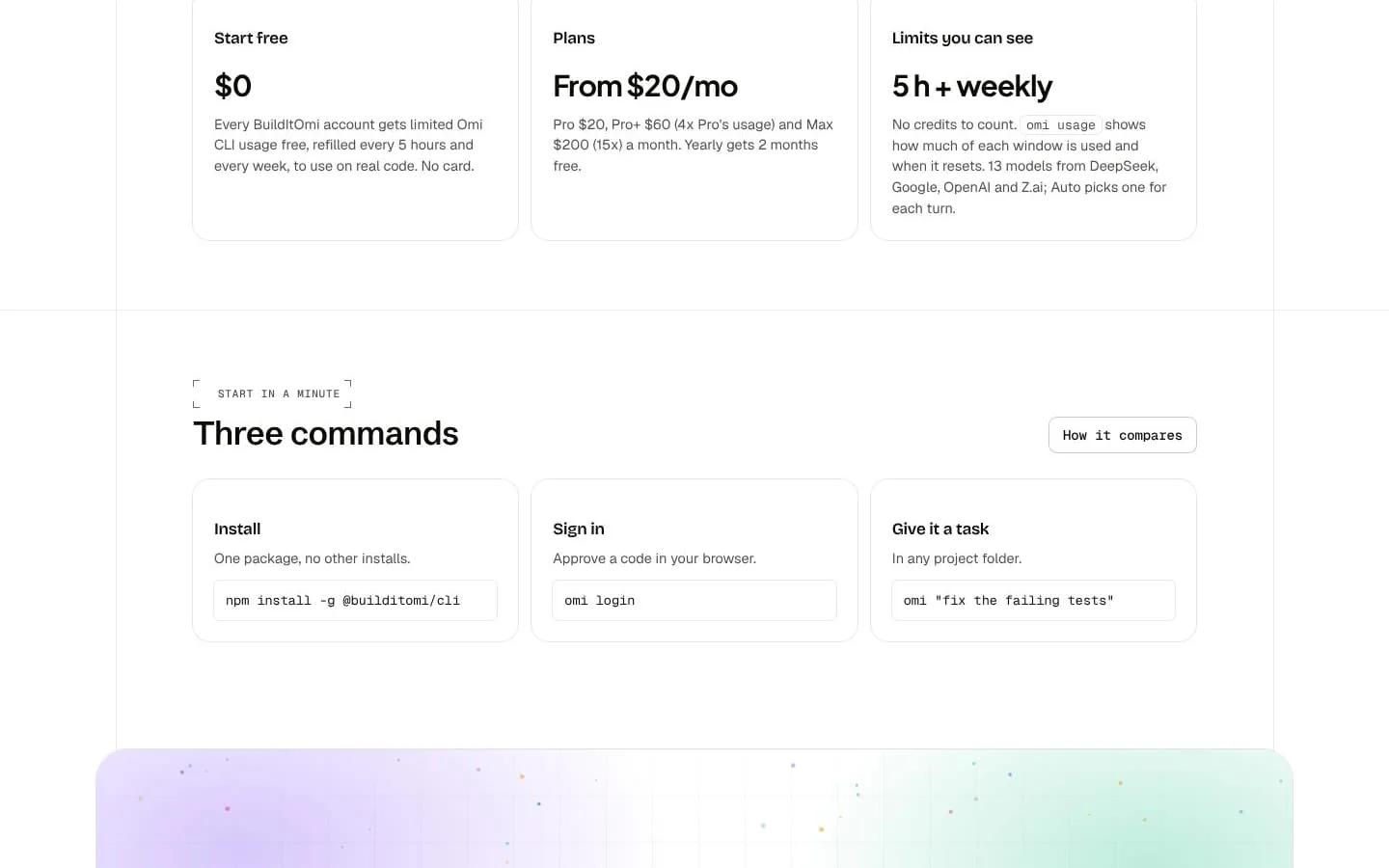
Omi CLI is an AI coding agent in your terminal. It plans, edits files with diffs you approve, runs your tests and keeps fixing failures until they pass. Free credits every month, plans from $20 a month.
Features
- Problem
- A coding agent may need context from multiple parts of a repository before making a useful change.
- How it works
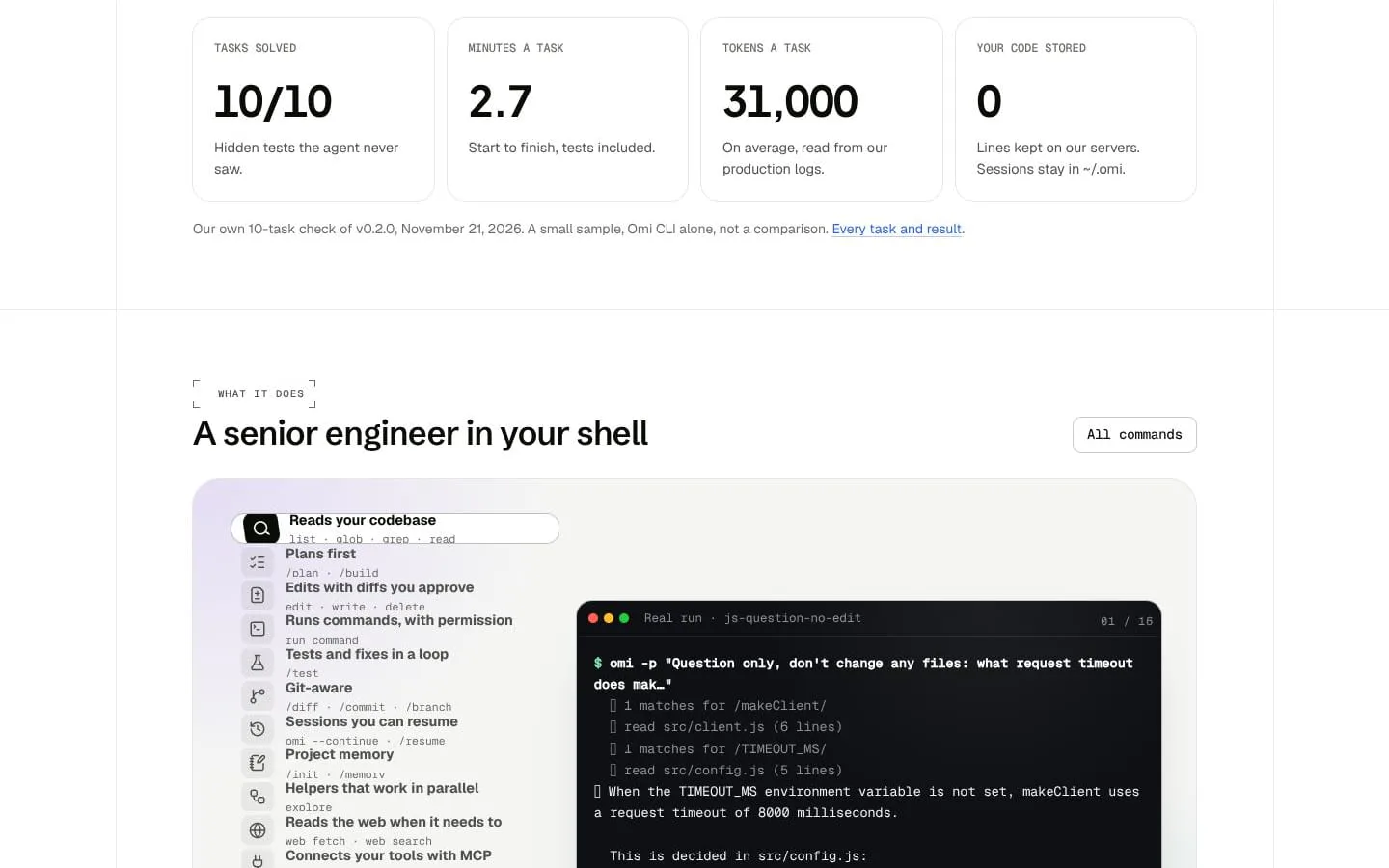
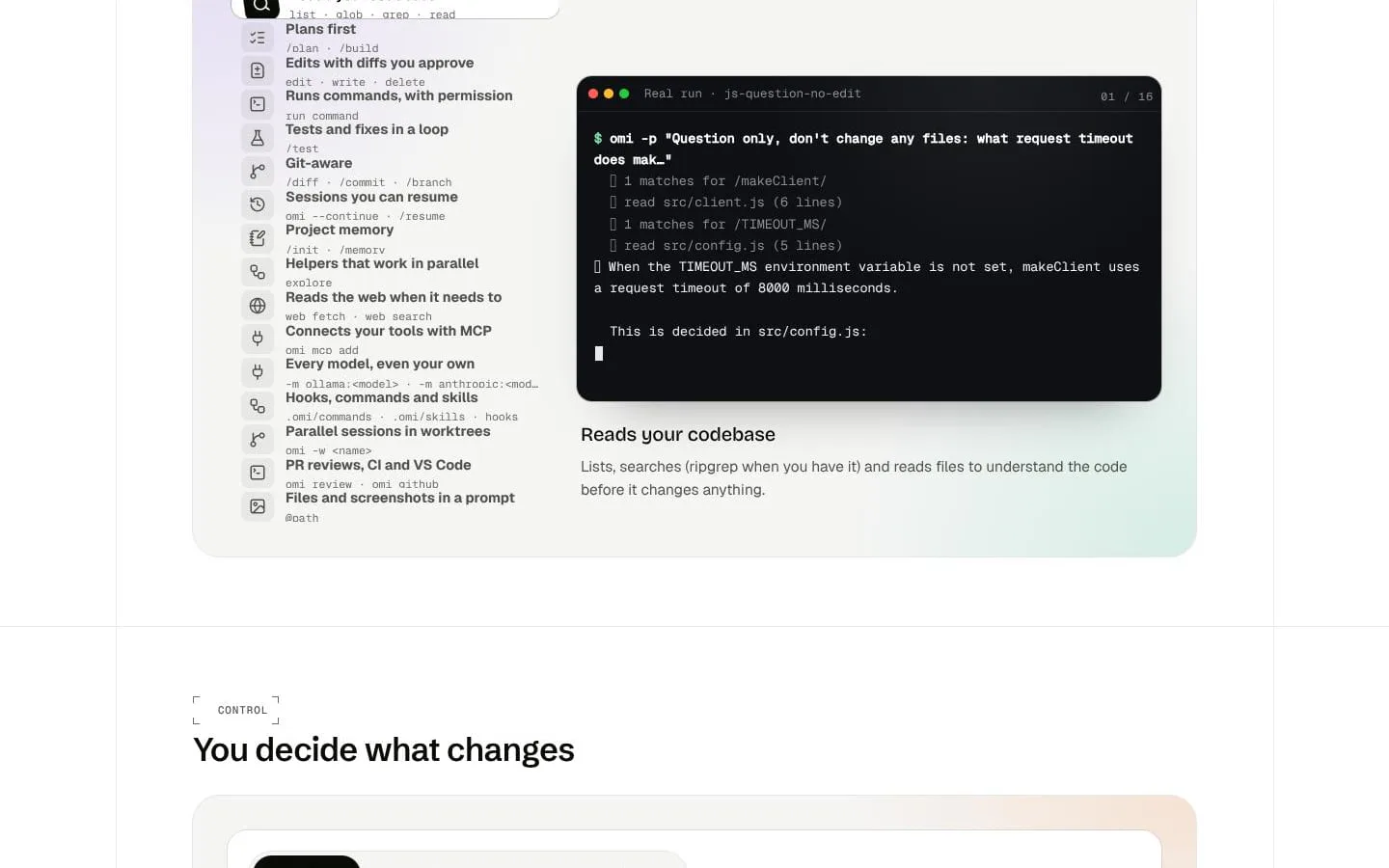
- Lists, searches, and reads project files, then can write a plan before building.
- Result
- Developers can ask questions about their code or get changes informed by the project.
- Why
- Grounding its work in repository contents helps it understand the task before editing.
- Problem
- Unreviewed edits or commands can make unwanted changes to a project.
- How it works
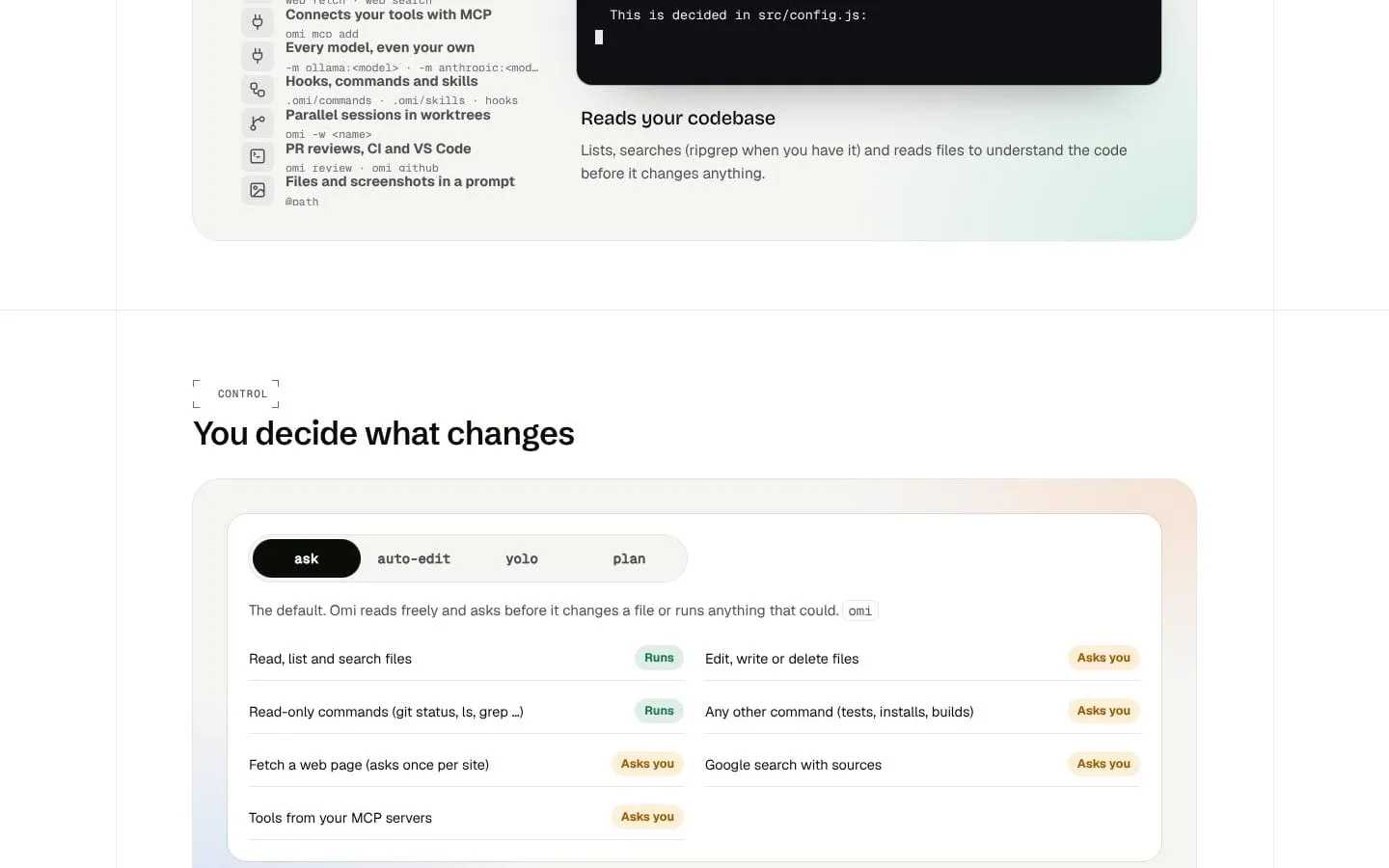
- Shows file edits as diffs and asks before edits and non-read-only commands by default; offers auto-edit, yolo, and plan modes.
- Result
- Developers can review proposed changes and choose how much autonomy to allow.
- Why
- Approval controls keep the developer involved in consequential actions.
- Problem
- Finding and fixing test failures can require repeated manual cycles.
- How it works
- Runs tests and can fix failures in a loop until they pass or it determines they cannot be fixed in the project.
- Result
- Coding tasks can be carried through testing and repair in the terminal.
- Why
- Combining test execution with code changes reduces the need to switch between separate manual steps.
- Problem
- Developers need continuity across longer tasks and project-specific conventions.
- How it works
- Saves resumable sessions locally and reads project memory from OMI.md; provides commands to resume sessions and manage memory.
- Result
- Work can continue across sessions with relevant project preferences available.
- Why
- Persistent local context helps developers continue work and retain project guidance.
- Problem
- A coding task may depend on external references or tools beyond the local repository.
- How it works
- Can fetch web pages, search the web, and connect to MCP servers configured on the developer’s computer.
- Result
- Developers can bring web information and configured MCP tools into their terminal workflow.
- Why
- Permission-controlled access lets the agent consult additional sources and tools when needed.
- Problem
- Different tasks may benefit from different models, and usage limits can be hard to track.
- How it works
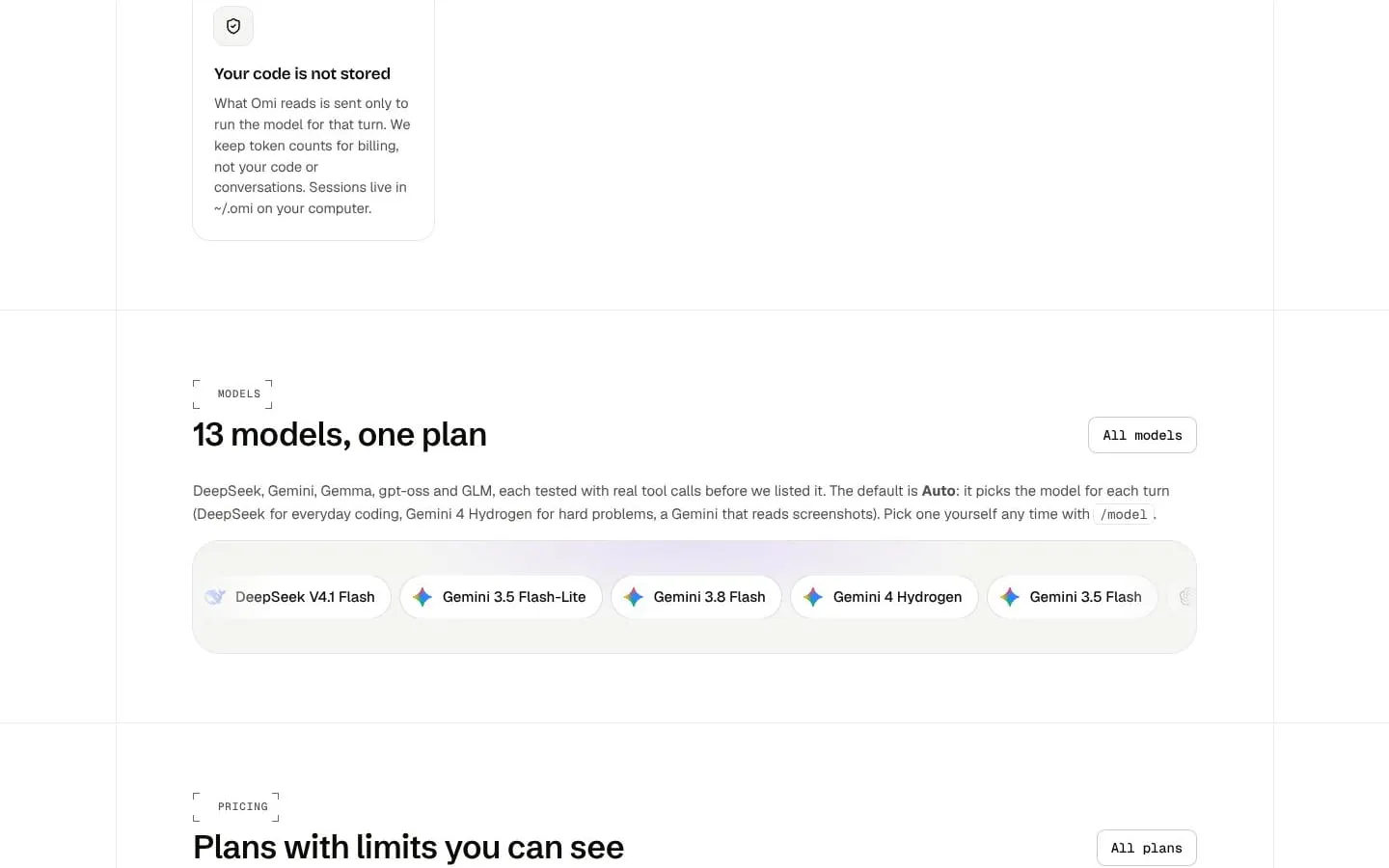
- Offers 13 models with an Auto option that selects a model per turn, and displays usage against 5-hour and weekly limits.
- Result
- Developers can use multiple models under one plan and see remaining usage.
- Why
- Automatic selection and visible limits make model choice and consumption easier to manage.
- Problem
- Developers may want to use the agent in scripts or CI as well as interactively.
- How it works
- Provides a one-task print-and-exit mode, JSON output, and OMI_TOKEN-based sign-in for scripts and CI.
- Result
- Omi CLI can be invoked as part of command-line workflows.
- Why
- Non-interactive options make terminal tasks usable in automation.
Product questions
What does Omi CLI do?
Omi CLI is an AI coding agent that runs in your terminal and works inside your local project. It reads and plans before proposing edits, asks for approval by default, runs commands and tests, and can keep fixing failures until tests pass.
Who is Omi CLI for?
Developers and software engineers who want an AI coding agent to work in their terminal and help with coding tasks, tests, and code reviews.
Screenshots