Developer tools
easi.run
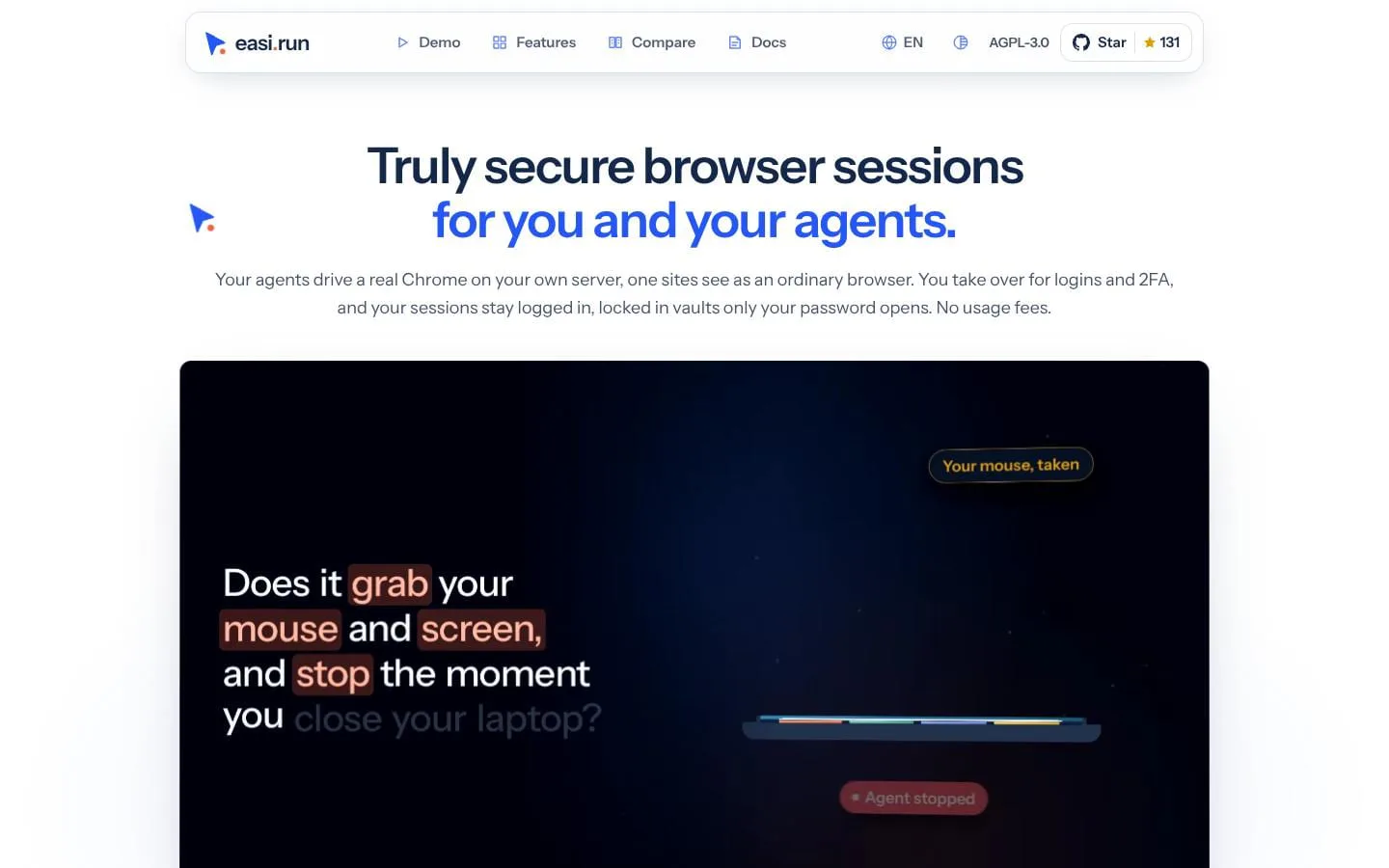
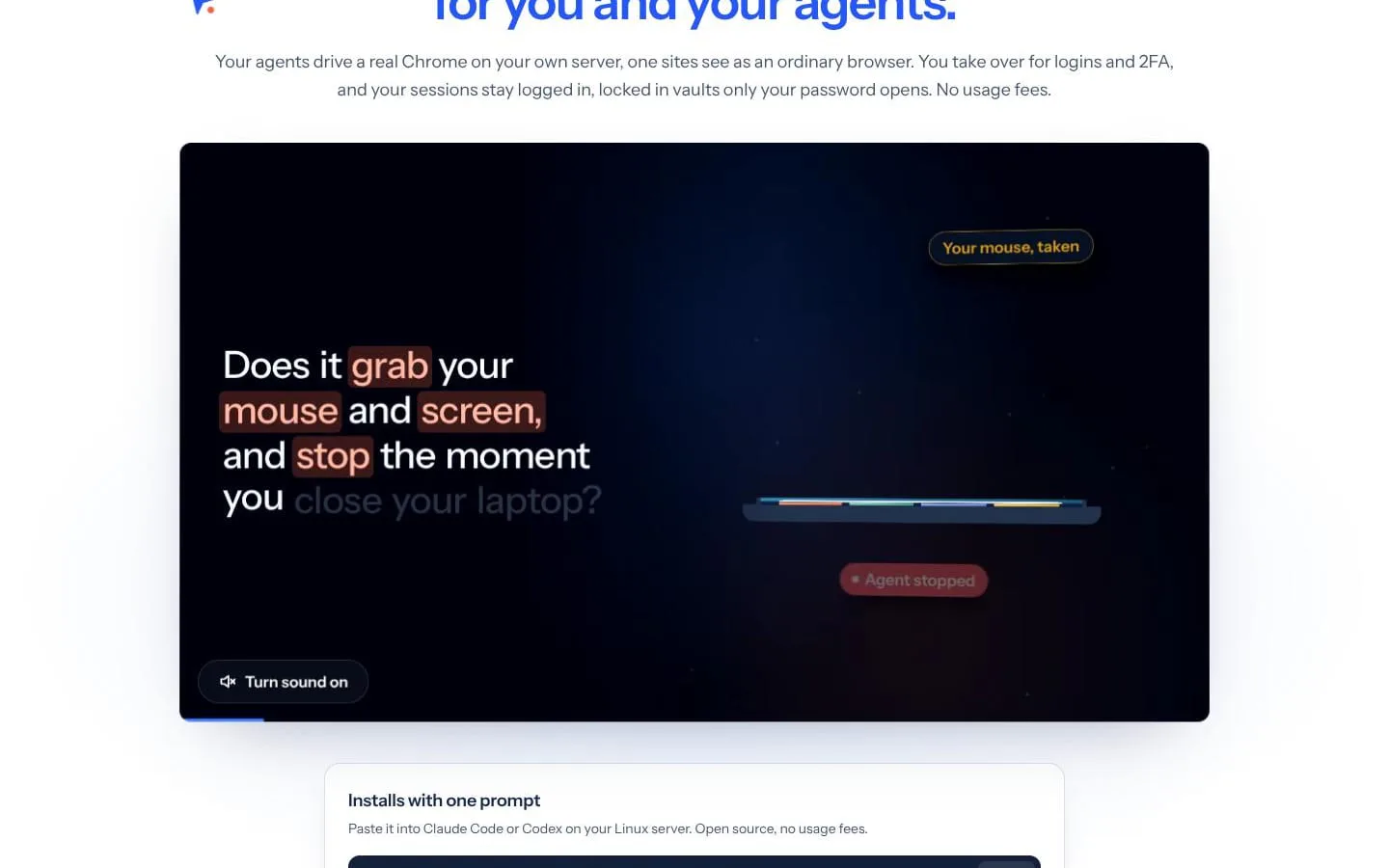
Self-hosted Chrome for AI agents, with live human takeover.
- Category
- Developer tools
- Stage
- Growth
- For
- Developers running browser-capable AI agents on their own Linux servers.
About
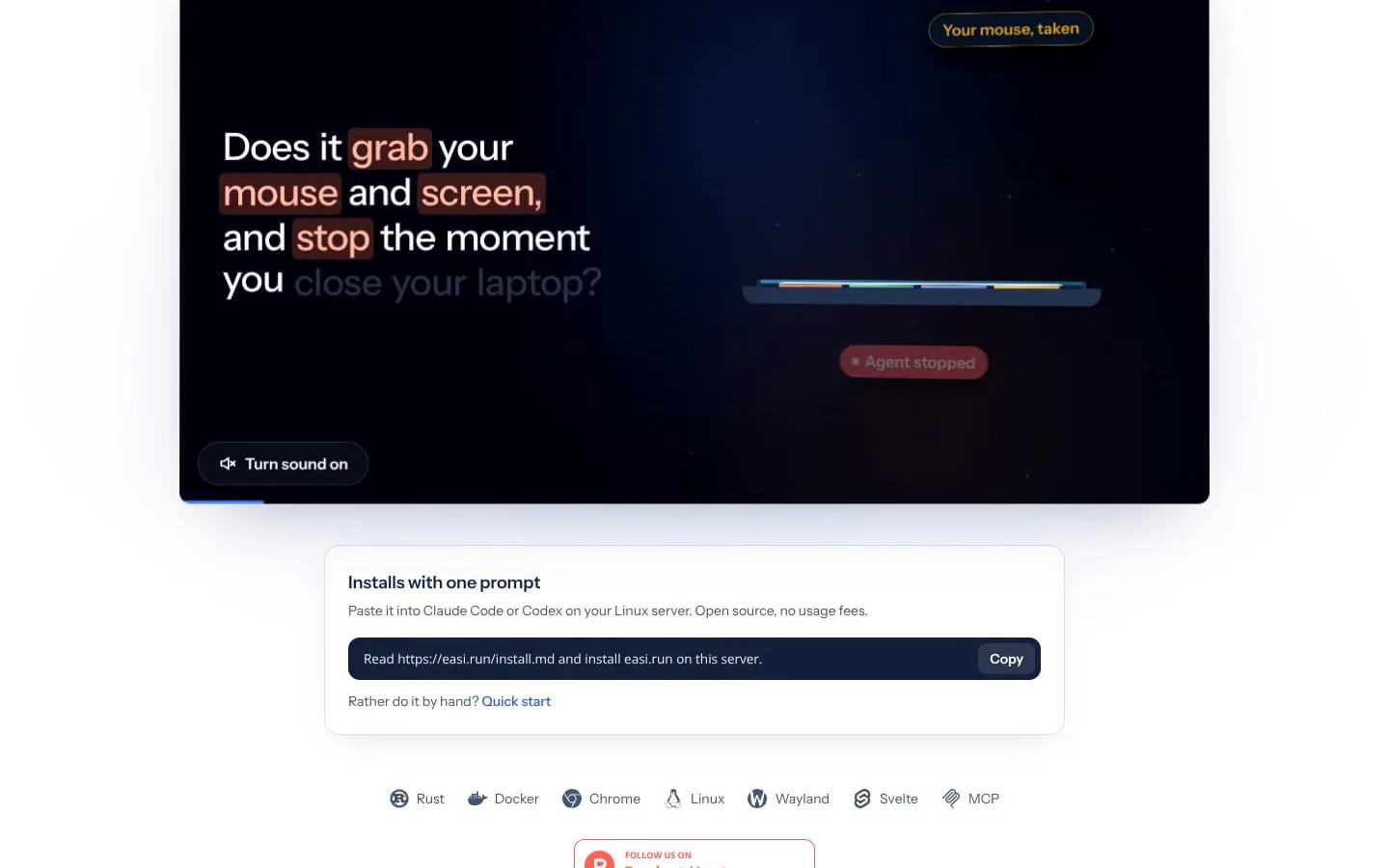
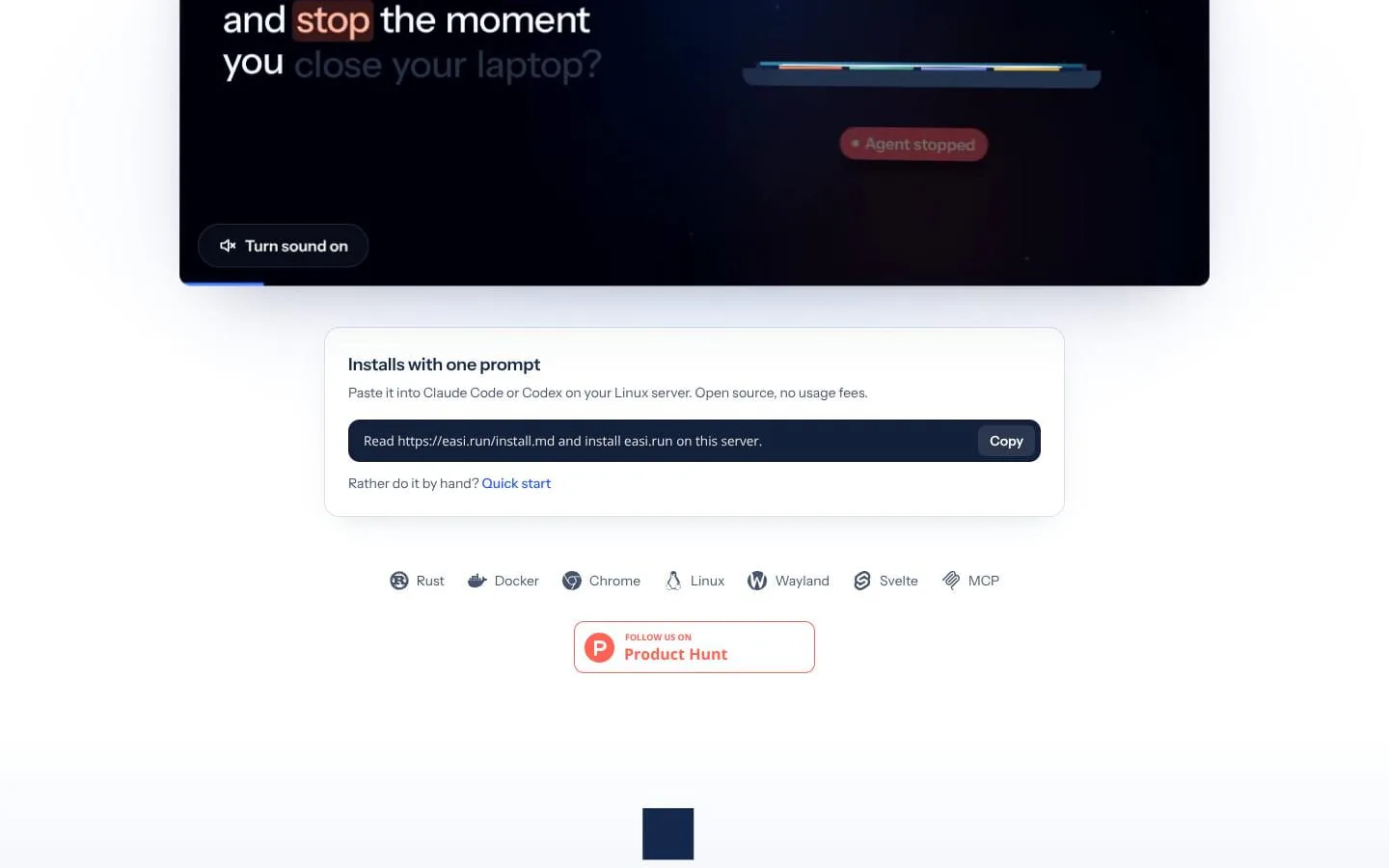
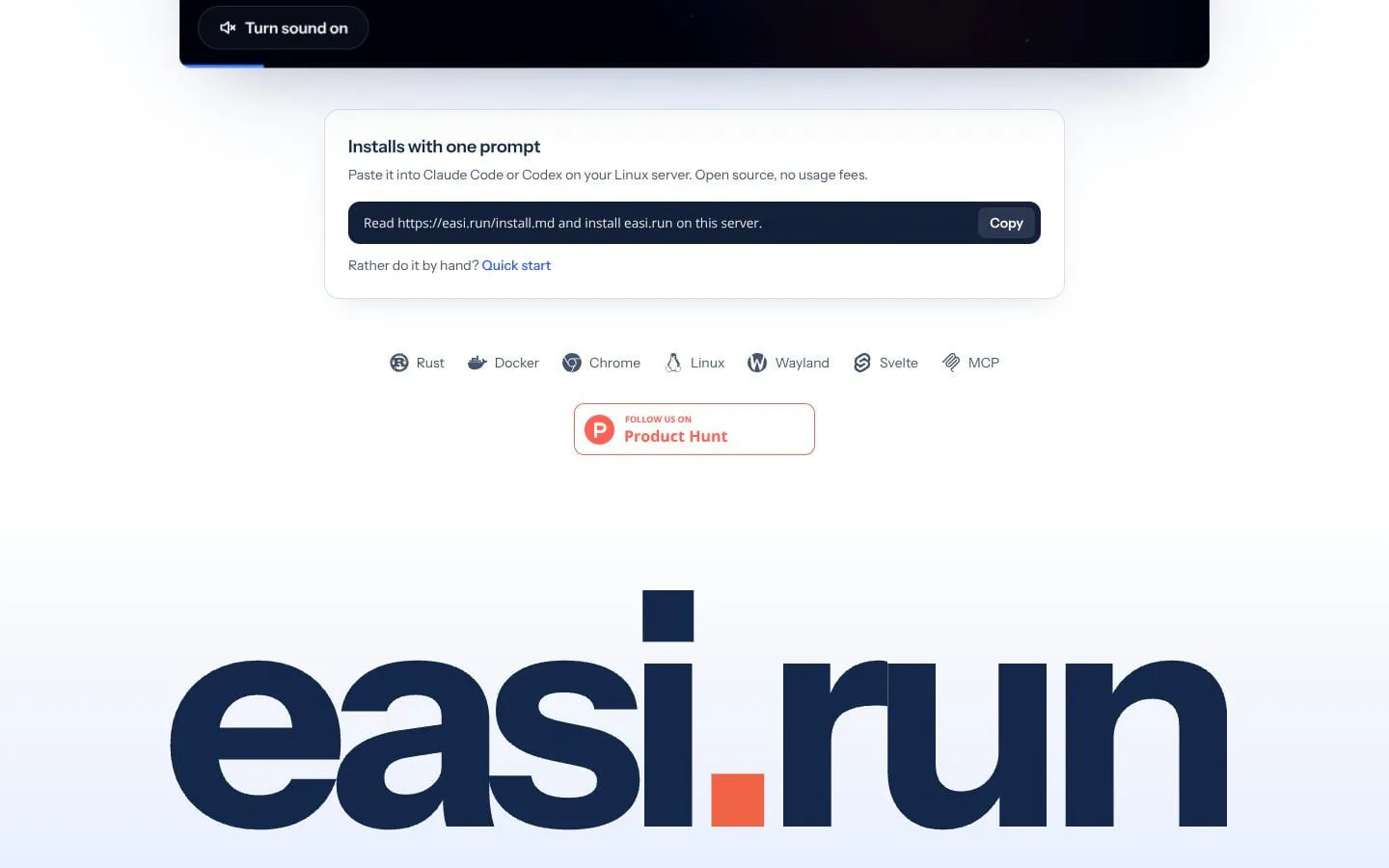
easi.run is an open-source, self-hosted Chrome runtime for AI agents. Connect over MCP or REST, watch browser sessions live, and take over the same browser when a task needs a human. It supports encrypted Chrome profiles, recordings, audio, and file transfers. It runs on Linux with Docker and is licensed under AGPL-3.0.
Features
- Problem
- Agents need to browse sites that expect a normal browser.
- How it works
- Runs a separate real Chrome session for each agent, with actions through a built-in MCP server or HTTPS REST API.
- Result
- Agents can browse pages while you retain control of the browser environment.
- Why
- The site says agents drive real Chrome and sites see an ordinary browser.
- Problem
- Logins and CAPTCHAs can interrupt agent tasks.
- How it works
- Lets you open a live session, take control, complete the step, and give control back; agents can also request your help.
- Result
- Human input can unblock a task without ending the browser session.
- Why
- The agent waits during takeover and resumes after control is returned.
- Problem
- Agents need persistent access without being given passwords.
- How it works
- Stores sessions encrypted with your password on your server and lets you choose which agents may resume each saved session.
- Result
- Approved agents can use logged-in sessions without access to your password or other agents’ sessions.
- Why
- The site describes saved logins that persist across updates and agent-specific access.
- Problem
- Remote browser sessions need oversight after the operator steps away.
- How it works
- Keeps a session action timeline and, with recording enabled, a replay of the agent’s screen.
- Result
- You can review what happened during an unattended run.
- Why
- The site says both records are encrypted on your server and survive restarts.
- Problem
- Browser automation can expose credentials or reach private services.
- How it works
- Runs browsers in isolated containers, restricts network access through a vetted proxy, and prevents agents from reading password fields by default.
- Result
- Browser sessions have bounded access, with credential protections and operator-controlled settings.
- Why
- The site describes sandboxing, HTTPS-only public web access, and password-field protections.
- Problem
- Hosted browser services can add usage fees or reduce infrastructure control.
- How it works
- Installs on the user's own server and has no hourly or per-session usage fees.
- Result
- Developers run browser sessions on infrastructure they control and pay for their server rather than usage.
- Why
- The site presents self-hosting and open-source code as core properties.
Product questions
What does easi.run do?
easi.run runs real Chrome sessions on your own Linux server for AI agents, with live human takeover for logins and other points where you need to step in.
Who is easi.run for?
Developers running browser-capable AI agents on their own Linux servers.
Screenshots