Cloud infrastructure
Uncloud
Private Cloud Storage Without the Monthly Fee
- Category
- Cloud infrastructure
- Stage
- Pre-launch
- For
- Households seeking private cloud storage without recurring subscription fees, especially people moving files from services like Dropbox or Google Drive.
- Platforms
- iOS
- Pricing
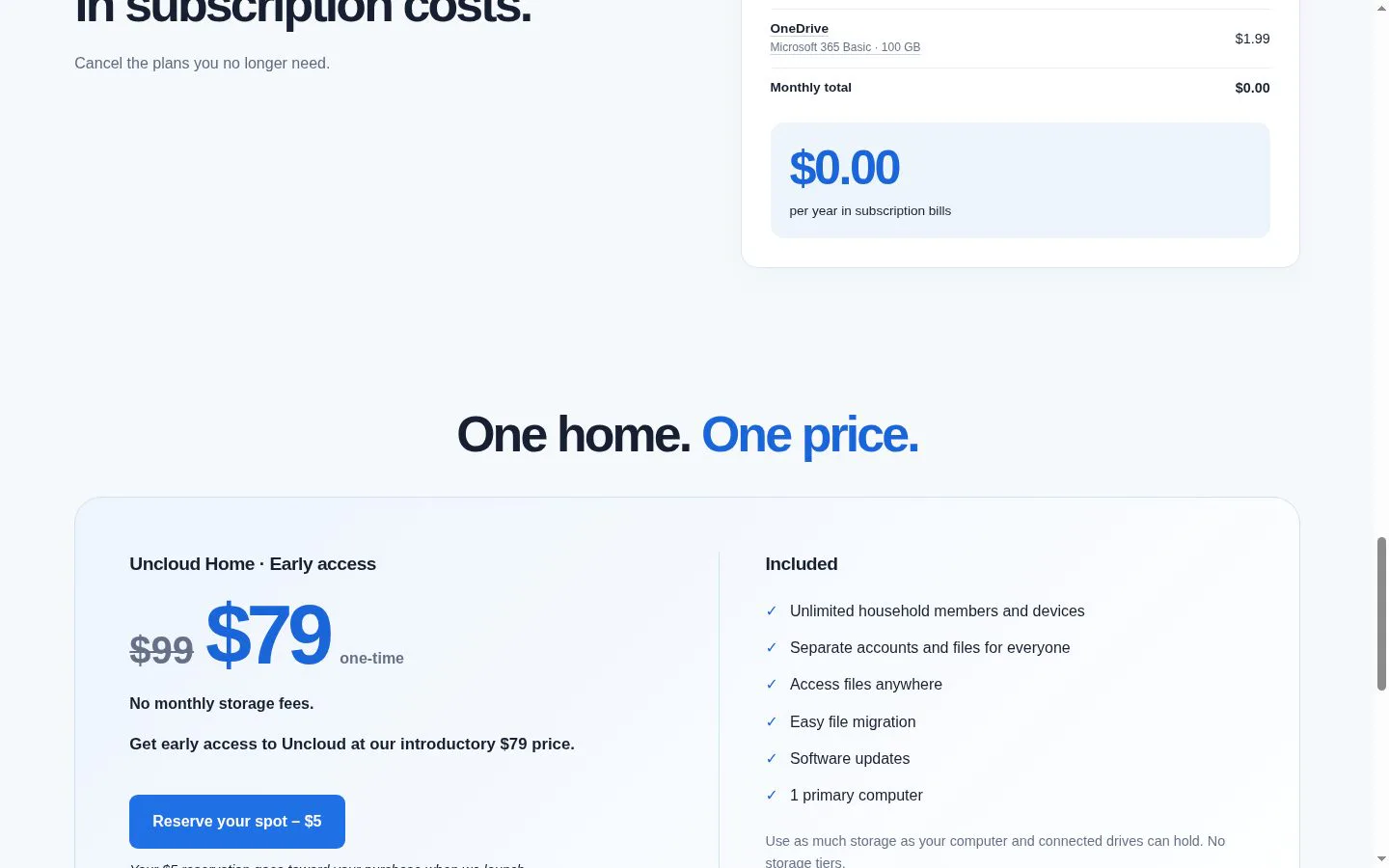
- $99 one-time. ($79 with early access.)
About
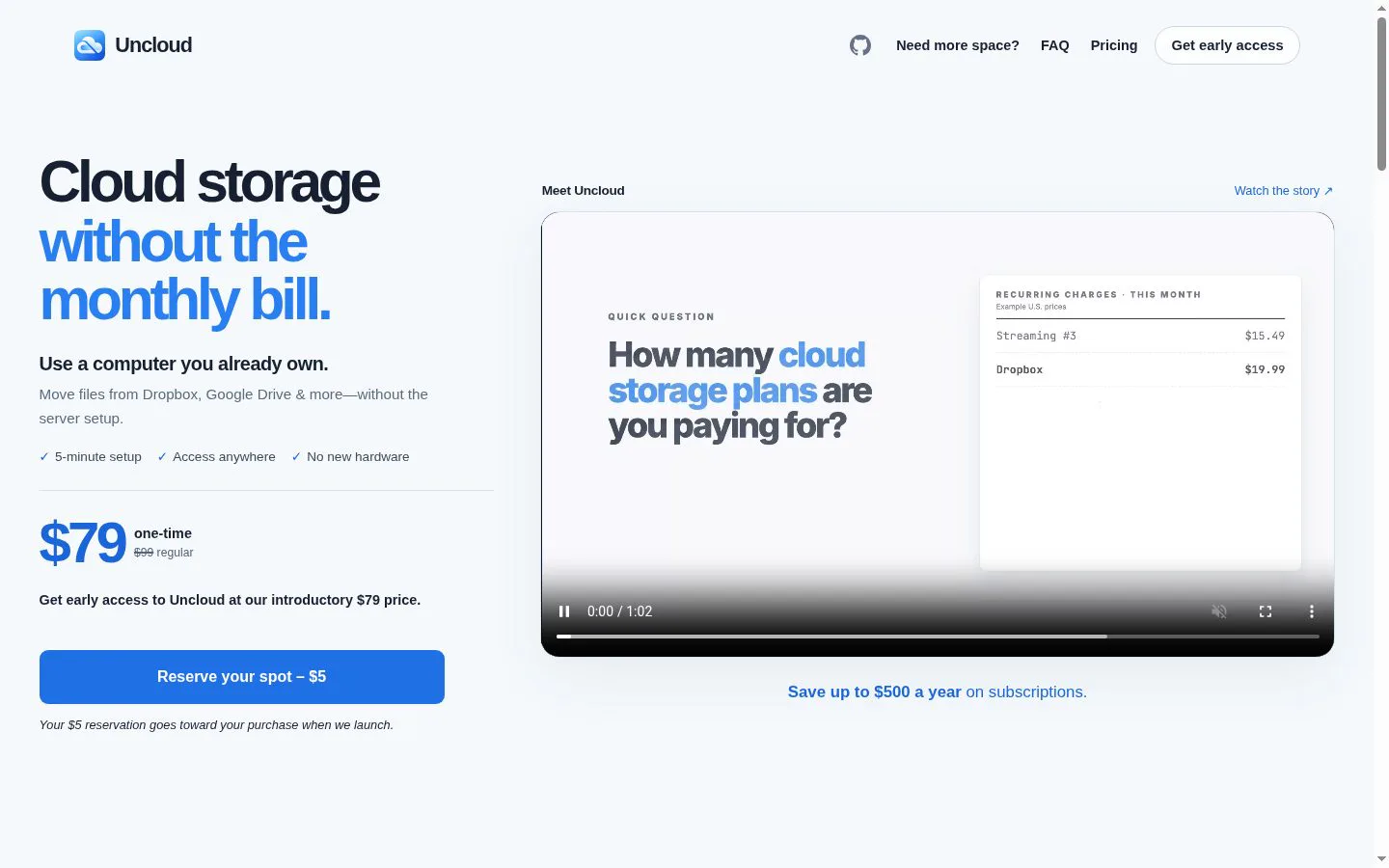
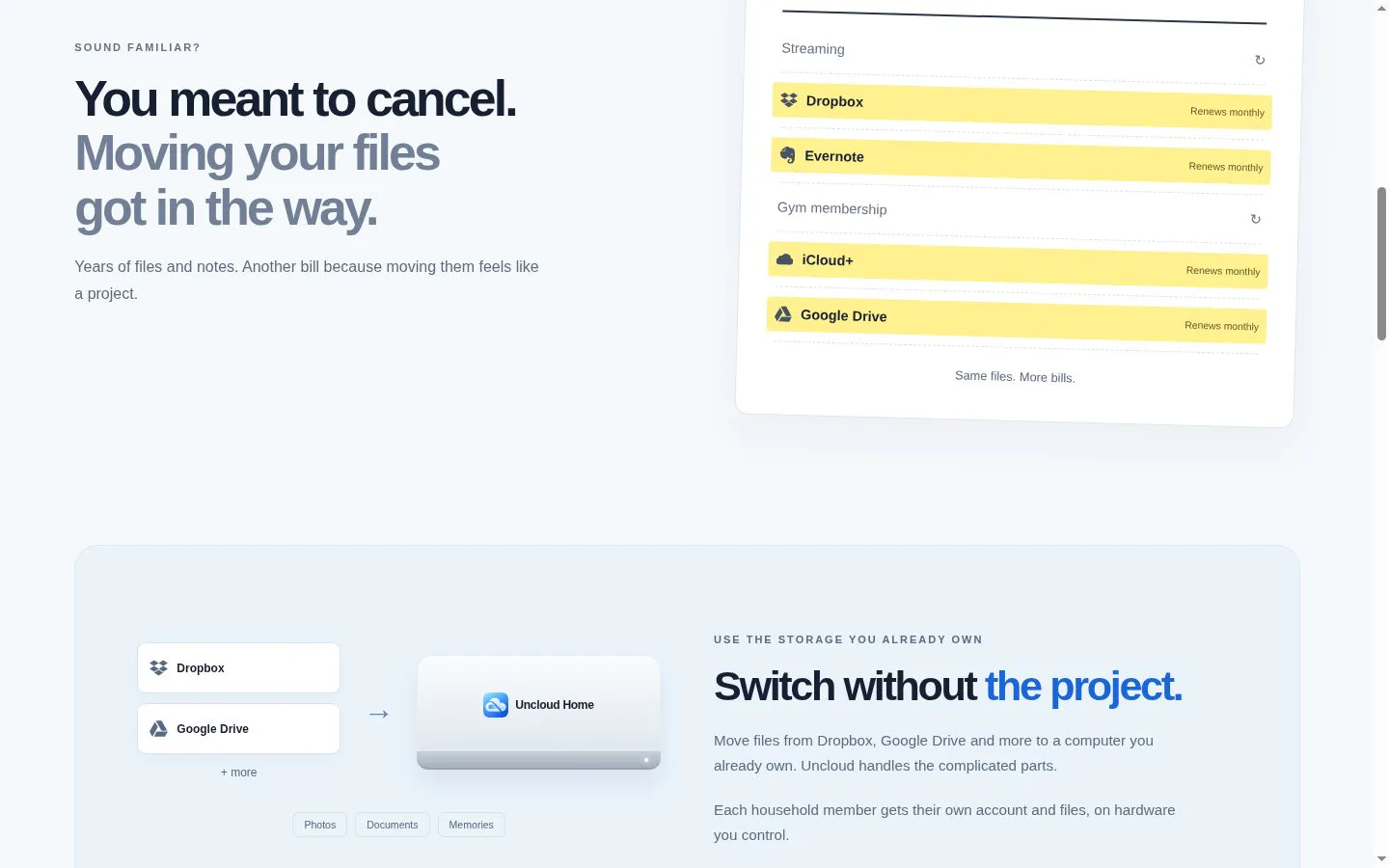
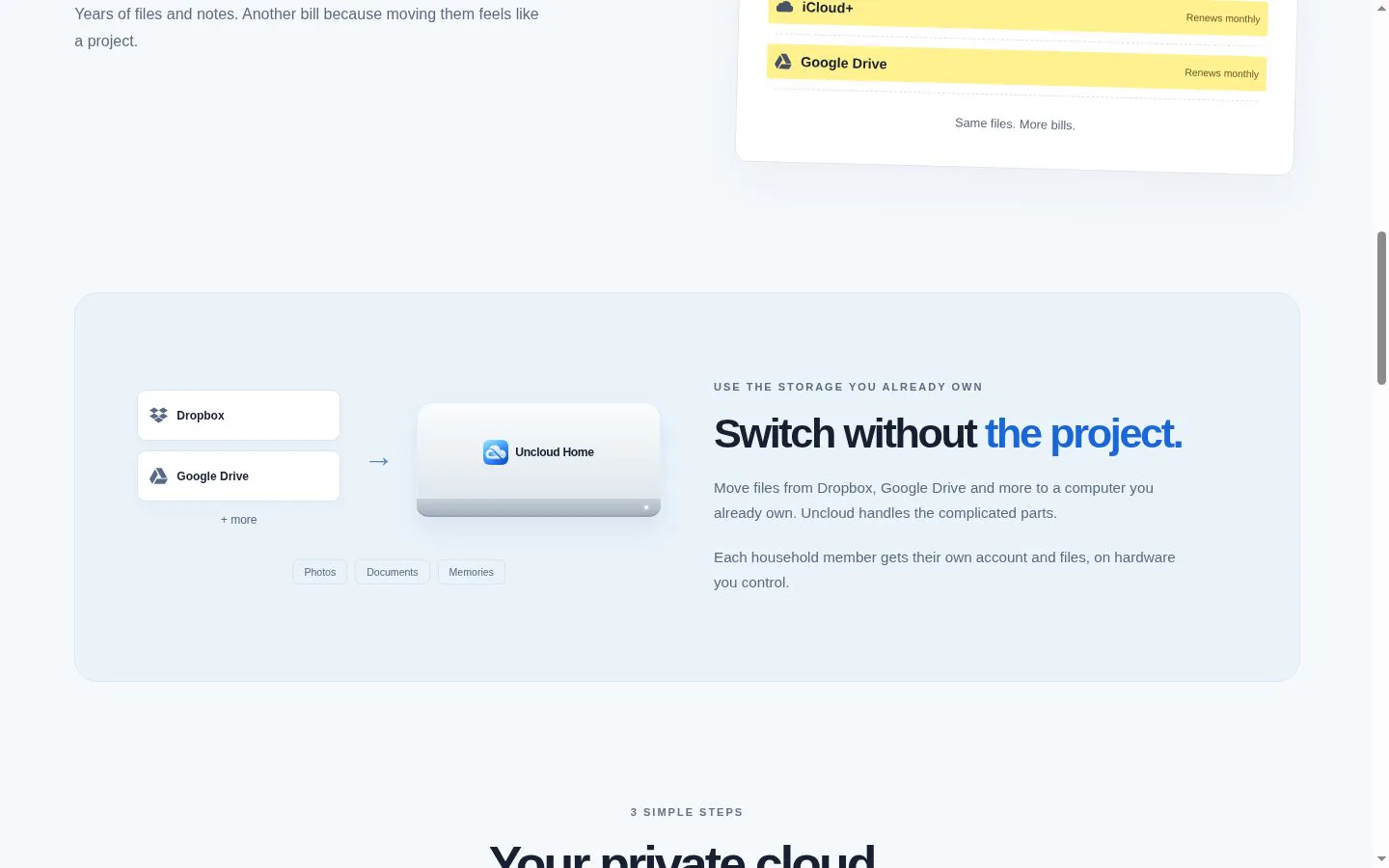
Cloud storage without the monthly bill. Move files from Dropbox, Google Drive and more to a computer you already own. Uncloud handles the complicated parts. There are already powerful self-hosted storage tools for people who enjoy running servers. Uncloud is for everyone else. The goal is simple: make owning your cloud feel as easy as subscribing to one.
Features
- Problem
- Moving files from cloud services can feel like a major project.
- How it works
- Guides users through setup and copying files from Dropbox and other cloud services; Google Drive files can be downloaded and added.
- Result
- Households can bring their files to storage they control without a complicated server setup.
- Why
- Reduce the effort involved in switching while leaving the original files in place.
- Problem
- Household members need distinct, private file spaces.
- How it works
- Provides separate accounts and files for household members, with unlimited members and devices included.
- Result
- Each person has their own space on the household’s host computer.
- Why
- Support shared household infrastructure without combining everyone’s private files.
- Problem
- Subscription storage plans can create recurring costs and storage tiers.
- How it works
- Uses the capacity of the host computer and connected drives, with no storage tiers or per-person charges; the product is offered for a one-time price.
- Result
- Storage capacity depends on available local and connected storage rather than a monthly plan.
- Why
- Let families use storage they already own and add a drive when they need more room.
- Problem
- Files may be needed away from home.
- How it works
- Provides remote access through the host computer; the host must be on and awake for round-the-clock access.
- Result
- Household members can access files from elsewhere, subject to host availability.
- Why
- Make home-stored files reachable without requiring a separate hosted storage plan.
- Problem
- Setting up a home cloud can require technical server administration.
- How it works
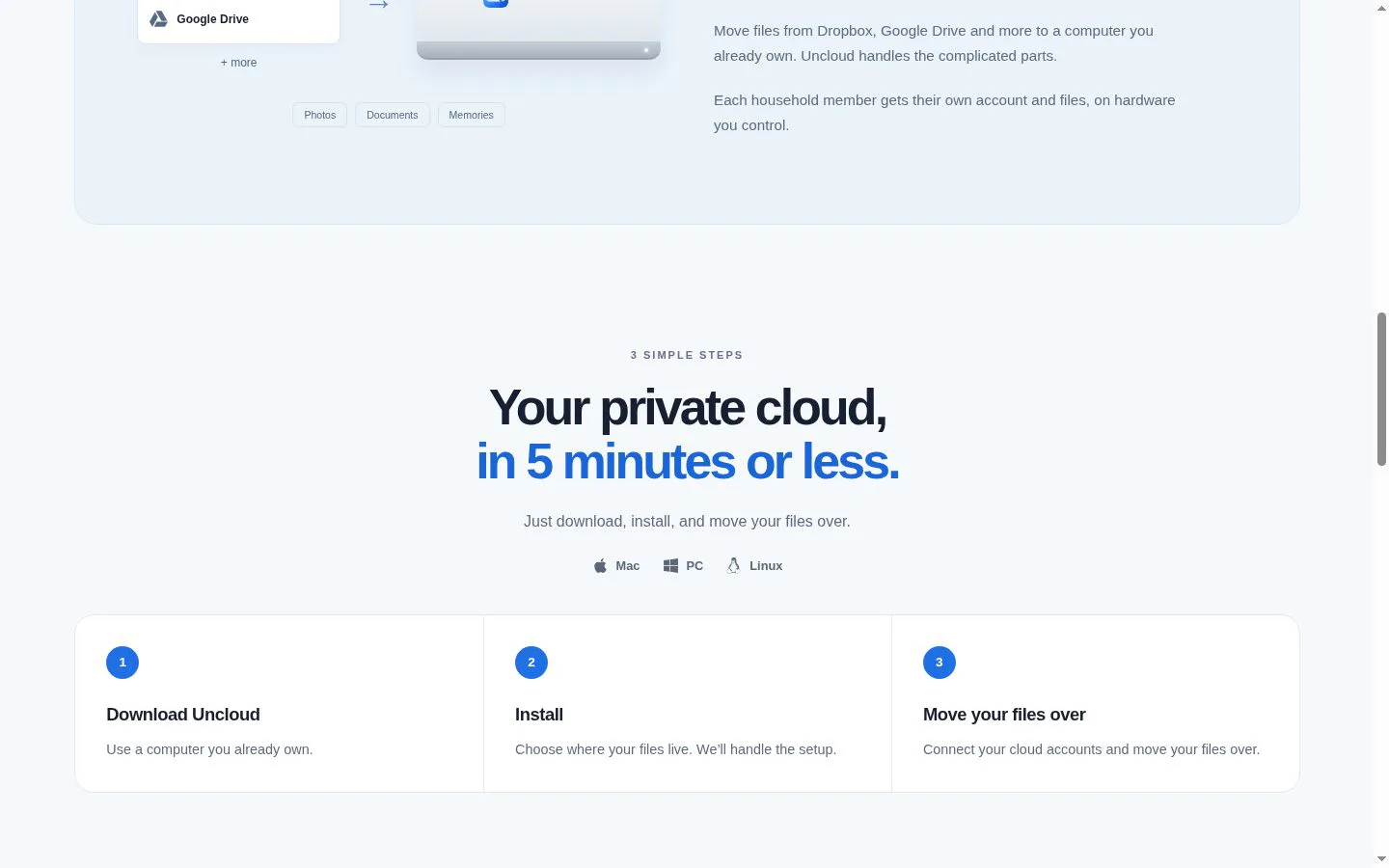
- Offers a download, install, and file-move flow for Mac, PC, and Linux, with setup described as taking five minutes or less.
- Result
- A household can get started with existing hardware and storage.
- Why
- Make a computer the household already owns usable as its cloud host without a server project.
Product questions
What does Uncloud do?
Uncloud turns a Mac, PC, or Linux computer you already own into a household file cloud. It helps families move files from services such as Dropbox and Google Drive, then access them remotely using their own computer and storage.
Who is Uncloud for?
Households seeking private cloud storage without recurring subscription fees, especially people moving files from services like Dropbox or Google Drive.
How much does Uncloud cost?
$99 one-time. ($79 with early access.)
Which platforms does Uncloud support?
- iOS
Screenshots