Productivity
MailMyCertificate
Browser-Based & Privacy-First
- Category
- Productivity
- Stage
- Growth
- For
- Event organizers, workshop and webinar hosts, and training providers who need to create and email certificates in bulk.
About
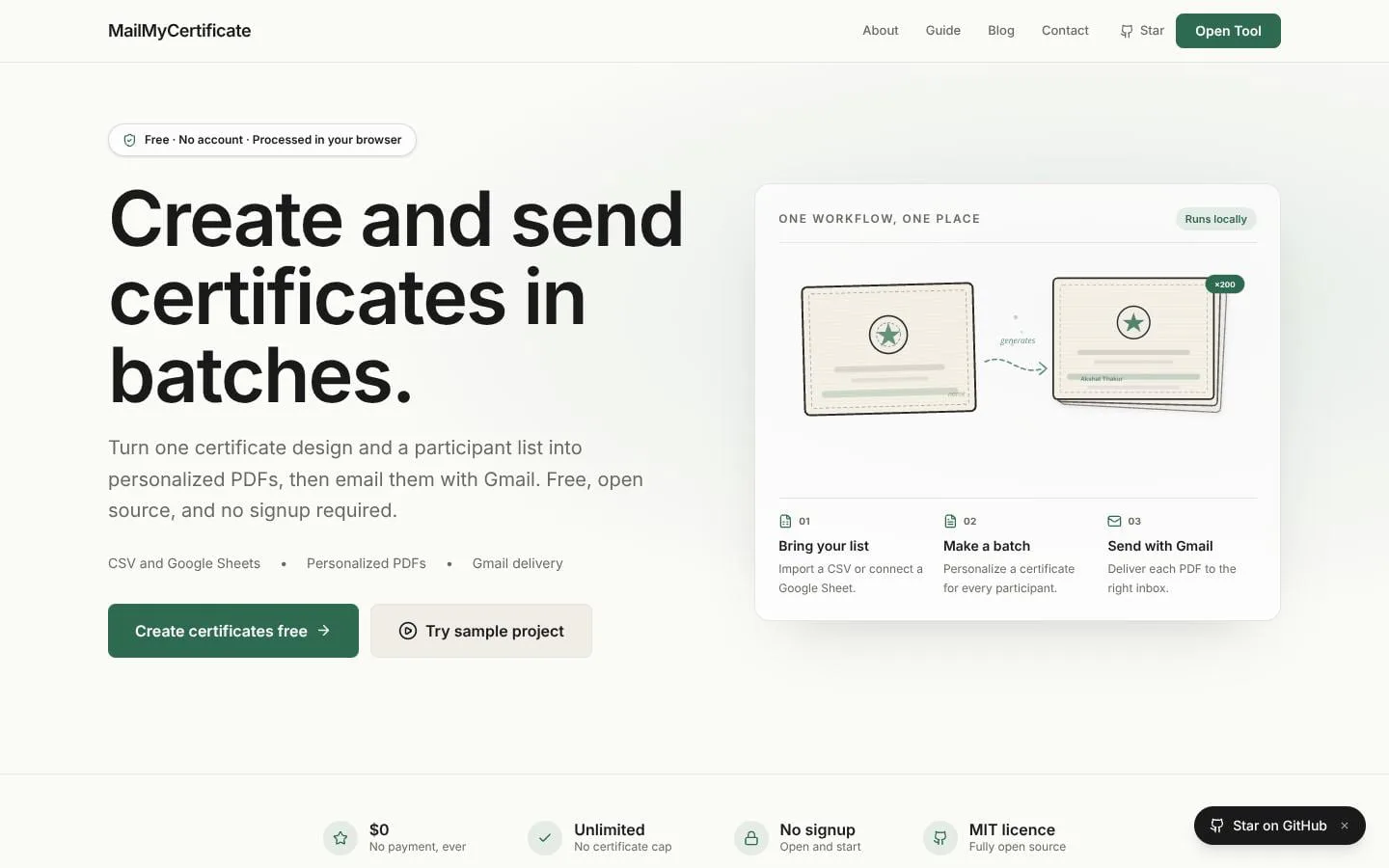
Generate hundreds of personalized certificates from a template and CSV. Privacy-first, runs in your browser. Created by Akshat Thakur.
Features
- Problem
- Participant information may be in a CSV or Google Sheet, while certificates need personalized details.
- How it works
- Import a CSV or a public Google Sheets URL; column headers are auto-detected.
- Result
- Participant data is ready to map to certificate fields.
- Why
- Organizers can use a roster they already have instead of re-entering participant details.
- Problem
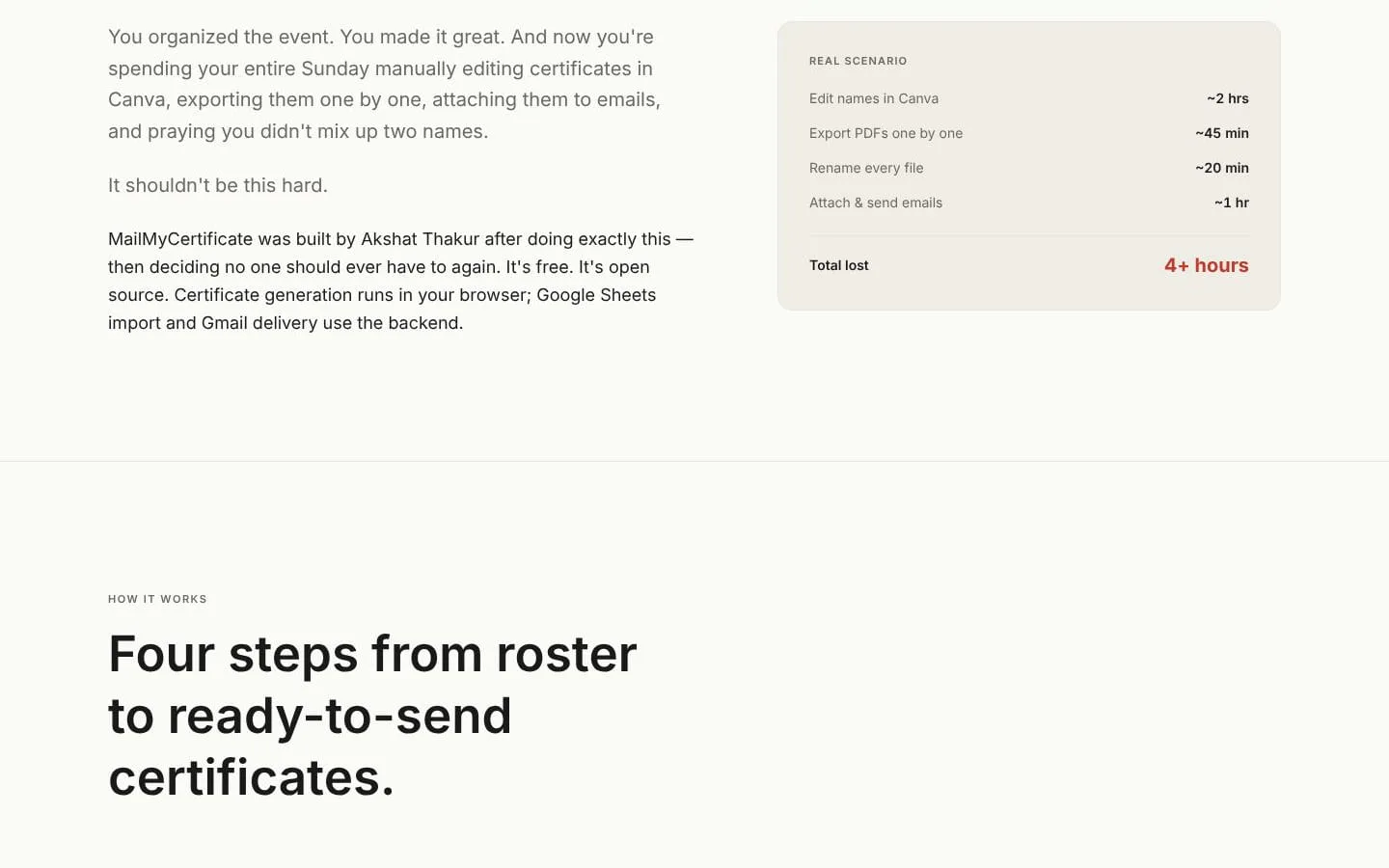
- Manually editing a certificate for every attendee takes time and can introduce name-placement errors.
- How it works
- Upload a PNG or JPG design, position fields on the canvas, and generate a personalized PDF for each participant in one batch.
- Result
- A batch of personalized PDFs is generated in the browser.
- Why
- The template and field placement are set once and applied across the list.
- Problem
- Sending certificates individually requires attaching the right file to each recipient's email.
- How it works
- Connect a Gmail account and send certificates with recipient-matched PDF attachments; alternatively, download the batch as a ZIP.
- Result
- Certificates can be emailed in bulk or downloaded together.
- Why
- Organizers can choose direct delivery or manual distribution using the generated files.
- Problem
- Uploading participant lists to a vendor may be unsuitable for privacy-conscious organizers.
- How it works
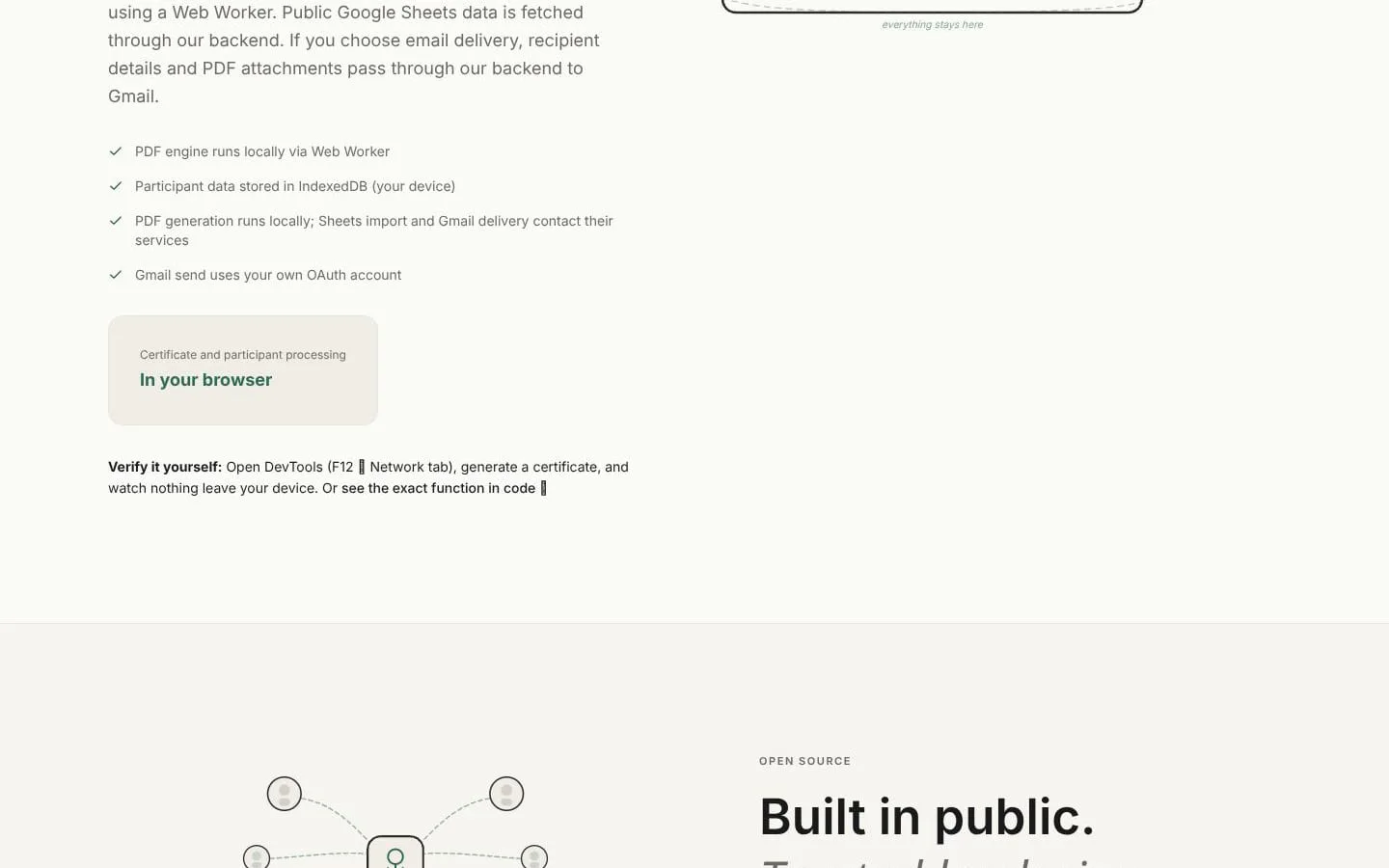
- CSV rows and PDF generation stay in the browser, with participant data stored locally in IndexedDB. Public Sheets imports and Gmail delivery pass through the backend.
- Result
- Organizers can generate certificates locally and choose whether to use Sheets import or Gmail delivery.
- Why
- Local processing limits where participant data goes during certificate generation while clearly identifying the network-dependent steps.
- Problem
- Paid tiers, sign-up steps, and per-certificate limits can get in the way of small-budget events.
- How it works
- The tool is free, open source under the MIT licence, and available without an account.
- Result
- Organizers can start generating certificates without signing up or paying.
- Why
- The project is designed for organizers who need a straightforward certificate workflow without a paid service.
Product questions
What does MailMyCertificate do?
MailMyCertificate turns a PNG or JPG certificate template and a participant list into personalized PDFs in batches, which organizers can download or email through their own Gmail account.
Who is MailMyCertificate for?
Event organizers, workshop and webinar hosts, and training providers who need to create and email certificates in bulk.
Screenshots