AI
Quixary
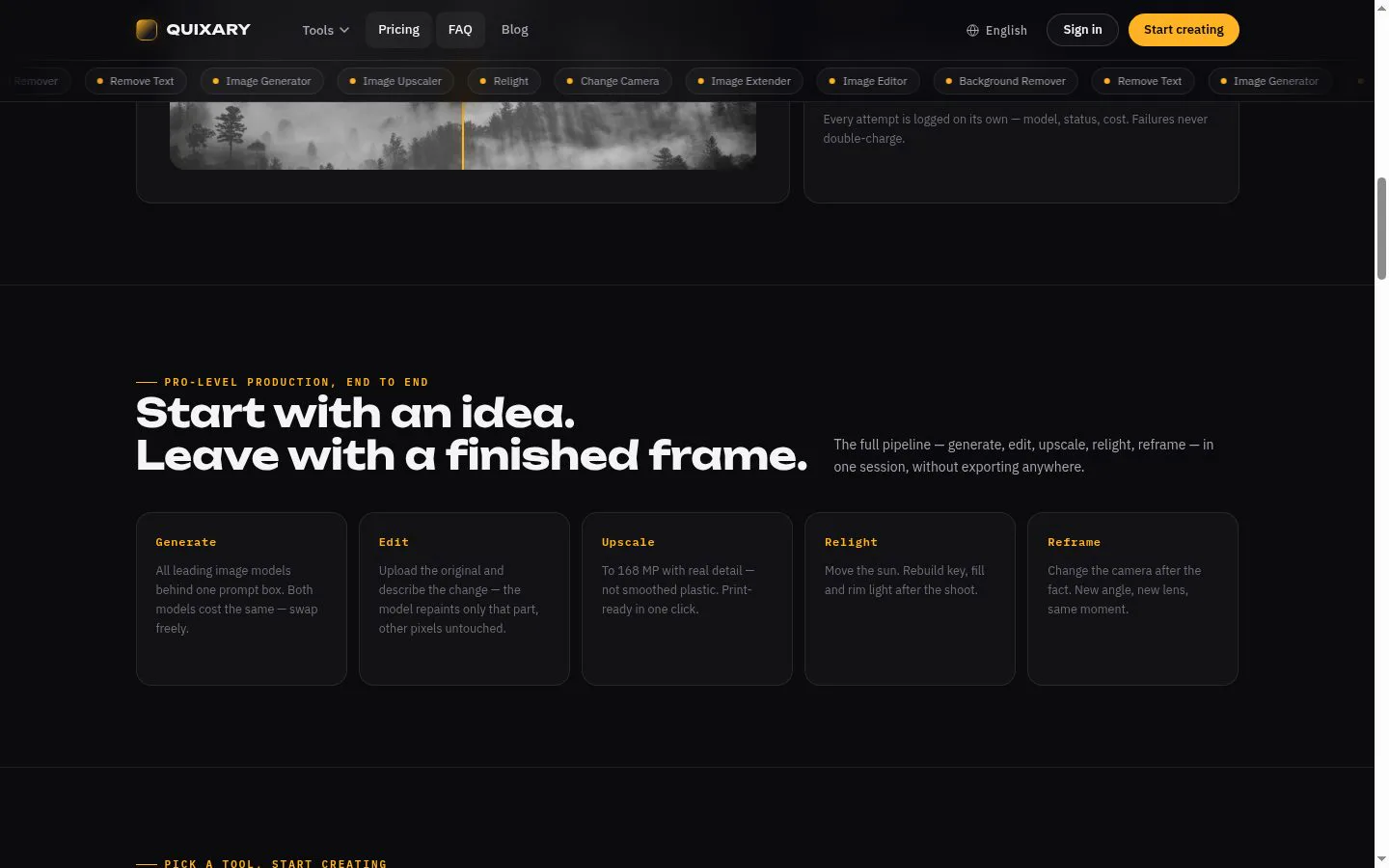
Upscale to 168 MP with real detail — not smoothed plastic. / From a phone photo to print-ready, in one click.
- Category
- AI
- Stage
- Growth
- For
- E-commerce sellers, photographers, and other people who need to edit product photos or images without desktop software.
About
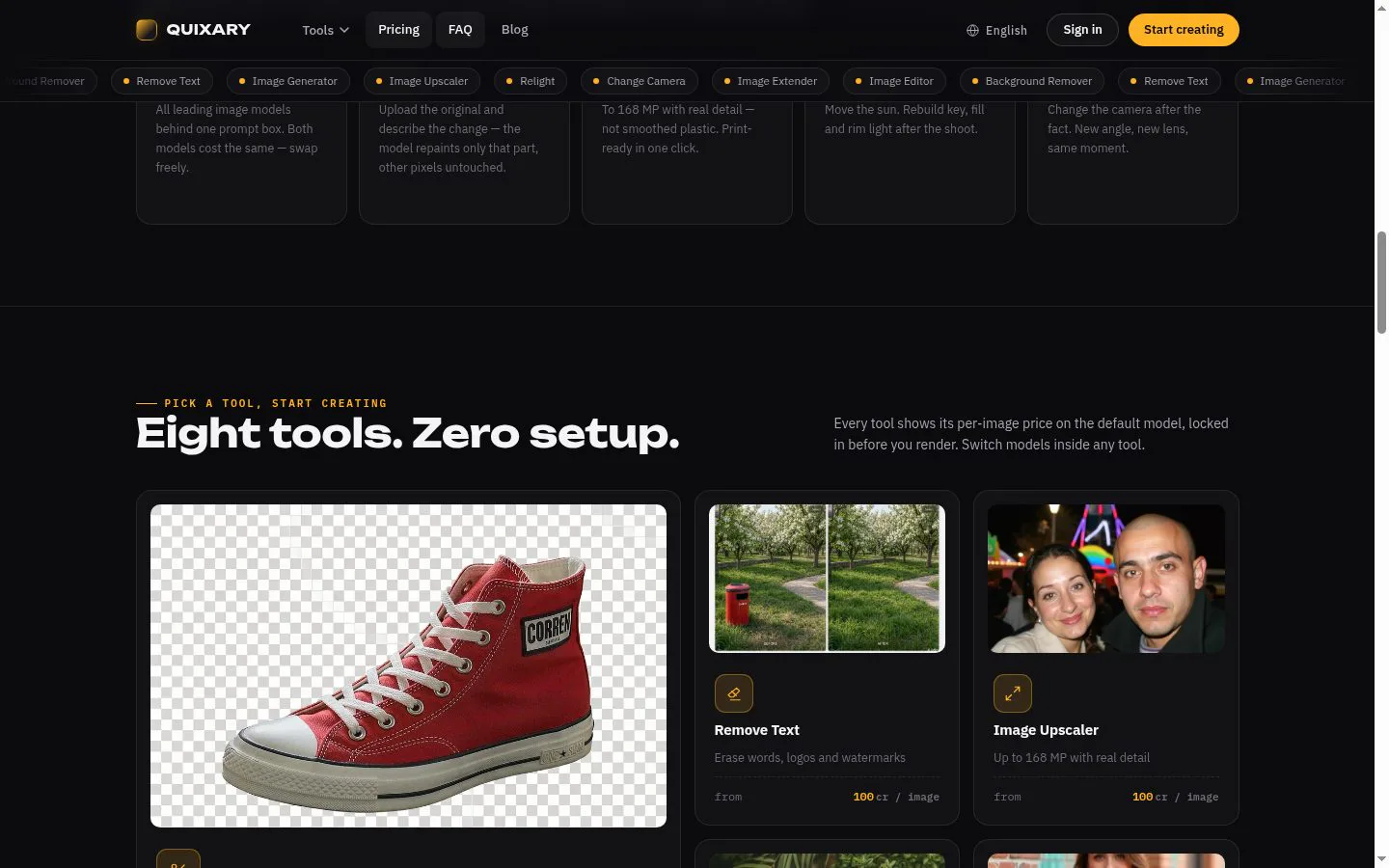
AI image studio in the browser: remove backgrounds, erase unwanted text, upscale to 168 MP, extend frames, retouch, relight, restage product shots and generate images. Pay per image with one-time credits — no subscription, credits never expire.
Features
- Problem
- A cluttered or unsuitable background makes a product photo hard to use in a listing or design.
- How it works
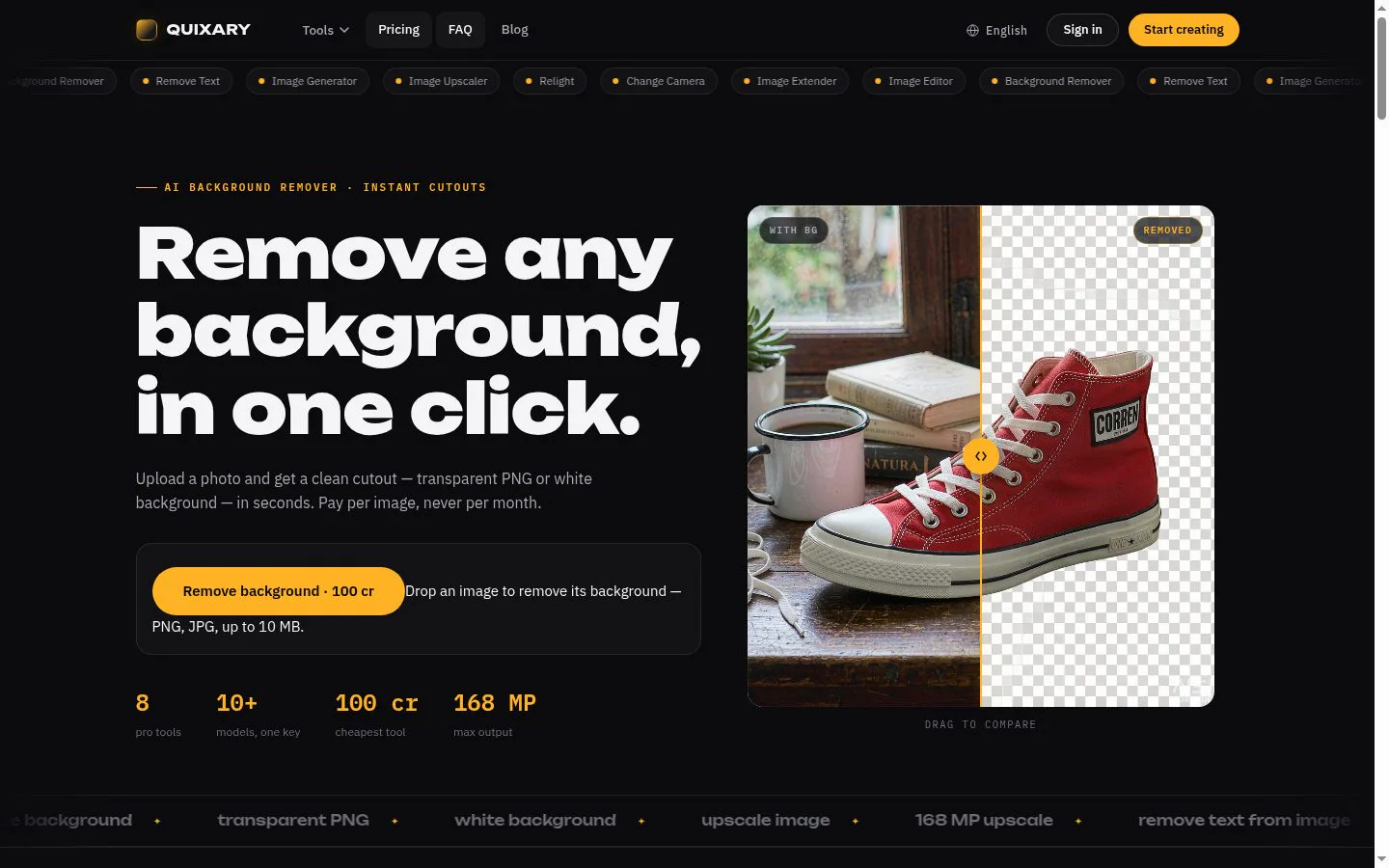
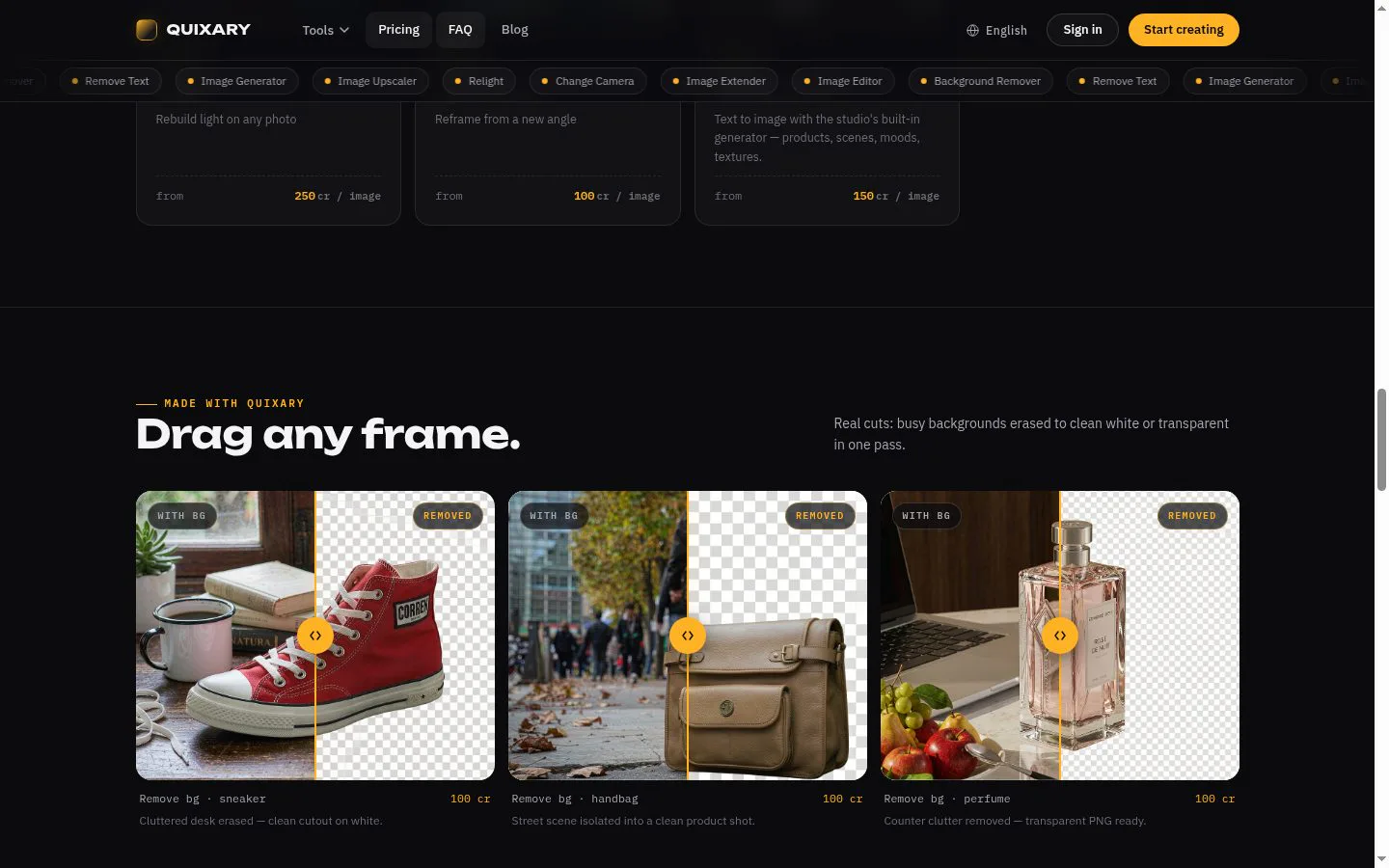
- Removes the background and returns a transparent PNG or a white-background version.
- Result
- A clean subject cutout ready for product pages, catalogs, or other layouts.
- Why
- Different destinations call for a transparent cutout or a plain white backdrop.
- Problem
- Small or low-resolution images can look soft when enlarged for print or tight crops.
- How it works
- Upscales images at 2× or 4×, with output capped at 168 megapixels and detail reconstructed by the model.
- Result
- A larger image intended for print, product detail, or cropping.
- Why
- Rebuilding plausible texture can avoid the waxy look of simply spreading existing pixels.
- Problem
- A photo may need a targeted change, cleanup, or a different frame shape without altering the original scene wholesale.
- How it works
- Describes edits in words, paints over text or objects to remove them, or extends the image beyond its edges.
- Result
- A revised image with the requested area changed, unwanted marks removed, or additional scene area generated.
- Why
- Focused instructions and added canvas address common fixes without requiring a full desktop-editing workflow.
- Problem
- A usable image may be held back by lighting or a missing camera angle.
- How it works
- Relights a photo by adjusting lighting direction, warmth, and strength, or renders a new viewpoint from the uploaded image.
- Result
- A version with changed lighting or a new perspective while retaining the recognizable subject.
- Why
- These tools can adjust a shot after the original moment without booking a reshoot.
- Problem
- Creating a new visual can require a shoot, props, or searching for stock imagery.
- How it works
- Generates an image from a text prompt.
- Result
- A generated image available to download.
- Why
- A prompt-based workflow can produce a concept, product scene, or background when the desired shot does not exist yet.
- Problem
- Unclear per-use costs or subscriptions make occasional image editing harder to budget.
- How it works
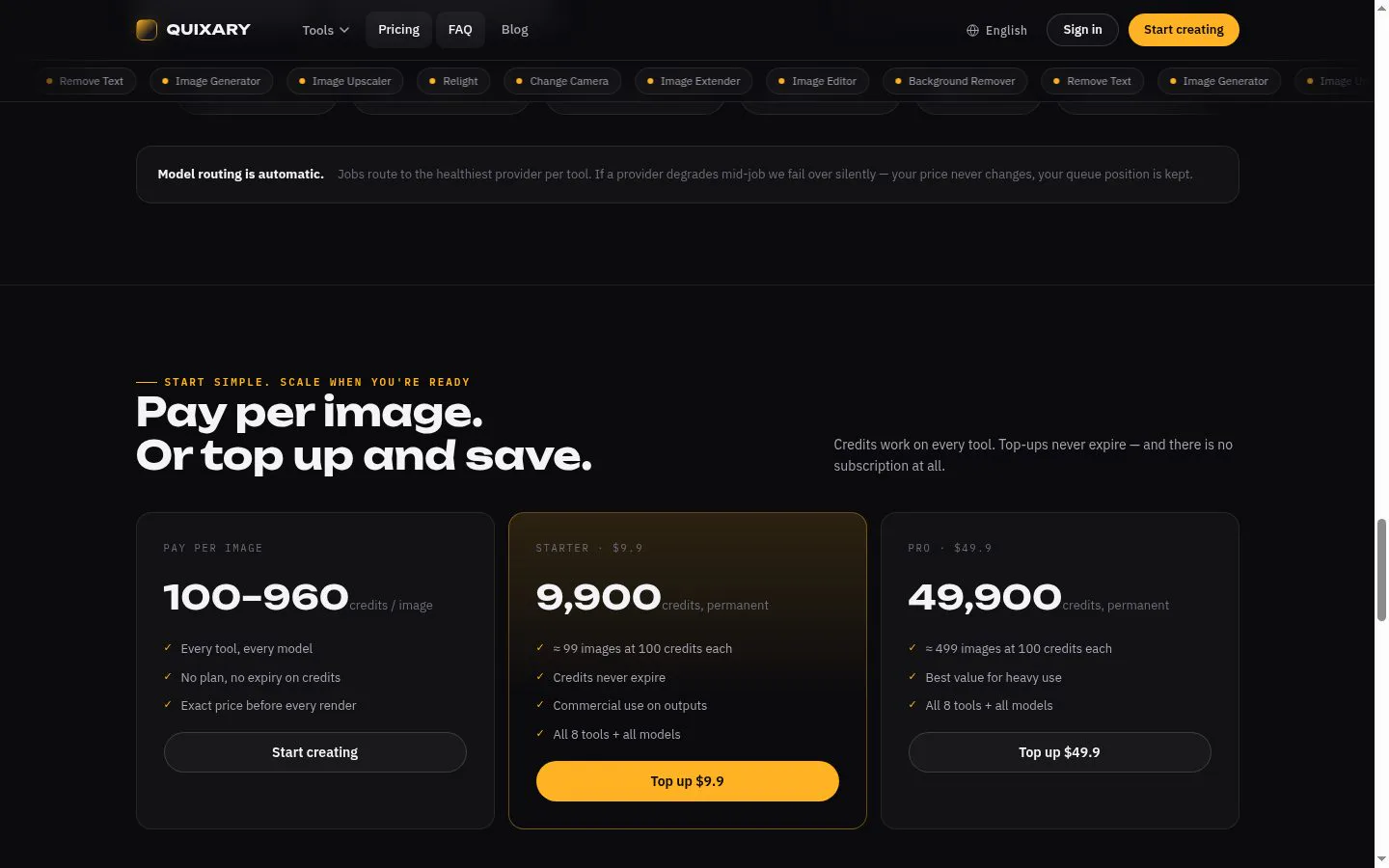
- Shows the cost before each render, records attempts in a job history, and uses credits that do not expire when topped up.
- Result
- Users can pay for the images they process and review what each attempt cost.
- Why
- Pay-per-image pricing makes the cost of each run visible without requiring a monthly plan.
Product questions
What does Quixary do?
Quixary is a browser-based image studio that lets people generate and edit photos with AI, then prepare them for listings, layouts, or print—all without desktop editing software. It offers eight tools, charged per image through credits rather than a subscription.
Who is Quixary for?
E-commerce sellers, photographers, and other people who need to edit product photos or images without desktop software.
Screenshots