Developer tools
Rentgen
Generate API tests from a cURL request, compare environments, and evaluate LLM replies locally.
- Category
- Developer tools
- Stage
- Growth
- For
- QA engineers and developers who test APIs or LLM endpoints, especially teams that need local or offline testing.
- Platforms
- Mac, Windows, Linux
- Pricing
- Free plan available
About
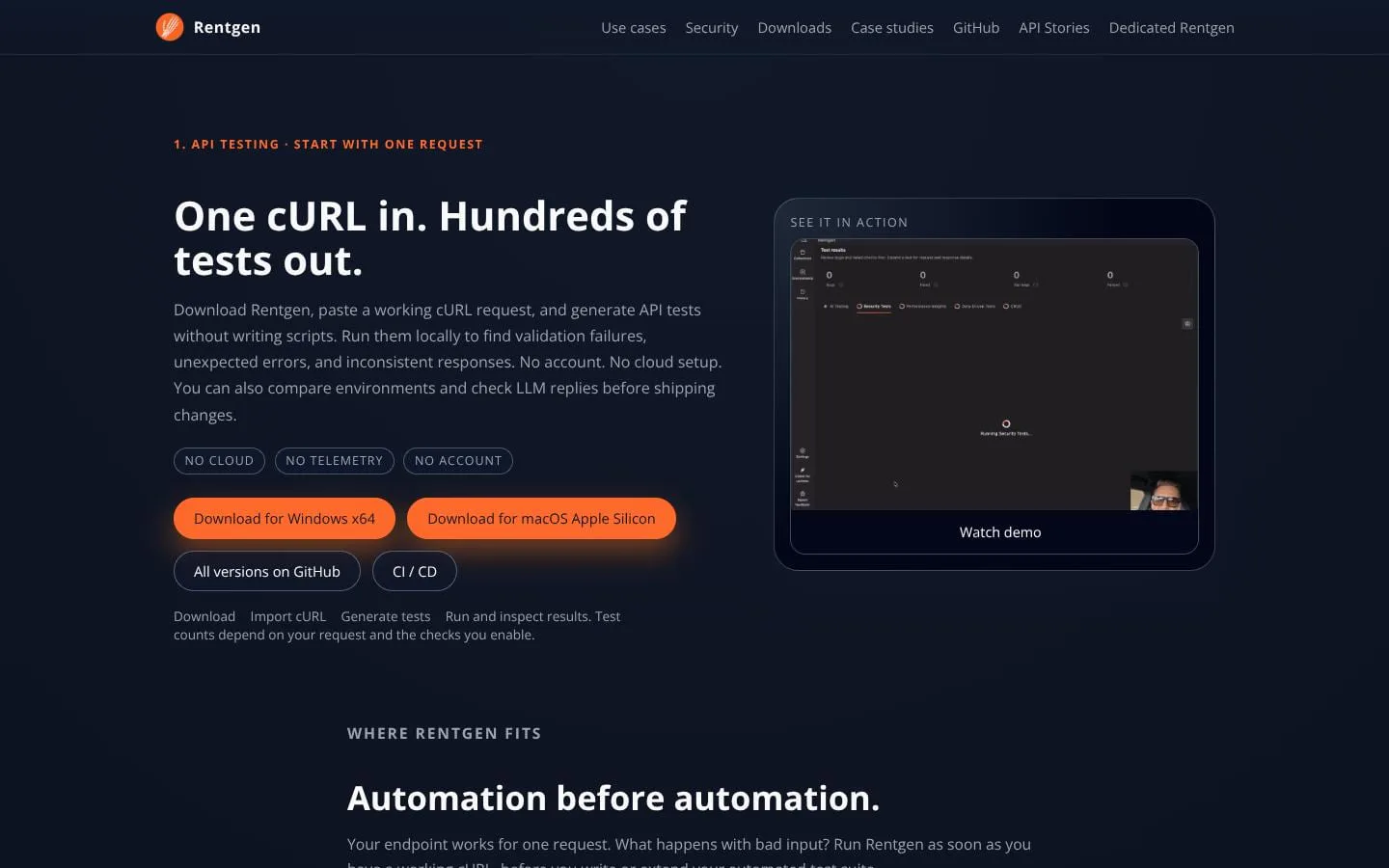
Generate API tests from one cURL, compare behavior across environments, and check LLM replies against your expectations. Runs locally. No account required.
Use cases
- 1. API testing · Start with one request. One cURL in. Hundreds of tests out.
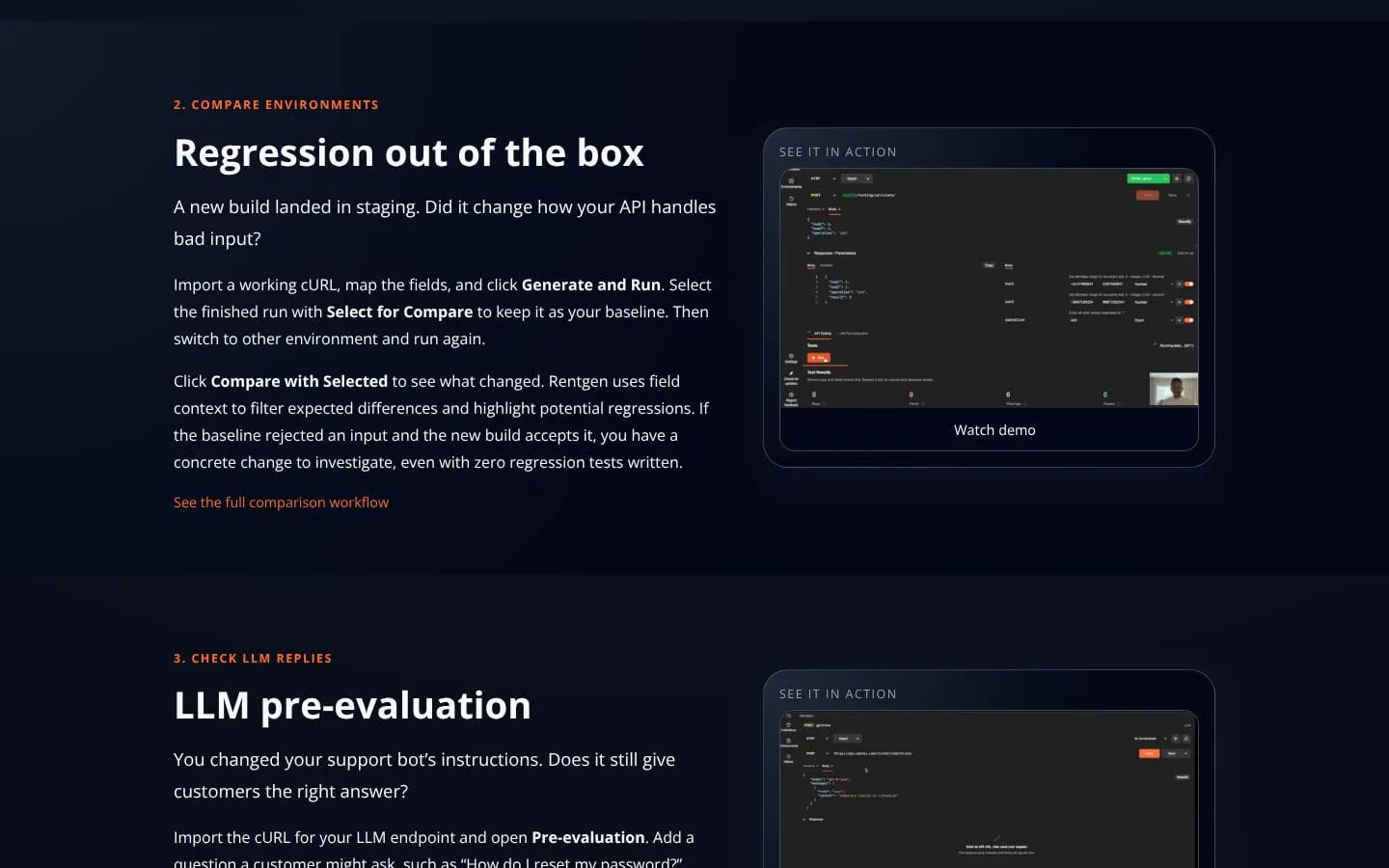
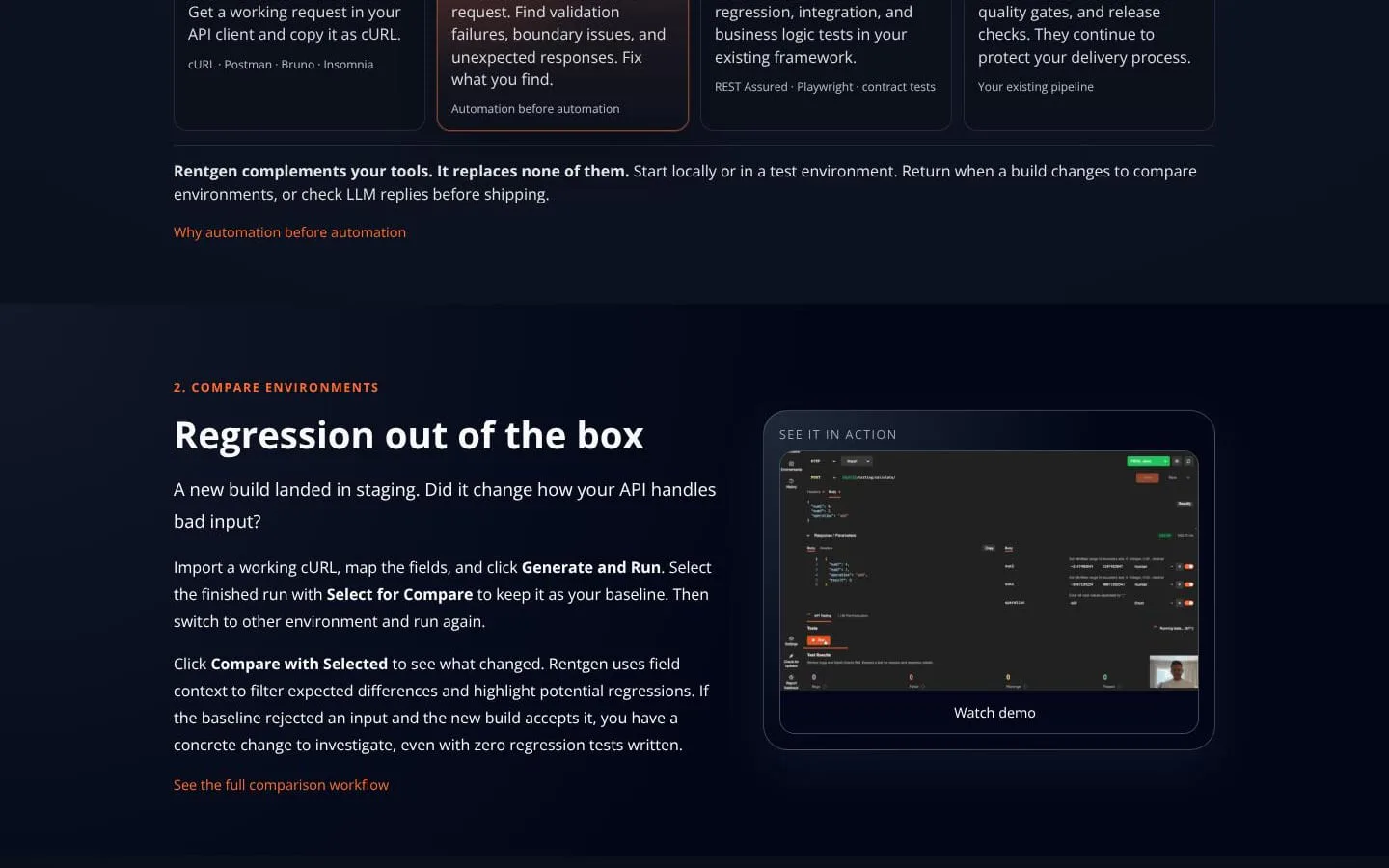
- 2. Compare environments. Regression out of the box.
- 3. Check LLM replies. LLM pre-evaluatio/
Features
- Problem
- Manually creating edge-case tests from a working API request takes time and can leave gaps.
- How it works
- Import a cURL request and generate checks that probe validation, boundary values, and unexpected responses.
- Result
- Teams can inspect potential API issues before investing in lasting automated tests.
- Why
- Automated exploration can reveal behavior that a single happy-path request does not cover.
- Problem
- A new build may change API behavior, even when no regression suite exists.
- How it works
- Save a run as a baseline, run the request against another environment, and compare results; Rentgen uses field context to filter expected differences.
- Result
- Potential regressions are highlighted for investigation.
- Why
- Comparing observed behavior can surface changes before a formal regression suite is available.
- Problem
- Changes to an LLM endpoint can produce replies that miss requirements or include unwanted content.
- How it works
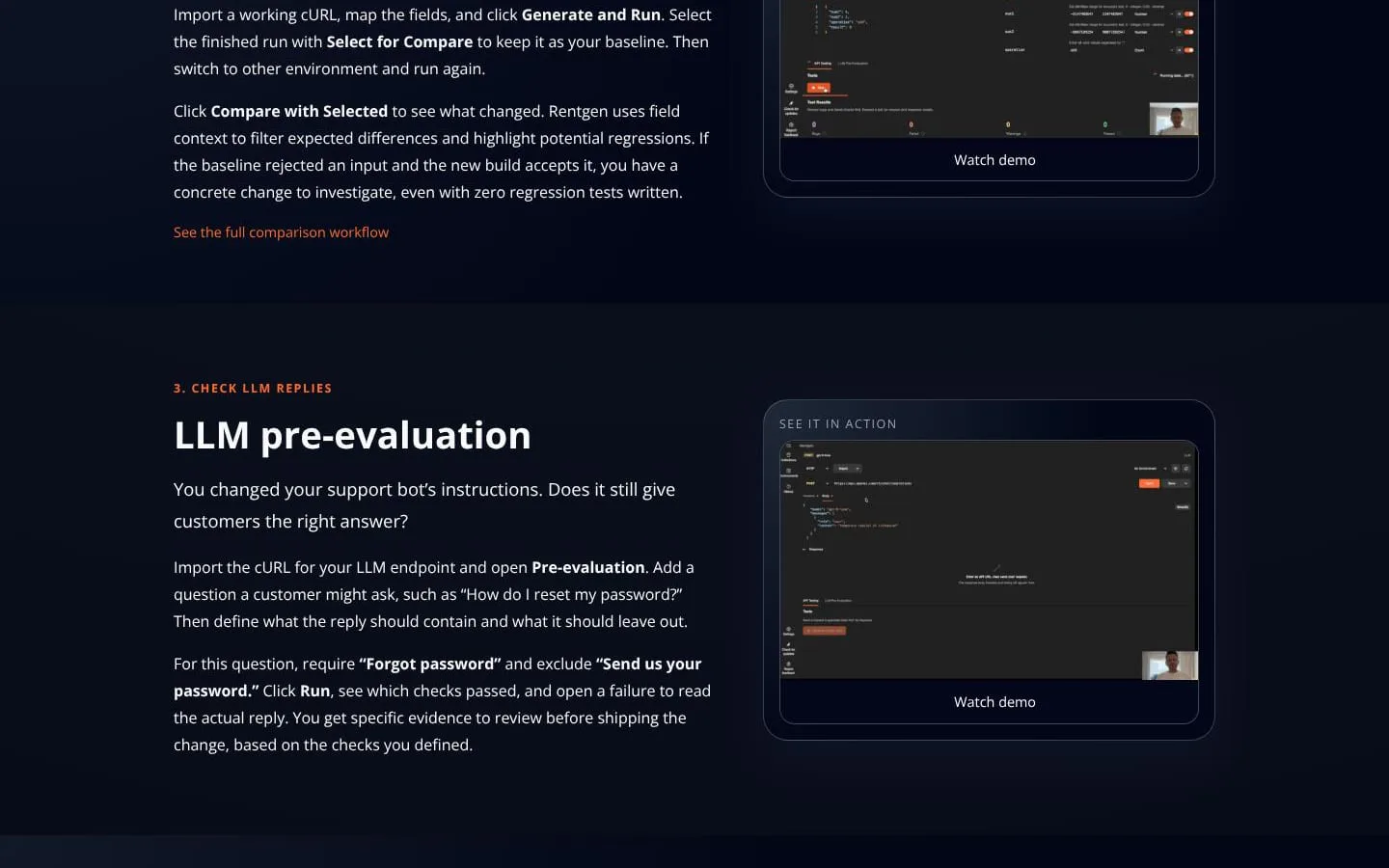
- Define required and excluded phrases for a question, run the check, and inspect the actual reply when it fails.
- Result
- Teams can evaluate selected reply expectations locally.
- Why
- Explicit criteria provide concrete evidence to review before shipping a change.
- Problem
- Test findings can be difficult to carry into an existing development workflow.
- How it works
- Save requests in collections, switch environments, pass dynamic variables between requests, and export reports.
- Result
- Results can inform existing regression, integration, and business-logic tests.
- Why
- These workflow features help teams retain and share findings.
- Problem
- Cloud-based tools may be unsuitable where API data must remain local or offline.
- How it works
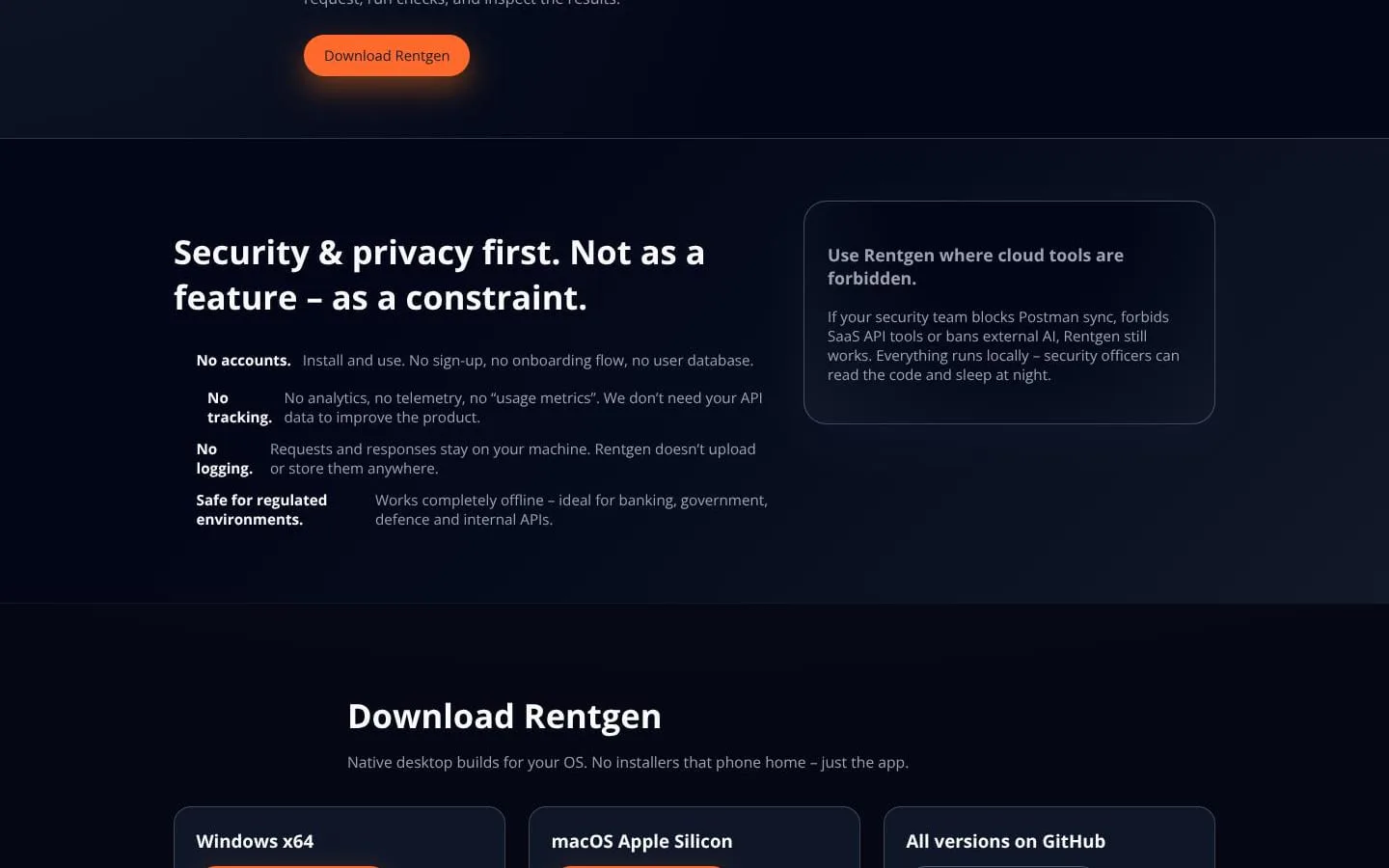
- Run Rentgen locally; the site states that requests and responses stay on the machine and that the product works offline.
- Result
- Teams can test without an account, cloud setup, telemetry, or uploading API data.
- Why
- Local operation supports teams with strict data-handling or connectivity constraints.
Product questions
What does Rentgen do?
Rentgen is a local-first desktop tool that turns a working cURL request into generated API checks, compares API behavior across environments, and evaluates LLM replies against criteria you define.
Who is Rentgen for?
QA engineers and developers who test APIs or LLM endpoints, especially teams that need local or offline testing.
How much does Rentgen cost?
Free plan available
Which platforms does Rentgen support?
- Mac
- Windows
- Linux
What can I use Rentgen for?
- 1. API testing · Start with one request. One cURL in. Hundreds of tests out.
- 2. Compare environments. Regression out of the box.
- 3. Check LLM replies. LLM pre-evaluatio/
Screenshots