Productivity
PDF Converter
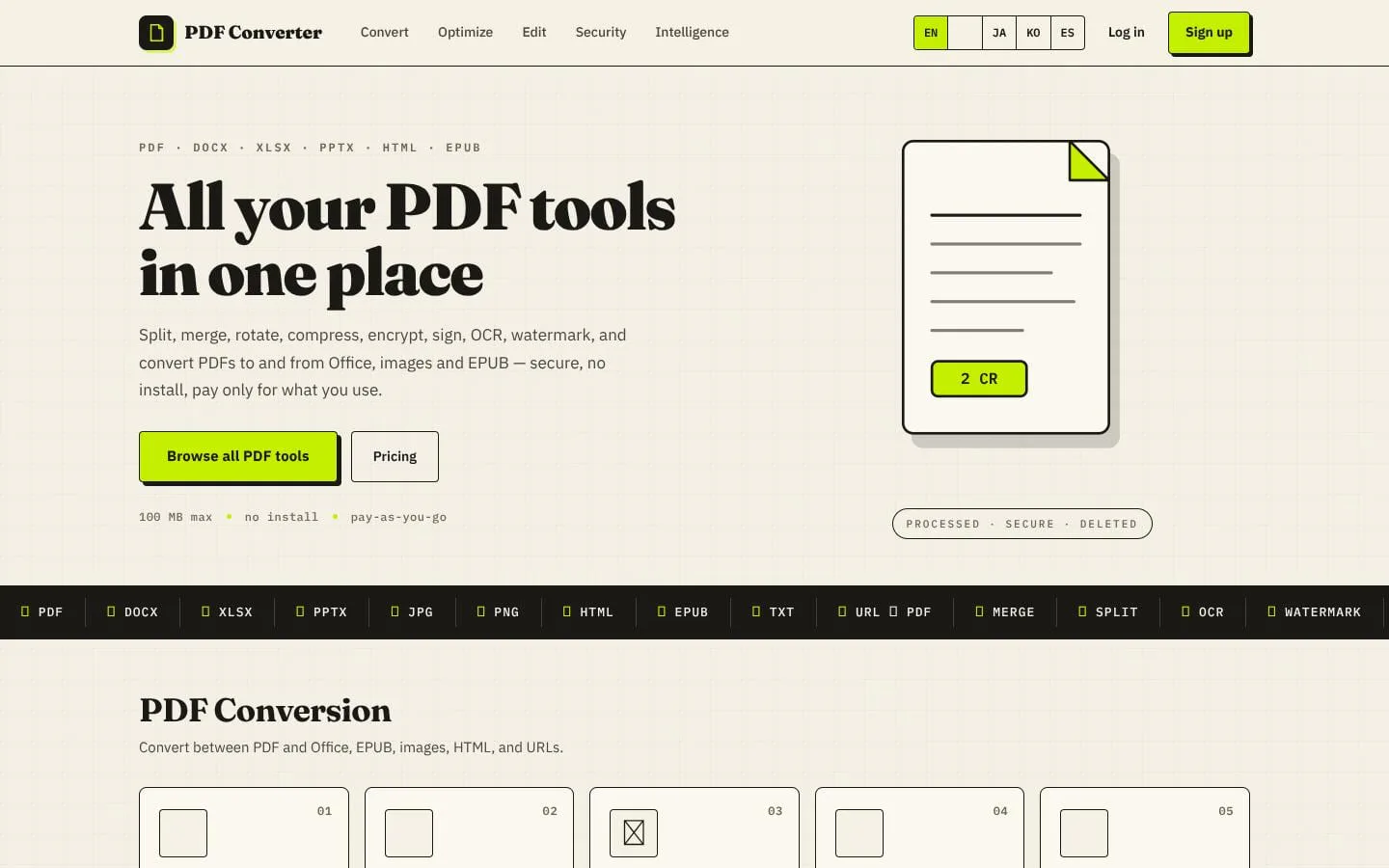
29 browser-based PDF tools - merge, split, compress, convert, OCR and edit. Pay per task, no subscription.
- Category
- Productivity
- Stage
- Mature
- For
- Individuals and teams who need to convert, edit, organize, or secure PDF documents in a browser.
About
A browser-based PDF toolkit with 25 tools for merging, splitting, converting, compressing, OCR, signing and protecting documents. Pay per file with one-time credits that never expire — no subscription, and failed jobs cost nothing.
Features
- Problem
- Documents need to move between PDF and other formats.
- How it works
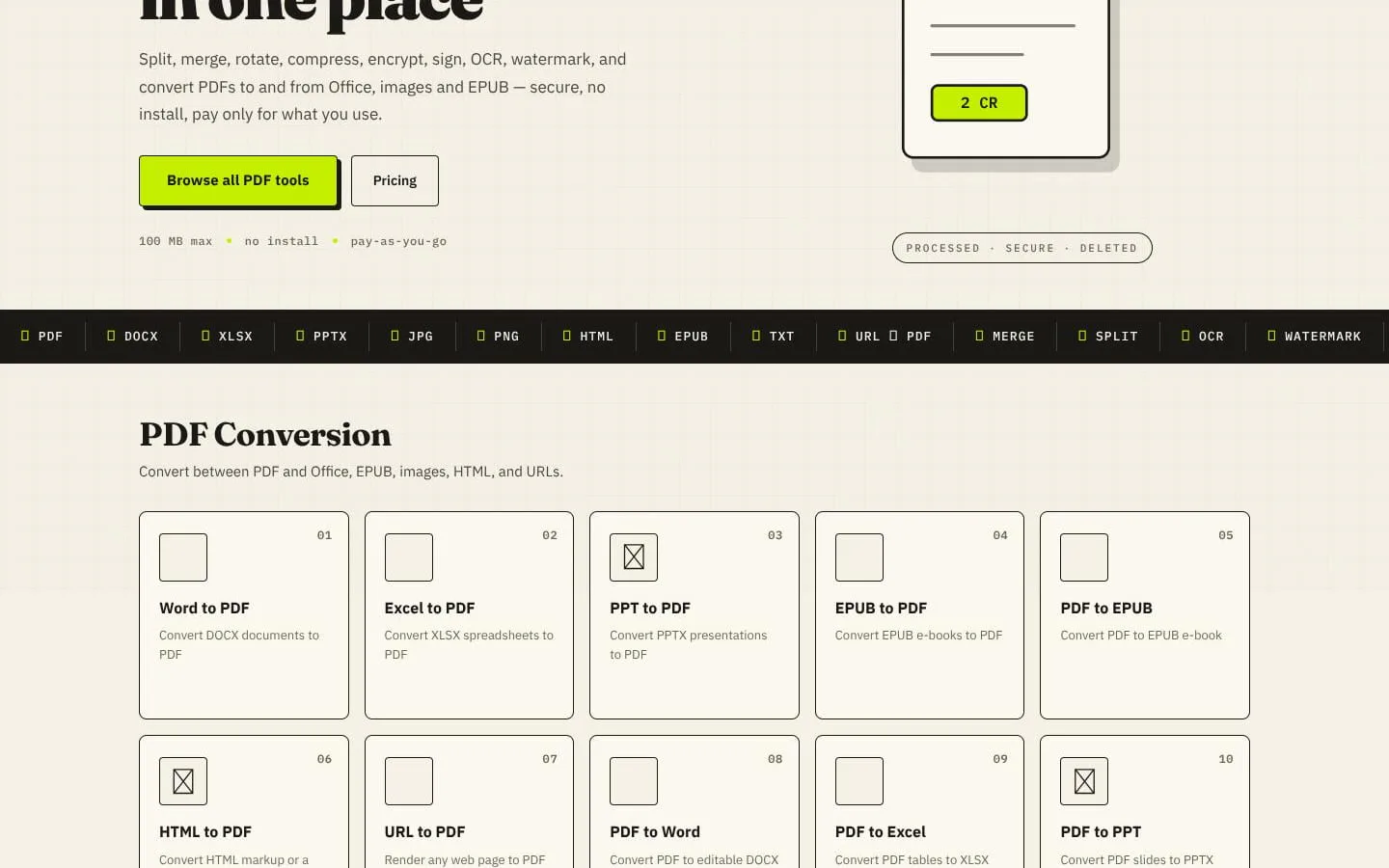
- Converts PDFs to and from Word, Excel, PowerPoint, images, EPUB, HTML, and URLs.
- Result
- Documents and web pages can be converted without installing software.
- Why
- People work across document types and need files in formats they can use or share.
- Problem
- PDFs may be too large or damaged for their intended use.
- How it works
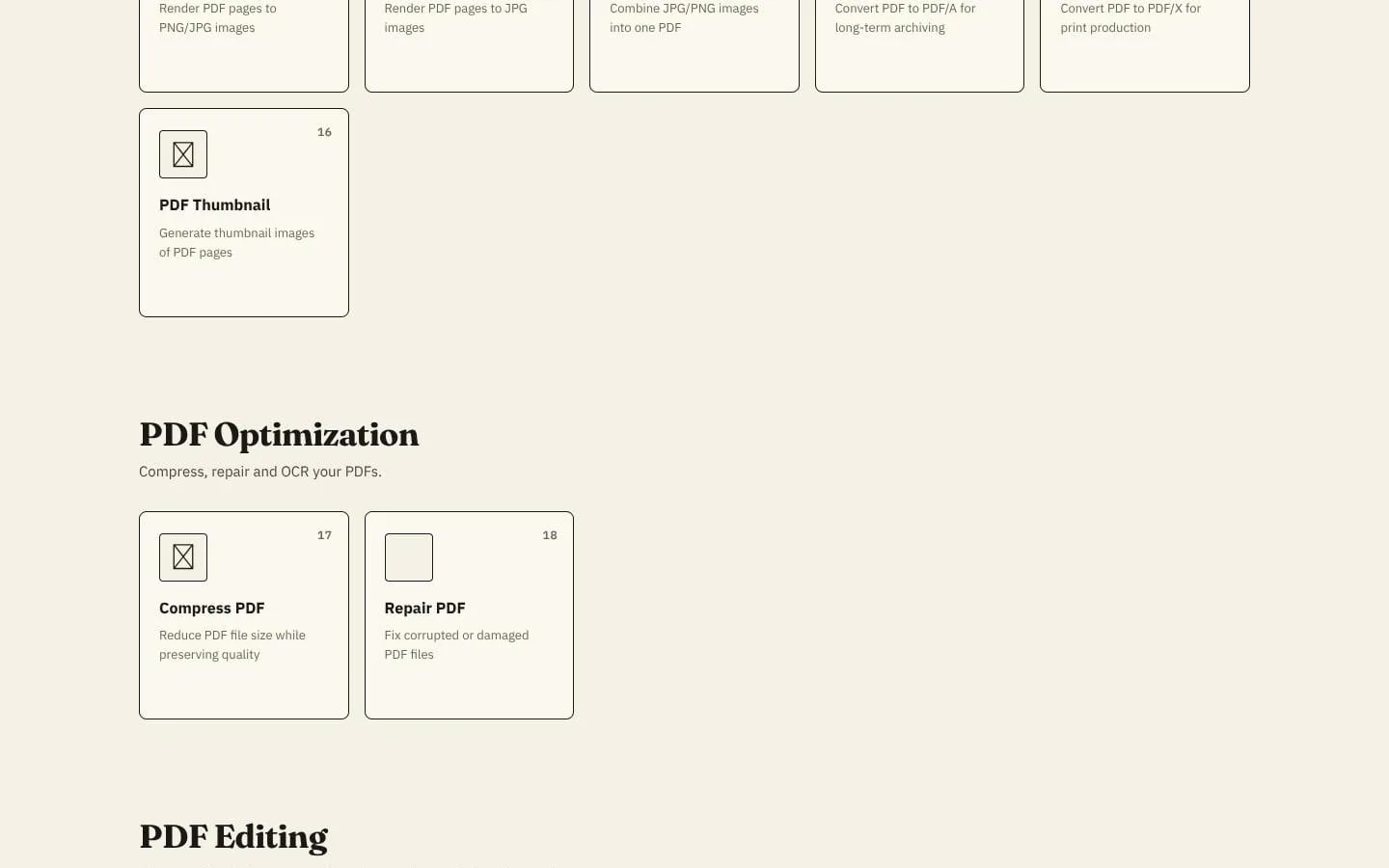
- Compresses PDFs and offers a repair tool for corrupted or damaged files.
- Result
- Users can reduce file size or attempt to restore a damaged PDF.
- Why
- Smaller, usable files are easier to email, upload, and work with.
- Problem
- PDF pages often need to be combined, separated, or adjusted.
- How it works
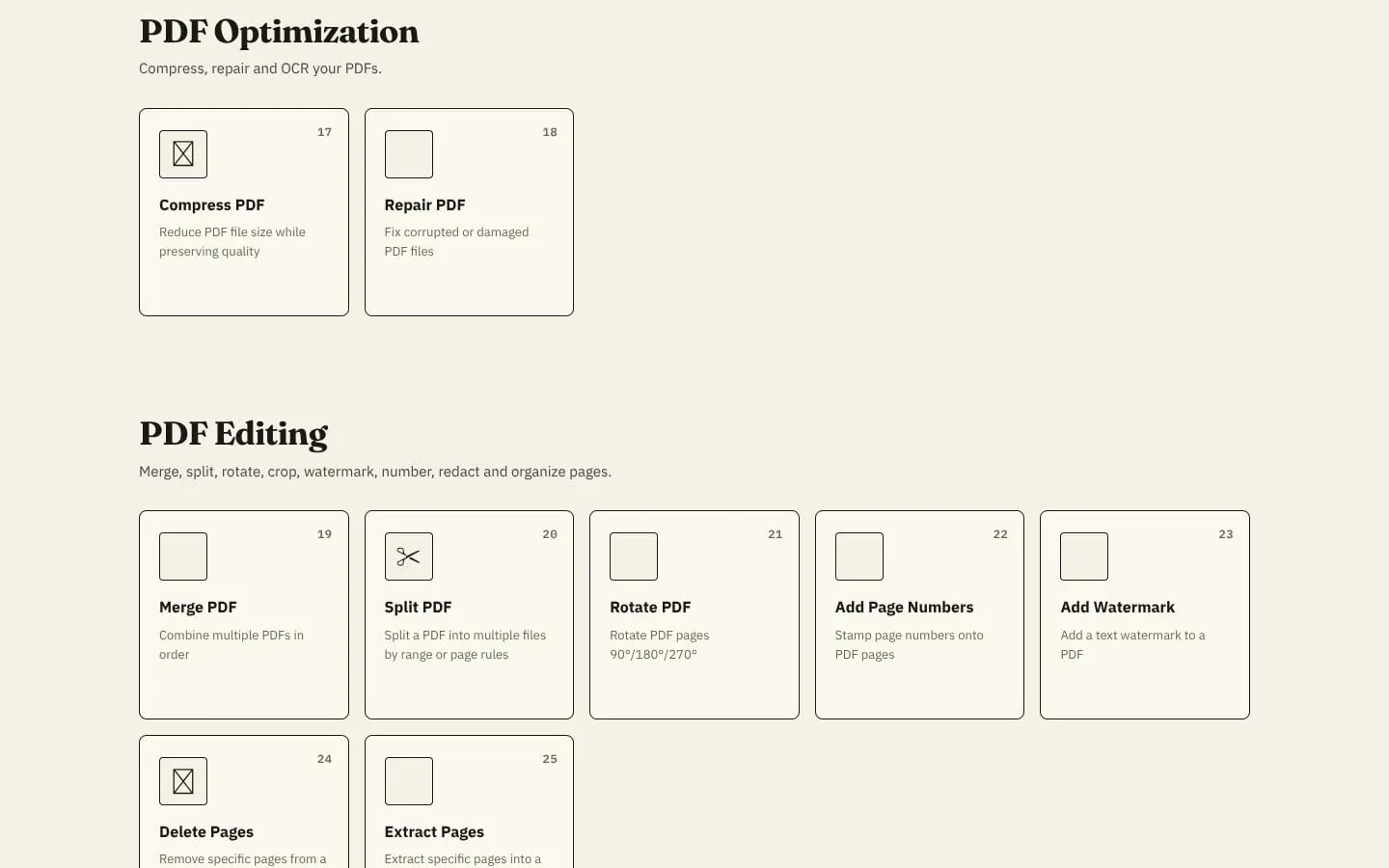
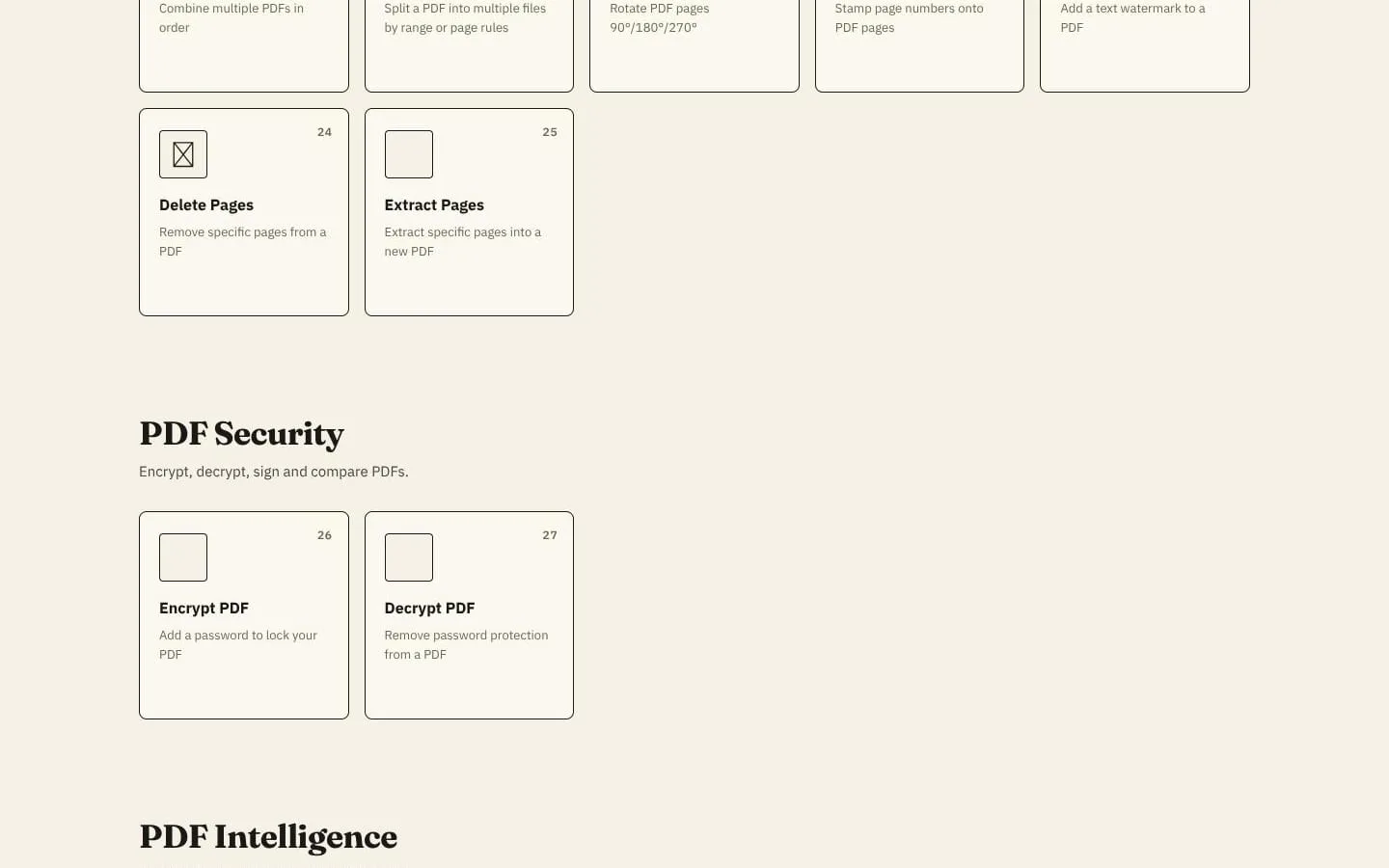
- Merges and splits PDFs, rotates pages, adds numbers or watermarks, and deletes or extracts pages.
- Result
- Users can produce a PDF organized for its intended purpose.
- Why
- Document workflows commonly require organizing content before sharing or submitting it.
- Problem
- Sensitive PDFs may need access controls.
- How it works
- Encrypts PDFs with a password and can remove password protection.
- Result
- Users can apply or remove password protection in the browser.
- Why
- Users may need to protect a document or unlock a file they are authorized to access.
- Problem
- Scanned PDFs and document contents can be difficult to search or reuse.
- How it works
- Runs OCR to make PDFs searchable and extracts plain text from PDFs.
- Result
- Users can search scanned PDFs and obtain text from documents.
- Why
- Recognized or extracted text is easier to find and reuse than content embedded only in a document.
- Problem
- Occasional users may not want an ongoing software subscription.
- How it works
- Charges credits per task; the pricing page lists 2 credits for most tools and conversions and 5 for OCR.
- Result
- A one-time credit pack can be used as needed, with no subscription.
- Why
- Users can pay for the jobs they run instead of maintaining a monthly plan.
- Problem
- Users may be concerned about file exposure or unnecessary retention.
- How it works
- Transfers files over HTTPS and deletes them after processing; results render in the browser.
- Result
- Files are not kept as a long-term library after the task completes.
- Why
- Processing without a long-term document library limits persistent file storage.
Product questions
What does PDF Converter do?
PDF Converter brings 29 browser-based tools together for converting, optimizing, editing, securing, and extracting information from PDFs. Users pay with credits per task, without a subscription.
Who is PDF Converter for?
Individuals and teams who need to convert, edit, organize, or secure PDF documents in a browser.
Screenshots