Content creation
Reeloria
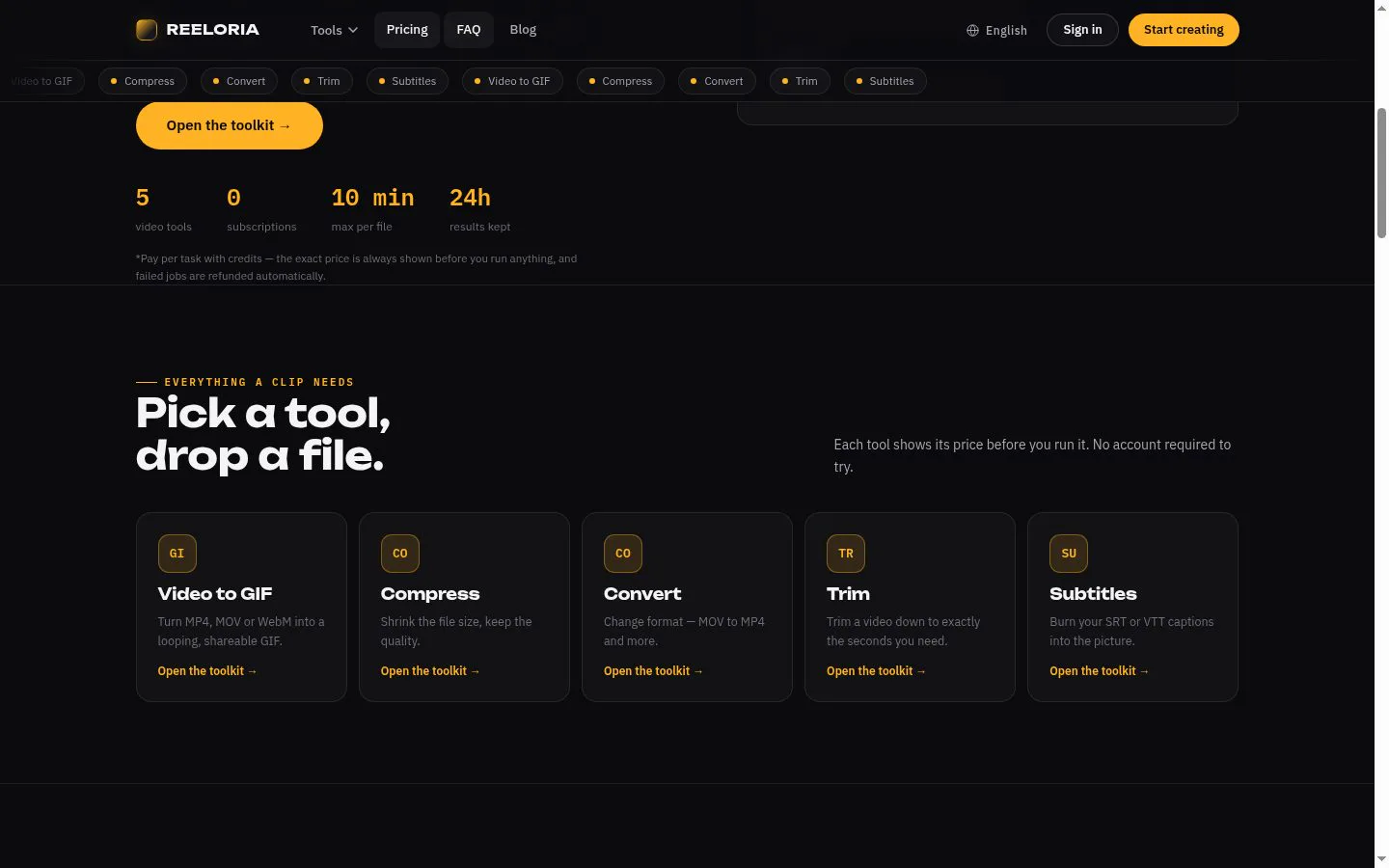
Video to GIF, compress, convert, trim. Pay per file, no plan.
- Category
- Content creation
- Stage
- Growth
- For
- People who need quick browser-based video conversions, compression, trimming, GIF creation, or burned-in subtitles.
About
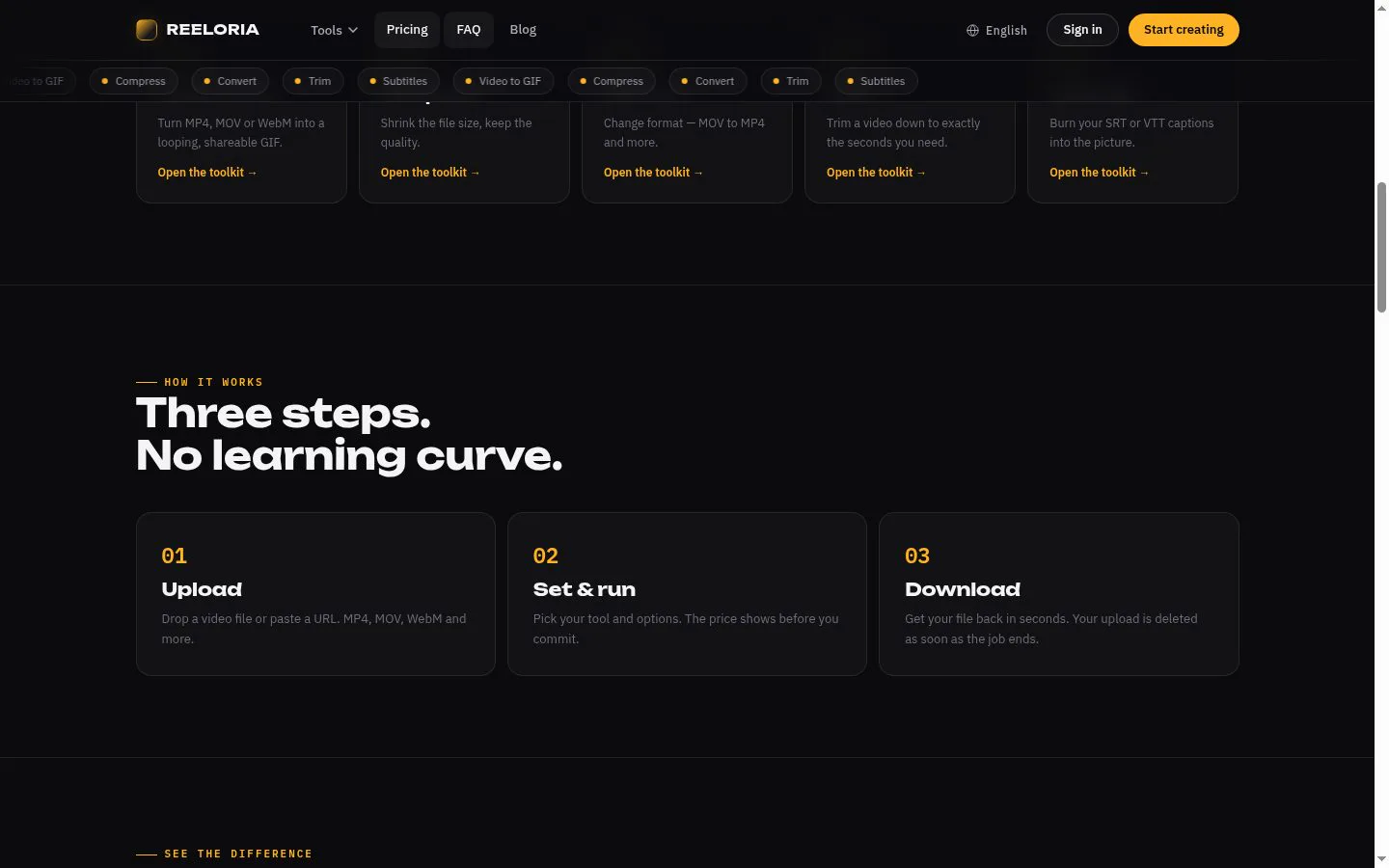
Browser video toolbox: convert clips to GIF, compress, change formats, trim and burn in subtitles. The price is shown before every run and only finished output is billed — pay per file with one-time credits, no subscription.
Features
- Problem
- A video clip is not as easy to share in chats, documents, or places without a video player.
- How it works
- Converts a selected portion of an MP4, MOV, or WebM clip into a looping GIF, with controls for the time range, width, and frame rate.
- Result
- A shareable GIF that loops automatically and has no audio.
- Why
- A shorter range and reduced dimensions or frame rate can help keep GIF files manageable.
- Problem
- Video files can be too large for email attachments, upload limits, or web pages.
- How it works
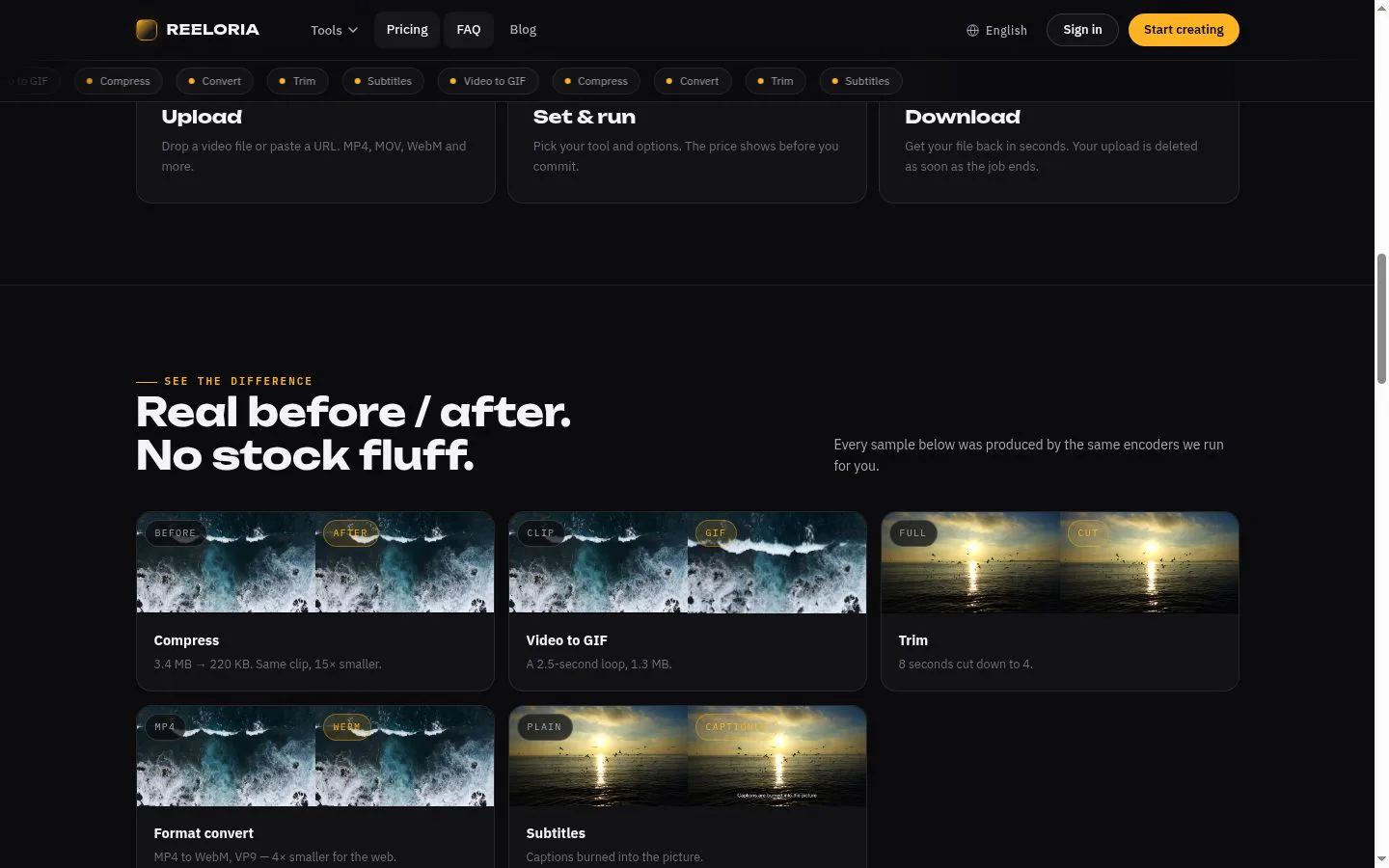
- Lets users choose a target size and re-encodes the video, reducing bitrate before resolution where possible.
- Result
- A compressed H.264 MP4 with AAC audio; the size aims for the selected target but is not guaranteed to match it exactly.
- Why
- Reducing bitrate first can preserve readable detail while shrinking the file.
- Problem
- A video may use a format or container that the intended player or workflow does not support.
- How it works
- Converts among supported video formats, with one output format per job.
- Result
- A converted video in a selected supported format.
- Why
- Choosing a compatible delivery format can make a file easier to play or use in another workflow.
- Problem
- A clip contains unwanted footage or needs to fit a specific duration.
- How it works
- Users enter start and end times in seconds; Reeloria re-encodes that range into a new video.
- Result
- A new MP4 containing the chosen range, with audio trimmed to the same timecodes.
- Why
- Time-based trimming provides precise cut points without dragging timeline handles.
- Problem
- Separate subtitle files can be ignored, switched off, or unavailable in muted autoplay feeds.
- How it works
- Burns an existing SRT, VTT, or ASS subtitle file into the video image; ASS positioning, fonts, and colours are preserved.
- Result
- A captioned video with subtitles permanently rendered as pixels; the tool does not generate transcripts.
- Why
- Captions rendered into the picture remain visible without a player subtitle setting.
- Problem
- Subscription pricing can be inconvenient for occasional file processing, and users may not know the cost in advance.
- How it works
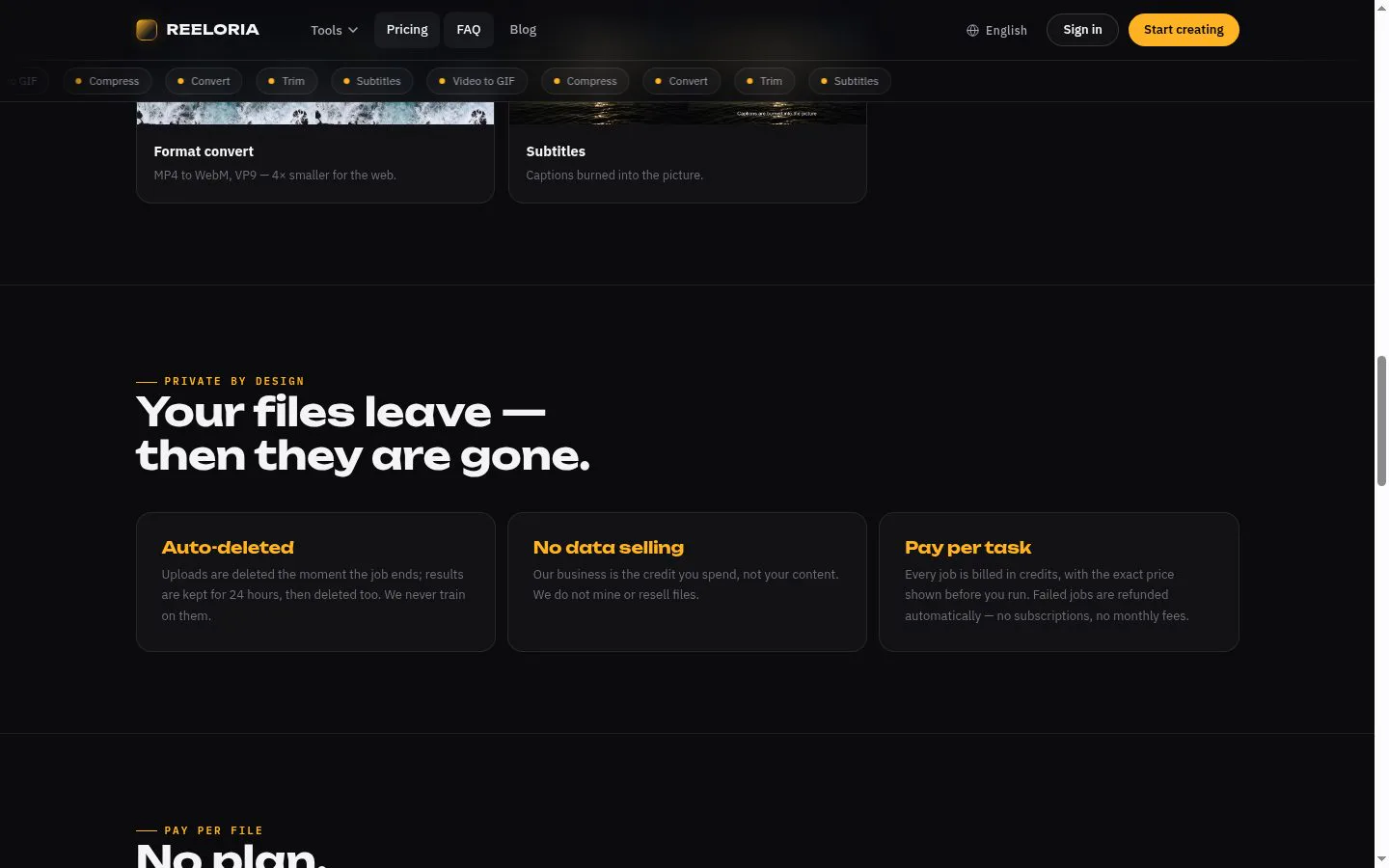
- Charges credits per task, displays the price before a run, and automatically refunds failed jobs.
- Result
- Users pay for completed processing tasks, and credits do not expire.
- Why
- Up-front per-file pricing supports occasional use without a monthly plan.
Product questions
What does Reeloria do?
Reeloria is a browser-based toolkit for turning video clips into GIFs, compressing or converting files, trimming clips, and burning existing subtitles into video. Users pay per task with credits, with the price shown before processing.
Who is Reeloria for?
People who need quick browser-based video conversions, compression, trimming, GIF creation, or burned-in subtitles.
Screenshots