Marketing tools
GMB Scraper
Export public Google Maps business data to CSV/XLSX, no code.
- Category
- Marketing tools
- Stage
- Growth
- For
- Sales and marketing teams, lead-generation professionals, local SEO specialists, and market researchers seeking local business data.
About
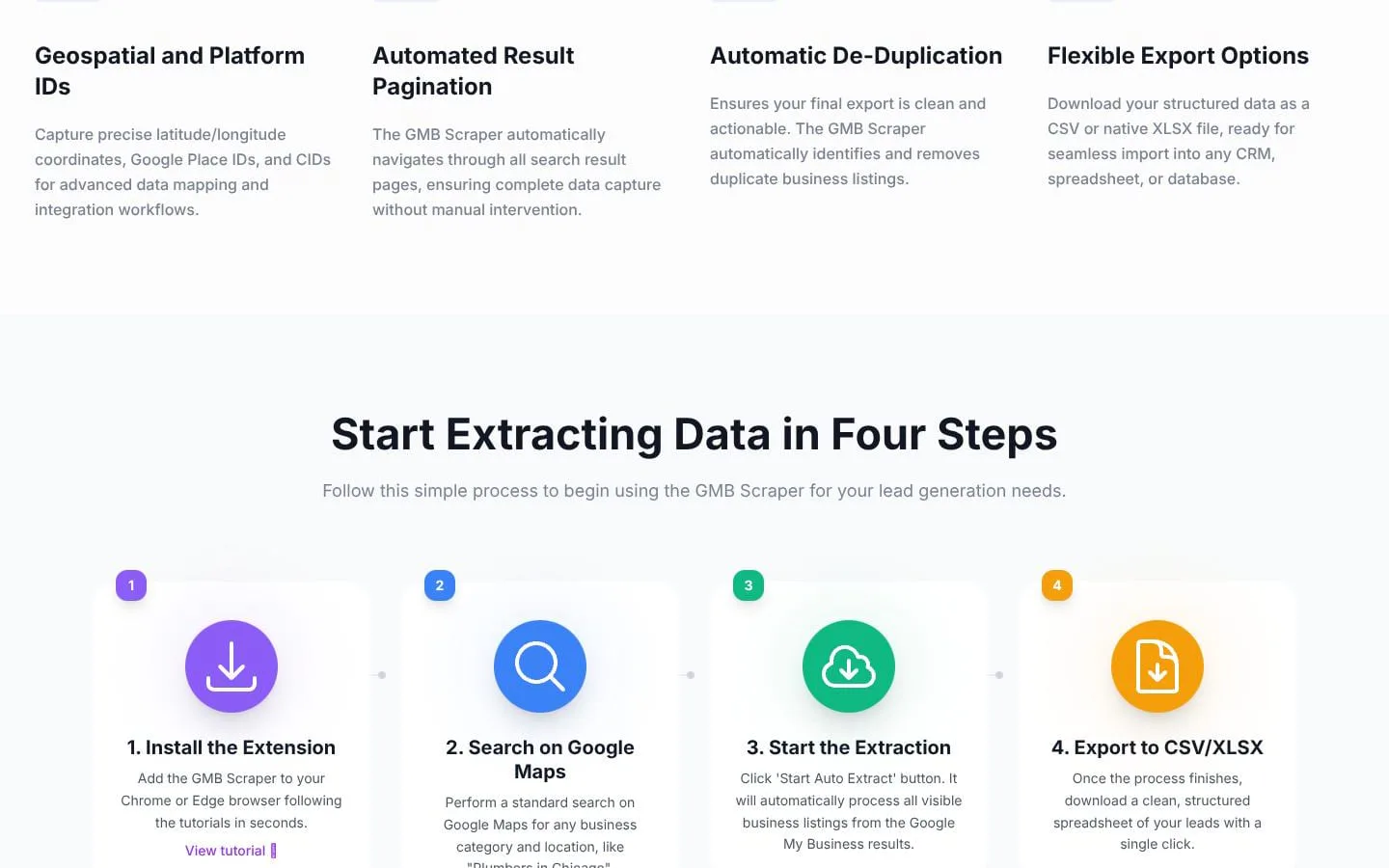
A Chrome extension I use to collect public Google Maps business listings into a spreadsheet. It grabs name, phone, website, emails found on the linked site, social links, hours, ratings, review counts, Place ID and coordinates, then exports CSV or XLSX. Free plan includes 200 records.
Features
- Problem
- Manually gathering business contact information is slow and fragmented.
- How it works
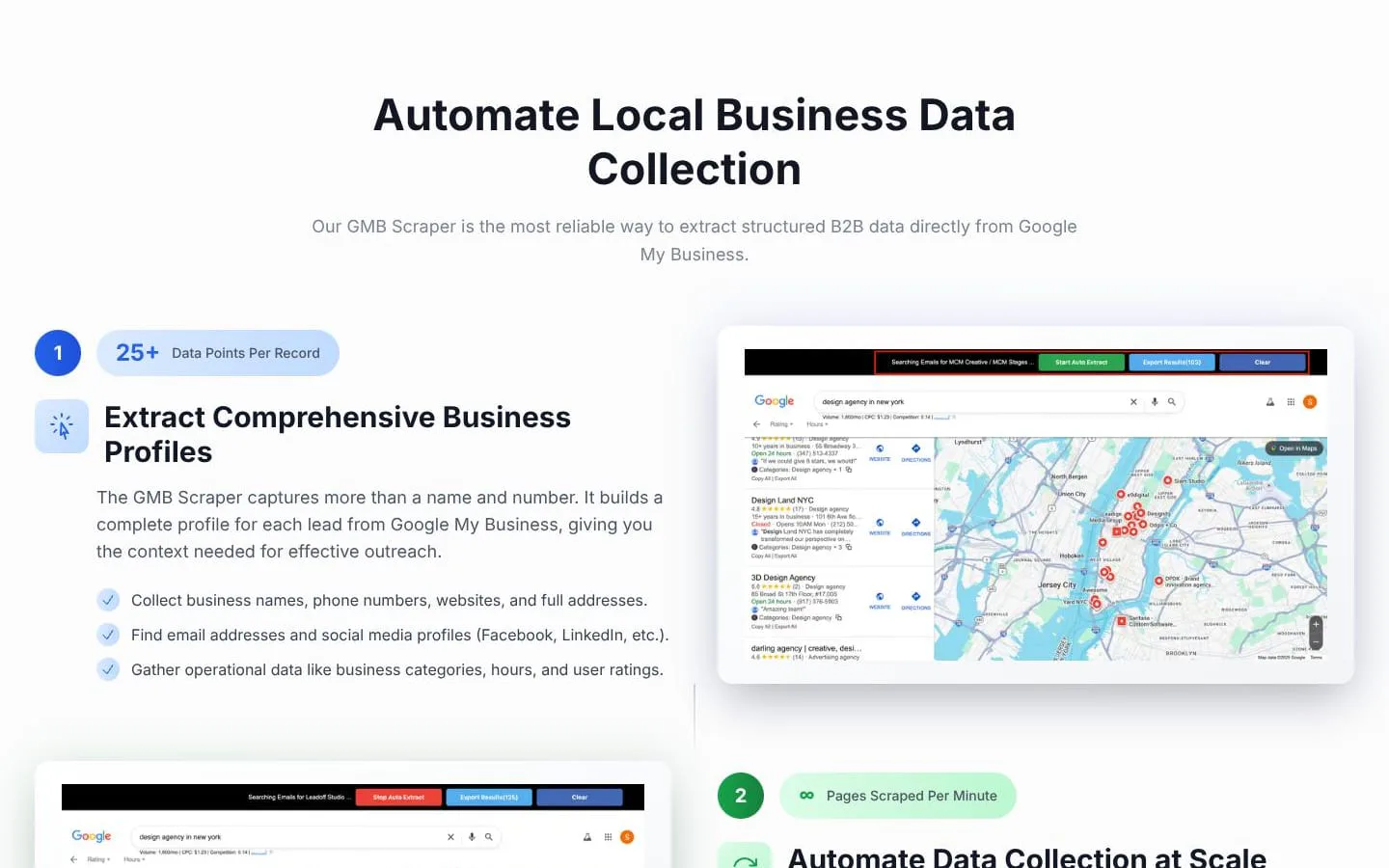
- Collects business names, addresses, phone numbers, websites, categories, operating hours, ratings, and review metrics from public listings.
- Result
- Richer lead records in one dataset.
- Why
- A structured business profile gives teams useful context for prospecting and local-market analysis.
- Problem
- Relevant contact and social links may be scattered across business websites and profiles.
- How it works
- Scans linked business websites for publicly listed professional email addresses and collects social profile links.
- Result
- Business records with discovered emails and social URLs.
- Why
- Additional contact channels can support outreach and research.
- Problem
- Collecting results across many search pages requires repetitive manual work.
- How it works
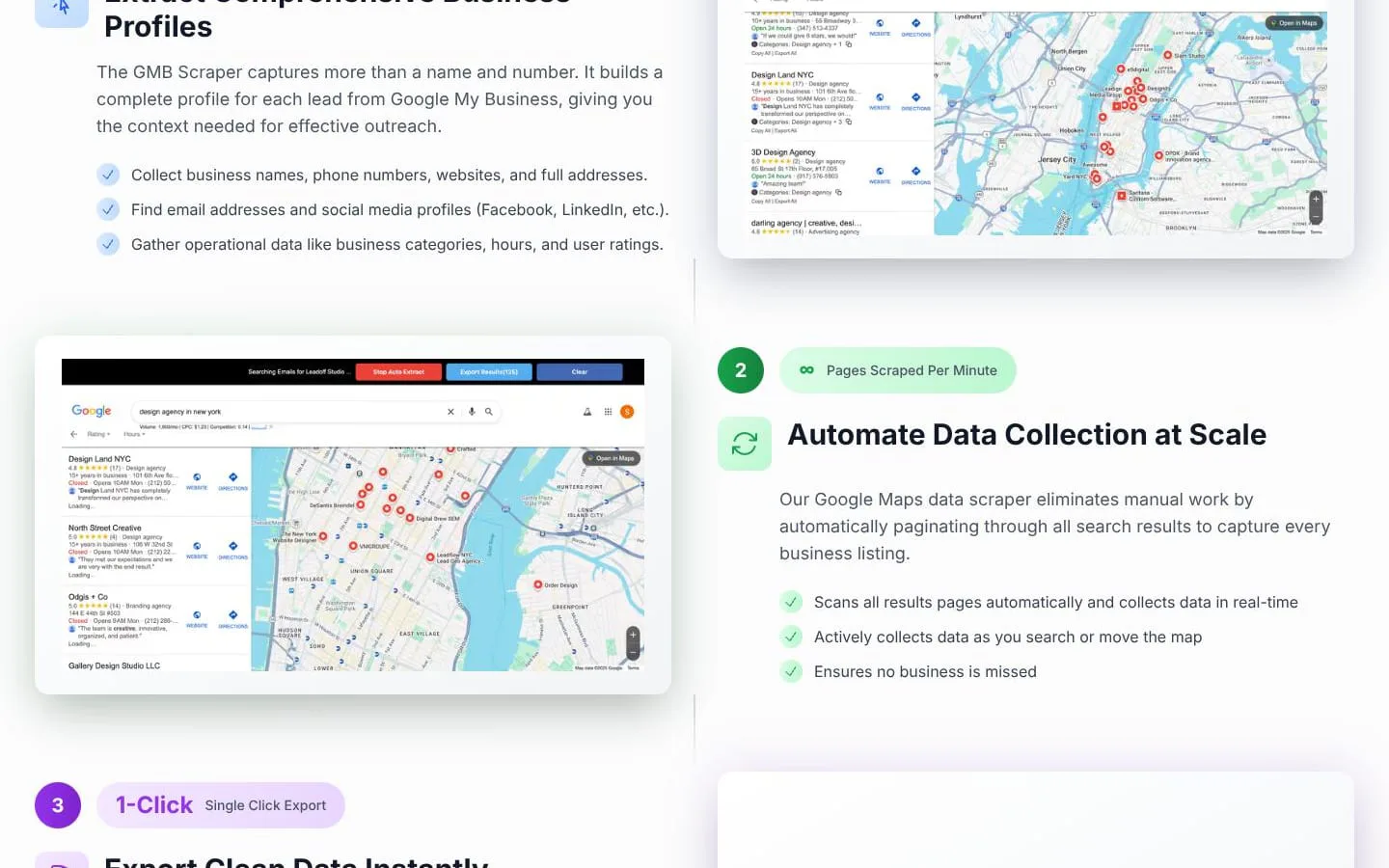
- Automatically scans and paginates search results, collecting listings during searches or map movement.
- Result
- A broader set of local listings gathered with less manual effort.
- Why
- Automated collection reduces repetitive browsing and helps capture more results.
- Problem
- Repeated listings can make exported lead lists harder to use.
- How it works
- Identifies and removes duplicate business listings before export.
- Result
- A cleaner, more actionable lead list.
- Why
- Deduplication keeps the resulting dataset cleaner.
- Problem
- Collected data needs to be easy to move into existing workflows.
- How it works
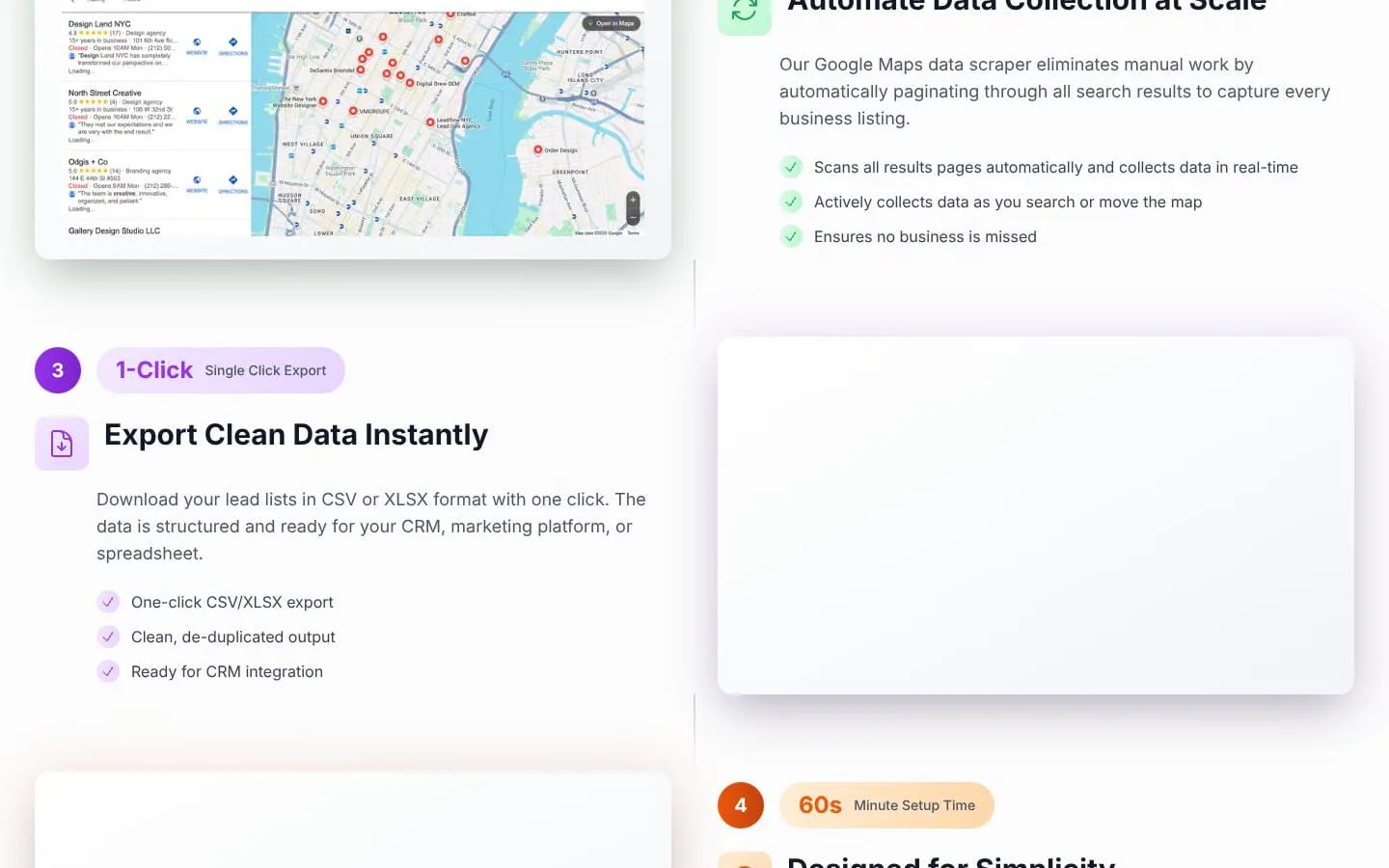
- Exports structured records to CSV or XLSX with one click.
- Result
- Lead data ready for downstream use.
- Why
- Spreadsheet formats can be imported into CRM, marketing, and research workflows.
Product questions
What does GMB Scraper do?
GMB Scraper is a no-code Chrome or Edge extension that collects structured business information from public Google My Business listings and exports it to CSV or XLSX.
Who is GMB Scraper for?
Sales and marketing teams, lead-generation professionals, local SEO specialists, and market researchers seeking local business data.
Screenshots