AI
Google Search
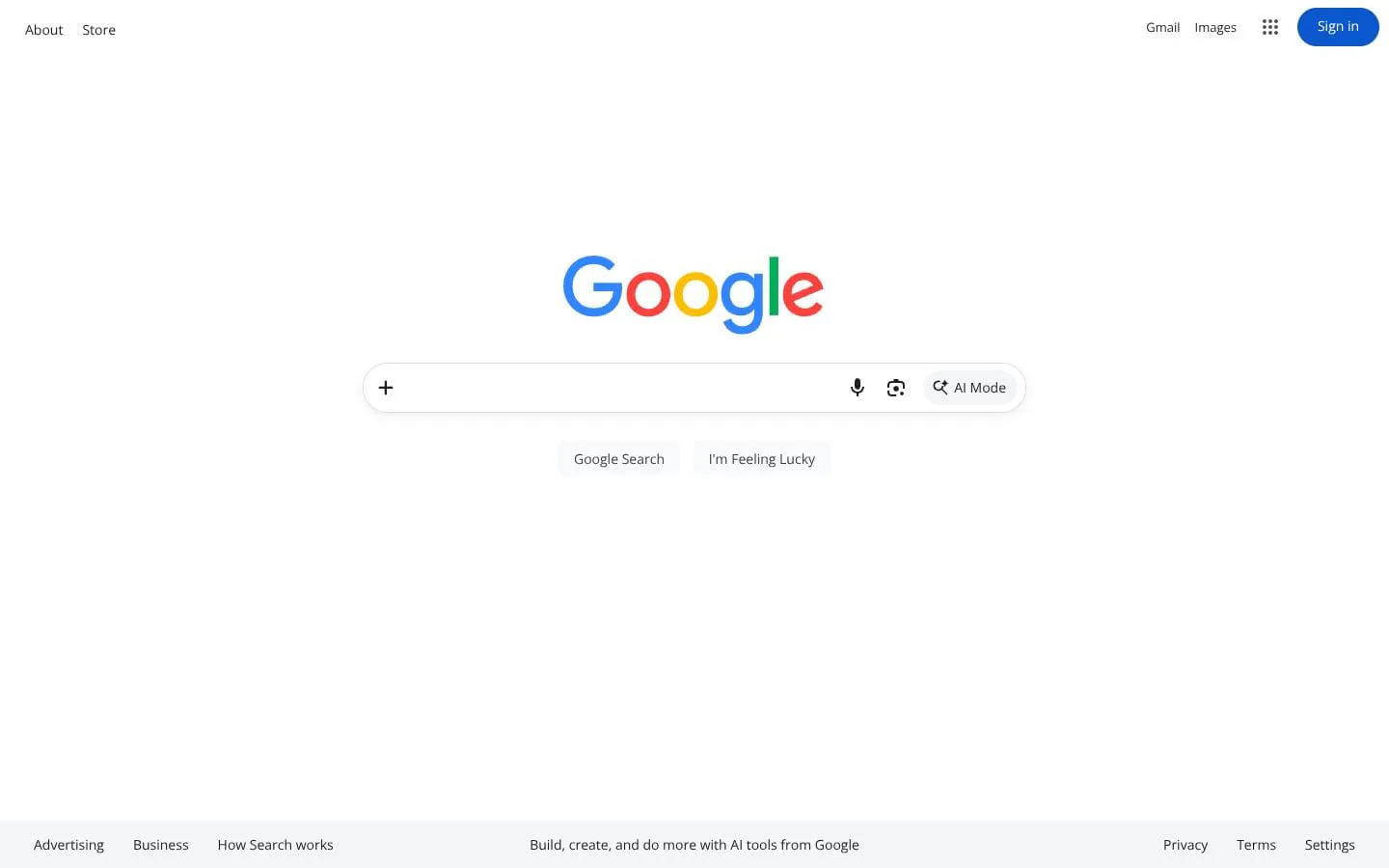
Ask anything and get an AI-powered response. Then, keep exploring with follow-up questions and web links.
- Category
- AI
- Stage
- Mature
- For
- Consumers and anyone seeking information on the web.
- Platforms
- Web, Android
About
Google’s web search service, with AI-powered search responses, image search, voice search, Lens, and advanced filtering.
Use cases
- Web search
- Image search
- Voice search
- Visual search with Lens
- Advanced research filtering
- AI-assisted questions
Features
- Problem
- A question may need more than a list of results.
- How it works
- AI Mode lets users ask anything, receive an AI-powered response, and continue with follow-up questions and web links.
- Result
- Users can investigate a topic conversationally while retaining paths to the web.
- Why
- It turns a one-off query into an exploratory search flow.
- Problem
- Information may be present in an object, image, or on-screen content rather than text.
- How it works
- Lens searches using a camera, an image, or what is on the screen.
- Result
- Users can look up visual content and real-world items.
- Why
- Visual input expands search beyond typed keywords.
- Problem
- Mobile users may want to search directly from what they are viewing.
- How it works
- Circle to Search lets Android users circle, highlight, or tap to search anything on their device.
- Result
- Users can begin a search from contextual on-device content.
- Why
- It removes the need to manually describe on-screen content.
- Problem
- Broad searches can return too many unsuitable results.
- How it works
- Advanced Search filters by included or excluded terms, exact phrases, site or domain, file type, update date, language, region, and usage rights.
- Result
- Users can narrow results to more relevant pages.
- Why
- Structured controls make result criteria explicit.
- Problem
- Search preferences and content controls vary by user.
- How it works
- Search Settings offers search customization, SafeSearch controls, language and region preferences, dark theme, spoken answers, and trending-search autocomplete settings.
- Result
- Search can better match individual preferences and safety needs.
- Why
- Users can tailor result relevance, presentation, and content filtering.
Why it is different
- AI Mode with follow-up questions and web links
- Lens searches camera, image, and on-screen content
- Advanced filters for format, date, language, region, and rights
- Search customization and SafeSearch controls
Screenshots