AI
Beckon
Summon any AI agent with what's on your screen.
- Category
- AI
- Stage
- Growth
- For
- Mac users who work with AI agents and want to provide screen context, ask questions, and track usage across their agents.
About
Press one shortcut on your Mac to hand the page, PDF, project or selection you're looking at to Claude, ChatGPT, Codex, Cursor or any agent. Usage for all in one menu.
Features
- Problem
- Switching apps and copying context interrupts the task at hand.
- How it works
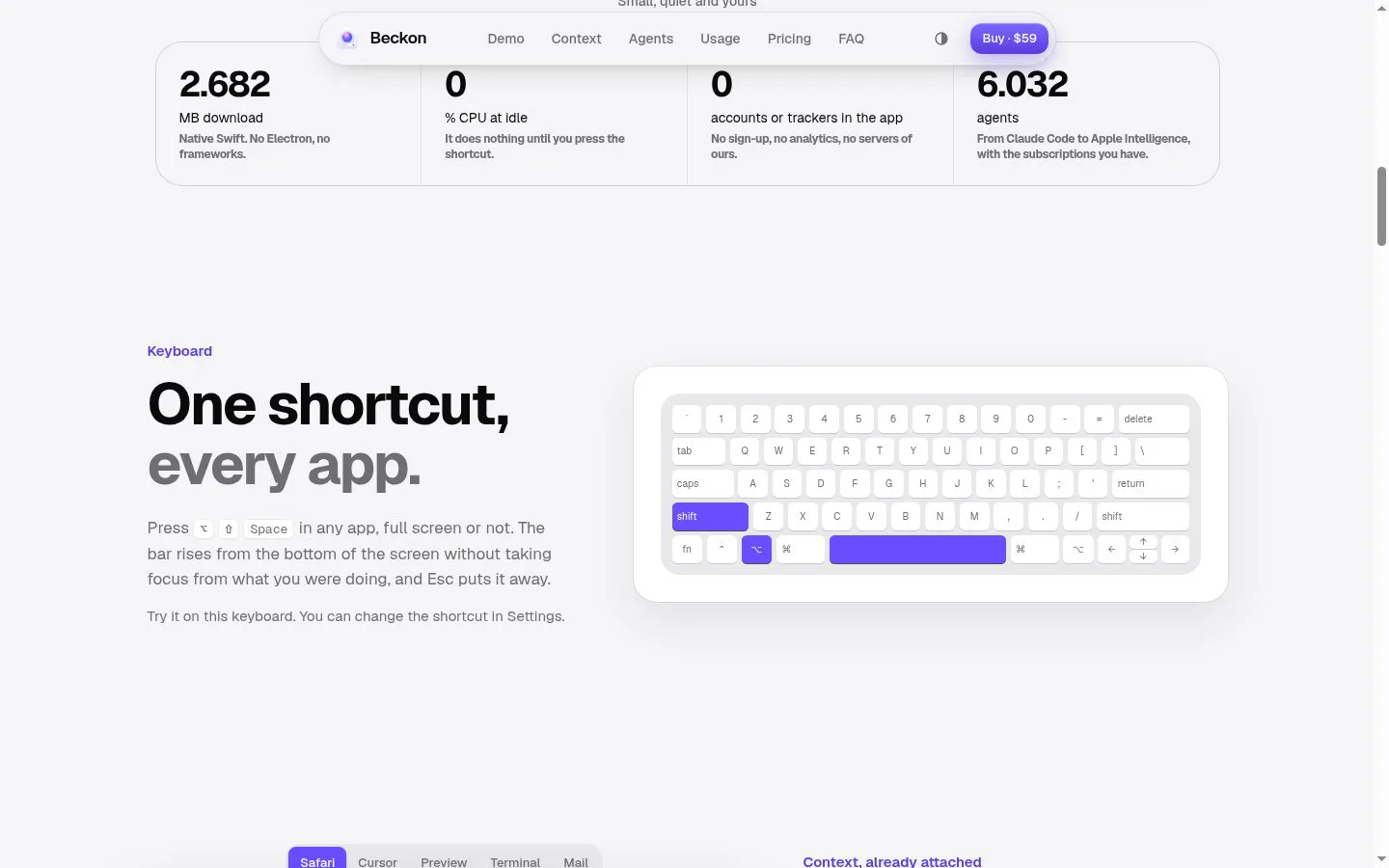
- A configurable keyboard shortcut opens a bar from any app, including full-screen apps, without taking focus.
- Result
- Users can ask questions without first moving to a separate chat window.
- Why
- Make it possible to ask an agent while staying in the current workflow.
- Problem
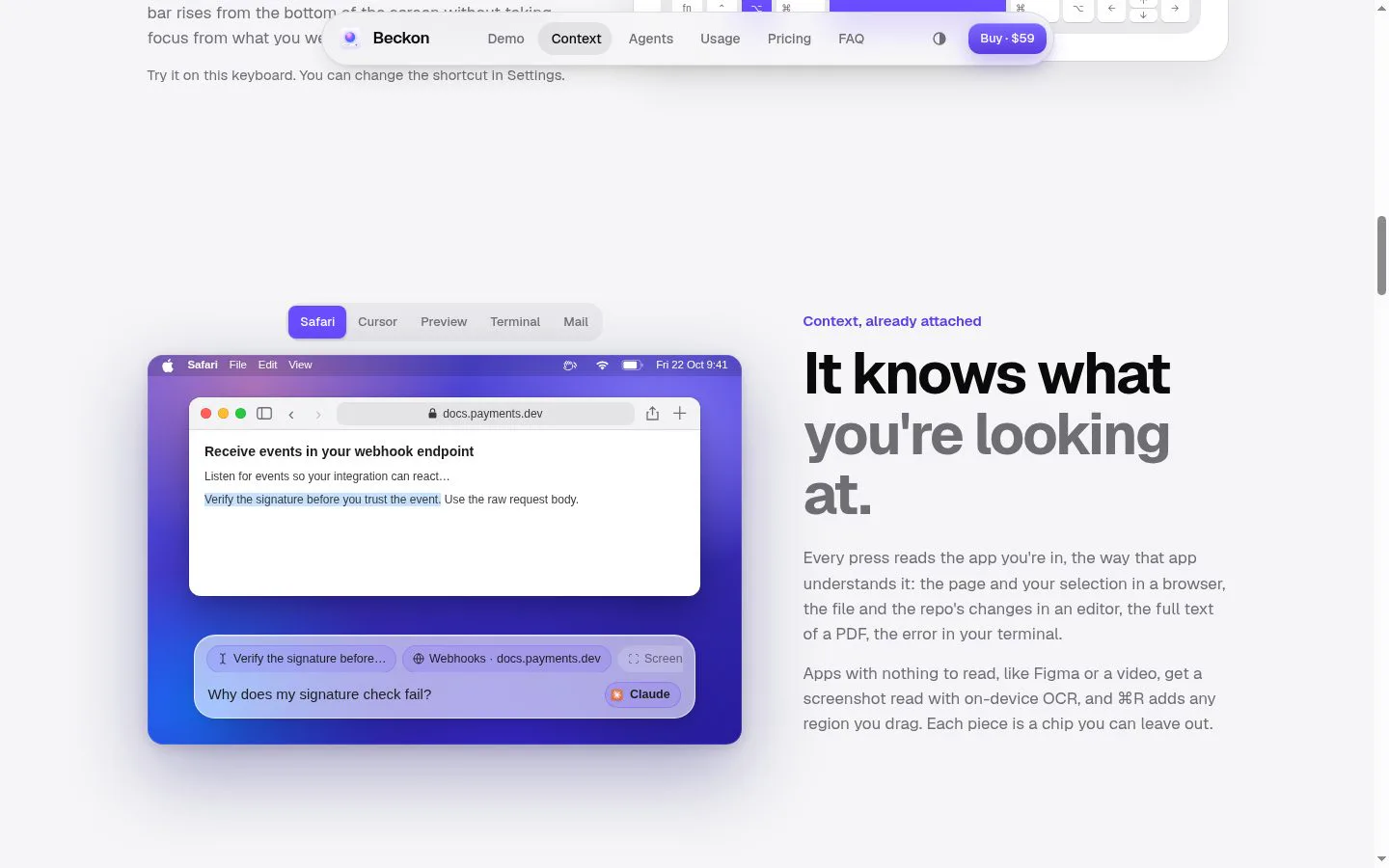
- Agents need the relevant page, file, selection, or screen content to answer useful questions.
- How it works
- Beckon captures readable app context and presents it as removable chips; it can also use on-device OCR for screenshots and selected regions.
- Result
- An agent receives selected screen context when the user sends the question.
- Why
- Give users control over the context that accompanies a request.
- Problem
- Answers and follow-up work can require more app switching.
- How it works
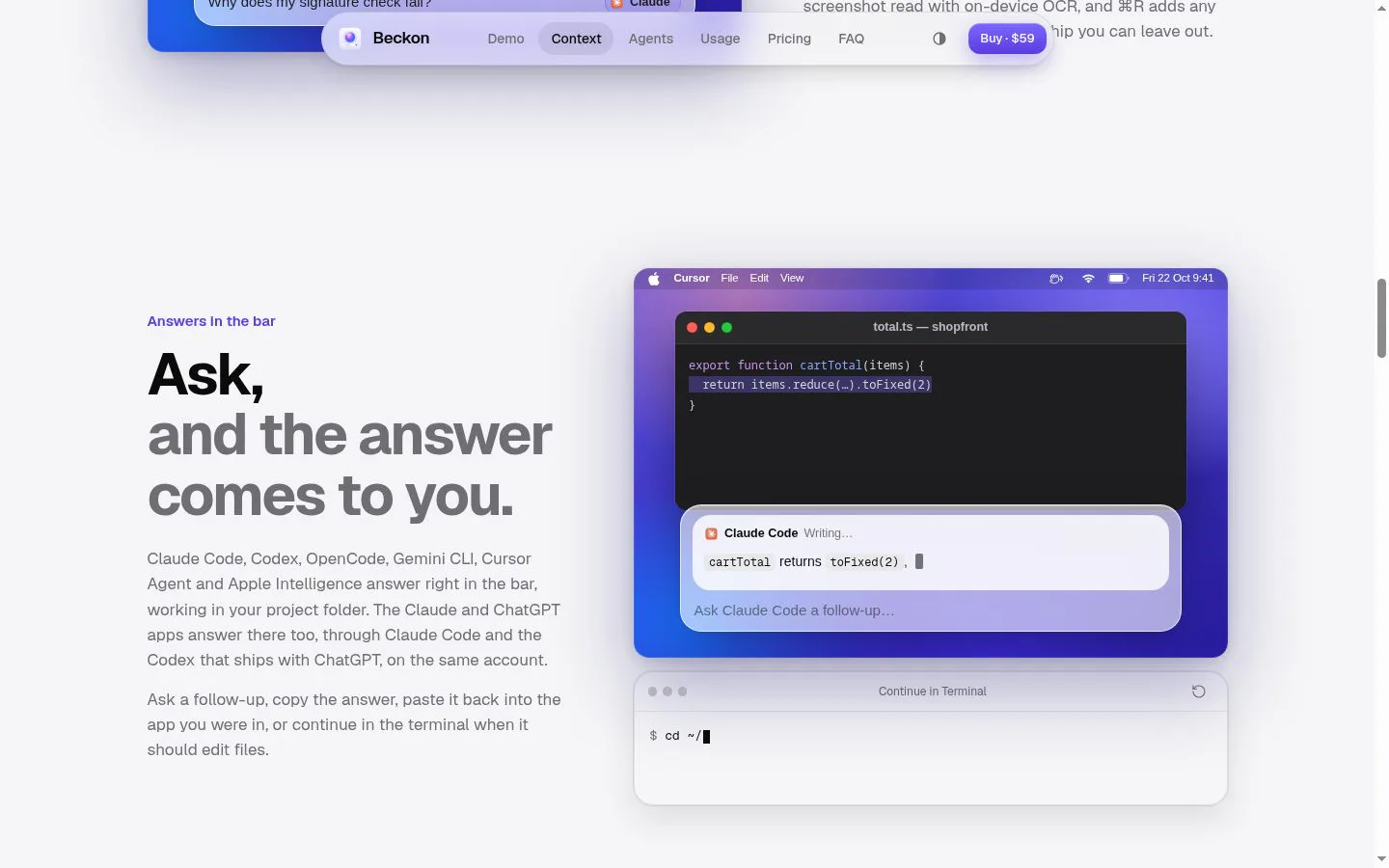
- Supported agents answer in Beckon’s bar, with follow-ups and options to copy or paste the answer back into the originating app.
- Result
- Users can continue in their original app or move work to a terminal when needed.
- Why
- Keep the question-and-answer loop close to the task.
- Problem
- People may use several agents and subscriptions across different workflows.
- How it works
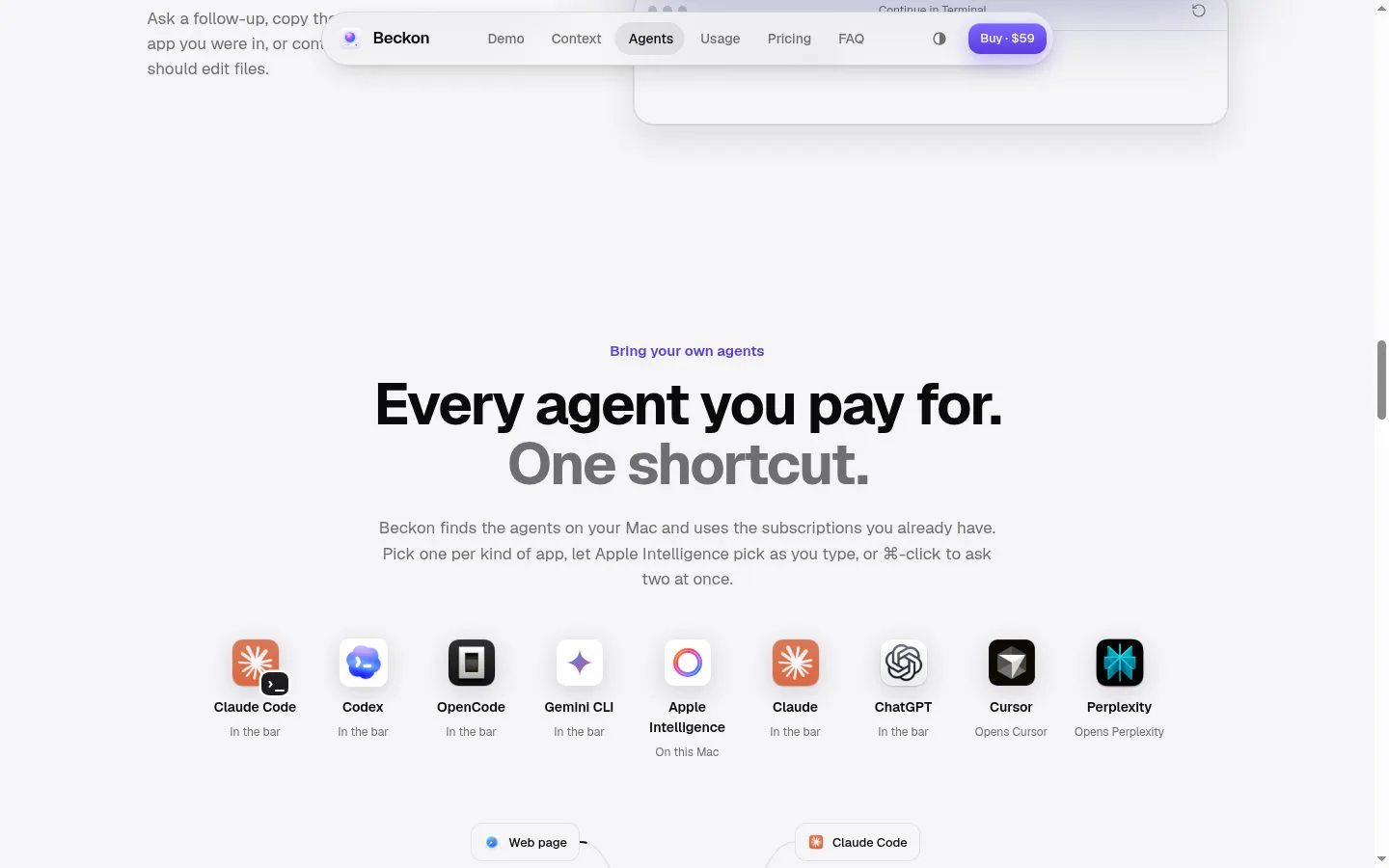
- Beckon detects supported agents on the Mac, allows defaults by app, and can send a question to two agents at once.
- Result
- Users can choose an agent for the current task or compare two responses.
- Why
- Make existing agents and subscriptions accessible from one shortcut.
- Problem
- Agent limits, token counts, and costs are distributed across separate tools.
- How it works
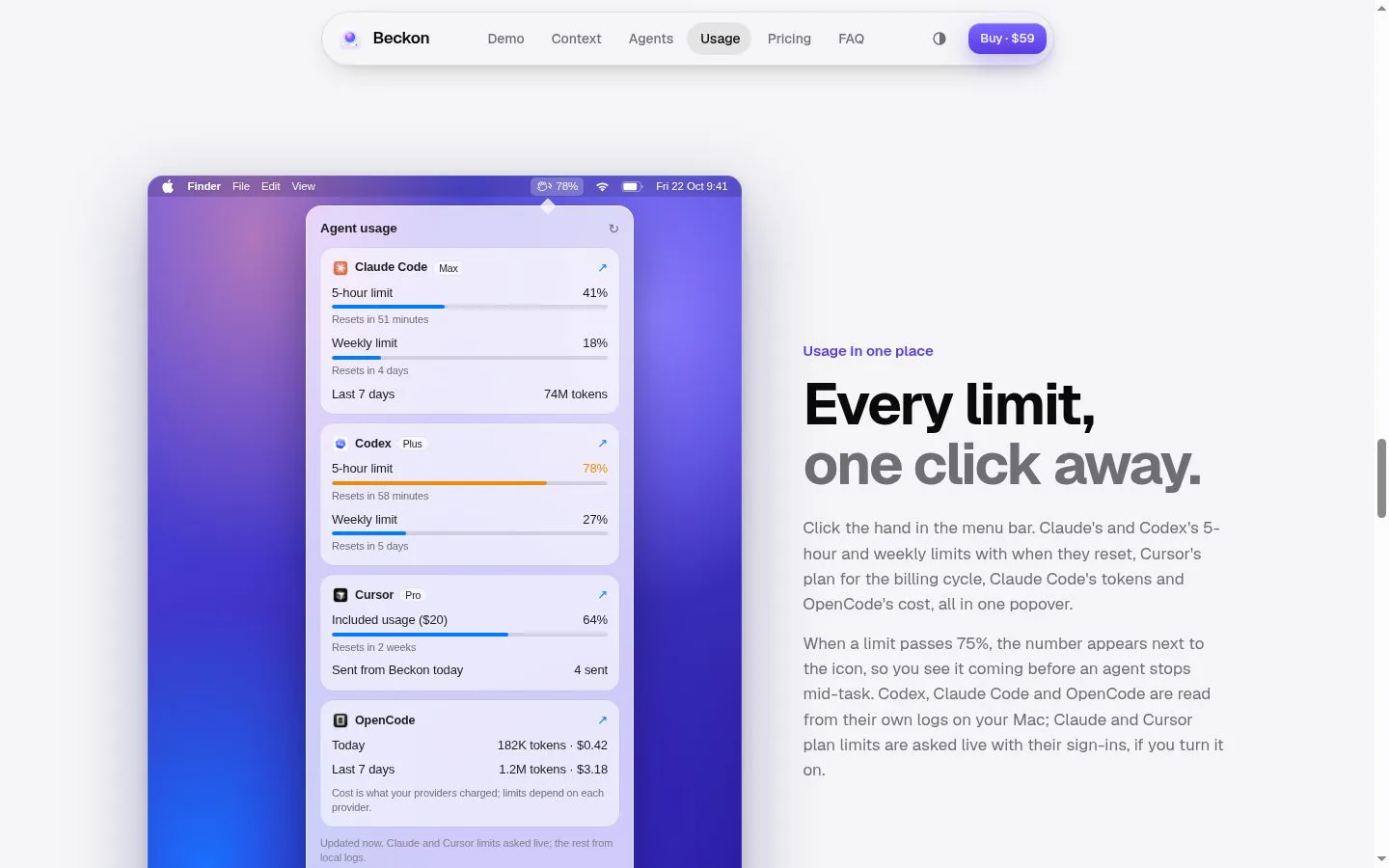
- A menu-bar panel shows available usage information for supported agents, including limits, reset times, tokens, and costs; some plan limits are fetched live when enabled.
- Result
- Users can review supported agents’ usage in one place and see a warning indicator when a limit passes 75%.
- Why
- Make usage easier to check before an agent reaches a limit.
- Problem
- Sensitive screen content should not be sent automatically or without review.
- How it works
- Beckon reads only after the shortcut is pressed, lets users remove context chips, masks API keys and tokens, and does not read password fields or password managers.
- Result
- Context is sent only when the user submits a request to an agent.
- Why
- Keep capture and sending under the user’s control.
Product questions
What does Beckon do?
Beckon is a macOS app that attaches on-screen context to questions for AI agents, shows their answers in a shortcut bar, and brings usage information into one menu-bar panel.
Who is Beckon for?
Mac users who work with AI agents and want to provide screen context, ask questions, and track usage across their agents.
Screenshots