Productivity
Emote Resizer
Resize PNG and GIF emotes locally in your browser
- Category
- Productivity
- Stage
- Growth
- For
- Streamers, community moderators, and creators who prepare emotes, badges, and stickers for Twitch, Discord, 7TV, and related platforms.
- Platforms
- Web
- Pricing
- Free to use. No account required.
About
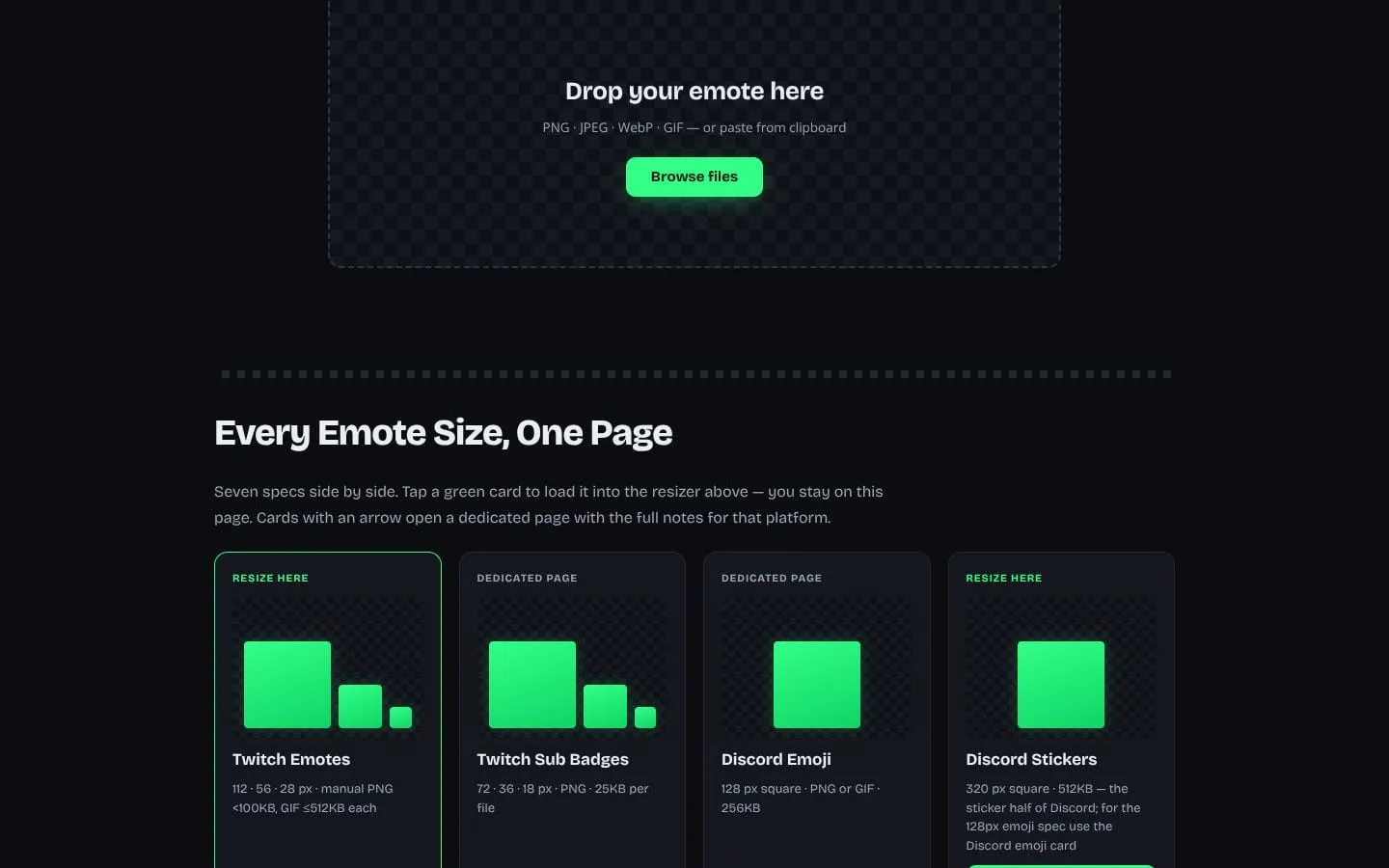
Emote Resizer is a free browser tool for preparing PNG and animated GIF emotes for Twitch, Discord and 7TV. Select preset dimensions, review file-size warnings and download individual files or a batch ZIP. Processing happens locally in the browser and no account is required. I am Winson, the maker of this tool. Try the tool at https://emoteresize.com/ . Revenue is not disclosed.
Use cases
- Prepare community emote dimensions
- Resize animated GIF and PNG artwork
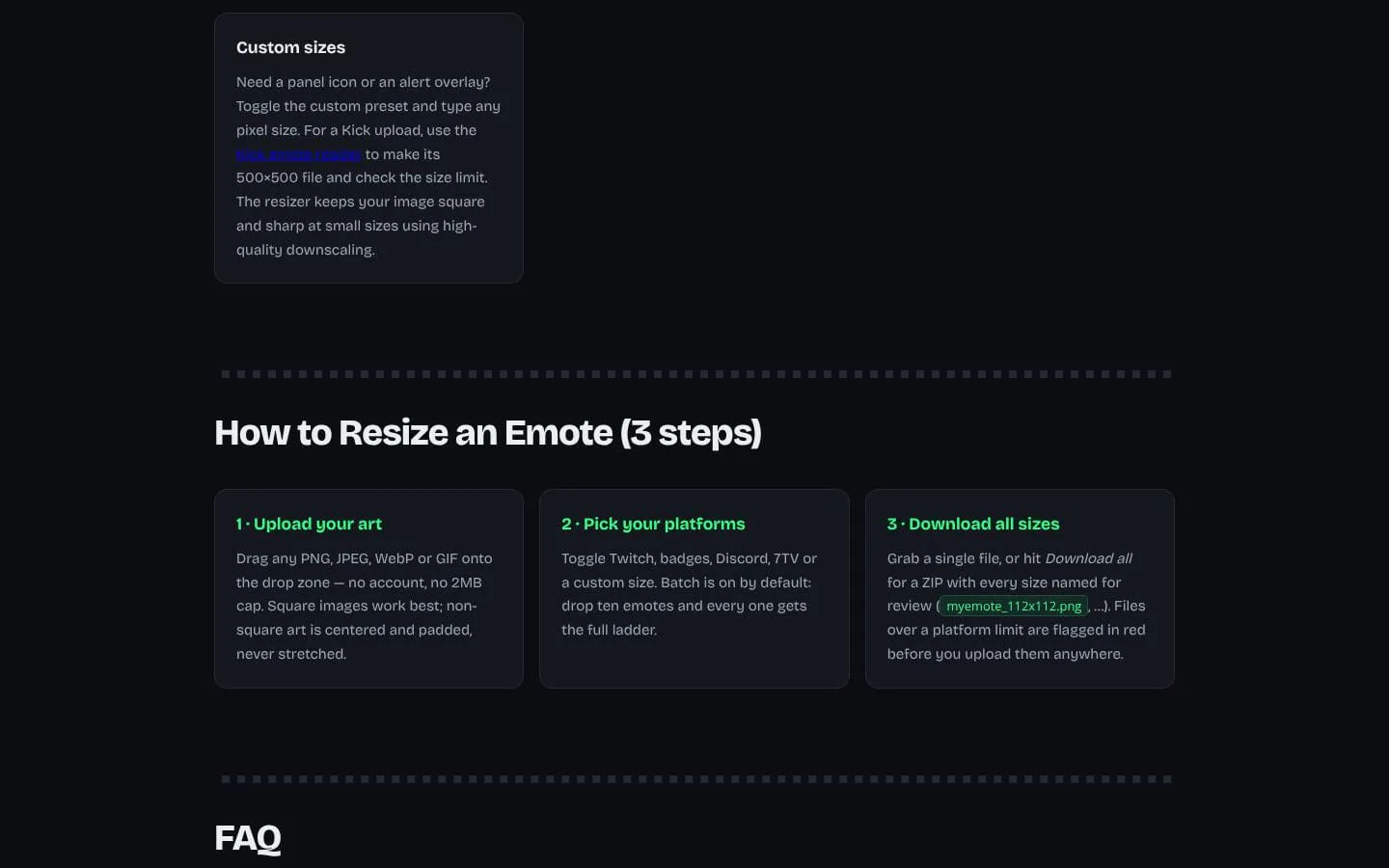
- Download a batch of preset sizes as a ZIP
Features
- Problem
- The same emote artwork must be exported at different sizes for different platforms.
- How it works
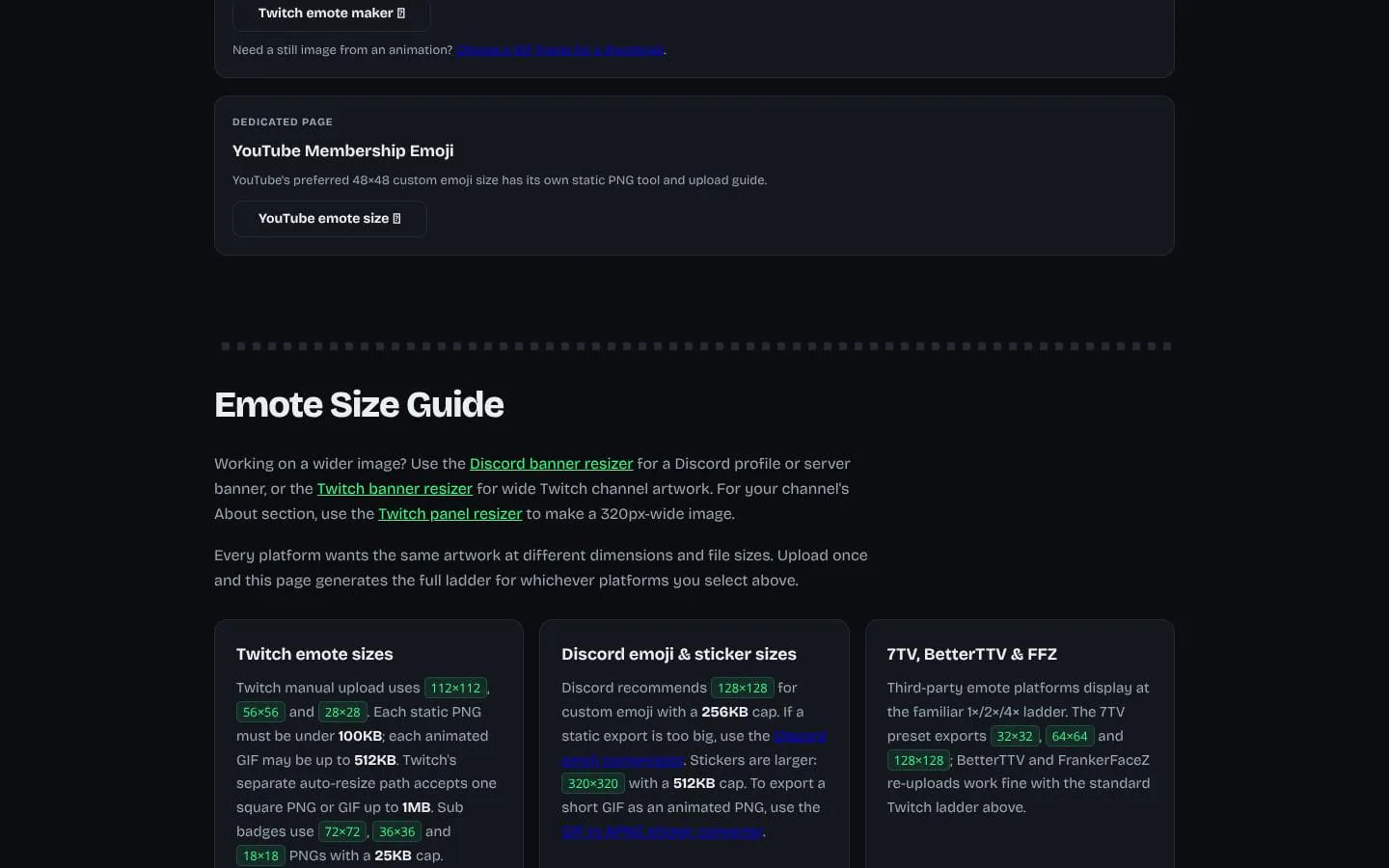
- Generates selected platform size ladders and presets from one image, including Twitch, Discord, 7TV, badges, stickers, and custom square sizes.
- Result
- A set of dimension-specific files ready to review for upload.
- Why
- Platform requirements differ, and exporting each size separately adds repetitive work.
- Problem
- Preparing many emotes one at a time is inefficient.
- How it works
- Accepts multiple images and generates results for each; users can download all outputs together as a ZIP.
- Result
- Organized files for multiple emotes and selected platforms.
- Why
- Batch processing reduces repeated upload and export steps.
- Problem
- Files may exceed a platform’s size limit even when their dimensions are correct.
- How it works
- Shows generated file sizes and flags outputs that exceed platform limits before download.
- Result
- Users can identify oversized files before trying to upload them.
- Why
- Checking the output against platform limits helps catch issues before upload.
- Problem
- Animated emotes need resizing without losing their motion.
- How it works
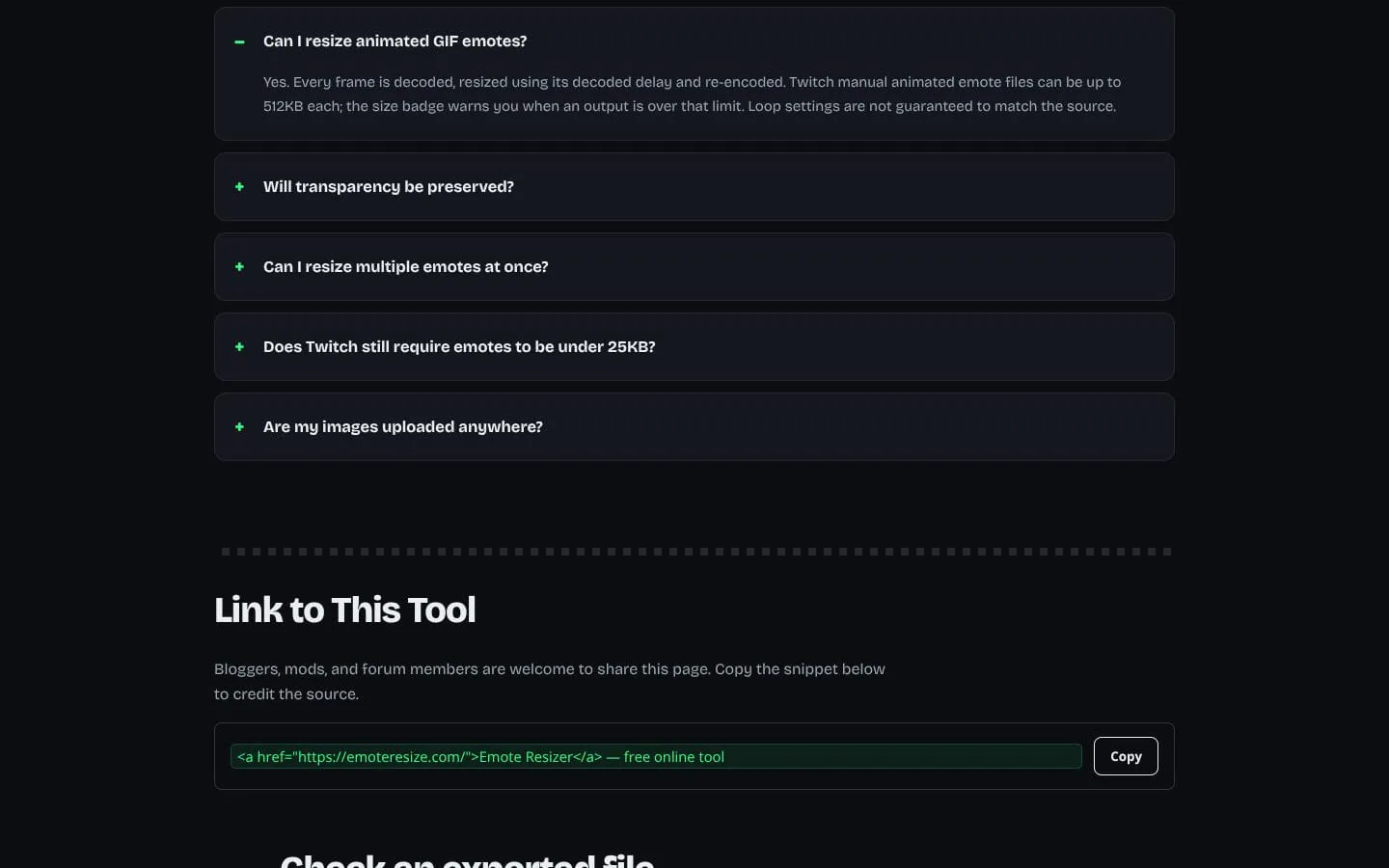
- Resizes GIF frames and re-encodes the animation, while noting that loop settings are not guaranteed to match the source.
- Result
- An animated GIF output with its frames resized.
- Why
- A single still image would not preserve an animated emote.
- Problem
- Using an online image tool can mean sending artwork to a server.
- How it works
- Processes image resizing and encoding locally in the browser; the site says images are not uploaded.
- Result
- Emote files can be prepared without sending them to an image-processing server.
- Why
- Local processing keeps artwork on the user’s device during resizing.
What makes it different
- Local browser processing
- File-size warnings before export
- Preset dimensions for community platforms
Product questions
What does Emote Resizer do?
Emote Resizer turns one image into platform-ready emote, badge, emoji, sticker, and custom-size files for services such as Twitch, Discord, 7TV, and Slack. It processes images locally in the browser.
Who is Emote Resizer for?
Streamers, community moderators, and creators who prepare emotes, badges, and stickers for Twitch, Discord, 7TV, and related platforms.
How much does Emote Resizer cost?
Free to use. No account required.
Which platforms does Emote Resizer support?
- Web
What can I use Emote Resizer for?
- Prepare community emote dimensions
- Resize animated GIF and PNG artwork
- Download a batch of preset sizes as a ZIP
What makes Emote Resizer different?
- Local browser processing
- File-size warnings before export
- Preset dimensions for community platforms
Screenshots