Productivity
SavedThat
Find that Reel you saved
- Category
- Productivity
- Stage
- Growth
- For
- People who save videos from Instagram Reels, TikTok, and YouTube and want to search or use them with Claude or ChatGPT.
About
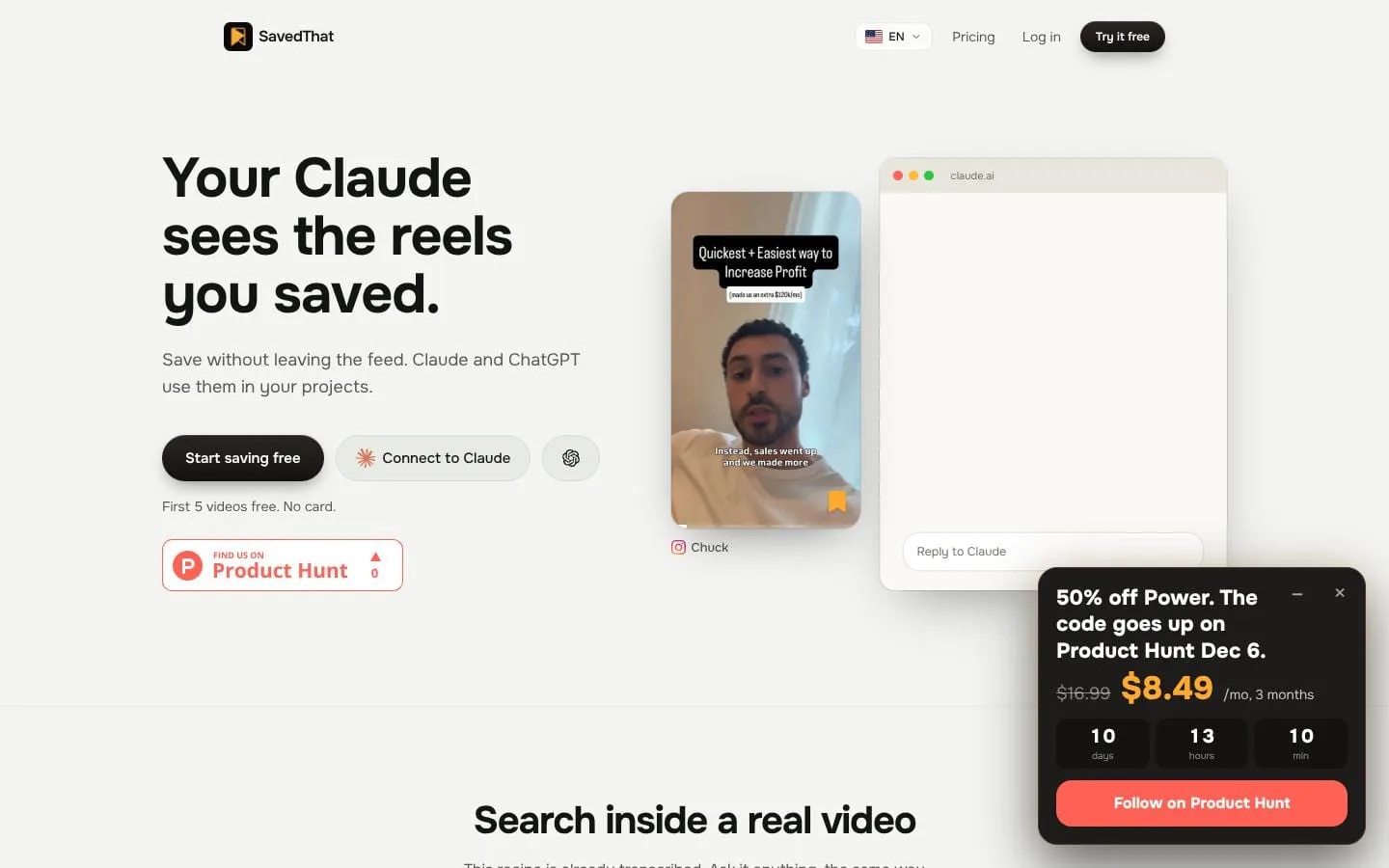
SavedThat keeps the videos you save from Instagram Reels, TikTok and YouTube in one library and lets you search inside them by what was said, then jumps to that second.
Features
- Problem
- A useful video is easy to lose among saves spread across different apps.
- How it works
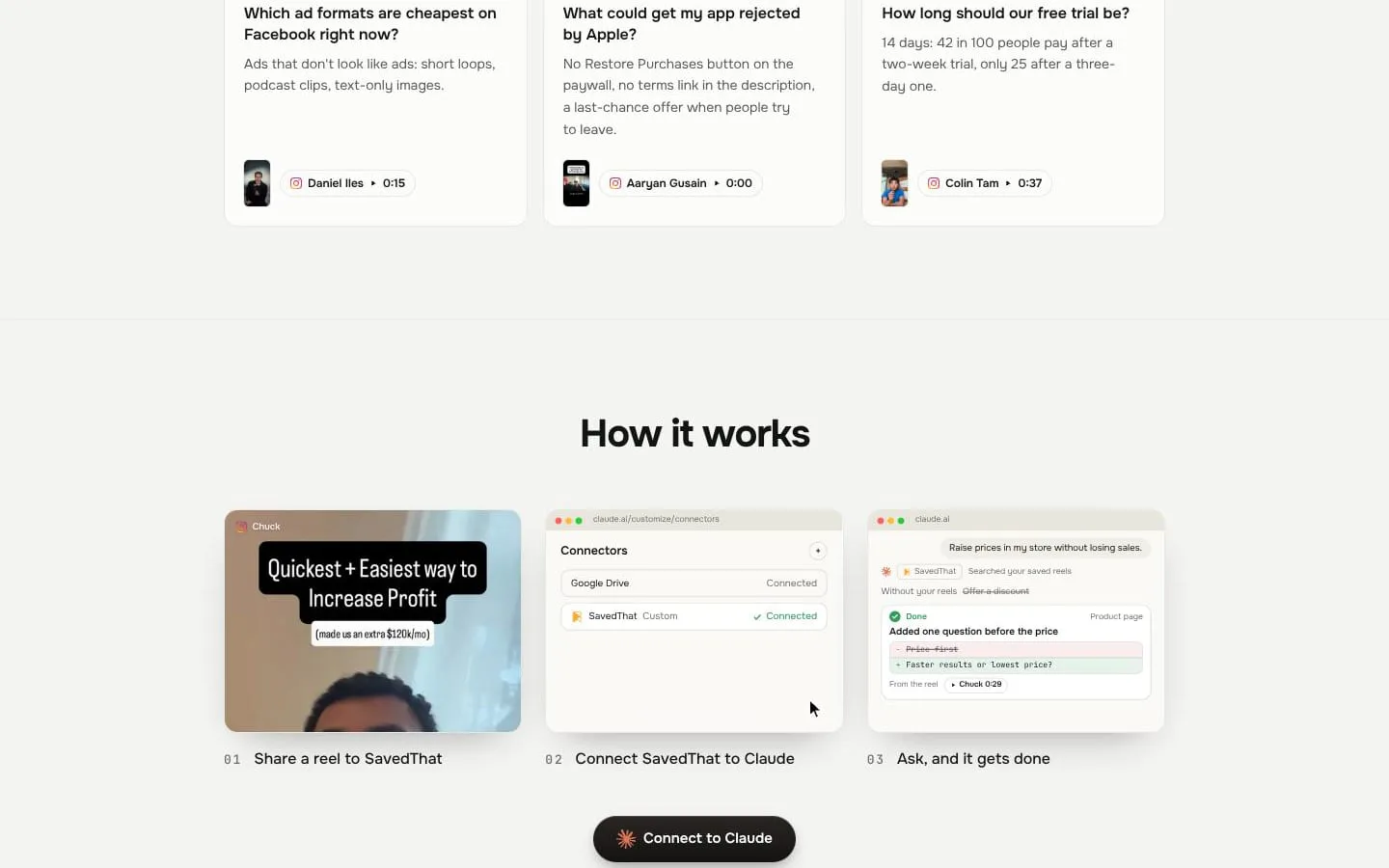
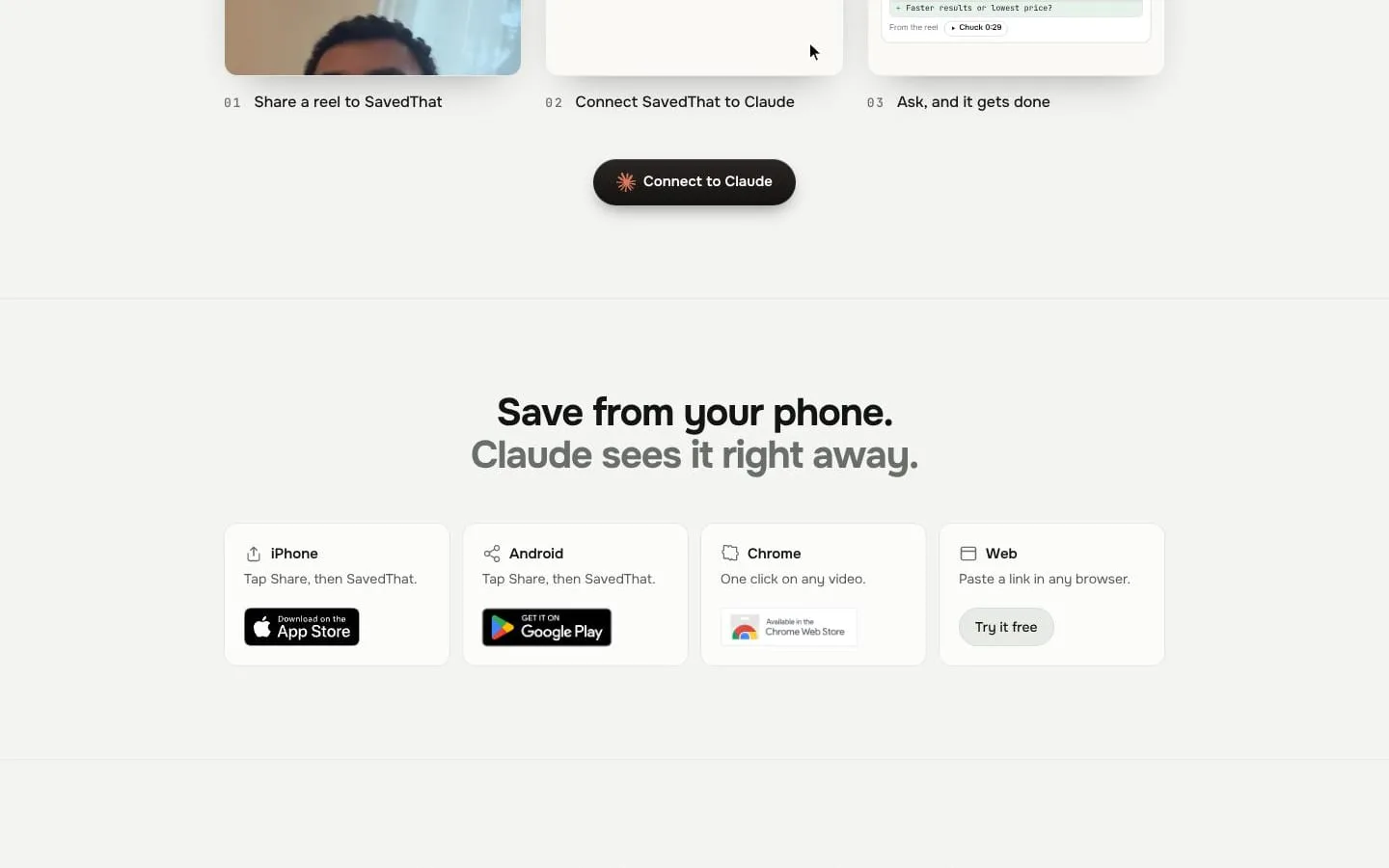
- Save a video by sharing it from a phone, using the Chrome extension, or pasting its link on the web. The extension can also import saved lists from Instagram, YouTube, and TikTok.
- Result
- A consolidated collection of saved videos that can be searched later.
- Why
- Bring videos into one library without requiring people to organize them into folders or tags.
- Problem
- People may remember a spoken detail but not a video’s title or account.
- How it works
- Automatically transcribe saved videos and index both their meaning and exact words, with multilingual search across 100+ languages.
- Result
- Find relevant video moments by what was said, rather than relying on titles or manual organization.
- Why
- Search the content people remember, including queries in a different language from the video.
- Problem
- Finding a match is less useful if the viewer must rewatch the whole video.
- How it works
- Show matching transcript excerpts with timestamps and links to the exact second.
- Result
- Go straight to the relevant moment on the original video platform.
- Why
- Connect search results directly to the part of the video containing the answer.
- Problem
- Explaining or locating a saved clip manually takes extra work when asking an AI assistant for help.
- How it works
- Connect the saved library to Claude or compatible AI tools through SavedThat’s MCP connector, then ask questions in natural language.
- Result
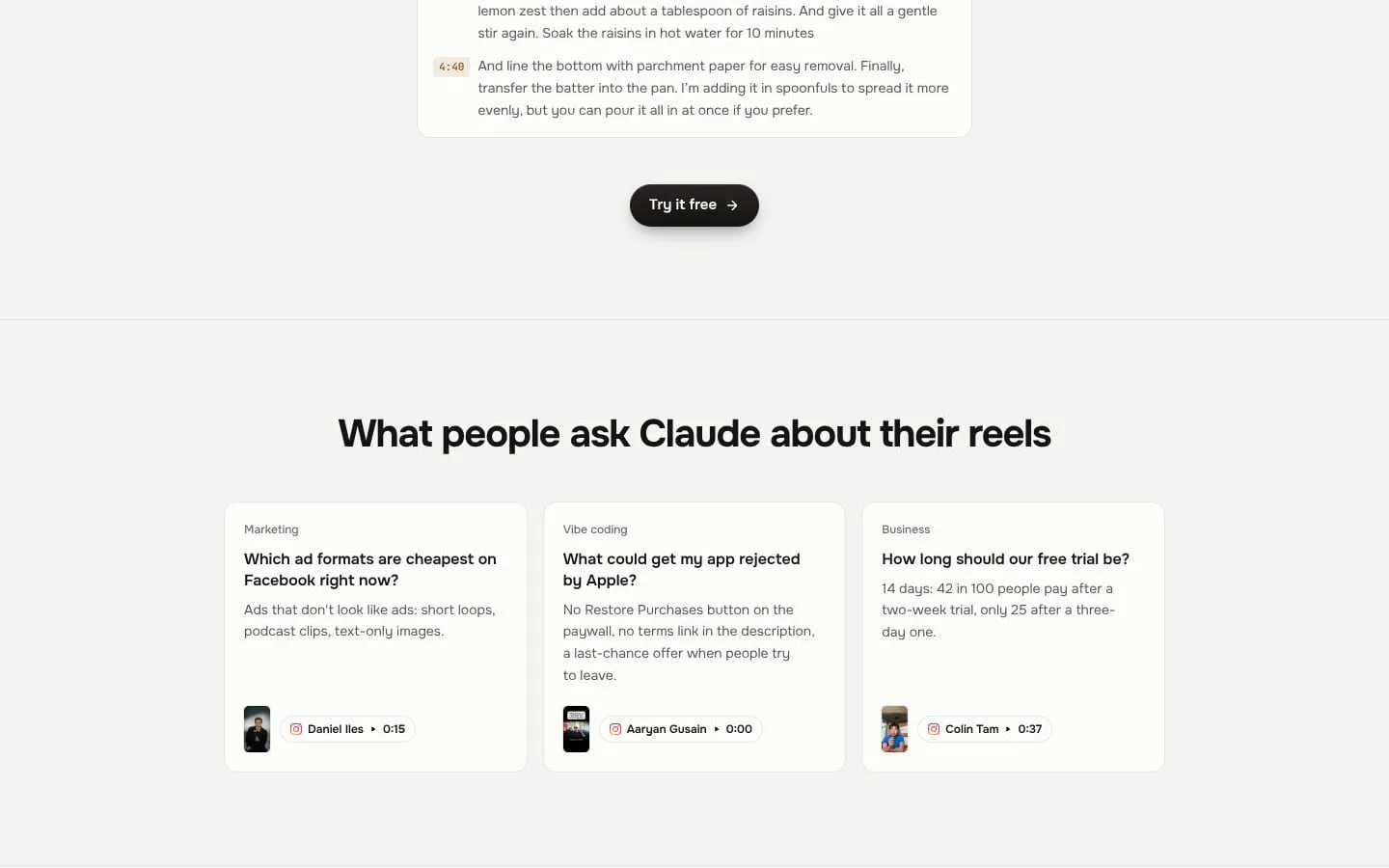
- Answers can draw on saved videos and point to the source moment.
- Why
- Let the assistant search the user's saved-video library as part of a project or question.
- Problem
- People may want to try searching before importing their own library.
- How it works
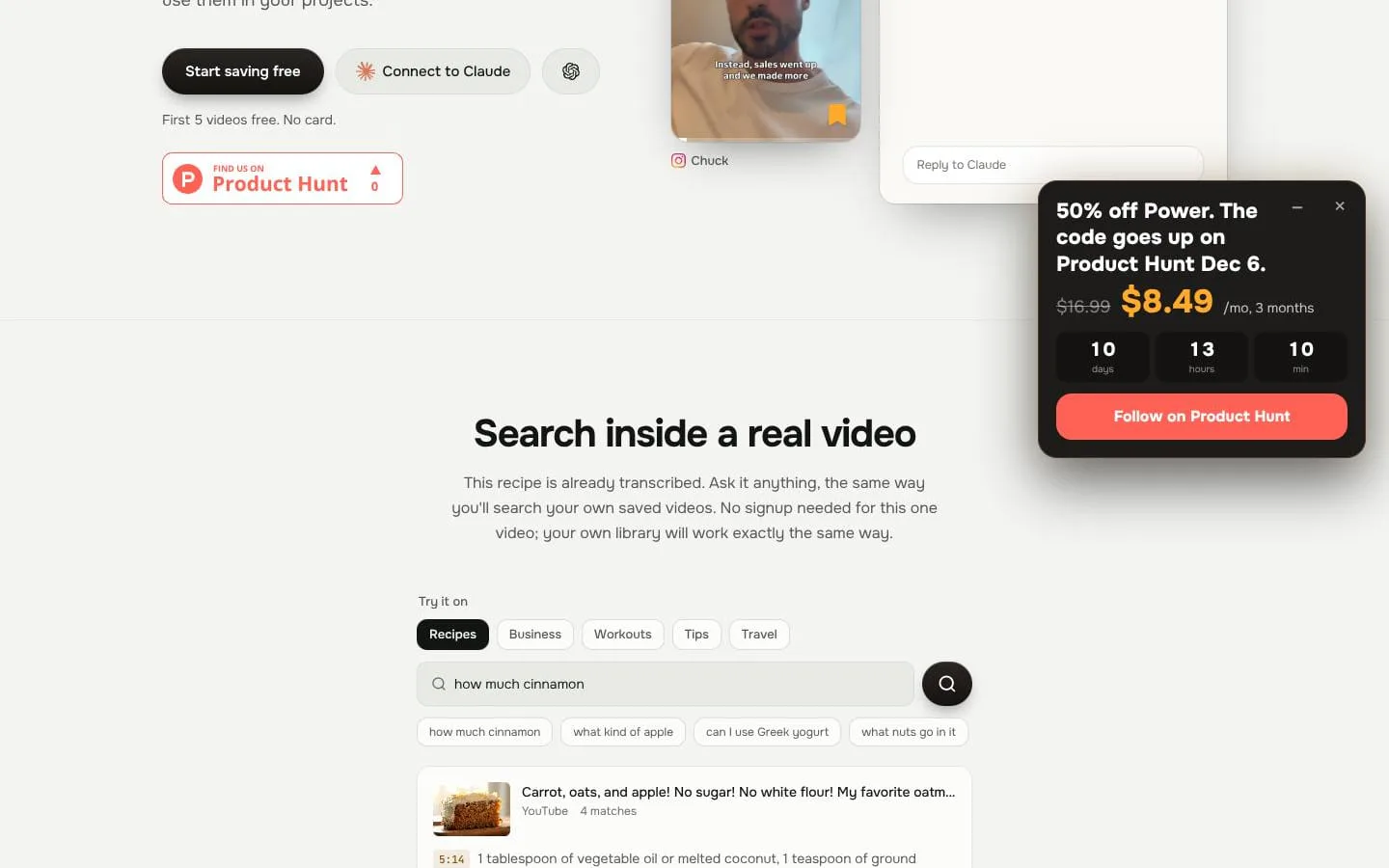
- Offer a public example video that visitors can search and ask questions about without signing up.
- Result
- Visitors can see how questions map to matching transcript passages.
- Why
- Demonstrate transcript-based search with a concrete video and sample queries.
Product questions
What does SavedThat do?
SavedThat turns saved YouTube videos, Instagram Reels, and TikToks into a searchable video library. It transcribes videos so people can search what was said, jump to relevant moments, and ask Claude or ChatGPT about their saves.
Who is SavedThat for?
People who save videos from Instagram Reels, TikTok, and YouTube and want to search or use them with Claude or ChatGPT.
Screenshots