Photo editor
Rawnd
Open, cull and develop RAW photos in your browser
- Category
- Photo editor
- Stage
- Beta
- For
- Photographers who cull and develop RAW image files
- Platforms
- Web
- Pricing
- Free plan available, pro start at 6USD/month
About
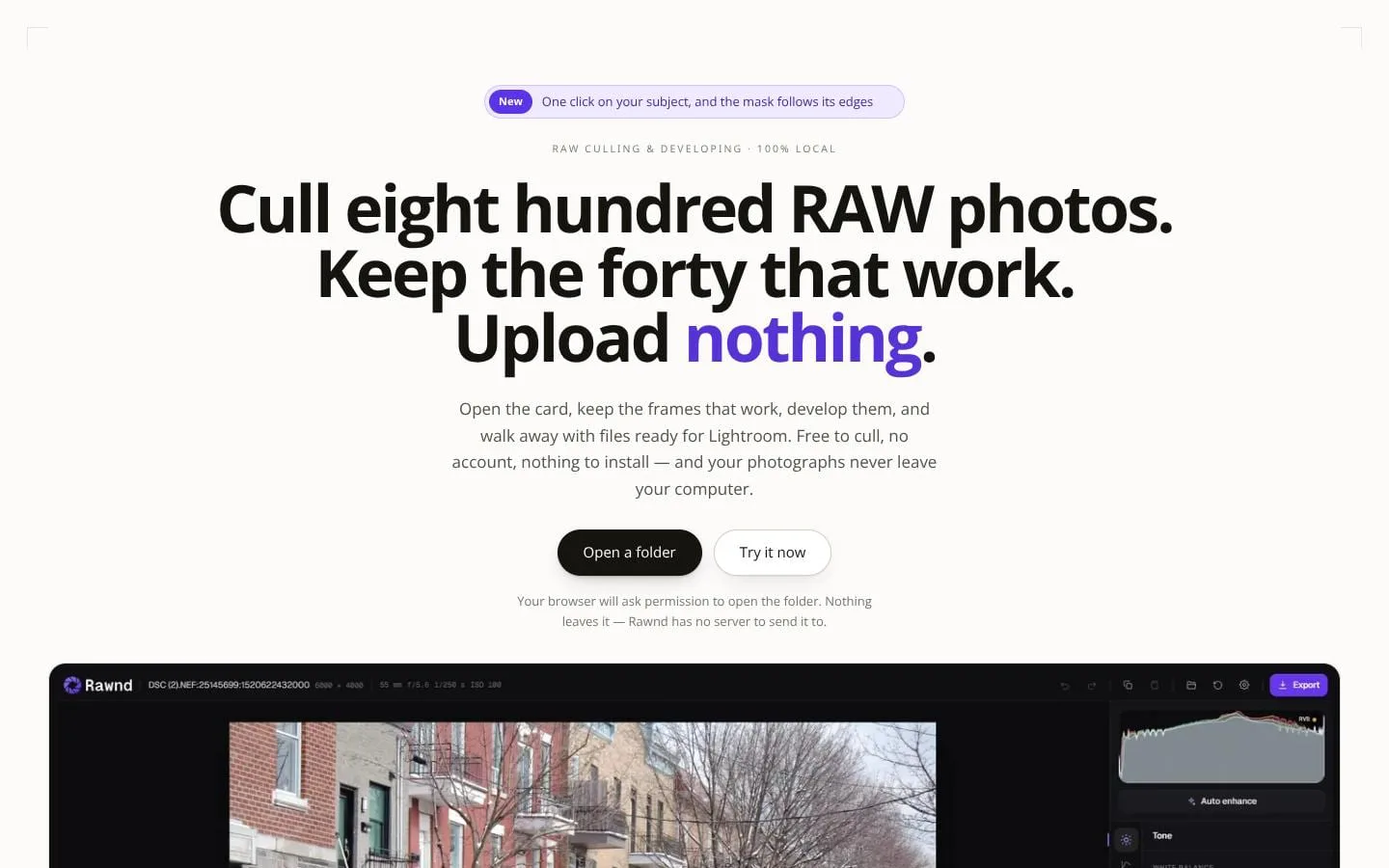
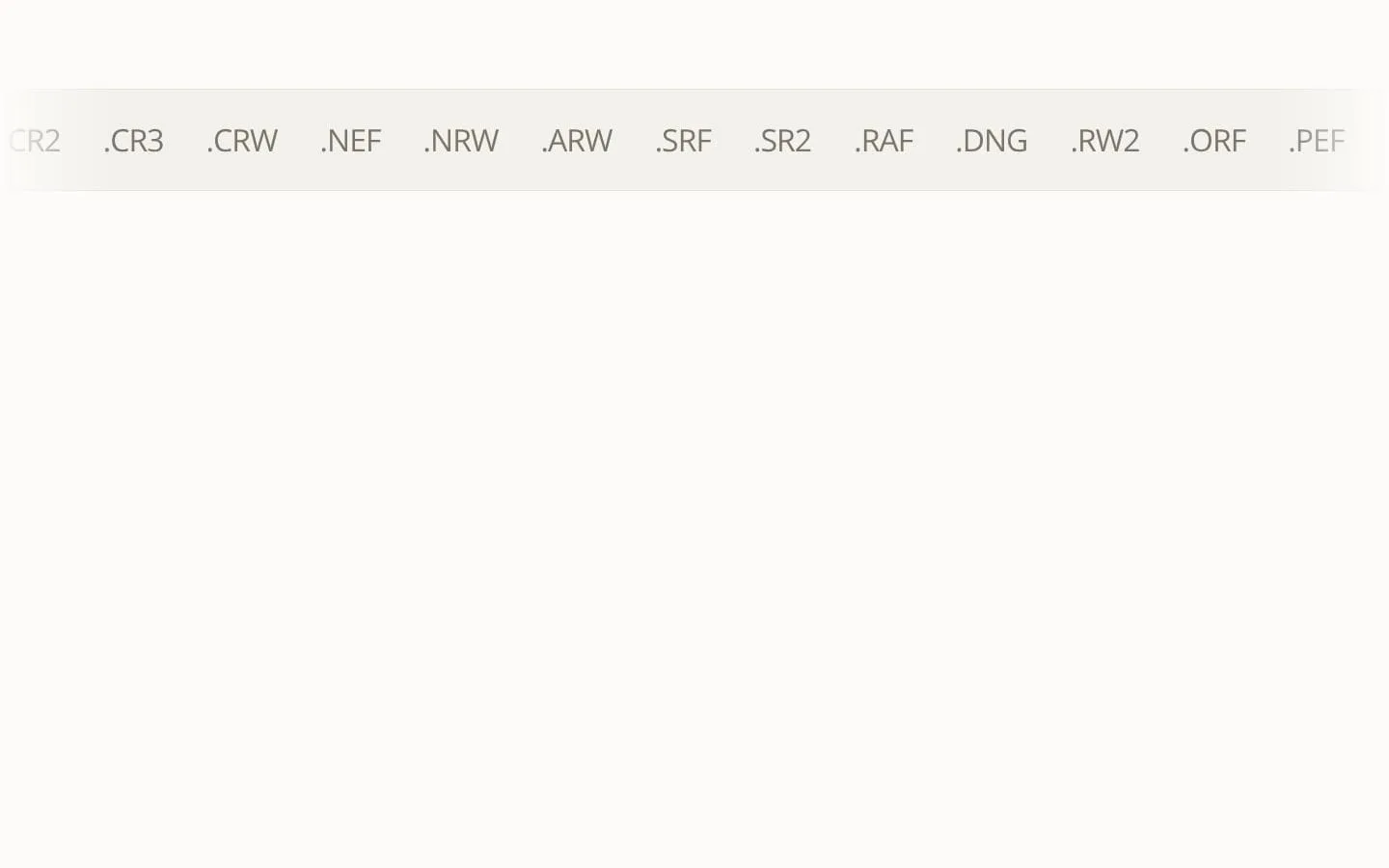
Open, rate and develop CR3, NEF, ARW and twelve other RAW formats in your browser. Everything happens on your own computer - your photos never go anywhere.
Features
- Problem
- Opening a shoot can require installation, import, and upload time.
- How it works
- Opens a local RAW folder in a desktop browser and decodes the first image in about a second.
- Result
- Photographers can start reviewing a card or folder without an install, catalogue, or upload queue.
- Why
- Rawnd reads originals in place on the photographer’s machine rather than sending them to a server.
- Problem
- Making keep/reject decisions across hundreds of frames is slow and repetitive.
- How it works
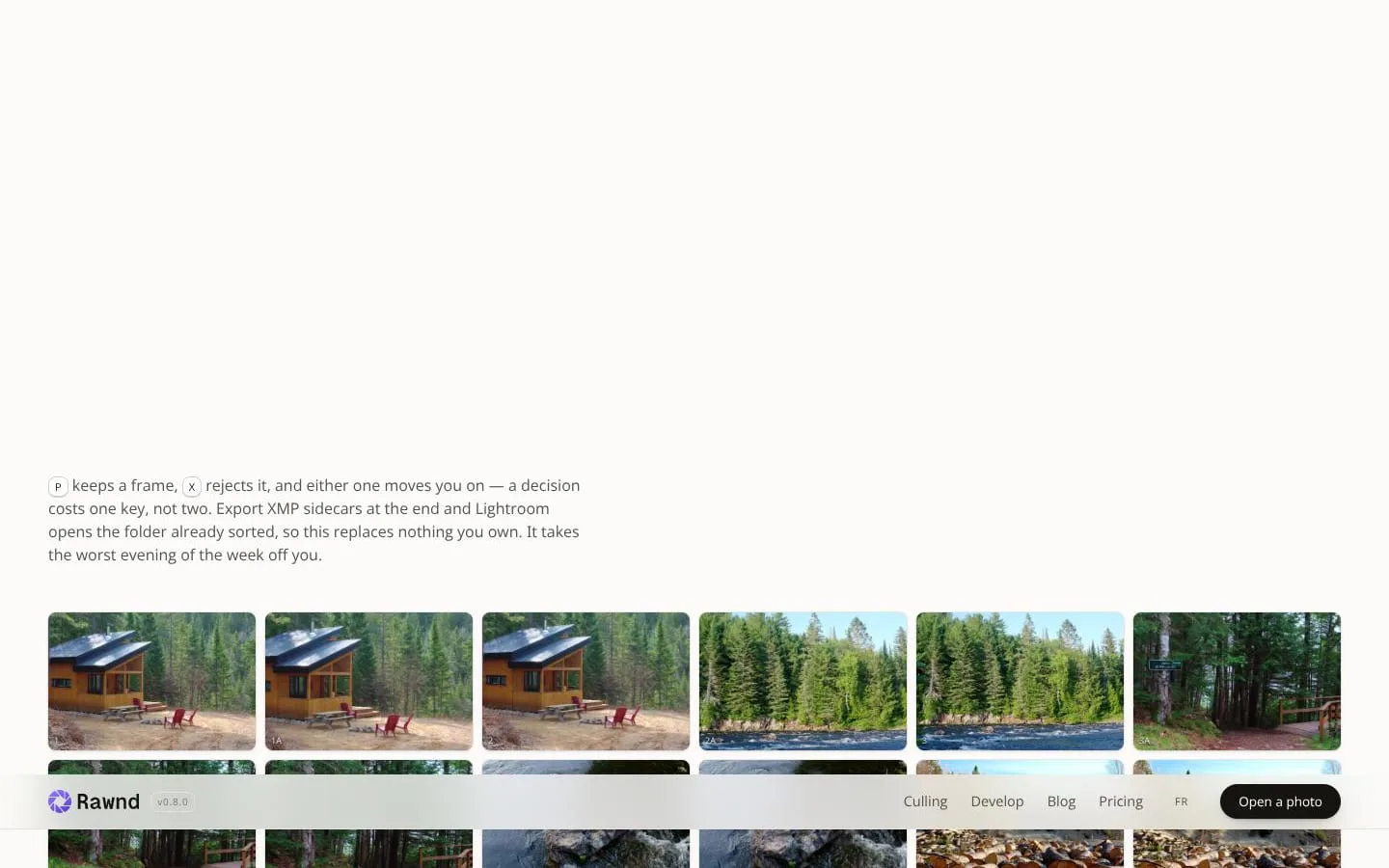
- Uses P to keep and X to reject; either action advances to the next frame. It also supports star ratings and side-by-side comparison.
- Result
- A large shoot can be narrowed to keepers quickly, with decisions retained after closing the tab.
- Why
- One-key decisions preserve the review rhythm and store decisions in the browser as work progresses.
- Problem
- Burst sequences and technically weak photos take time to inspect manually.
- How it works
- Pro assisted culling groups frames by capture time, identifies a strongest frame in each group, and filters soft, blown, too-dark, and closed-eye frames.
- Result
- Photographers get a faster review starting point while retaining final editorial control.
- Why
- The analysis runs locally and only shortlists candidates; it does not automatically reject photos.
- Problem
- Culled selections often need to be recreated in another editor.
- How it works
- Exports XMP sidecars beside original RAW files, including ratings, rejects, crop, straightening, and supported basic development settings.
- Result
- Users can continue their workflow in existing Adobe tools with key sorting decisions already present.
- Why
- Lightroom, Camera Raw, and Bridge can read these sidecars on import.
- Problem
- A RAW viewer alone does not finish the selected images.
- How it works
- Develops decoded sensor data with tone, curve, colour, HSL, masks, detail, effects, and crop controls; exports JPEG, WebP, PNG, or XMP.
- Result
- Keepers can receive a first development pass or be rendered as finished image files without leaving the browser.
- Why
- Edits are non-destructive and processed locally; tonal work operates on linear sensor data.
- Problem
- Applying consistent edits across a shoot is laborious.
- How it works
- Pro supports pasted settings, user presets, series evening for exposure and white balance, and batch export for selections.
- Result
- Photographers can carry a look or exposure balance across related images with fewer repeated adjustments.
- Why
- The paid tier is focused on operations that affect multiple photographs at once.
- Problem
- Cloud photo tools can be unsuitable on location or for privacy-sensitive work.
- How it works
- Runs offline after the first visit and keeps photos and edits on the local computer, with no account or server-based sync.
- Result
- Photographers can work without connectivity while keeping images on their own device.
- Why
- The product is designed so files are read and processed locally.
Product questions
What does Rawnd do?
Rawnd is a desktop-browser RAW workflow tool for opening folders, culling images, developing keepers, and exporting finished files or XMP sidecars without uploading photographs.
Who is Rawnd for?
Photographers who cull and develop RAW image files
How much does Rawnd cost?
Free plan available, pro start at 6USD/month
Which platforms does Rawnd support?
- Web
Screenshots