Productivity
doEdits
Professional Creative Tools Online
- Category
- Productivity
- Stage
- Growth
- For
- Creators and teams needing browser-based document, image, video, audio, and presentation tools.
About
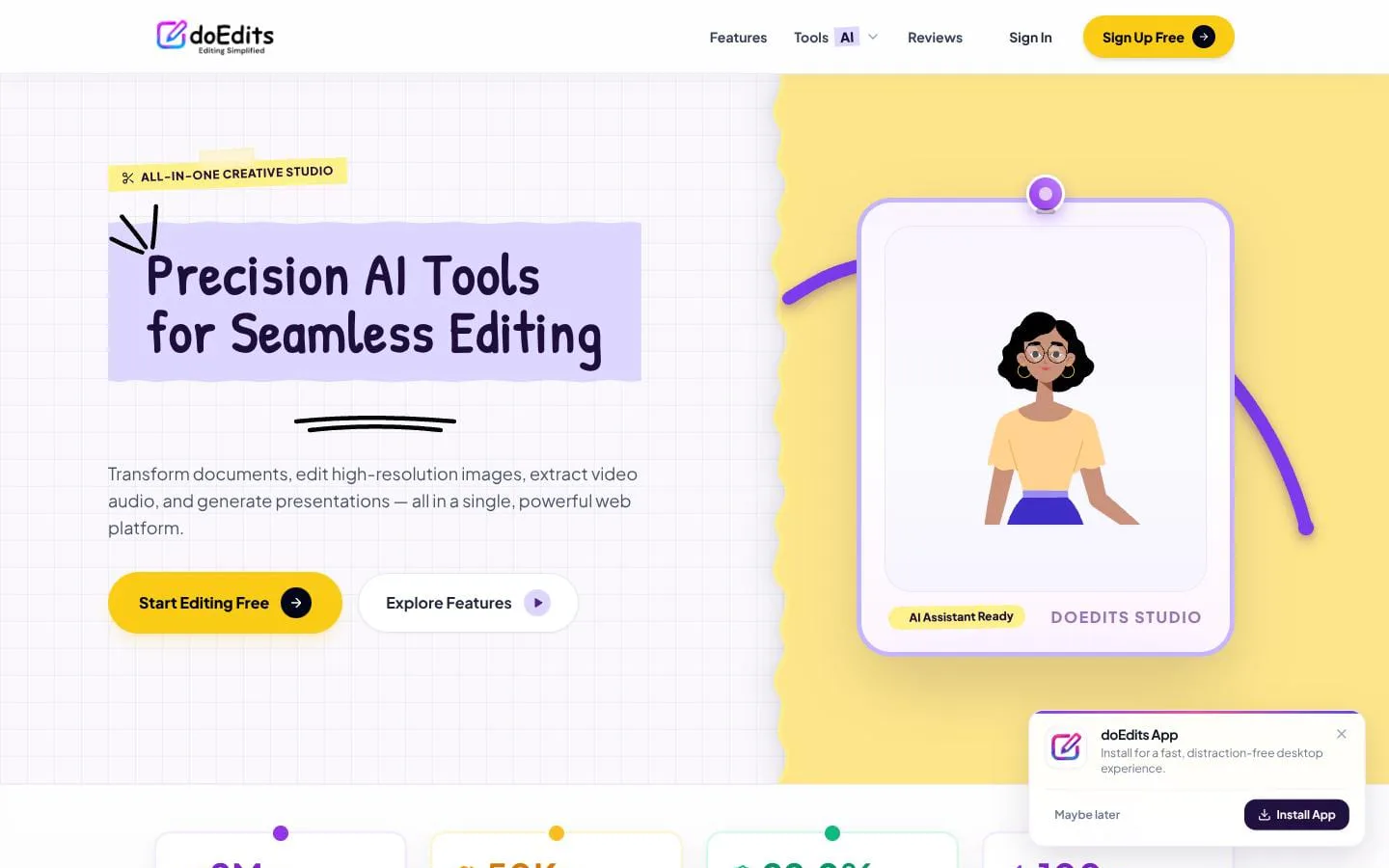
Edit images, convert and merge PDFs, trim video, and generate AI presentations directly in your browser with doEdits. Fast, private, hardware-accelerated creative tools with no downloads or limits.
Features
- Problem
- Document workflows require multiple utilities.
- How it works
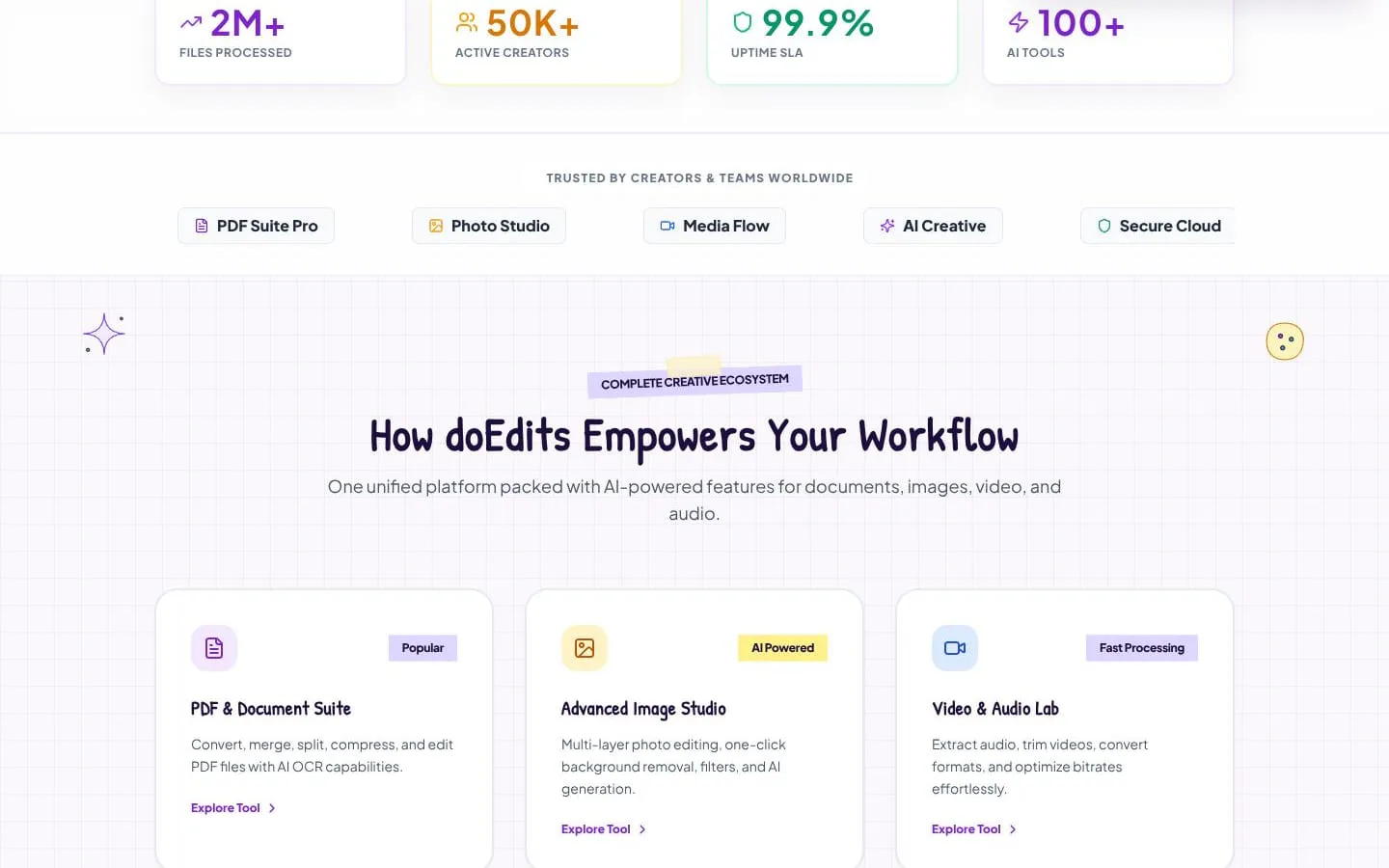
- Converts, merges, splits, compresses, edits, summarizes, and extracts content from documents; it supports OCR capabilities.
- Result
- Users can process documents without switching tools.
- Why
- Keeps PDF and document tasks in a single suite.
- Problem
- Image editing and format conversion can be time-consuming.
- How it works
- Provides multilayer editing, background removal, AI generation, upscaling, vectorization, resizing, compression, and image-format conversion.
- Result
- Creators can produce and optimize image assets faster.
- Why
- Combines common creative image operations in one studio.
- Problem
- Media editing often requires desktop software.
- How it works
- Trims, compresses, converts video formats, and extracts audio in the browser.
- Result
- Users can prepare media files without heavy desktop software.
- Why
- Makes core video and audio processing available online.
- Problem
- Creating presentations from scratch is slow.
- How it works
- Generates slide decks and pitch presentations from text prompts.
- Result
- Teams can turn prompts into presentation materials quickly.
- Why
- Uses AI to accelerate presentation creation.
- Problem
- Sharing creative assets needs access controls.
- How it works
- Creates encrypted links with passwords, expiry settings, one-time downloads, and link revocation.
- Result
- Users can share assets with granular access controls.
- Why
- Provides controlled delivery for files and projects.
Screenshots