Productivity
Kiiwi
Mechanical Keyboard Sounds for Mac
- Category
- Productivity
- Stage
- Pre-launch
- For
- Mac users who want mechanical keyboard sound effects and local typing statistics.
- Platforms
- macOS
- Pricing
- Pre-launch at $4.99 for the first 100 after that $6.99
About
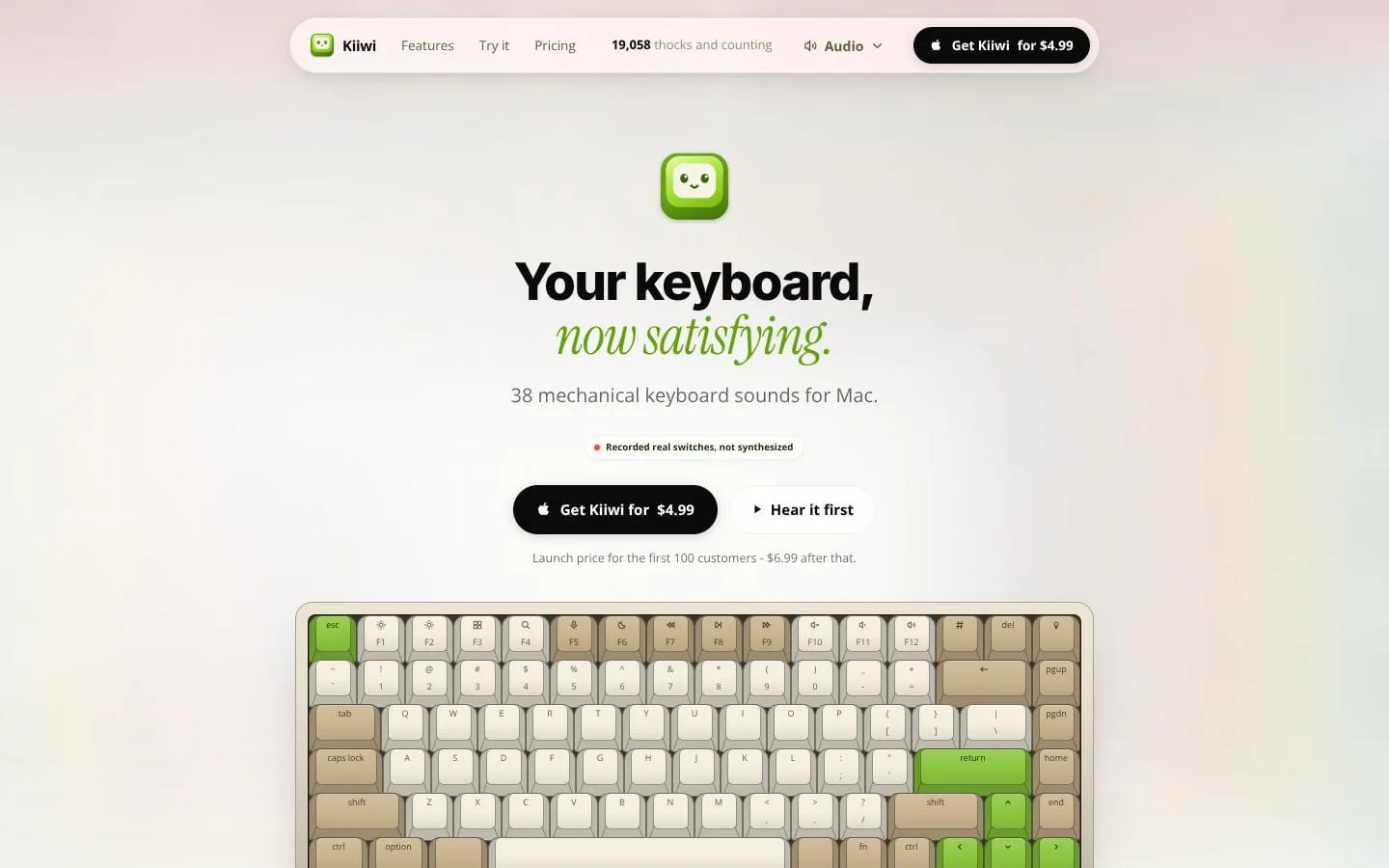
Mechanical keyboard sounds for Mac: 38 real recorded switches, from Cherry MX Blue to Holy Panda. Lives in your menu bar and works in every app.
Use cases
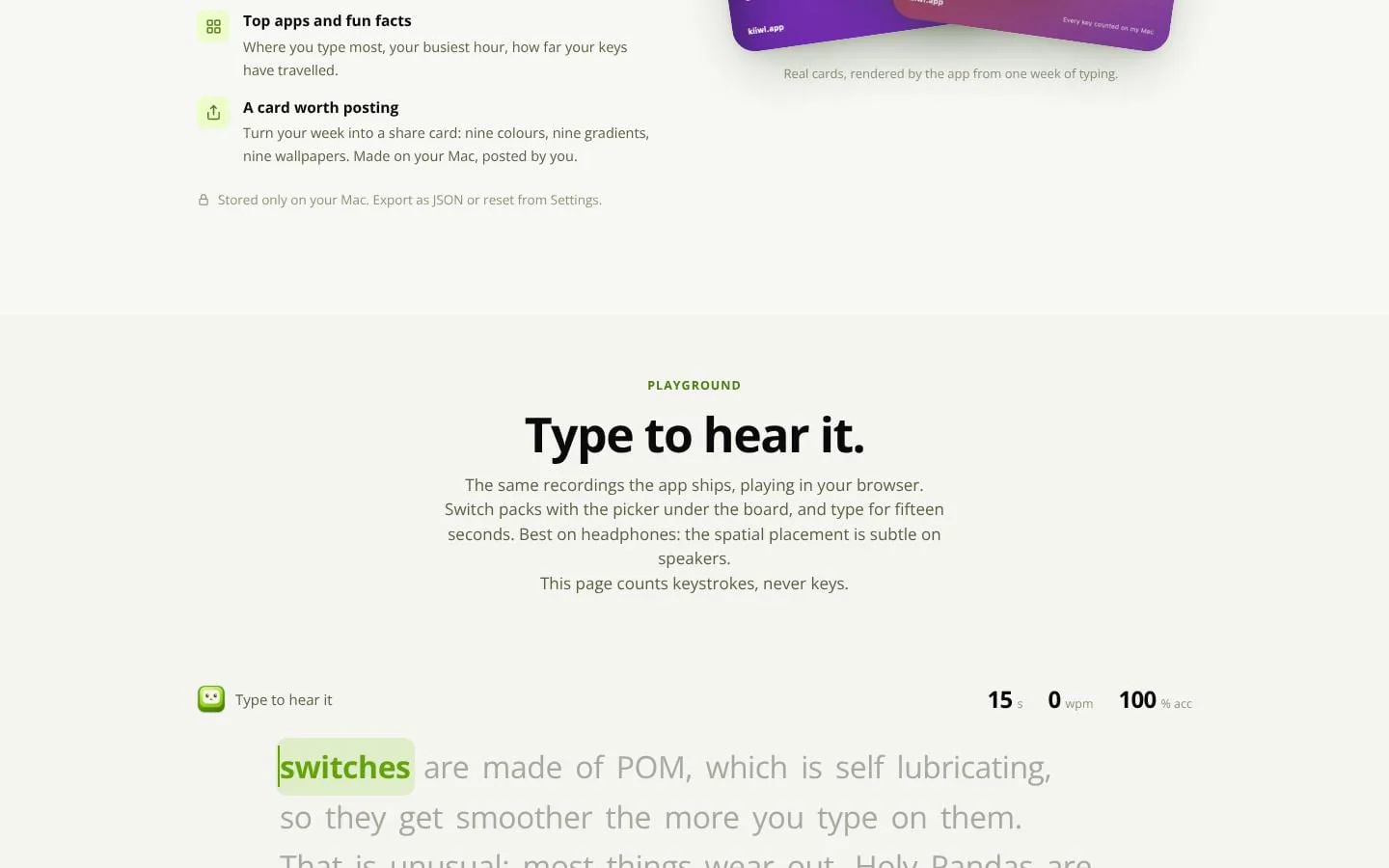
- Kiiwi plays mechanical keyboard sounds on your Mac as you type, using real recorded switches. It sits in the menu bar, and there's a typing test too (Time, Words, Punctuation, Numbers and Zen modes).
Features
- Problem
- Built-in Mac keyboards lack the sound character of mechanical switches.
- How it works
- Plays recordings from 38 keyboard packs, with per-key spatial placement, separately recorded keyboard rows, five pitch variants, and available key-up audio.
- Result
- Users can choose and hear a mechanical-switch character while typing on their existing Mac keyboard.
- Why
- Recorded and varied sounds aim to feel more like a physical board than repeated synthesized samples.
- Problem
- Sound controls should not interrupt work.
- How it works
- Runs from the menu bar without a Dock icon and can be silenced system-wide with ⇧⌘K; switch packs can be previewed from the menu.
- Result
- Users can change or disable sounds without managing a full application window.
- Why
- Typing sound is useful only when it is immediately controllable.
- Problem
- Keyboard, mouse, and scrolling feedback can feel inconsistent.
- How it works
- Includes eight mouse click packs and six scroll tick styles alongside keyboard switch packs.
- Result
- Users can optionally add sound to clicks and scrolling as well as typing.
- Why
- Extending audio feedback beyond keys provides a more cohesive input experience.
- Problem
- Typing metrics can compromise privacy if they capture content.
- How it works
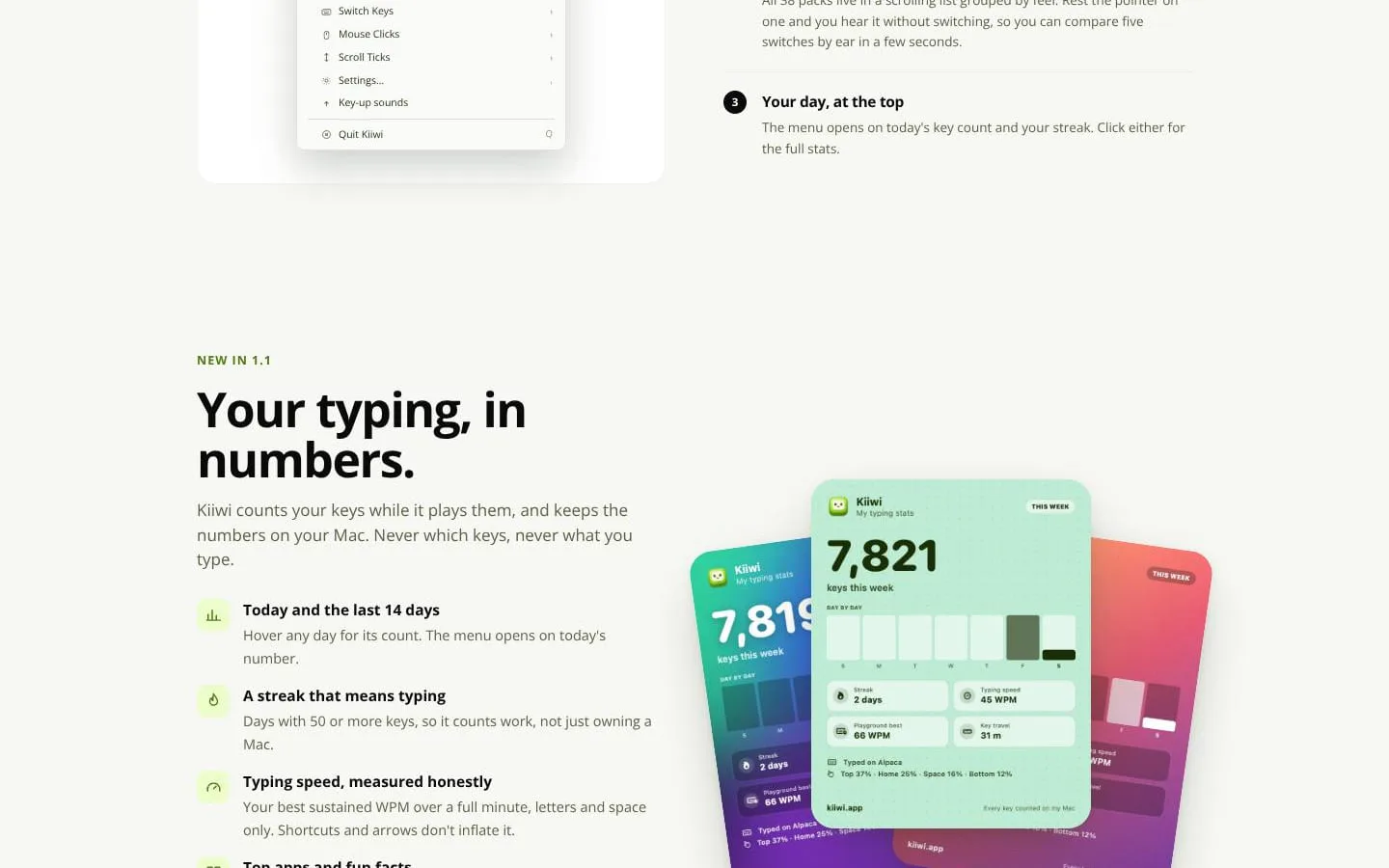
- Counts keys, streaks, sustained WPM, top apps, and related activity metrics locally; it supports JSON export, reset, and share cards.
- Result
- Users get personal typing statistics without their typed content being retained.
- Why
- The app states that it stores counts rather than the keys or text typed.
- Problem
- System-wide key observation creates privacy concerns.
- How it works
- Uses read-only key observation, discards key events after selecting a sound, and stays silent in macOS-protected password fields.
- Result
- Users can use system-wide audio feedback while keeping typed content private.
- Why
- The product is designed to play sounds without intercepting, changing, or recording text.
Why it is different
- Real recorded switch sounds, not synthesized
Screenshots