Developer tools
Toolblip
Free online developer tools that run in your browser
- Category
- Developer tools
- Stage
- Beta
- For
- Developers, designers, marketers, and anyone needing quick browser-based utility tools.
About
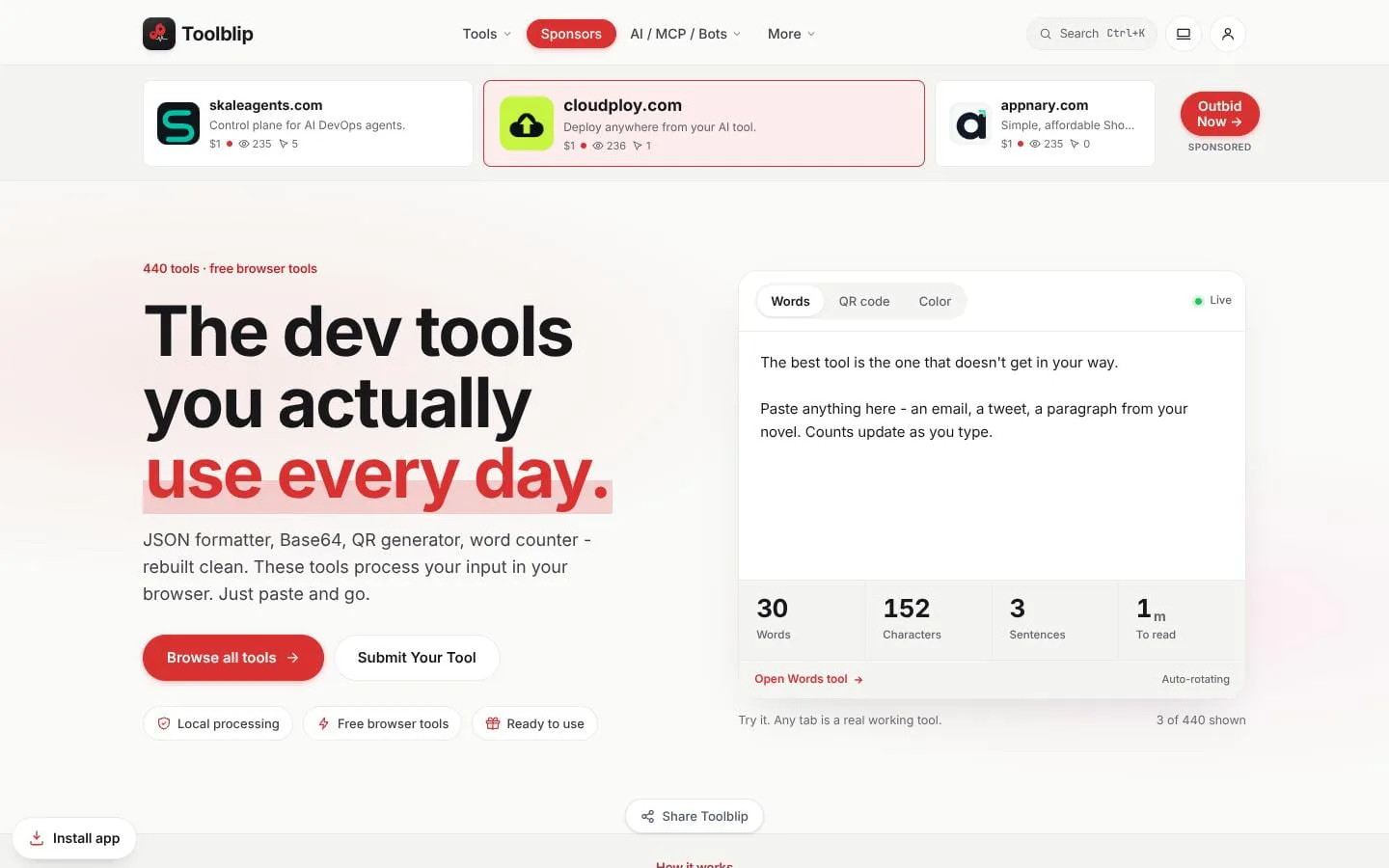
Free online developer tools. JSON, Base64, QR, word counter, and 490+ more. No signup. Runs in your browser. Privacy-first in-browser tools with no tracking. 492 tools across developer, text, SEO, color, PDF, and more.
Features
- Problem
- Developers need fast ways to inspect and transform structured data.
- How it works
- Provides tools such as JSON Formatter, JSON-to-Markdown Table, JSON/YAML conversion, Regex Tester, JWT Decoder, and JSON-to-TypeScript.
- Result
- Users can format, validate, inspect, convert, and copy technical outputs quickly.
- Why
- Keeps common debugging and transformation tasks in focused, ready-to-use utilities.
- Problem
- Writers and marketers need practical text checks and transformations.
- How it works
- Offers word and character counting, case conversion, punctuation fixing, grammar checking, readability analysis, and placeholder-text generation.
- Result
- Users can prepare copy for platform limits, drafts, and publishing workflows.
- Why
- These tasks need immediate, channel-aware feedback rather than a full editing workflow.
- Problem
- Design and content teams need lightweight image and visual-asset utilities.
- How it works
- Includes QR-code generation, image resizing and compression, format conversion, cropping, banner generation, and color-palette tools.
- Result
- Users can generate or adapt assets and download results without a required account.
- Why
- Browser tools reduce friction for one-off visual production tasks.
- Problem
- People need confidence that routine inputs can stay local.
- How it works
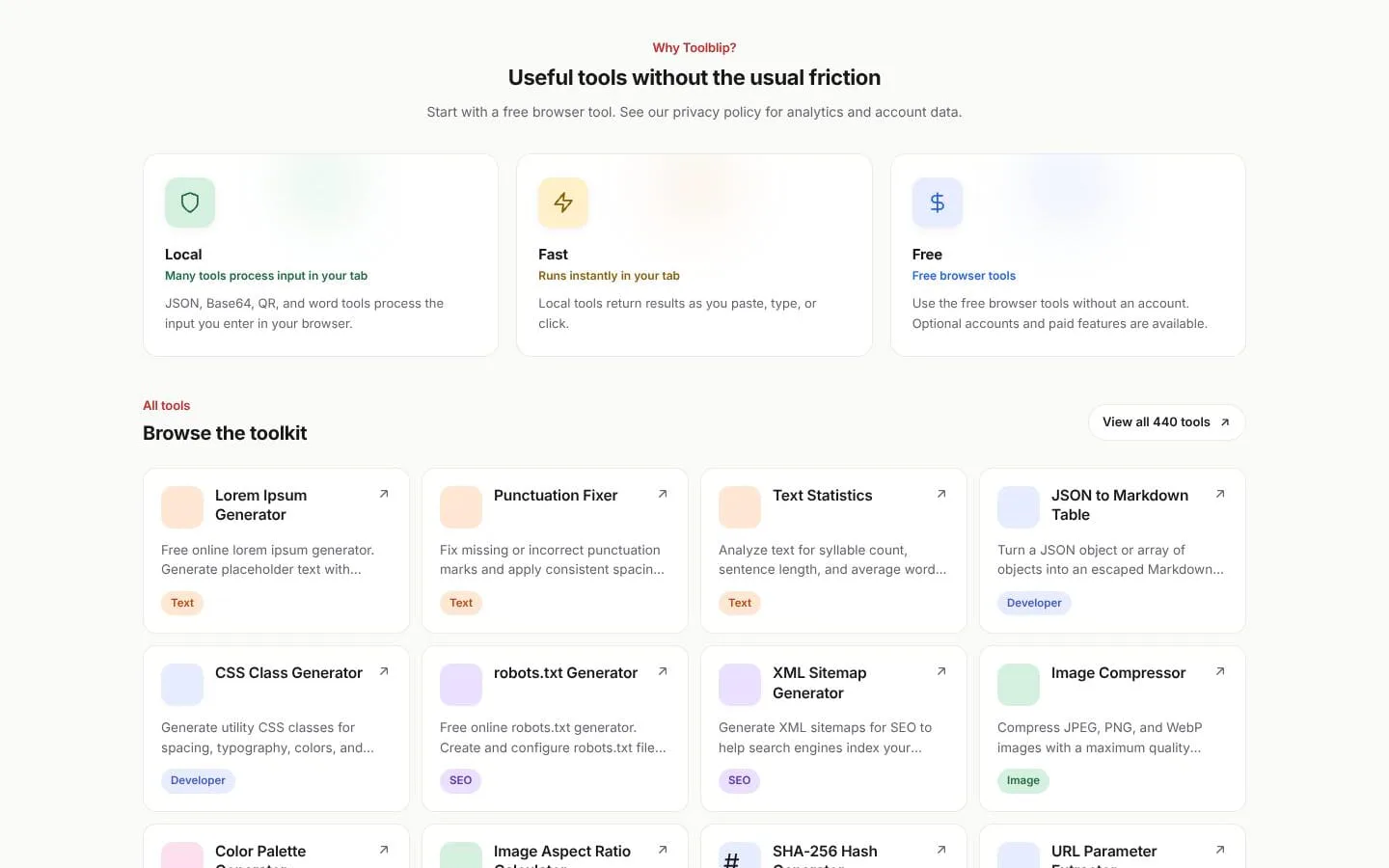
- States that many tools process input in the current browser tab; selected tools explicitly state that no data is uploaded.
- Result
- Users can use many utilities with immediate in-browser results.
- Why
- Local processing can avoid unnecessary transmission for common transformations.
- Problem
- A large tool catalog can be difficult to navigate.
- How it works
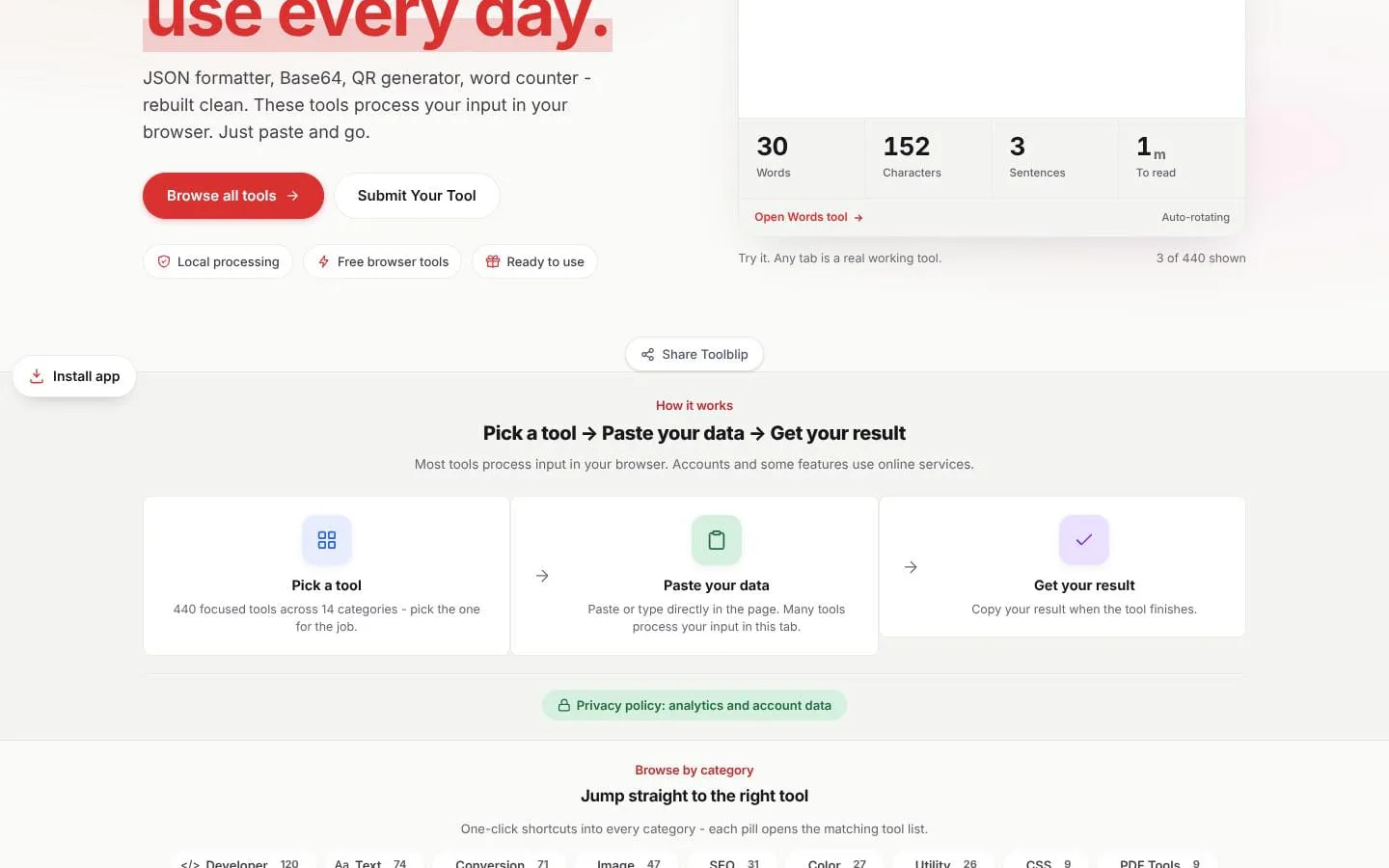
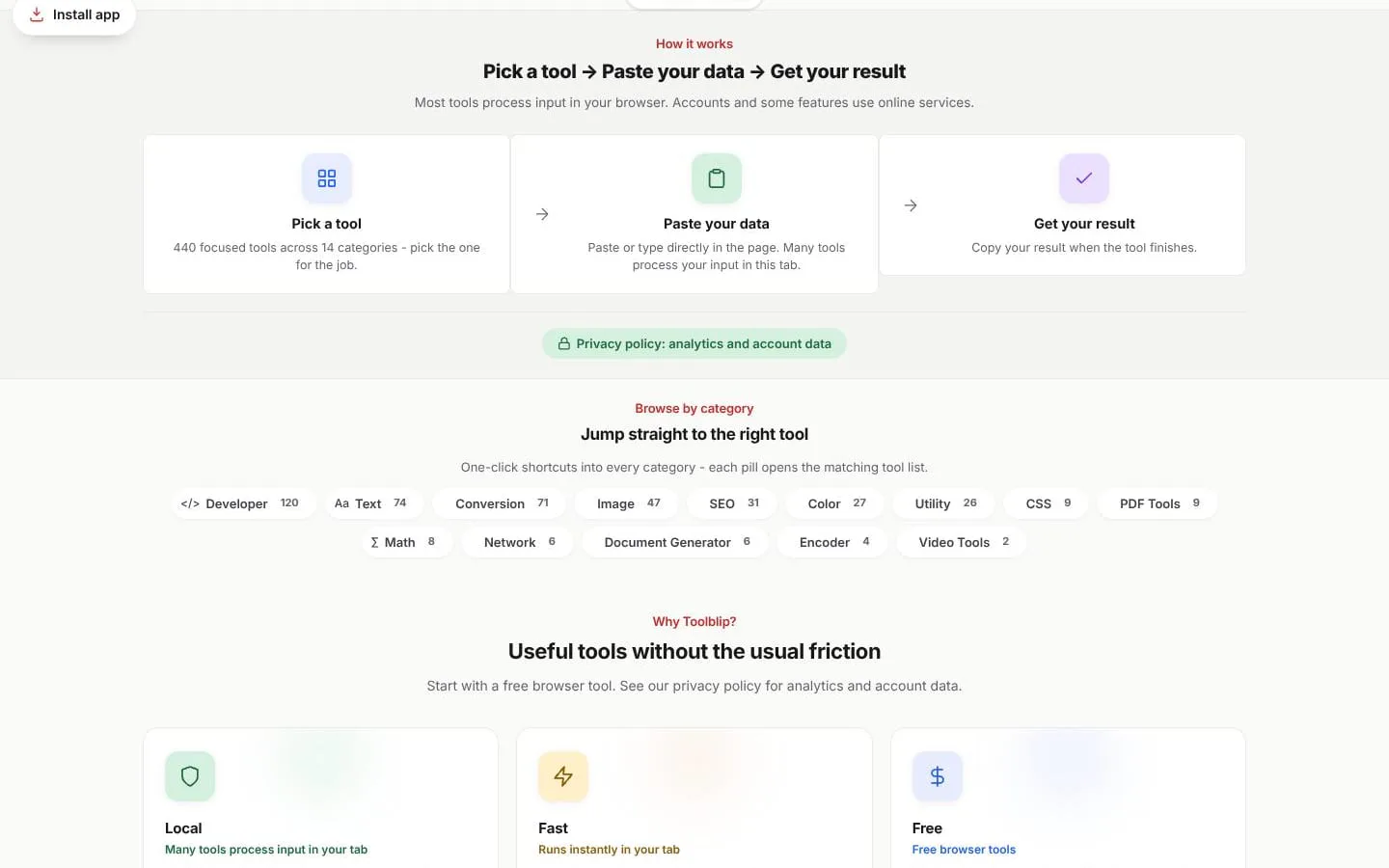
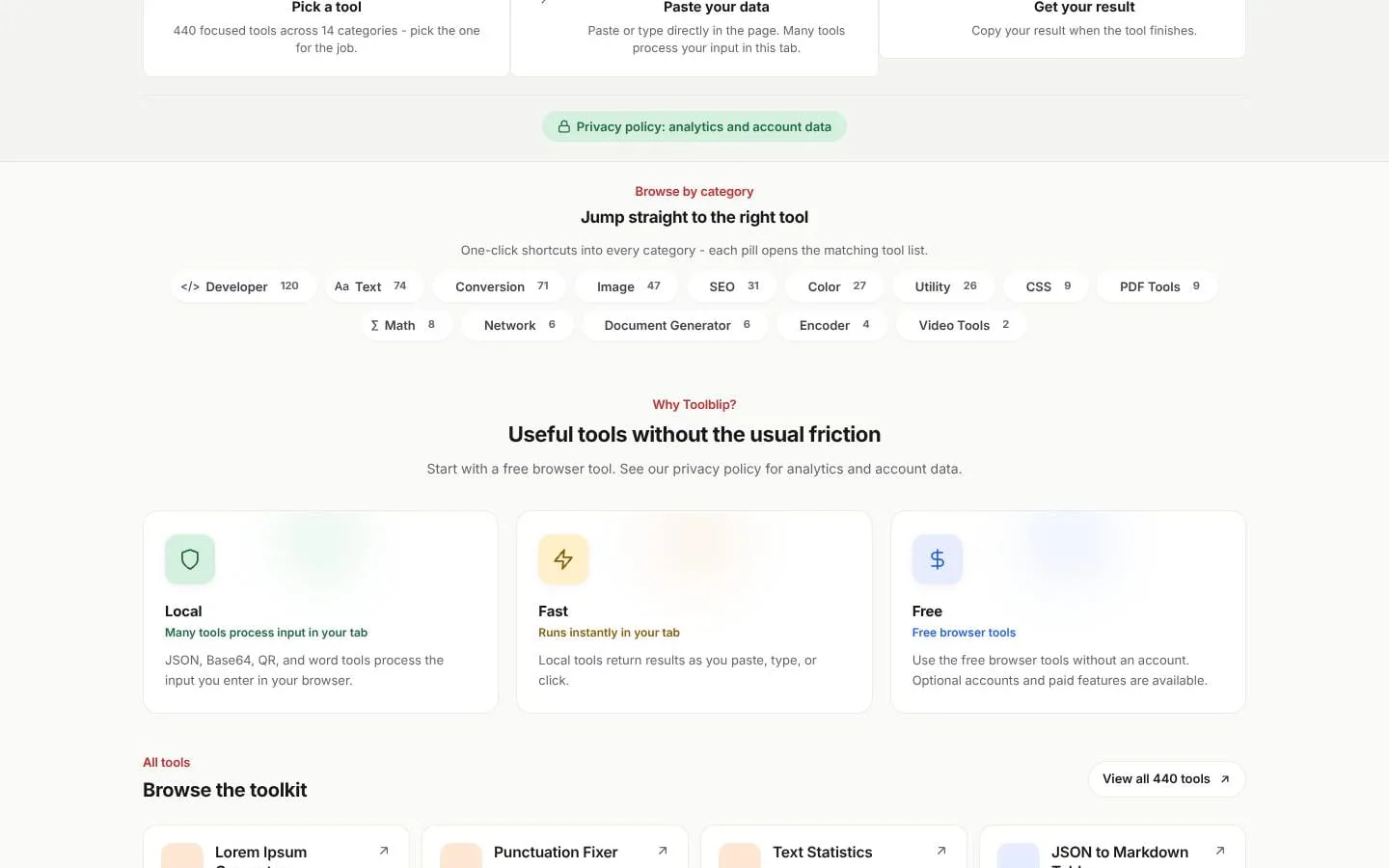
- Organizes 440 tools across 14 categories and provides category shortcuts and a full index.
- Result
- Users can jump directly to tools for developer, text, image, SEO, and other workflows.
- Why
- Categorization helps users reach a purpose-built utility instead of searching through a generic suite.
Screenshots