AI
NihonOps
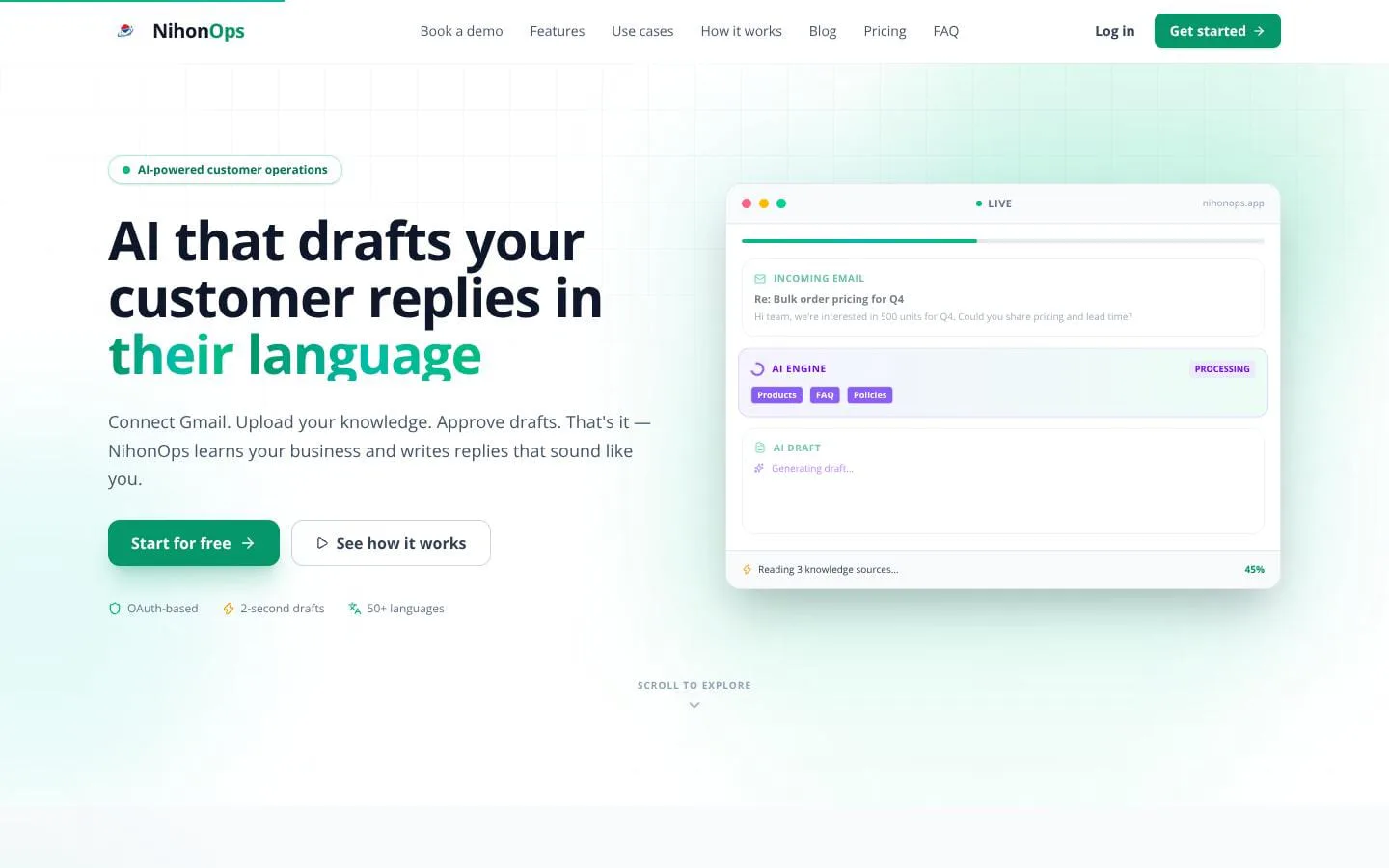
AI-powered customer email management that turns company knowledge into accurate, multilingual replies with human approval.
- Category
- AI
- Stage
- Growth
- For
- Small and medium-sized businesses, digital marketing agencies, travel companies, e-commerce businesses, and customer support teams that handle high volumes of c
About
NihonOps is an AI-powered customer operations platform that helps businesses manage customer emails more efficiently. It uses company knowledge and conversational context to generate accurate, personalized email replies in 50+ languages, with human approval before sending. Our goal is to reduce manual support workload and improve customer response times.
Features
- Problem
- Agents have to start replies from scratch and may not know which company information applies.
- How it works
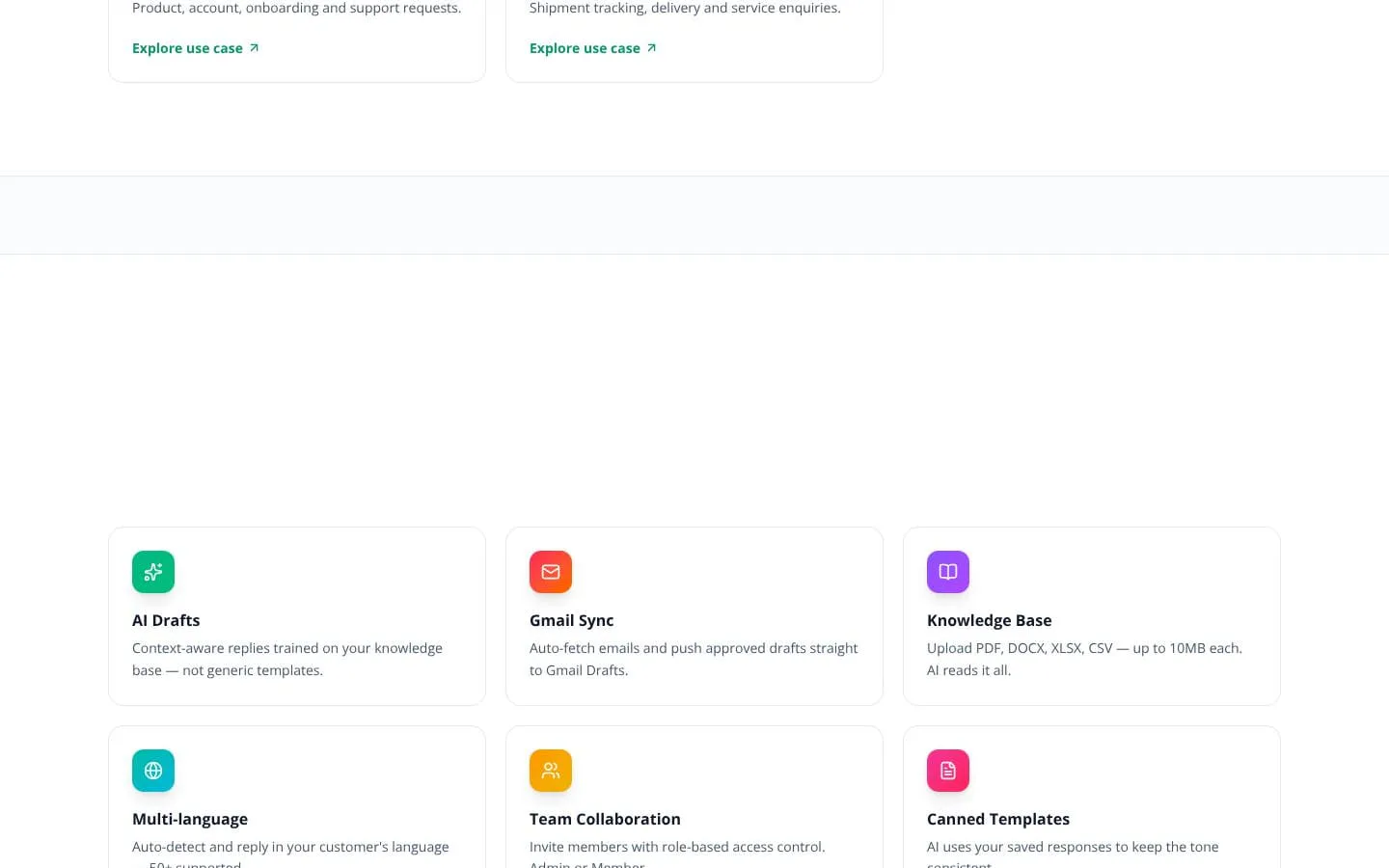
- Generates context-aware draft replies using uploaded knowledge-base files and saved responses.
- Result
- Teams receive a suggested reply to review instead of composing every response from a blank page.
- Why
- Grounding suggestions in business materials supports relevant answers and a consistent tone.
- Problem
- Handling messages in customers' languages can slow down support.
- How it works
- Auto-detects the customer's language and can draft replies in more than 50 languages.
- Result
- Teams can prepare replies in the language used by the customer.
- Why
- Language detection and multilingual drafting support customer conversations across regions.
- Problem
- Moving email text between tools adds steps to the review workflow.
- How it works
- Fetches new inbound email through Gmail sync and pushes approved drafts to Gmail Drafts.
- Result
- Approved replies are available as Gmail drafts, ready to send.
- Why
- Keeping drafts in Gmail lets teams review them in their email workflow.
- Problem
- Teams need human oversight before AI-generated replies are sent.
- How it works
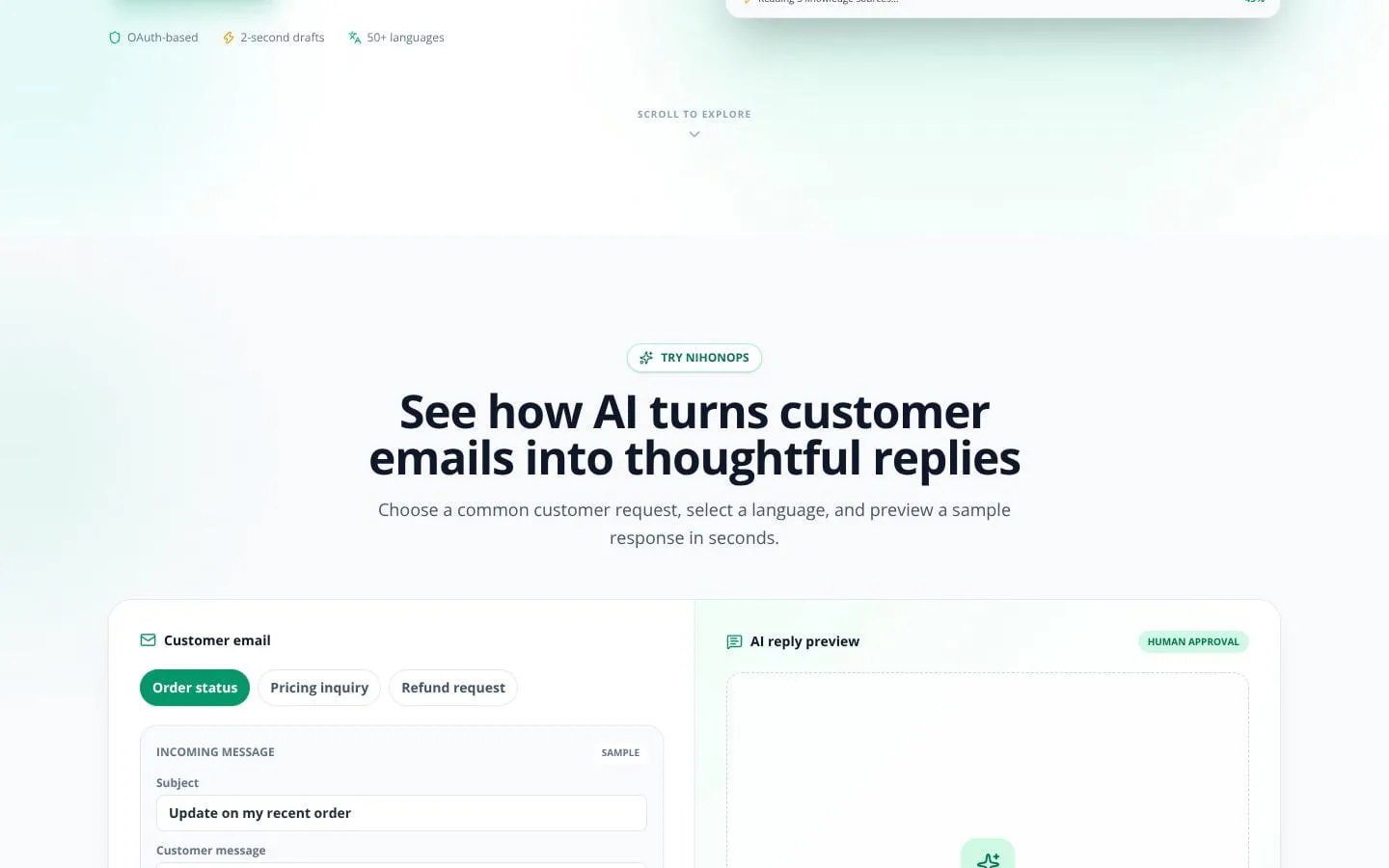
- Presents generated replies for team review and approval; the sample preview explicitly sends no email.
- Result
- Suggested replies are not sent automatically through the approval flow.
- Why
- Approval keeps a person in control of customer-facing communication.
- Problem
- Company reference information may be spread across files.
- How it works
- Accepts PDF, DOCX, XLSX, and CSV knowledge-base files up to 10 MB each.
- Result
- Teams can make company materials available to inform generated drafts.
- Why
- Uploading existing business documents gives reply drafting relevant company context.
- Problem
- Multiple team members need to collaborate without identical permissions.
- How it works
- Supports team invitations, Admin and Member roles, and role-based access control.
- Result
- Team members can work with access organized by role.
- Why
- Defined roles help teams manage access while collaborating on support.
Product questions
What does NihonOps do?
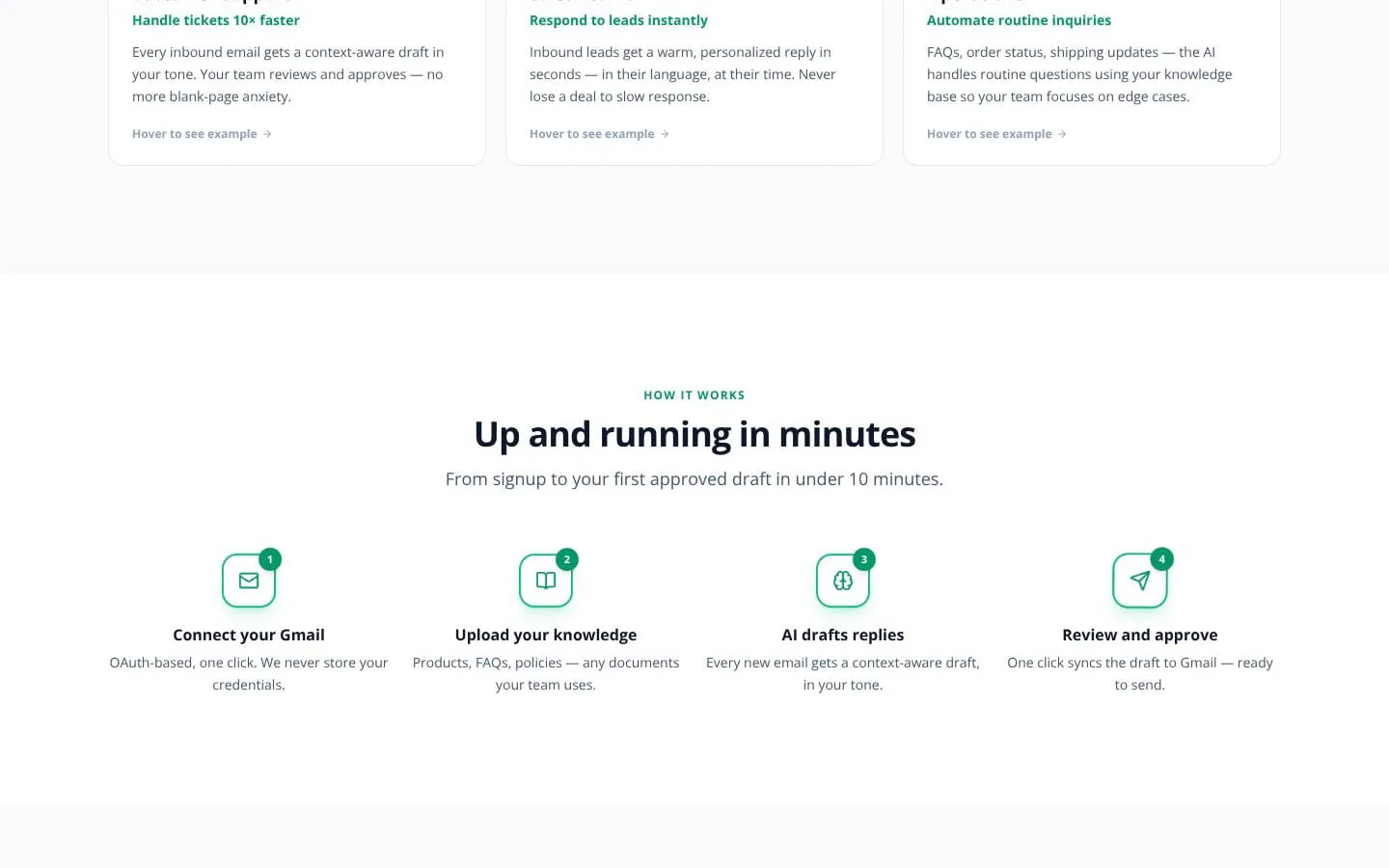
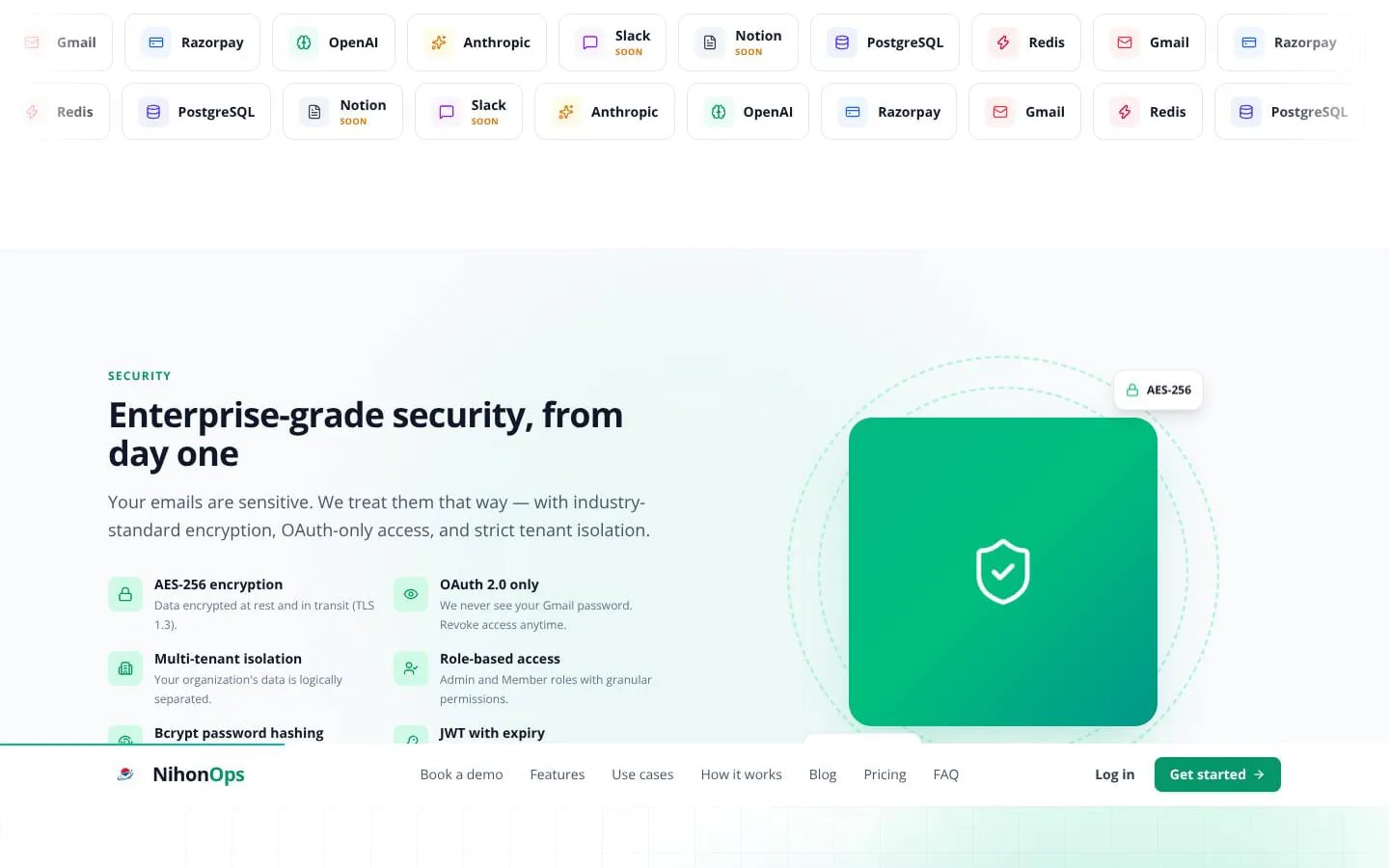
NihonOps connects to Gmail, uses uploaded company documents and saved responses to draft context-aware customer email replies in the customer's language, then lets a team member review and approve them before syncing drafts to Gmail.
Who is NihonOps for?
Small and medium-sized businesses, digital marketing agencies, travel companies, e-commerce businesses, and customer support teams that handle high volumes of c
Screenshots