Productivity
Rotara
Per-Project Workspaces for Mac, a Spaces and Stage Manager Alternative
- Category
- Productivity
- Stage
- Pre-launch
- For
- Mac users who want to organize app windows by project and switch quickly between focused workspaces.
About
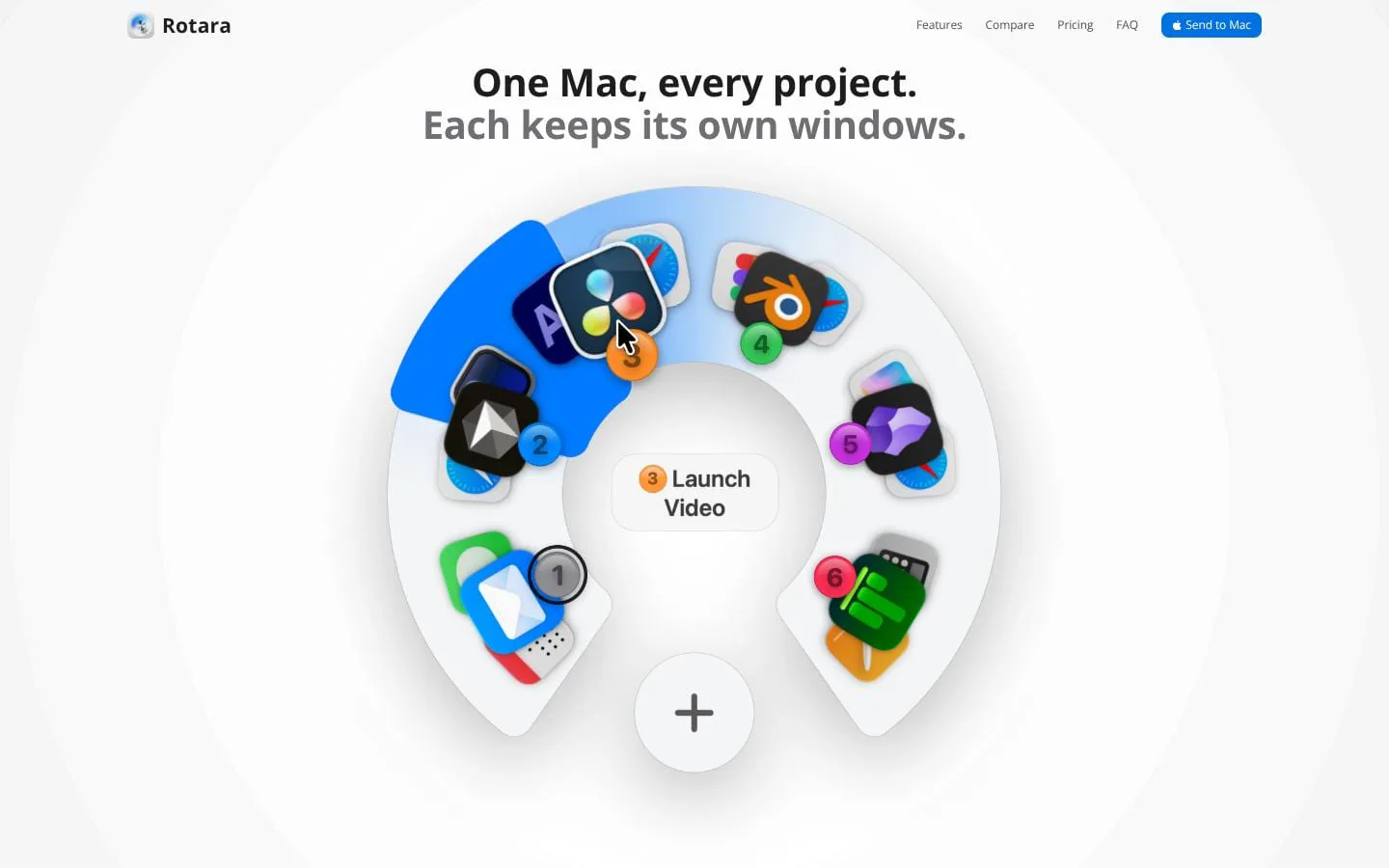
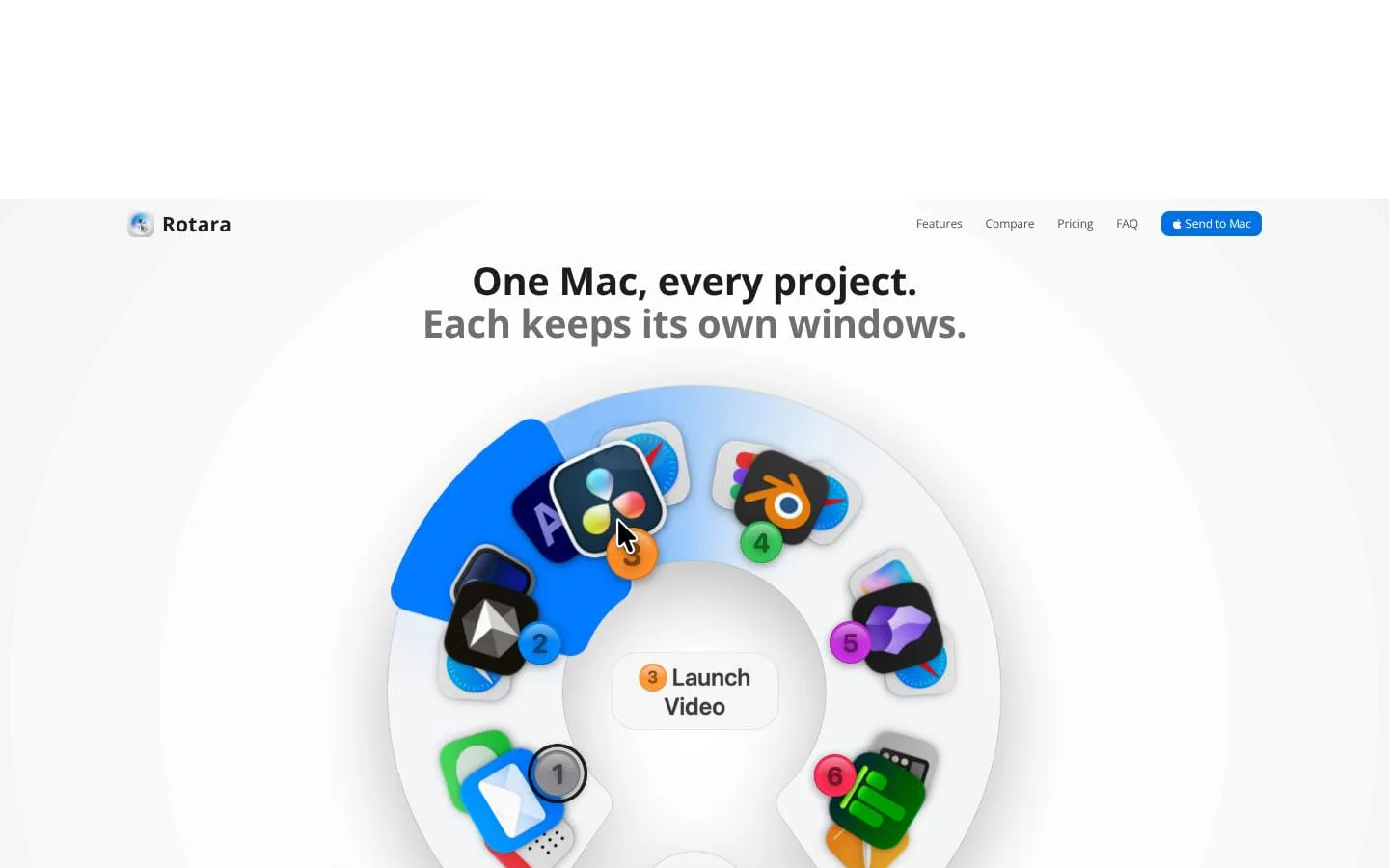
Per-project workspaces for Mac. Each project keeps its own windows, and pie menus switch between them in one keystroke. A Spaces and Stage Manager alternative.
Features
- Problem
- Windows from different projects become mixed together.
- How it works
- Keeps each window in a project workspace; switching hides other projects’ windows and brings the selected project’s windows back where they were.
- Result
- Each project has its own set of windows, including separate windows from the same app.
- Why
- Separating windows by project makes it easier to focus without rearranging them.
- Problem
- Moving windows into a workspace can take repeated manual effort.
- How it works
- Lets you move a window to a project from the pie menu, or create a new project for that window.
- Result
- A window can be moved into the right project with a click.
- Why
- Windows can be organized as work begins rather than requiring workspace setup in advance.
- Problem
- App switching can surface apps from unrelated projects.
- How it works
- ⌘ Tab shows apps in the current project; holding the shortcut opens an app pie, while a quick tap switches to the last app.
- Result
- The app switcher focuses on the current project’s apps.
- Why
- Keeping app switching within the active project helps avoid context changes.
- Problem
- Opening an app or link may take you to a window in another project.
- How it works
- Routes new app windows and supported browser links to the project you are using.
- Result
- Apps and links can open in the project at hand.
- Why
- Keeping launches in the active project avoids leaving the current workspace.
- Problem
- Heavy apps in inactive projects can use CPU while idle.
- How it works
- Smart Freeze pauses heavy apps in other projects.
- Result
- The site illustrates paused apps at 0% CPU.
- Why
- Pausing inactive apps can reduce their CPU activity while you work elsewhere.
- Problem
- Restarting or quitting could leave windows hidden.
- How it works
- Restores held windows to the screen when Rotara quits or is force-quit; workspaces return after a restart.
- Result
- Windows are brought back rather than left hidden.
- Why
- Windows should remain accessible if the app is closed.
Product questions
What does Rotara do?
Rotara is a Mac app that gives each project a workspace of its own windows, then lets you switch between workspaces with a pie menu, keyboard shortcut, or trackpad swipe.
Who is Rotara for?
Mac users who want to organize app windows by project and switch quickly between focused workspaces.
Screenshots