AI
Live Face Swap
Test a live camera effect before recording a take
- Category
- AI
- Stage
- Growth
- For
- Video creators, streamers, and performers who want to transform webcam video into character performances or short clips.
About
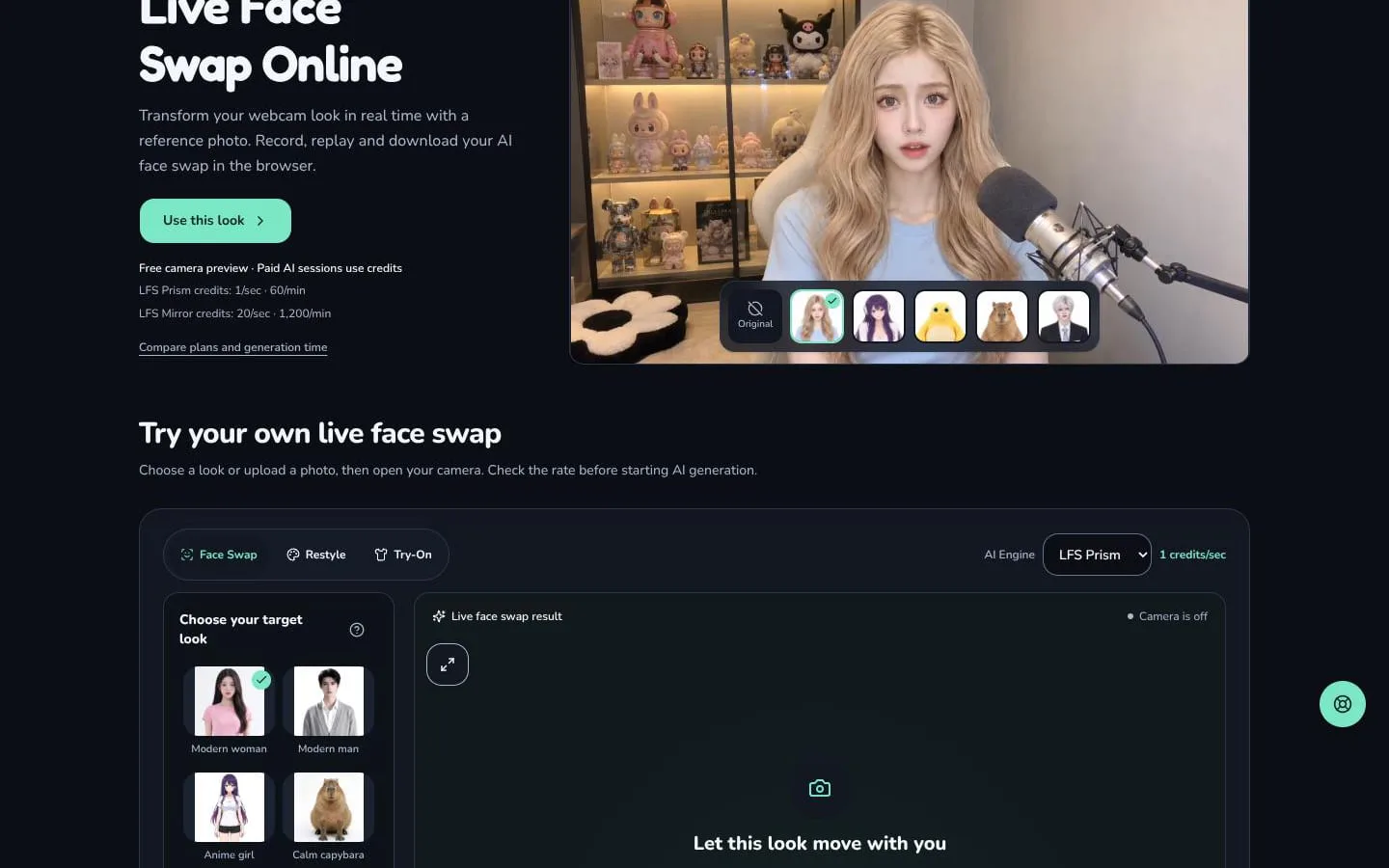
A short camera test can save a retake. Live Face Swap gives video creators a browser workspace for checking webcam framing, applying a face swap, a restyle, or a virtual try-on, and recording the result. Camera preview comes before generation, and the AI processing uses credits. The saved clip can go straight into a demo or an editing pass.
Features
- Problem
- Creators may not know how a reference will look in motion.
- How it works
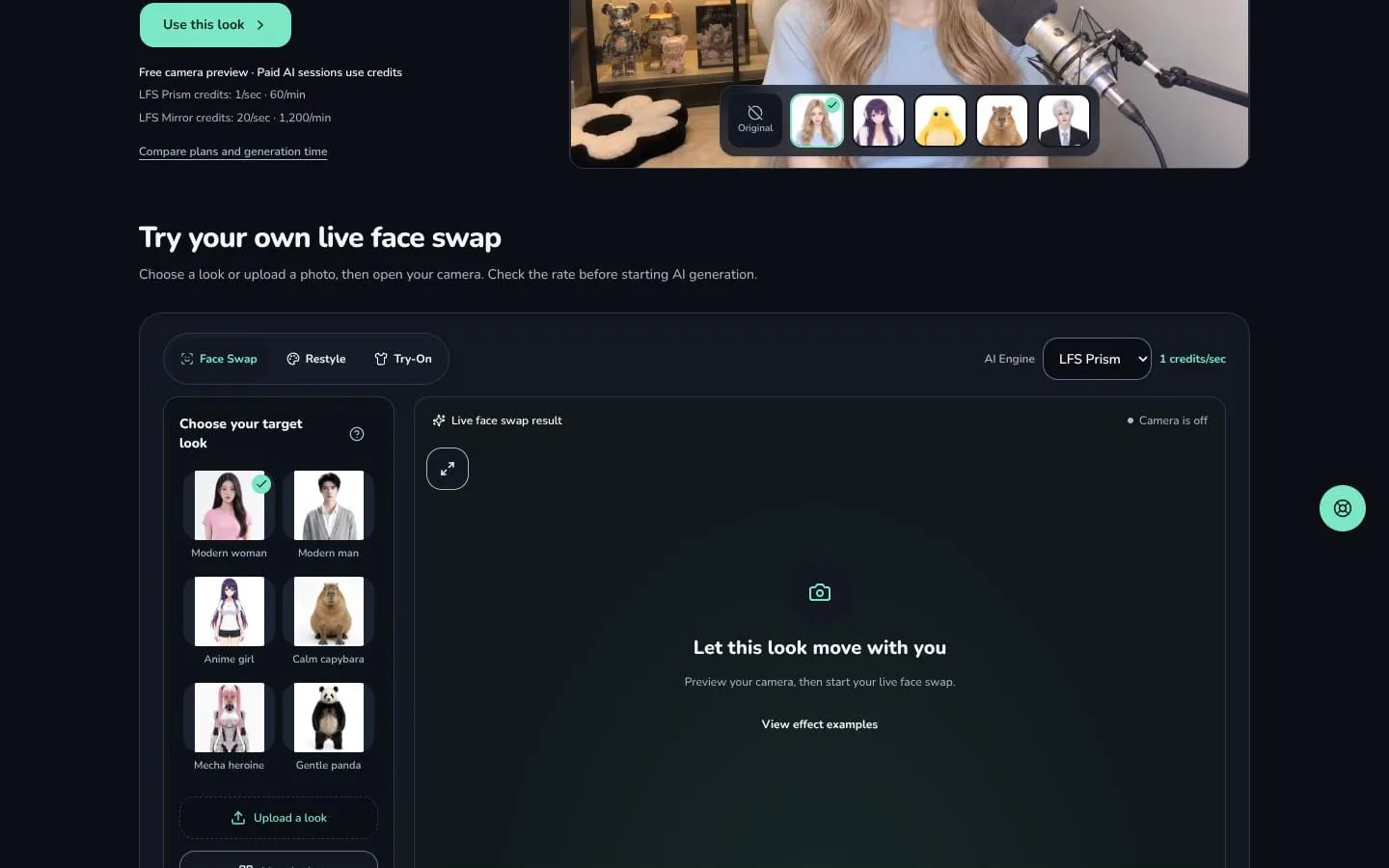
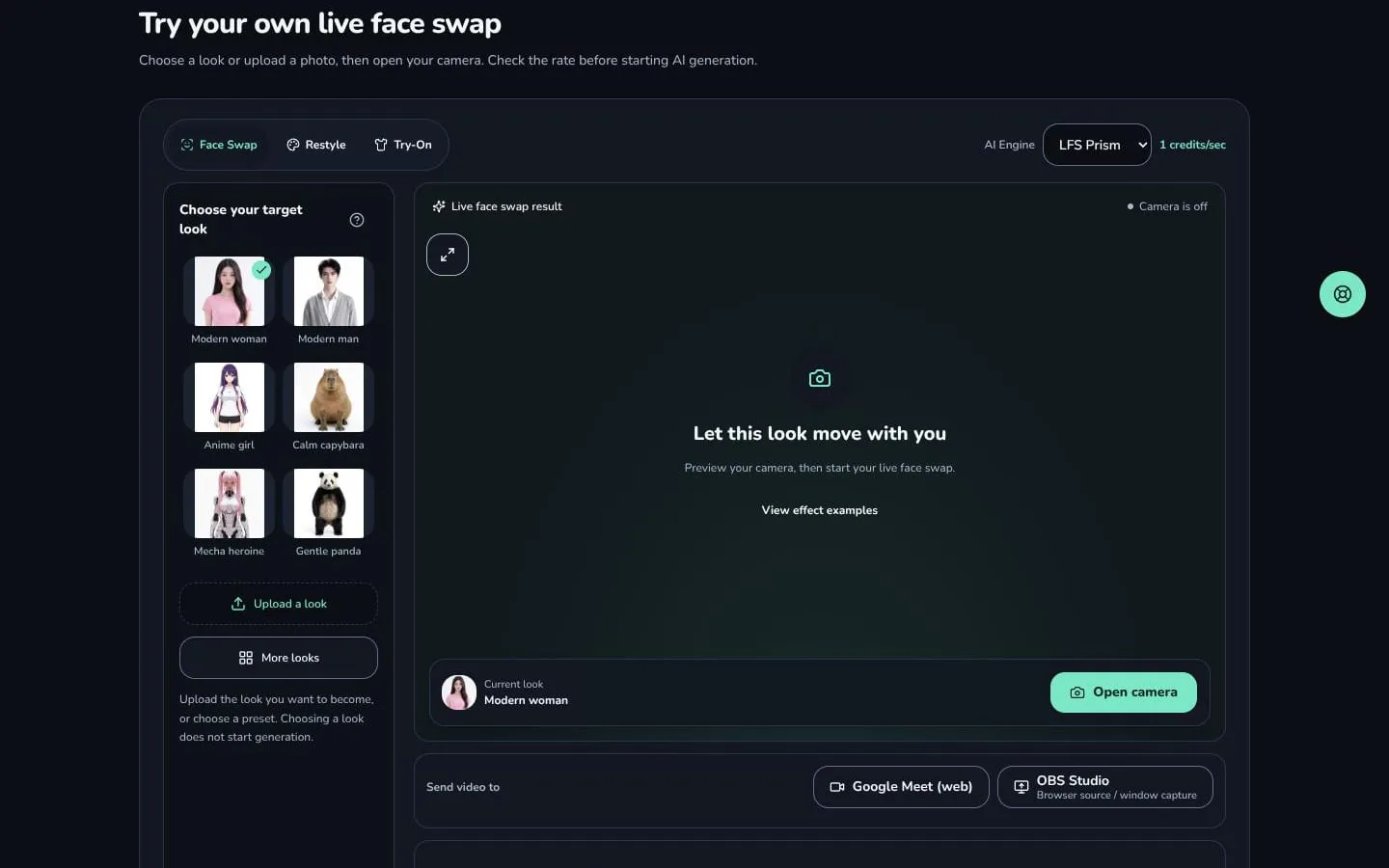
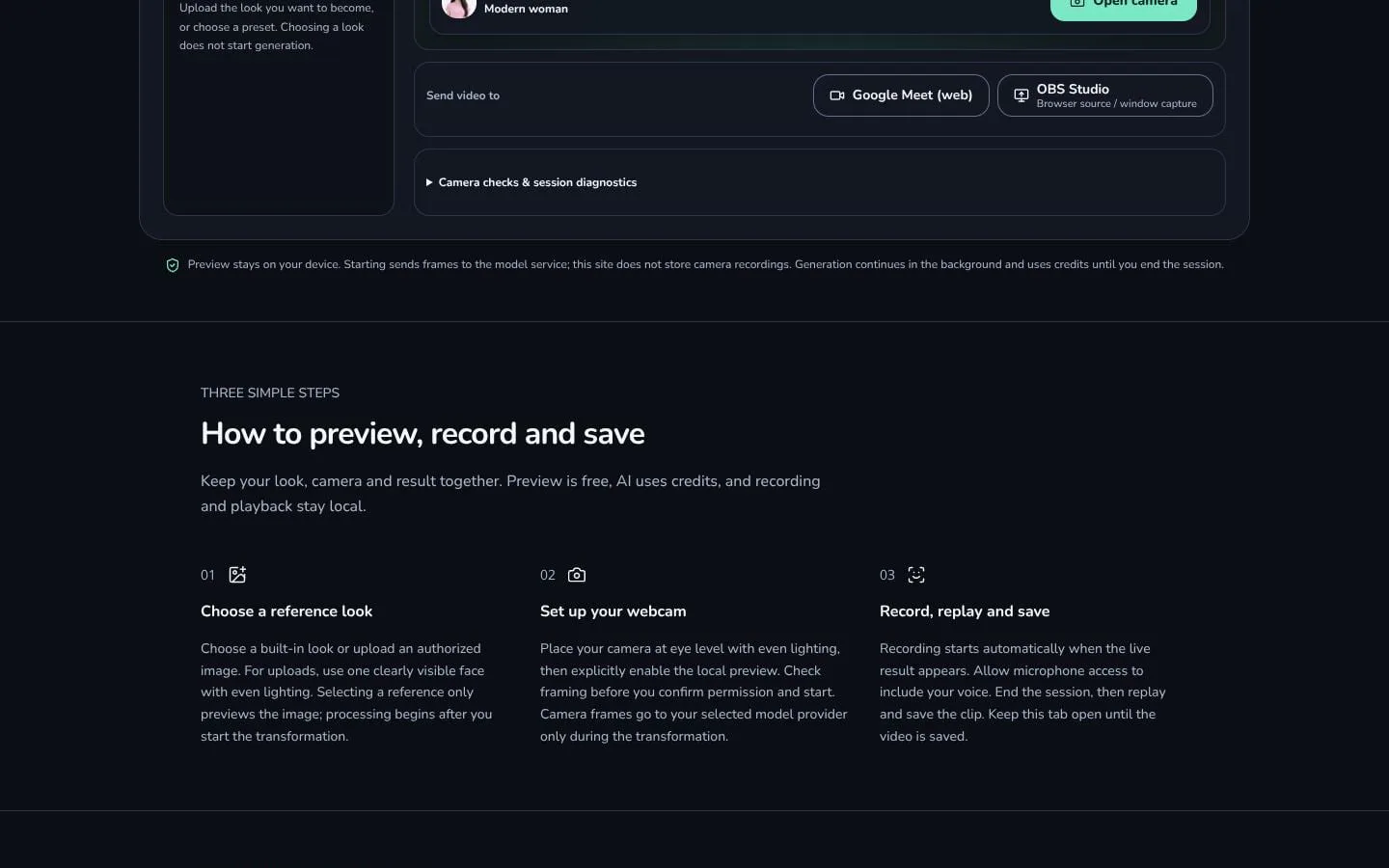
- Users choose a built-in look or upload a reference photo, then preview their camera before starting generation.
- Result
- Users can assess a look and camera setup before beginning a session.
- Why
- A preview helps users check the reference and framing before spending credits on AI generation.
- Problem
- A still image does not show how a transformed character will appear during a performance.
- How it works
- The selected AI engine transforms the live webcam feed after the user starts a session.
- Result
- Creators can see the generated look in motion in the browser.
- Why
- Live output lets users test expressions, movement, and framing as they perform.
- Problem
- Creators need a way to review and keep a performance.
- How it works
- Recording begins when live output appears; users can end the session, replay the clip, and save it locally.
- Result
- Users can save a browser-recorded clip for later use.
- Why
- Reviewing a take helps users check its appearance before sharing or making another take.
- Problem
- A live session's technical state and usage may be unclear.
- How it works
- The workspace provides camera checks, session diagnostics, and the selected engine's credit rate before generation.
- Result
- Users can make a more informed decision about starting and ending a session.
- Why
- These details help users check readiness and understand session usage before starting.
Product questions
What does Live Face Swap do?
Live Face Swap lets creators preview an AI face swap on webcam video, then record, replay, and save a short performance in the browser.
Who is Live Face Swap for?
Video creators, streamers, and performers who want to transform webcam video into character performances or short clips.
Screenshots