Content creation
AI Video Download
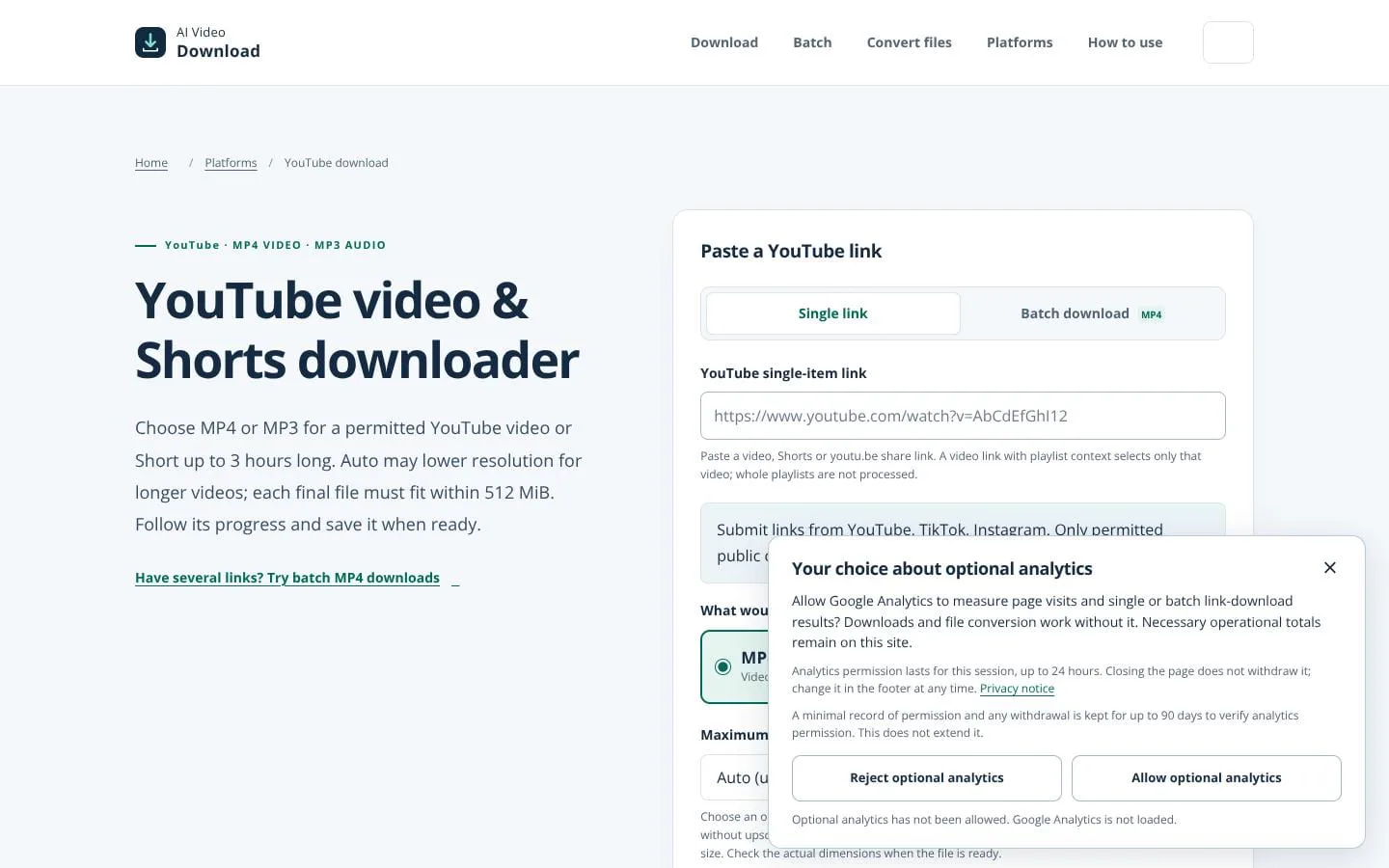
Save permitted YouTube videos as MP4 or MP3, with batch MP4 progress.
- Category
- Content creation
- Stage
- Growth
- For
- People who need to save YouTube videos or Shorts they own or have permission to download.
- Platforms
- Web browser
- Pricing
- Free to use. No account is required.
About
AI Video Download helps creators save their own or permitted YouTube videos as MP4 or extract audio as MP3. The batch MP4 form processes up to 10 individual links in order with separate progress and results. Media can be up to 3 hours with a 512 MiB final-file limit. Ready files expire after one hour. The English page includes supported link formats, saving steps and troubleshooting. No user account is needed.
Use cases
- Save a permitted video with its on-screen content as MP4.
- Extract an available audio track as MP3.
- Process up to 10 permitted individual links in the batch MP4 queue.
Features
- Problem
- Users may need video with visuals or audio only.
- How it works
- Choose MP4 or MP3 for a single YouTube video or Short, then select an output quality limit for MP4.
- Result
- Users can choose a suitable format and quality limit, subject to source availability and the stated file and duration limits.
- Why
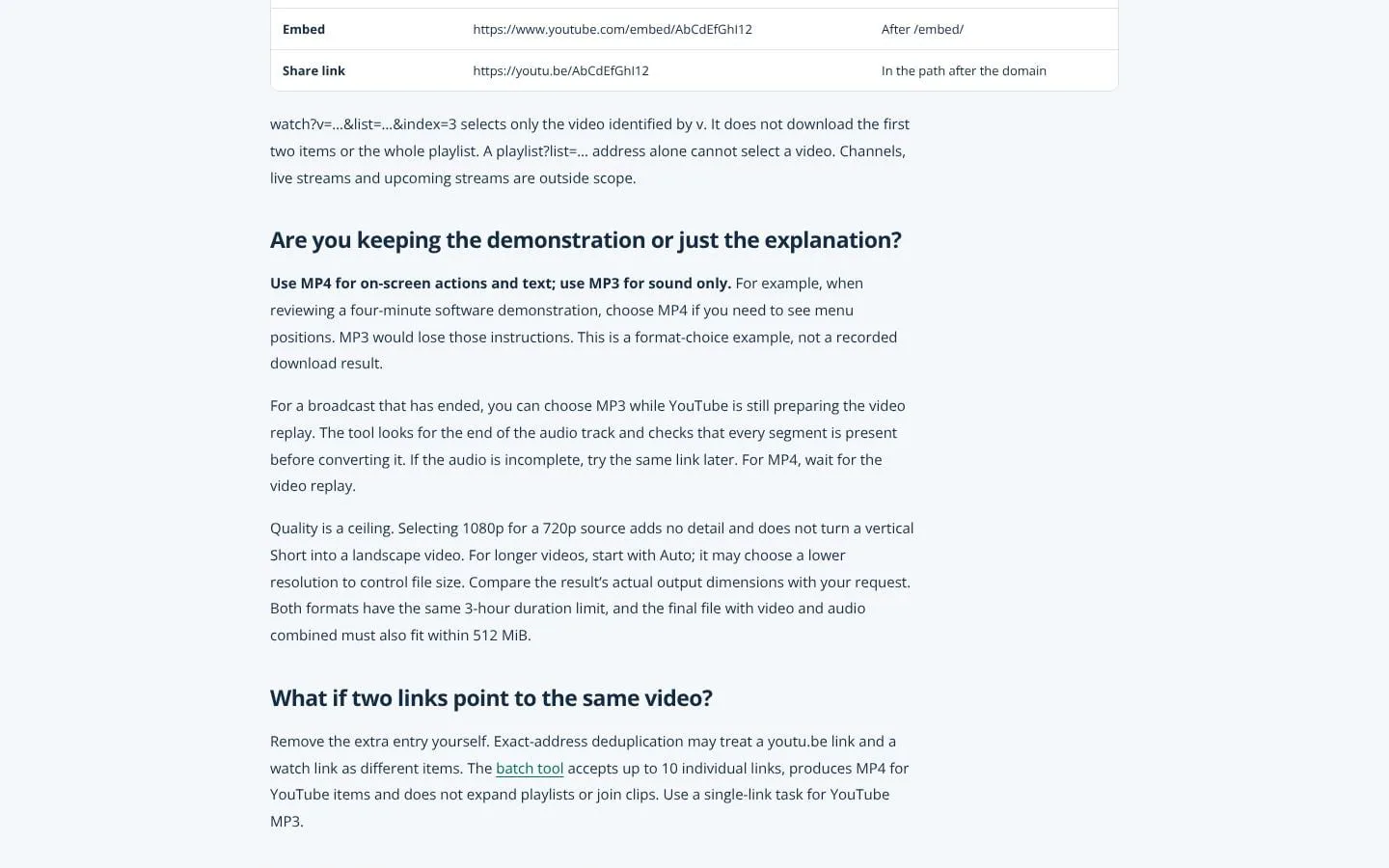
- MP4 preserves on-screen actions and text; MP3 is audio only. Quality settings are ceilings, and Auto may choose a lower resolution for longer videos.
- Problem
- Submitting several links one at a time can be cumbersome.
- How it works
- Submit up to 10 YouTube, TikTok, or Instagram links for batch MP4 processing; review or edit links imported from a text file.
- Result
- Users can follow batch progress and save each completed file individually.
- Why
- Links are processed in order, and a failed item does not stop the rest.
- Problem
- Processing may take time or fail for an individual item.
- How it works
- View task status, check status again, cancel a task, and save a ready file.
- Result
- Users can monitor processing and retrieve completed files without restarting an existing ready task.
- Why
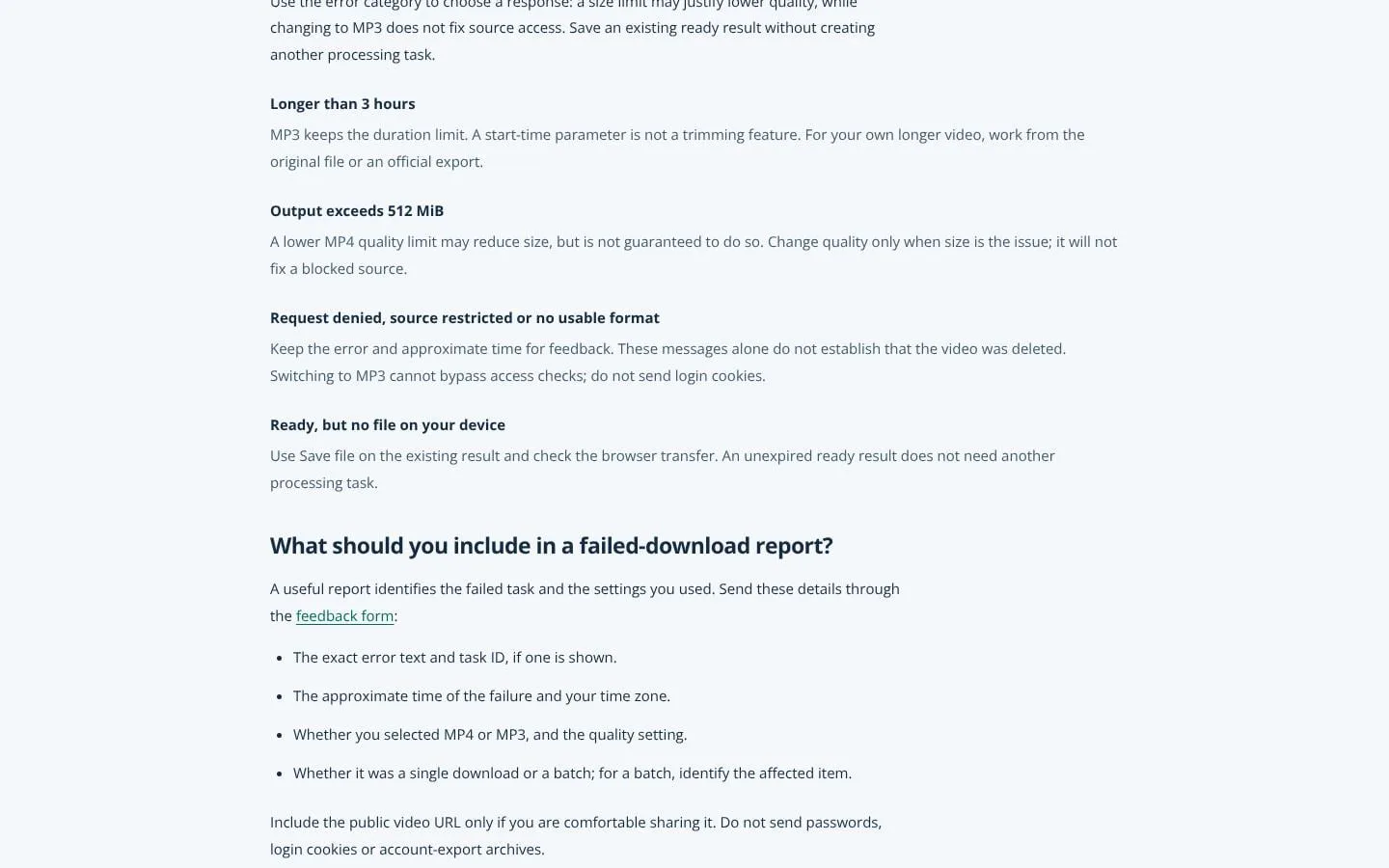
- The page explains that tasks may queue, that closing the page does not cancel them, and that ready files expire after one hour.
- Problem
- Users may mistake a format or quality setting for a guarantee about the output.
- How it works
- The page explains source-dependent quality, size and duration limits, and that start-time parameters do not trim downloads.
- Result
- Users have practical guidance for choosing settings and interpreting processing limits.
- Why
- Clear constraints help users select settings without implying that blocked sources or oversized files can be bypassed.
Product questions
What does AI Video Download do?
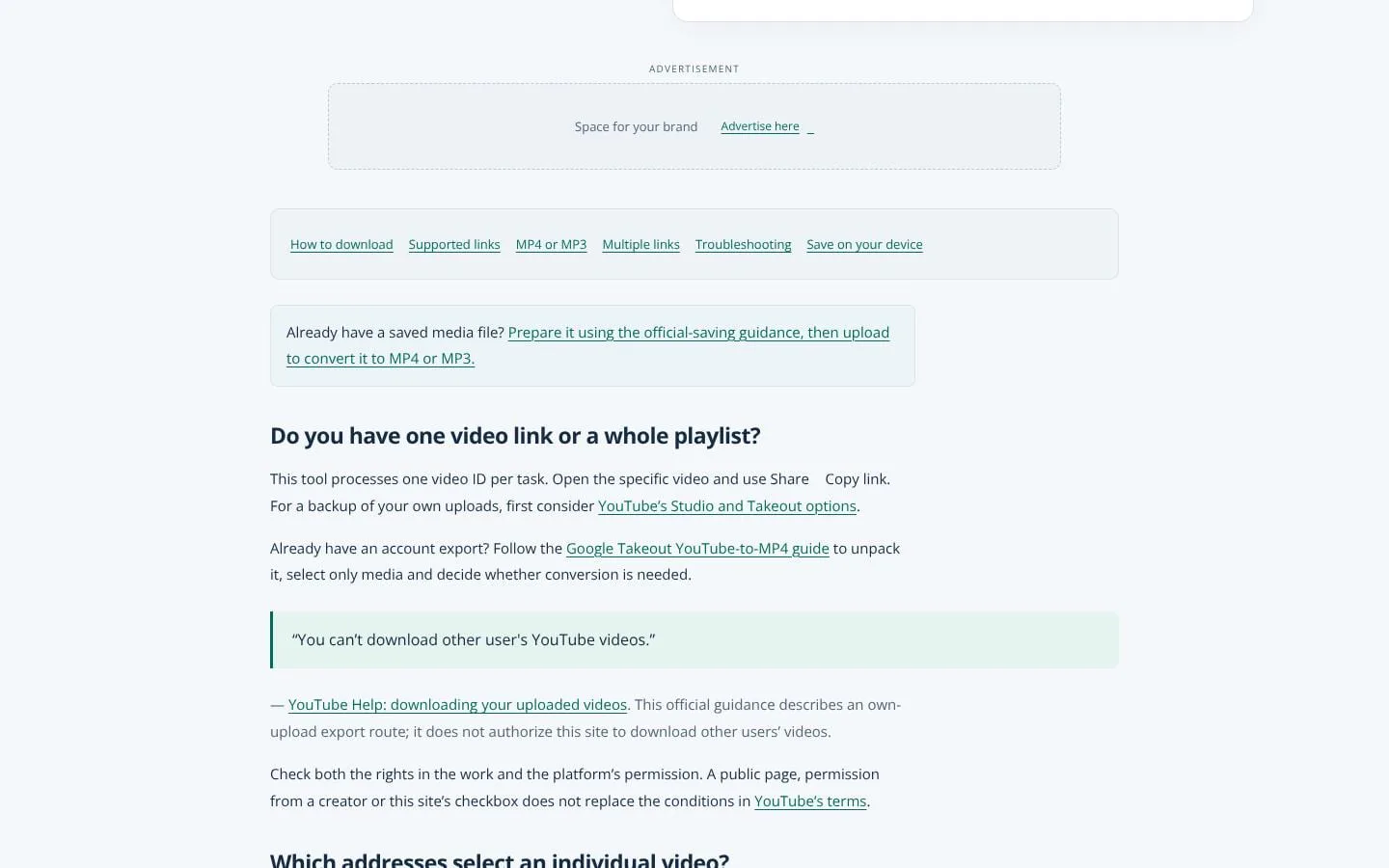
AI Video Download processes permitted YouTube videos and Shorts as MP4 video or MP3 audio, with a separate batch option for up to 10 links.
Who is AI Video Download for?
People who need to save YouTube videos or Shorts they own or have permission to download.
How much does AI Video Download cost?
Free to use. No account is required.
Which platforms does AI Video Download support?
- Web browser
What can I use AI Video Download for?
- Save a permitted video with its on-screen content as MP4.
- Extract an available audio track as MP3.
- Process up to 10 permitted individual links in the batch MP4 queue.
Screenshots