Automation
apicrux
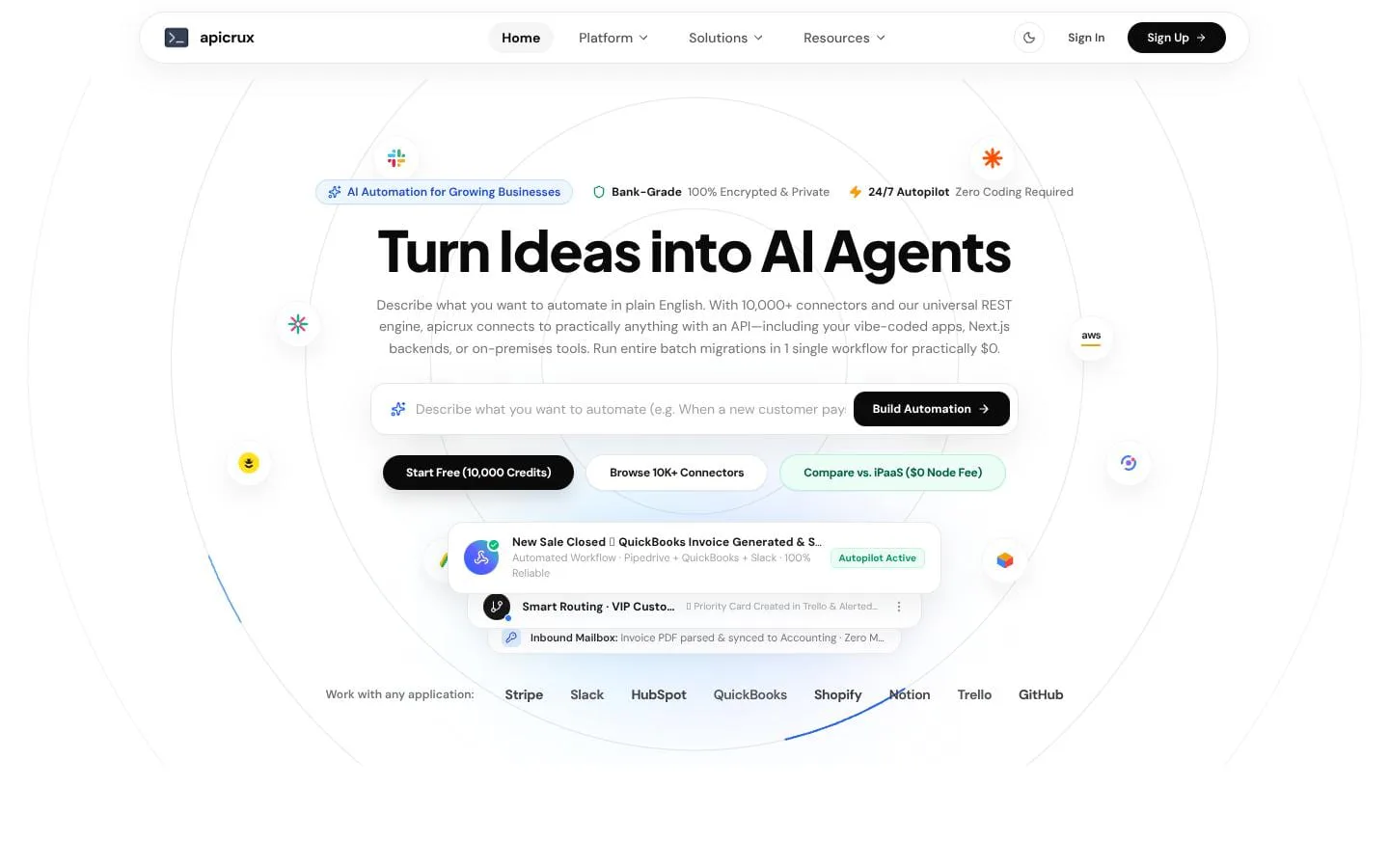
Turn Ideas into AI Agents & Automated Workflows
- Category
- Automation
- Stage
- Growth
- For
- Growing businesses and teams that want to automate routine workflows across their apps without coding.
About
apicrux turns plain English ideas into reliable business workflows. Merge connectors, inbound mailboxes, live webhooks, and scheduled automations into one effortless workspace. Start free with 10,000 credits.
Features
- Problem
- Building a useful automation can require technical setup and complex configuration.
- How it works
- Users describe the desired workflow in plain English; an AI assistant plans the steps, which teams can review and customize in a visual builder.
- Result
- Teams can create and adjust multi-app automations without writing code.
- Why
- Plain-language setup makes workflows accessible to teams without coding expertise.
- Problem
- Invoices and other documents arriving by email require repetitive manual data entry.
- How it works
- A dedicated workflow mailbox receives emails and attachments, extracts relevant details, and sends the resulting data to connected apps.
- Result
- For example, invoice details can be added to QuickBooks and finance notified in Slack.
- Why
- Email-triggered processing turns existing business communications into workflow inputs.
- Problem
- Business workflows need to apply rules and coordinate actions across multiple apps.
- How it works
- Visual workflow steps support filters, routing rules, and approval gates, with steps that can be tested using sample data before activation.
- Result
- Teams can route exceptions and coordinate predictable actions across connected apps.
- Why
- Reviewable rules and safe testing help teams check workflows before they run live.
- Problem
- Responding to app events, retrying them, and reviewing what happened can be difficult.
- How it works
- Apicrux listens for real-time events, records execution details, retains a seven-day activity history, and allows event replay.
- Result
- Teams can inspect workflow activity and retry events when needed.
- Why
- A visible history and replay option support troubleshooting and auditing.
- Problem
- Large data transfers can become costly when pricing is tied to individual workflow steps or rows.
- How it works
- Workflows can process records in batches; live executions use a flat one-credit-per-run model regardless of step count.
- Result
- Teams can migrate or sync large datasets in a single workflow run.
- Why
- Run-based pricing avoids per-step charges for multi-step workflows.
- Problem
- Connecting a business app without a ready-made connector can require custom development.
- How it works
- Apicrux offers listed connectors and a universal REST option that can use API documentation or OpenAPI specifications.
- Result
- Teams can connect supported apps and compatible HTTP/REST APIs.
- Why
- Custom API connectivity extends workflows to systems beyond the listed integrations.
Product questions
What does apicrux do?
apicrux lets teams describe routine work in plain English, then builds visual workflows that connect email, live events, schedules, and business apps to automate it.
Who is apicrux for?
Growing businesses and teams that want to automate routine workflows across their apps without coding.
Screenshots