No-code
Spreadsheet to App
Build hosted web apps from Excel, CSV and Google Sheets with AI.
- Category
- No-code
- Stage
- Beta
- For
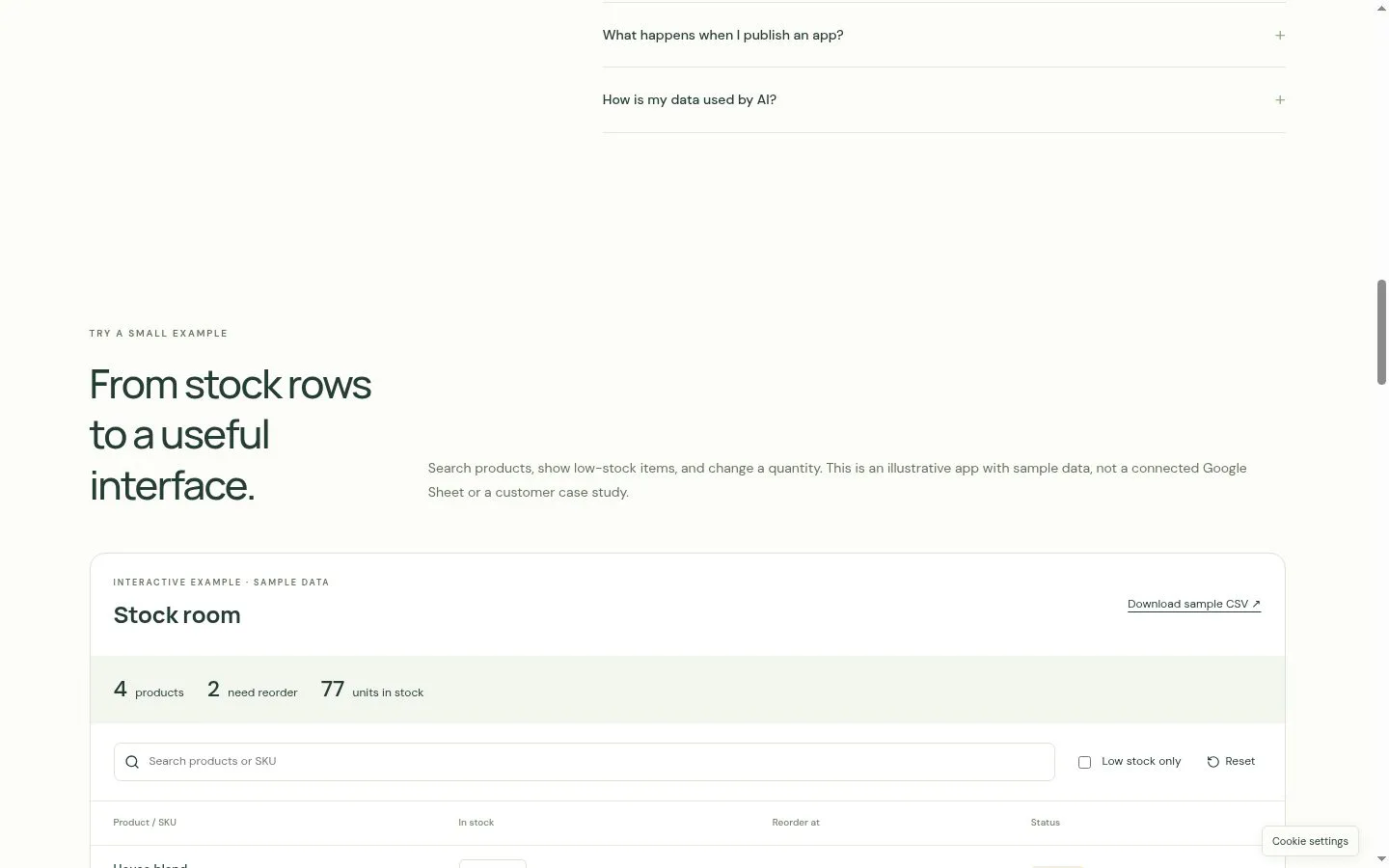
- Small teams and spreadsheet users building inventory tools, customer lists, dashboards and internal tools.
About
Spreadsheet to App turns Excel, CSV and Google Sheets data into hosted web apps with AI. Connect an existing Google Sheet directly, or upload Excel and CSV files to import them into your Google Sheets. Describe your app in Studio, refine it through conversation, inspect or edit generated code, preview privately and publish. Your data stays in Google Sheets. Build inventory tools, customer lists, dashboards and internal tools.
Features
- Problem
- Business data starts in different spreadsheet formats.
- How it works
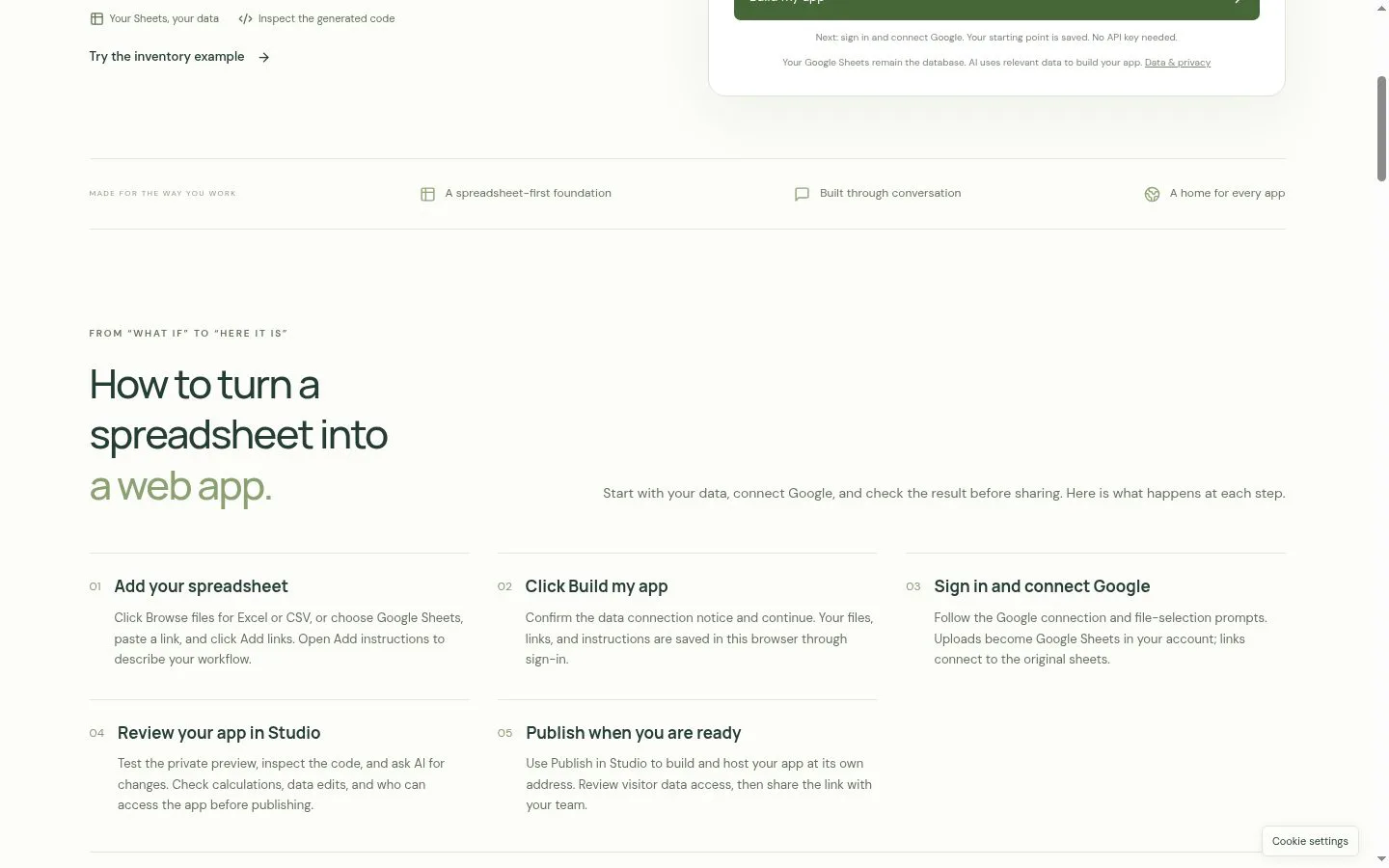
- Accepts Excel and CSV uploads or Google Sheets links, with up to five spreadsheets in a starting point.
- Result
- A spreadsheet-based starting point for a web app.
- Why
- Teams can begin with data they already have instead of restructuring it first.
- Problem
- A spreadsheet alone may not fit a team's workflow.
- How it works
- Users describe the workflow in plain language, then ask AI for changes in Studio.
- Result
- A tailored app interface built around the team's data.
- Why
- Conversation provides a way to shape the interface around everyday tasks.
- Problem
- Users need to verify an app before sharing it.
- How it works
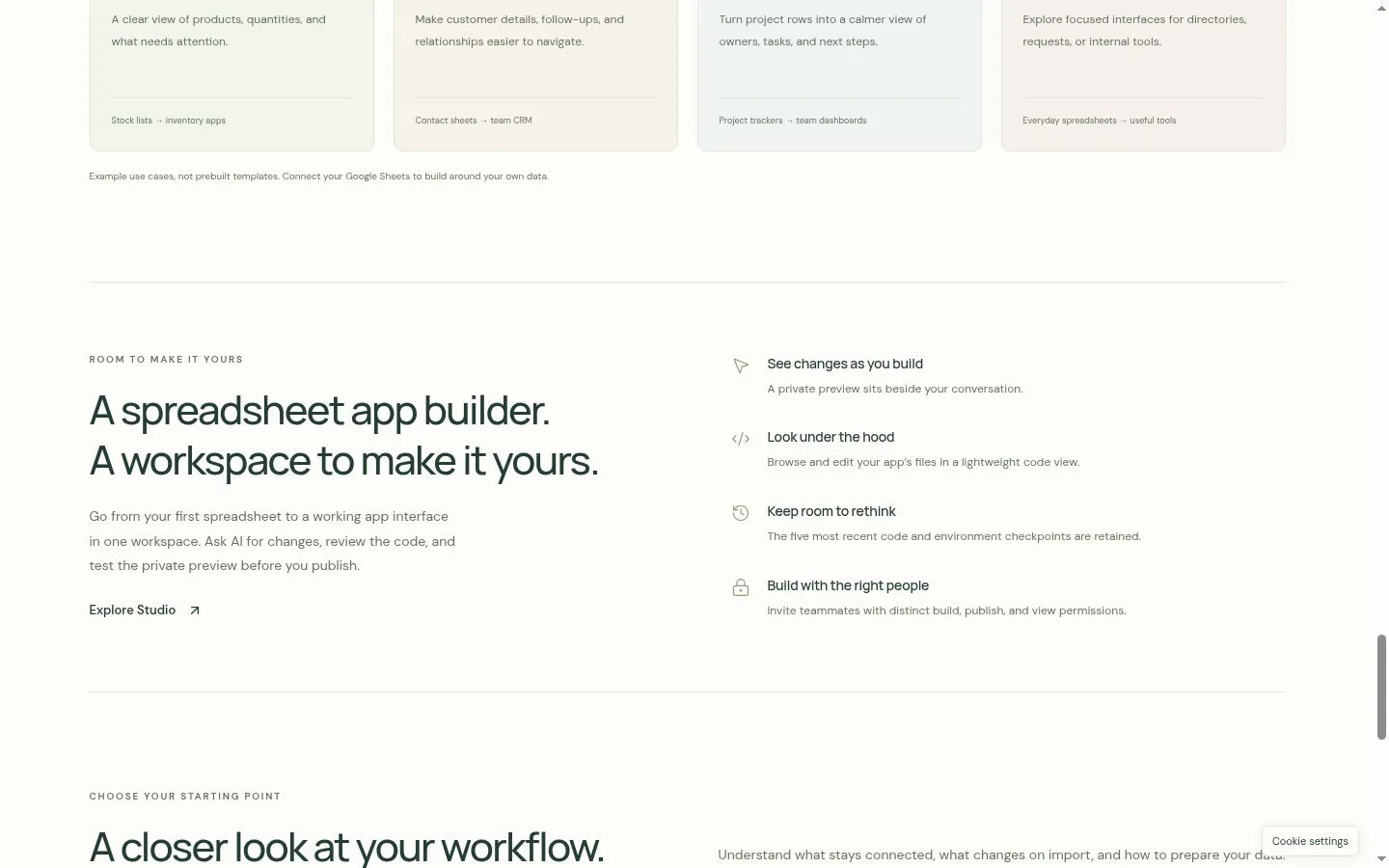
- Studio provides a private preview and generated-code browsing and editing.
- Result
- A reviewable app that can be tested before it is shared.
- Why
- Teams can inspect behavior and code before publishing.
- Problem
- Teams want to keep business records in their spreadsheets.
- How it works
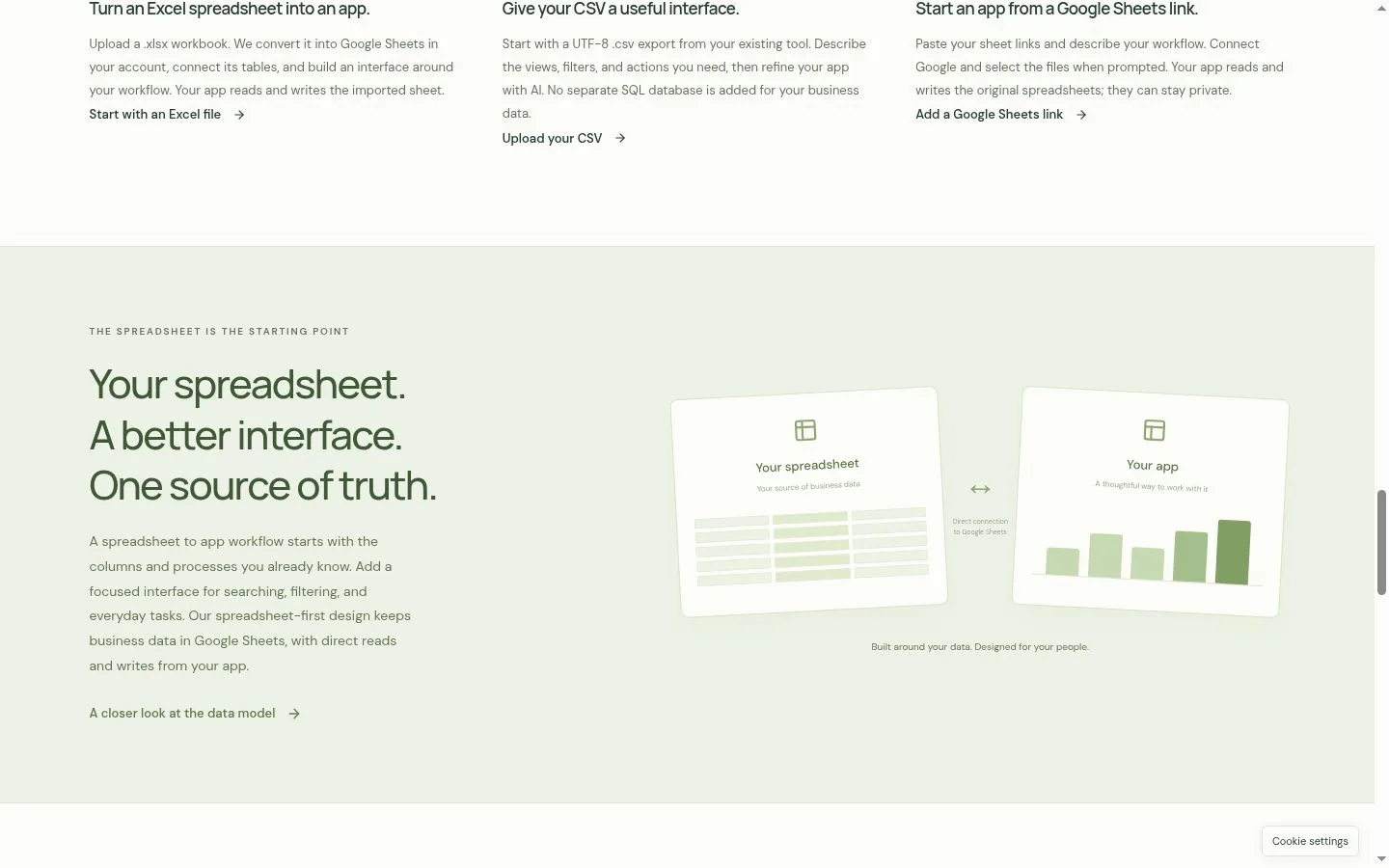
- Connected apps read and write approved Google Sheets data; uploaded Excel and CSV files are imported into Google Sheets.
- Result
- App workflows connected to Google Sheets, with access and edit behavior to review before sharing.
- Why
- The spreadsheet remains the data source rather than being replaced by a separate business-data database.
- Problem
- A team needs a way to share its finished tool.
- How it works
- Publishing builds and hosts the app at its own address.
- Result
- A web app teammates can open in a browser.
- Why
- A hosted browser app can be shared without packaging a native mobile app.
Product questions
What does Spreadsheet to App do?
Spreadsheet to App turns Excel, CSV, or Google Sheets data into hosted web apps. Users describe their workflow, review and refine the generated app in Studio, then publish it for browser access.
Who is Spreadsheet to App for?
Small teams and spreadsheet users building inventory tools, customer lists, dashboards and internal tools.
Screenshots