Productivity
ihatepdf.cv
Free Online PDF Editor, No Watermark, No Upload
- Category
- Productivity
- Stage
- Growth
- For
- People who need free, private browser-based PDF editing, conversion, and document tools.
About
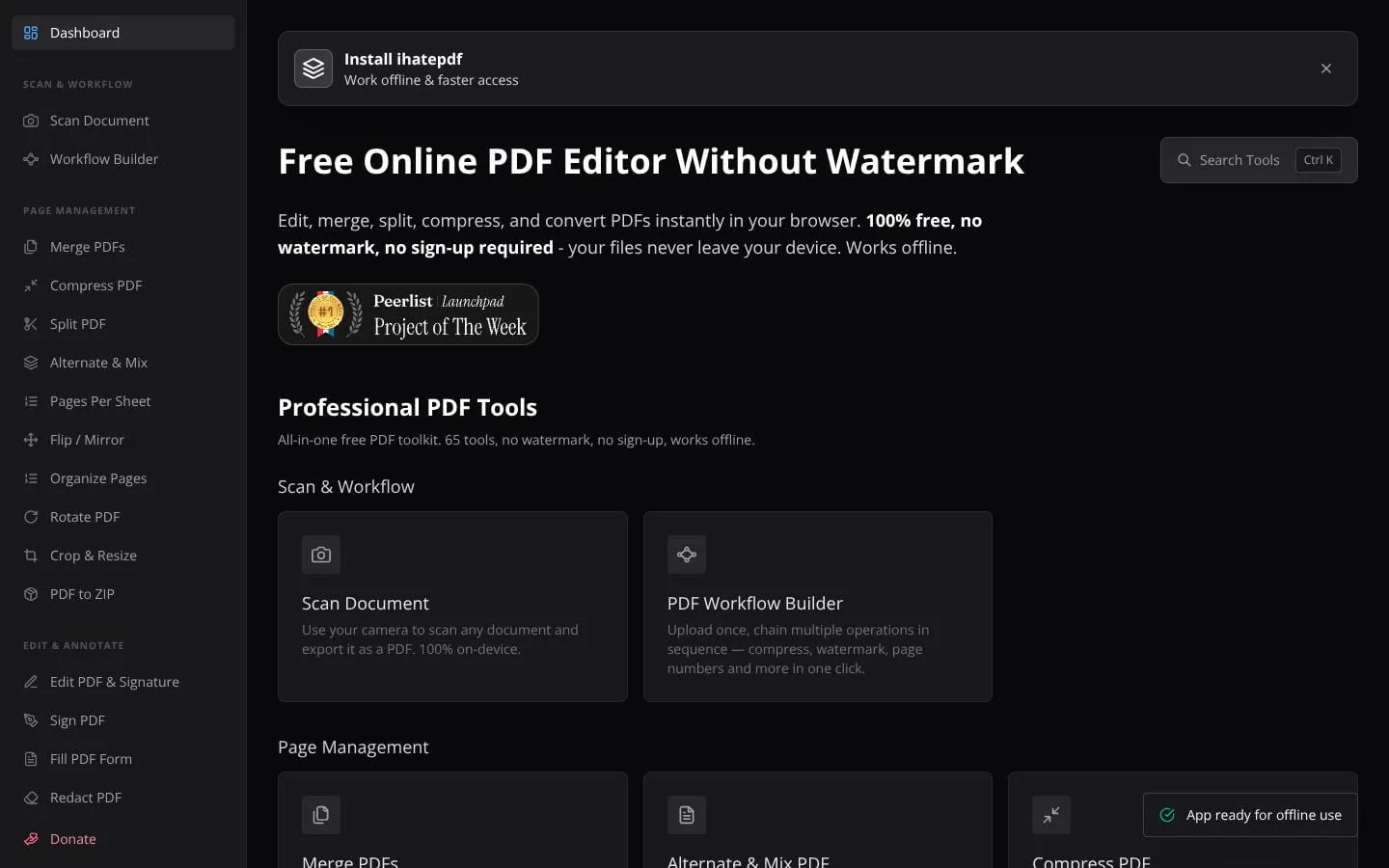
100% free online PDF editor with no watermark. 64 tools: merge, split, compress, edit, sign, encrypt, redact, convert, OCR, and more. All processing happens locally in your browser — files never leave your device. Works offline.
Features
- Problem
- PDF edits often disrupt original formatting or require paid desktop software.
- How it works
- Lets users edit text in place, add text, images, whiteout blocks, annotations, and signatures; scanned PDFs can be made editable with local OCR.
- Result
- Users can update resumes, contracts, forms, and other PDFs without a watermark or account.
- Why
- Editing within the original PDF preserves its layout rather than requiring a conversion round trip.
- Problem
- Document organization and sharing are slowed by fragmented PDF utilities.
- How it works
- Provides merge, split, organize, rotate, crop, resize, compress, and workflow-building tools.
- Result
- Users can prepare and reduce PDFs locally for sharing, printing, or upload limits.
- Why
- Common page and file operations are collected in one browser-based toolkit.
- Problem
- Sensitive identifiers can be missed or merely visually obscured before a document is shared.
- How it works
- Scans for personal-data patterns and metadata, presents findings for review, and exports PDFs with confirmed data permanently removed.
- Result
- Teams can create safer redacted copies without uploading confidential files.
- Why
- Human review remains in control while pattern matching improves coverage across long documents.
- Problem
- Users need to move between PDFs and common document, image, table, eBook, and audio formats.
- How it works
- Converts to and from formats including Office files, images, HTML, Markdown, CSV, EPUB, and audio transcripts; it also offers a rich-text PDF creator.
- Result
- Users can produce formatted PDFs and editable exports from their browser.
- Why
- Local conversion avoids sending source documents or business data to an external processing service.
- Problem
- Reviewing long documents and comparing versions can be time-consuming.
- How it works
- Offers synchronized side-by-side PDF comparison and Chat with PDF using a user-provided Google Gemini API key.
- Result
- Users can inspect revisions visually or ask questions, summarize content, and identify details in documents.
- Why
- Comparison renders files locally; Chat with PDF extracts text locally, then sends extracted text and the query to Gemini for answers.
Product questions
What does ihatepdf.cv do?
ihatepdf.cv is a free, browser-based PDF toolkit for editing, organizing, converting, securing, scanning, and analyzing documents locally, without sign-up or output watermarks.
Who is ihatepdf.cv for?
People who need free, private browser-based PDF editing, conversion, and document tools.
Screenshots