Productivity
GPTree
Branch, Compare, and Merge AI Conversations
- Category
- Productivity
- Stage
- Growth
- For
- Professionals and teams who use multiple AI models for decision-making, research, writing, development, and operations.
About
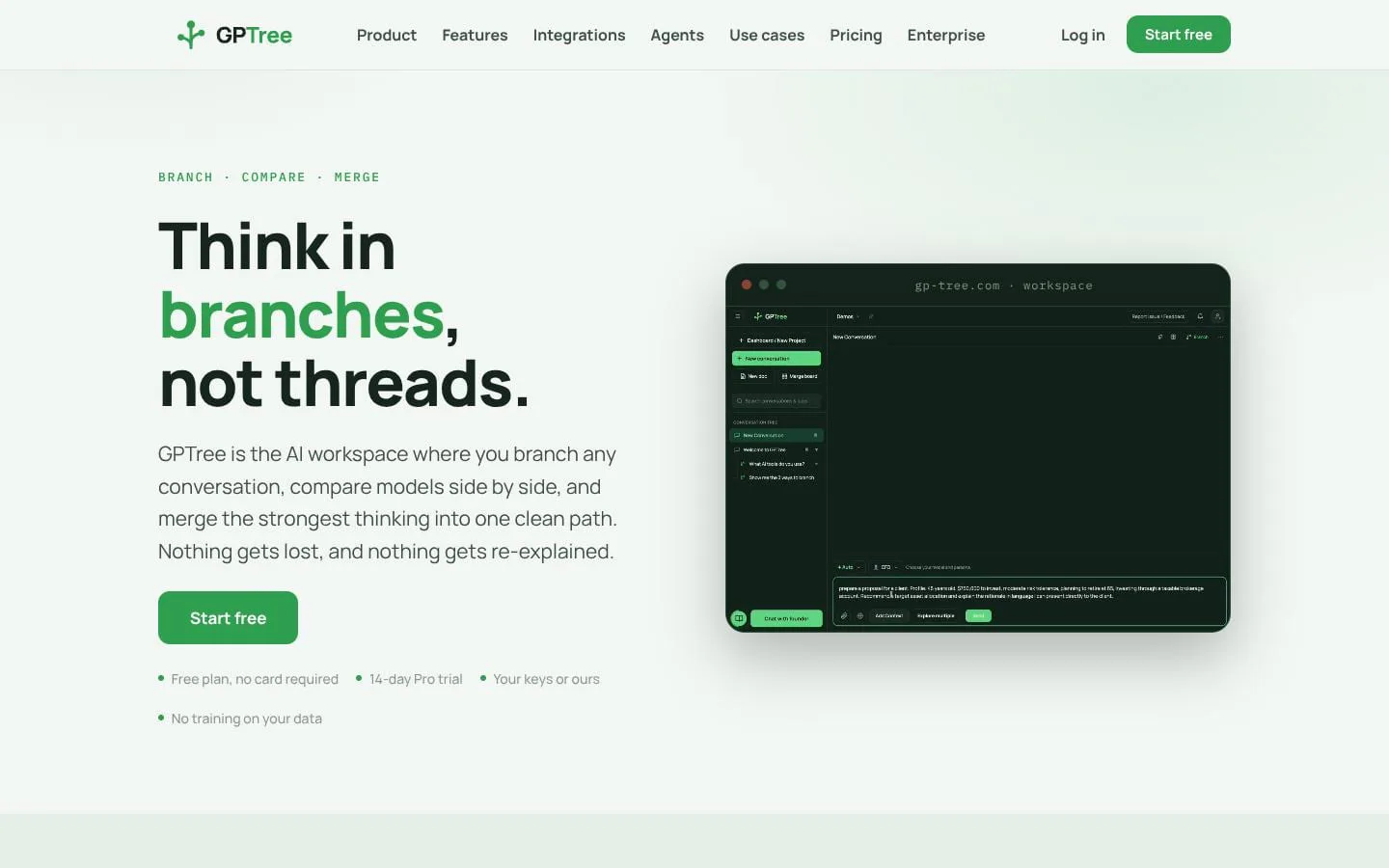
Like ChatGPT with side conversations branched from any point in your chat, except it picks the best AI for what you are doing and helps you make better decisions.
Features
- Problem
- A side question or new hypothesis derails a linear conversation.
- How it works
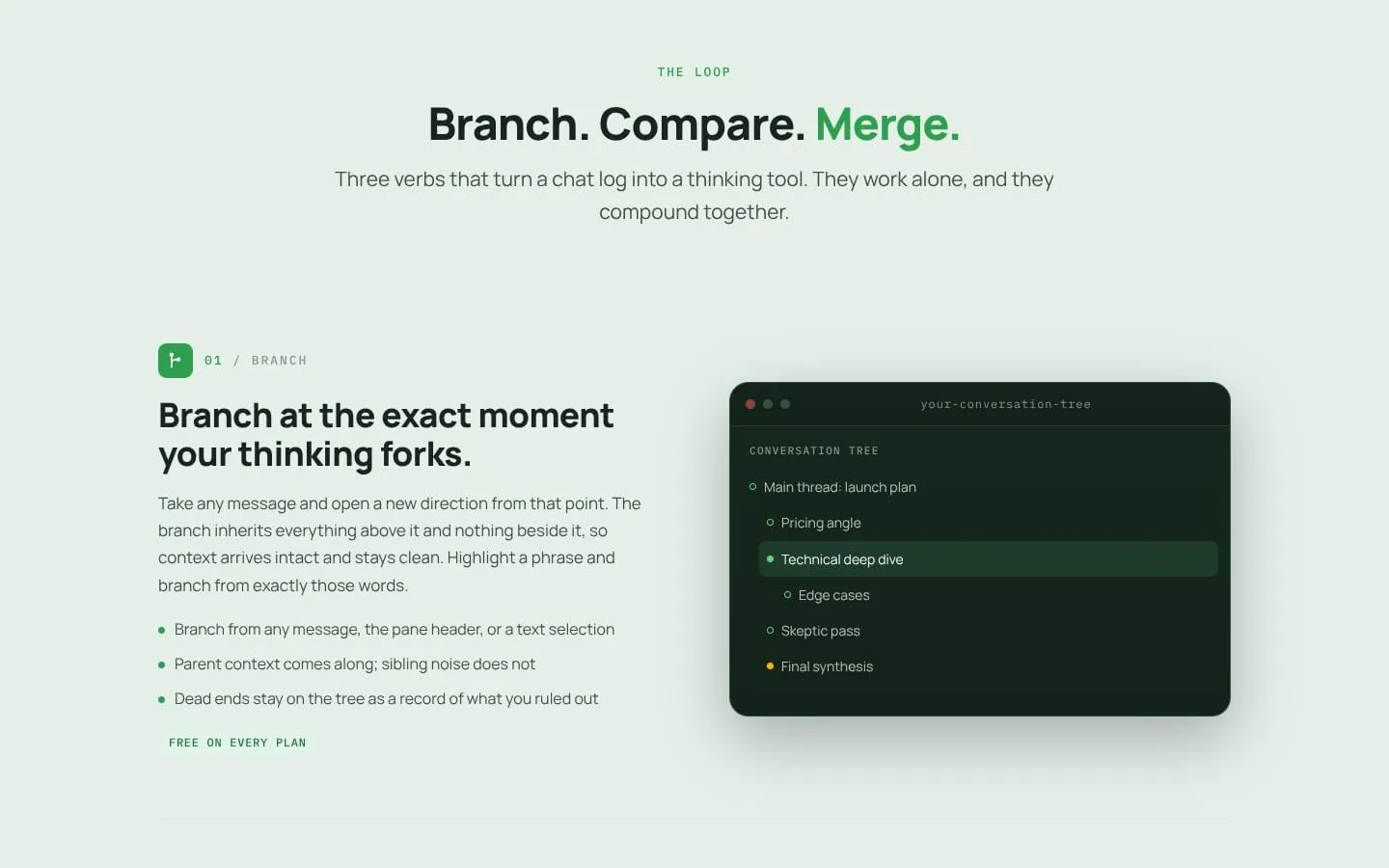
- Users can branch from a message, pane header, or highlighted text; each branch inherits parent context without sibling detours.
- Result
- Users can explore ideas without restarting or losing their original thread.
- Why
- Alternatives retain the relevant setup while keeping competing paths separate.
- Problem
- Comparing answers across models requires rereading prose and copying between tabs.
- How it works
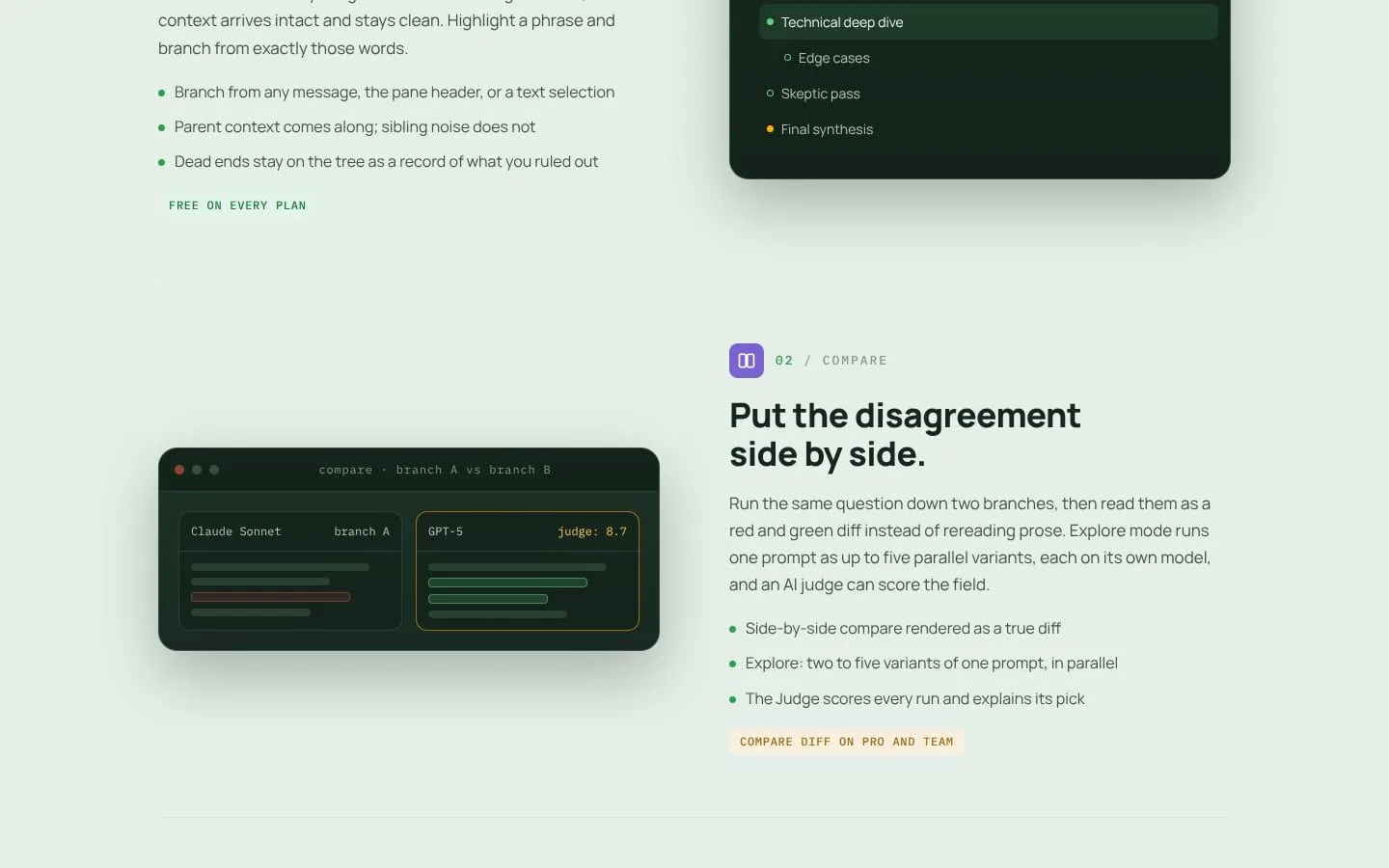
- Explore runs two to five prompt variants in parallel, while Compare renders branch differences as a diff; the Judge scores runs and explains its selection.
- Result
- Teams and individuals can select stronger reasoning with a documented comparison.
- Why
- Making disagreement visible helps users assess plausible alternatives efficiently.
- Problem
- Useful material from separate paths is difficult to consolidate without overwriting work.
- How it works
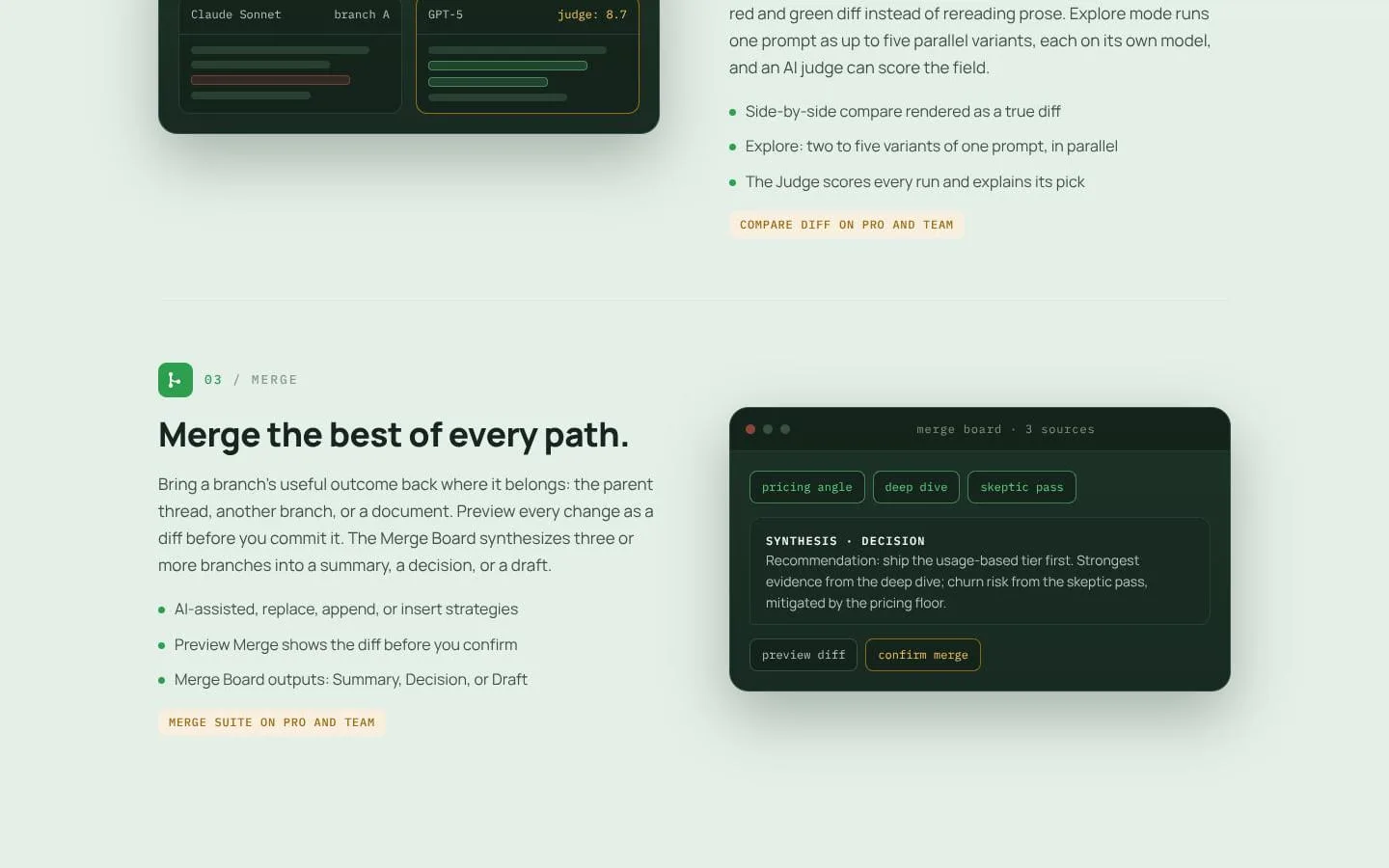
- Merge supports AI-assisted, replace, append, and insert strategies with a preview diff; Merge Board synthesizes three or more branches into a summary, decision, or draft.
- Result
- A final output can retain provenance from the branches that informed it.
- Why
- Users need to combine the best parts while seeing proposed changes before committing.
- Problem
- AI context can bleed between projects, clients, and conversations.
- How it works
- Projects carry instructions and files, while inspectable memory is scoped to an account, project, or conversation.
- Result
- Users can reuse relevant information while maintaining clean boundaries.
- Why
- Context should remain useful without contaminating unrelated work.
- Problem
- Recurring operational work requires gathering context across tools and risks unreviewed automated actions.
- How it works
- Agents run routines from schedules, webhooks, or manual triggers, use connected tools, and route write actions through approval gates.
- Result
- Teams receive auditable briefings and workflows without unattended writes.
- Why
- Automation should provide context and assistance while preserving human control.
Product questions
What does GPTree do?
GPTree is an AI workspace for branching conversations, comparing model outputs, and merging the strongest results into a traceable final path.
Who is GPTree for?
Professionals and teams who use multiple AI models for decision-making, research, writing, development, and operations.
Screenshots