Productivity
Pocket Invoice
Prepare client invoices and estimates, export PDFs and keep payment records.
- Category
- Productivity
- Stage
- Growth
- For
- Freelancers, contractors, tradespeople, and small businesses.
- Pricing
- Currently free. Account use has document, storage and membership limits. No paid plan is offered at present.
About
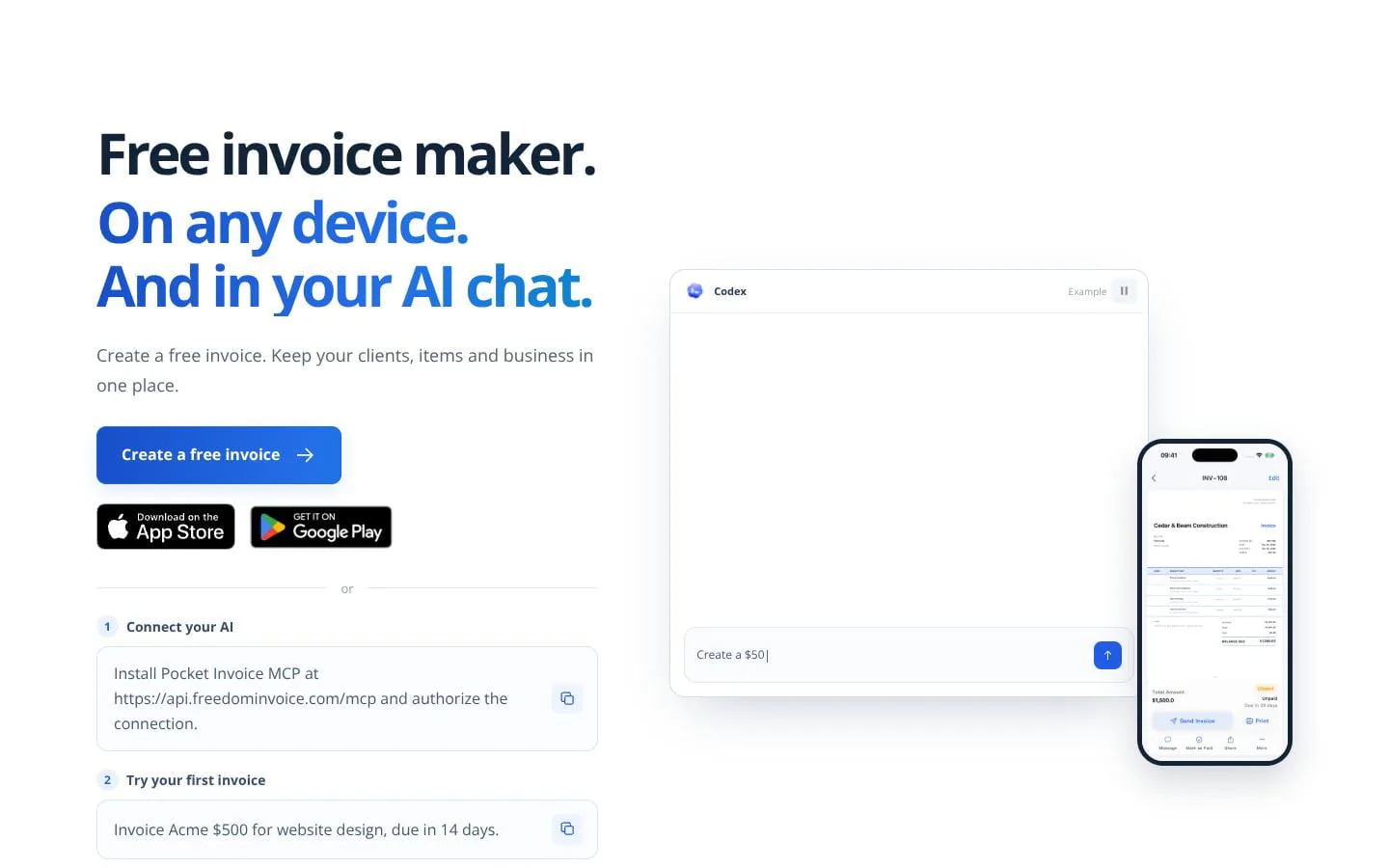
Pocket Invoice helps freelancers and small service businesses create invoices and estimates, export PDFs and record received payments. Review customer details, line items, tax and totals before sharing. Its guest web generator creates a PDF without registration using a hosted service. Account use is currently free with document, storage and membership limits. The hosted MCP connection is tested with Codex, uses company-scoped OAuth and requires confirmation for each send. Recording payments does not charge customers or issue refunds.
Features
- Problem
- Creating invoices repeatedly can be time-consuming.
- How it works
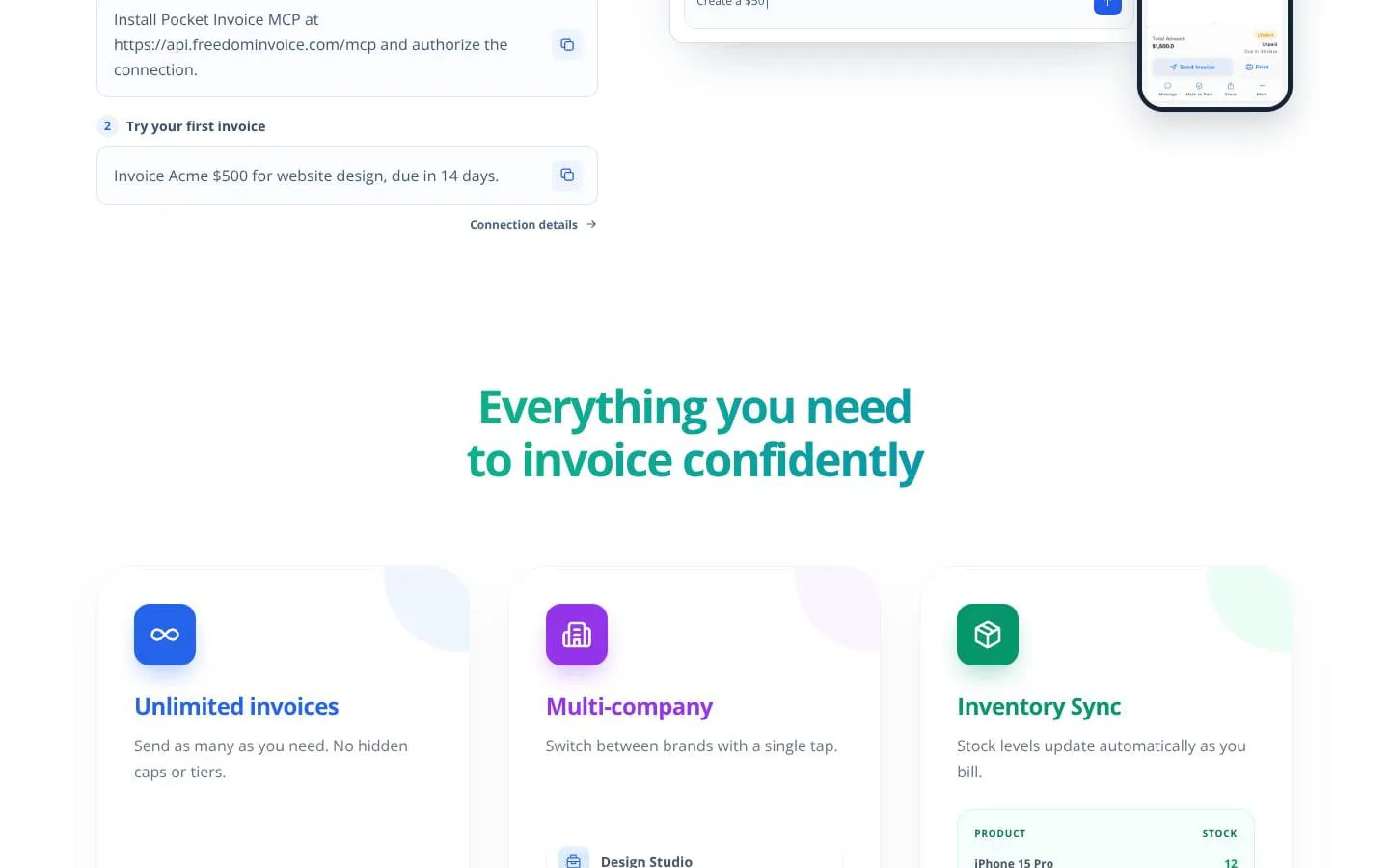
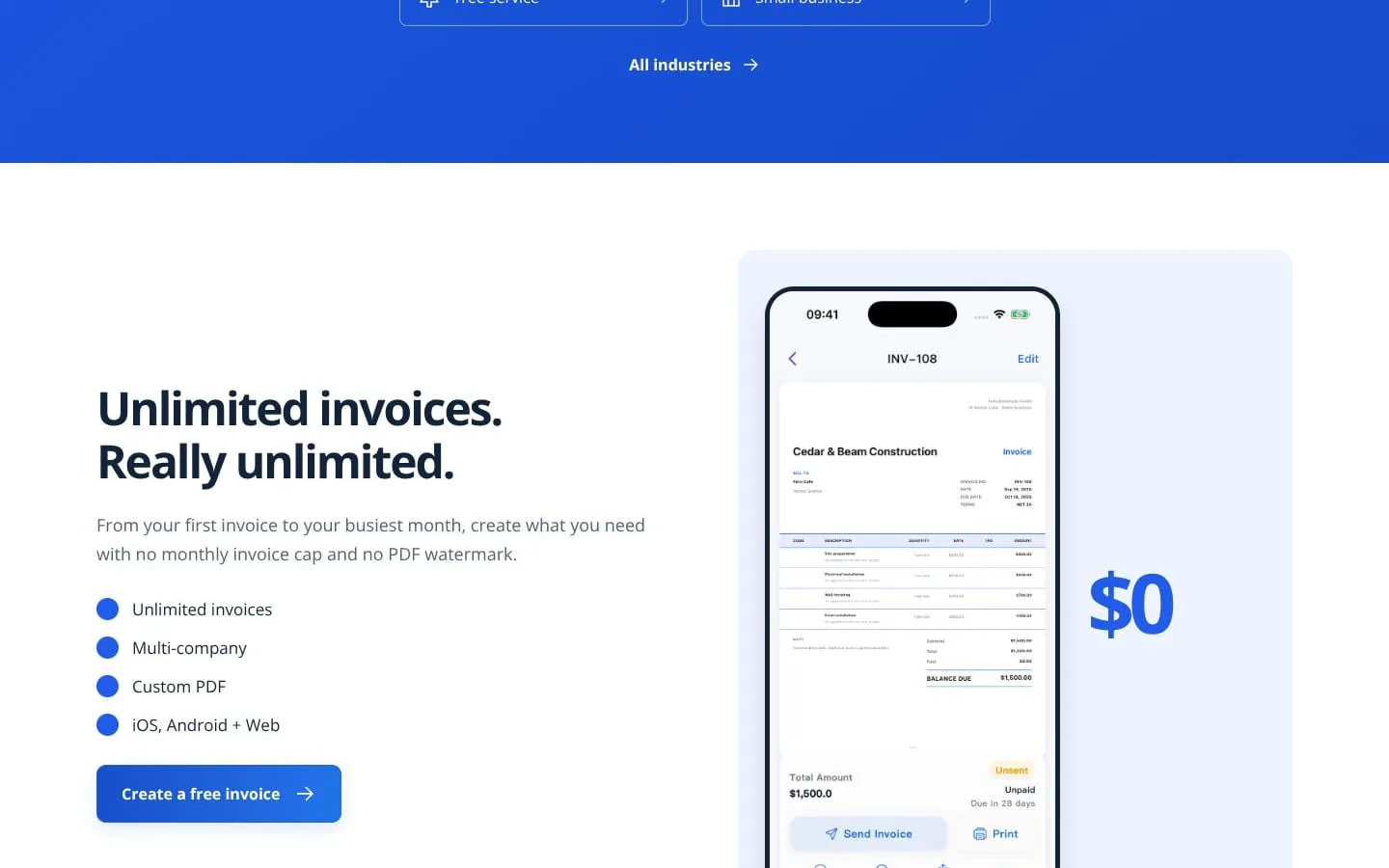
- Creates unlimited invoices and saves client, item, and business details for one-click or repeat billing.
- Result
- Users can prepare invoices faster without a monthly invoice cap.
- Why
- Reusable records reduce repeated data entry for returning customers and recurring work.
- Problem
- Customers need a clear price before work begins.
- How it works
- Creates estimates with itemized scope, quantities, rates, materials, labor, notes, and payment terms; approved estimates can be converted to invoices in the Web app.
- Result
- Businesses can move from quote to final bill without rebuilding the document.
- Why
- Separating the proposed work and its costs makes the price easier to review and approve.
- Problem
- Generic documents can look unprofessional or omit important billing information.
- How it works
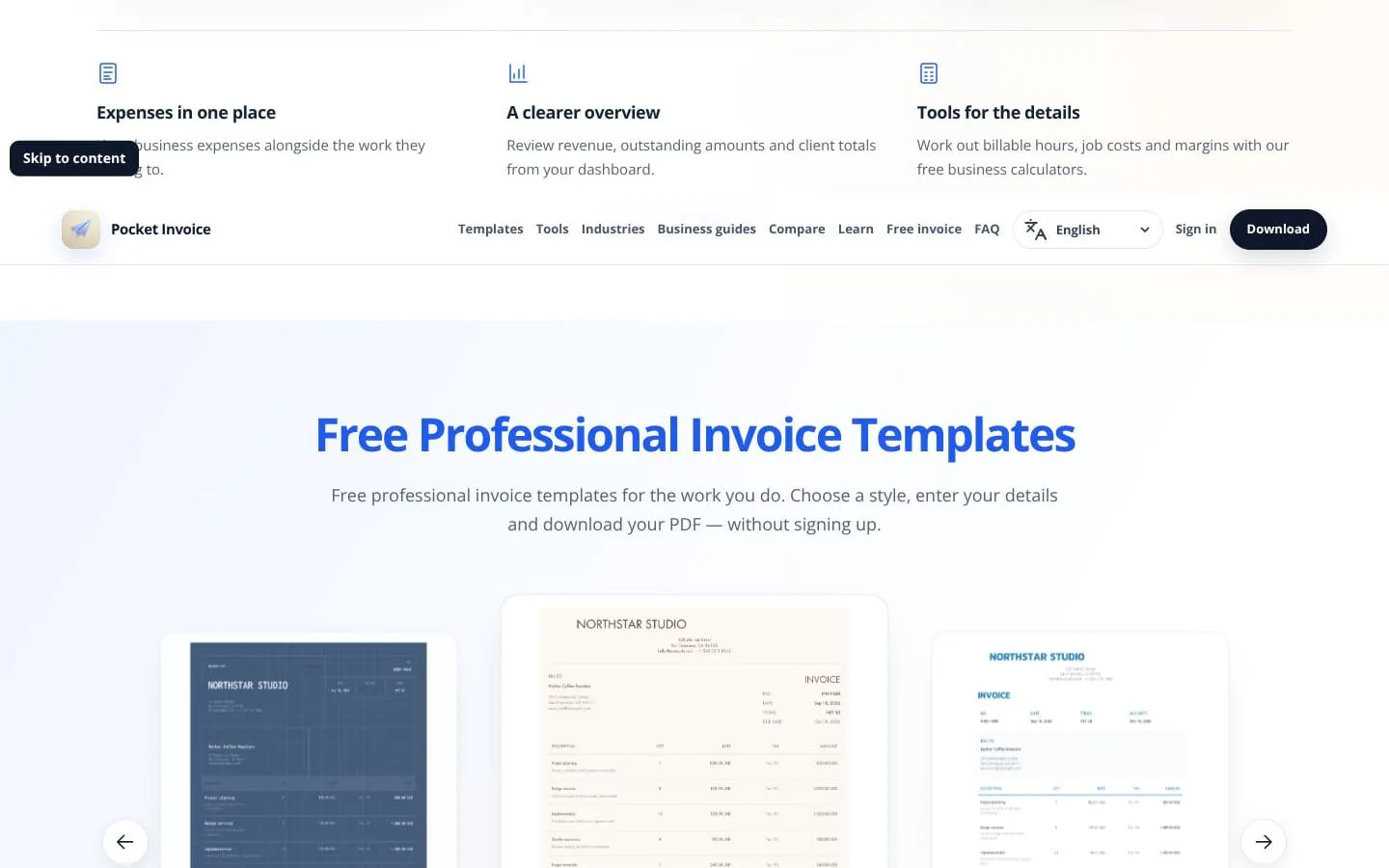
- Offers professional PDF layouts and custom PDF options, including business details, logos, header, color, and watermark adjustments.
- Result
- Customers receive a professional PDF invoice, estimate, quote, receipt, or other supported document.
- Why
- A branded, itemized document makes the seller, work, totals, and instructions clear.
- Problem
- Job costs, documents, and payments are easy to disconnect from the work they relate to.
- How it works
- Keeps expenses, purchases, photos, documents, invoices, and payment records with the relevant customer or project.
- Result
- Businesses can review spending, completed work, payments, and remaining amounts in context.
- Why
- A single job record supports follow-up visits, scope changes, and balance checks.
- Problem
- Businesses with multiple brands or companies need separated records.
- How it works
- Supports switching among multiple companies from one account.
- Result
- Users can manage more than one company without maintaining separate accounts.
- Why
- Each business can retain its own identity and records while remaining accessible in one product.
- Problem
- Owners need a quick view of financial activity.
- How it works
- Provides a dashboard for revenue, outstanding amounts, and client totals, alongside business calculators for costs, margins, pricing, taxes, and billable hours.
- Result
- Users can monitor amounts due and work through pricing or job-cost calculations.
- Why
- Business decisions require visibility into billed work and underlying numbers.
Product questions
What does Pocket Invoice do?
Pocket Invoice is a free invoice maker for freelancers, contractors, tradespeople, and small businesses. It helps them prepare estimates and invoices, export professional PDFs, and keep client, expense, project, and payment records together across web, iOS, and Android.
Who is Pocket Invoice for?
Freelancers, contractors, tradespeople, and small businesses.
How much does Pocket Invoice cost?
Currently free. Account use has document, storage and membership limits. No paid plan is offered at present.
Screenshots