Education
WhitelistVideo
Child only watches parent approved channels on YouTube. YouTube parental control.
- Category
- Education
- Stage
- Growth
- For
- Parents and caregivers of children ages 8–15 who want to control which YouTube channels their children can watch.
About
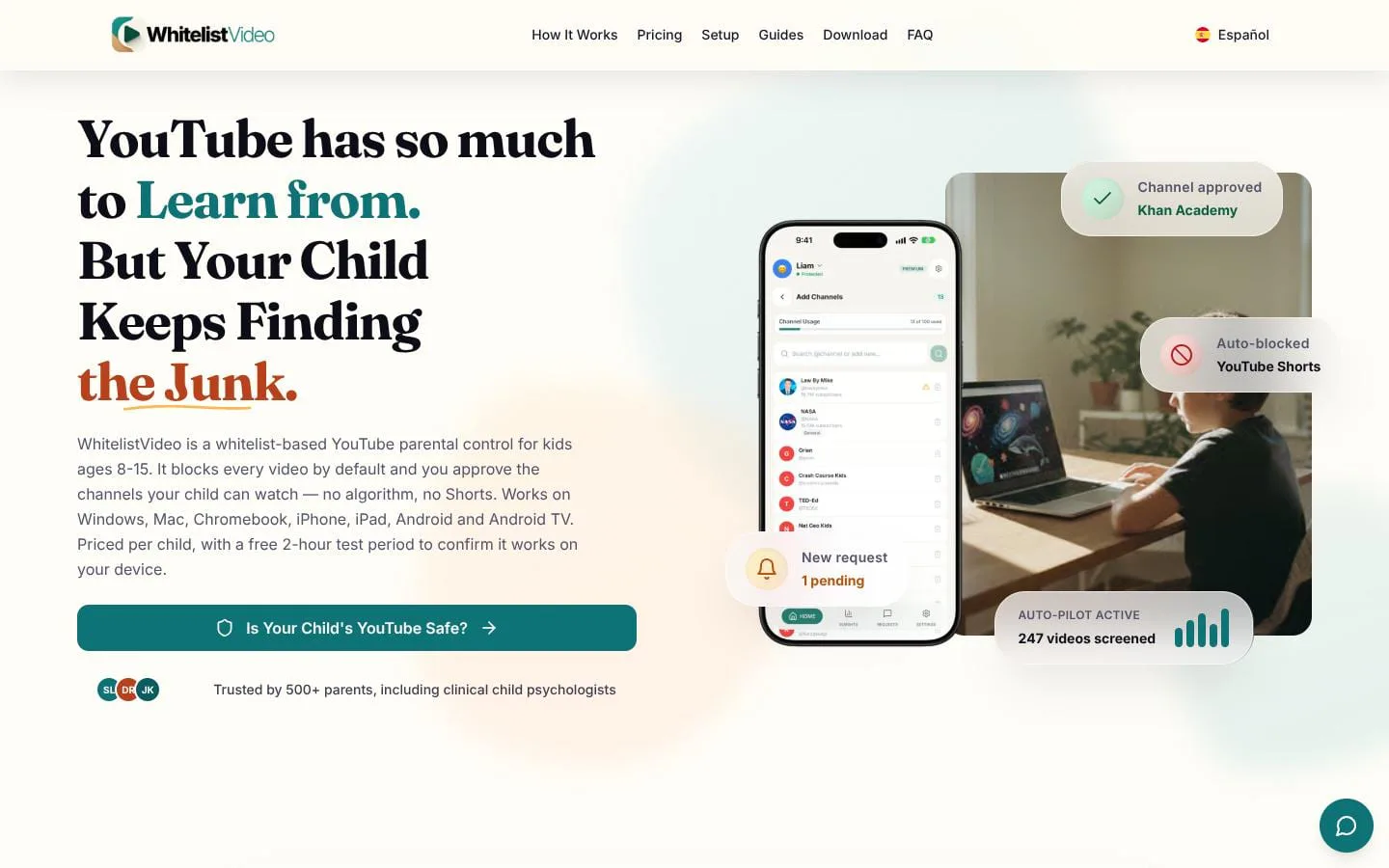
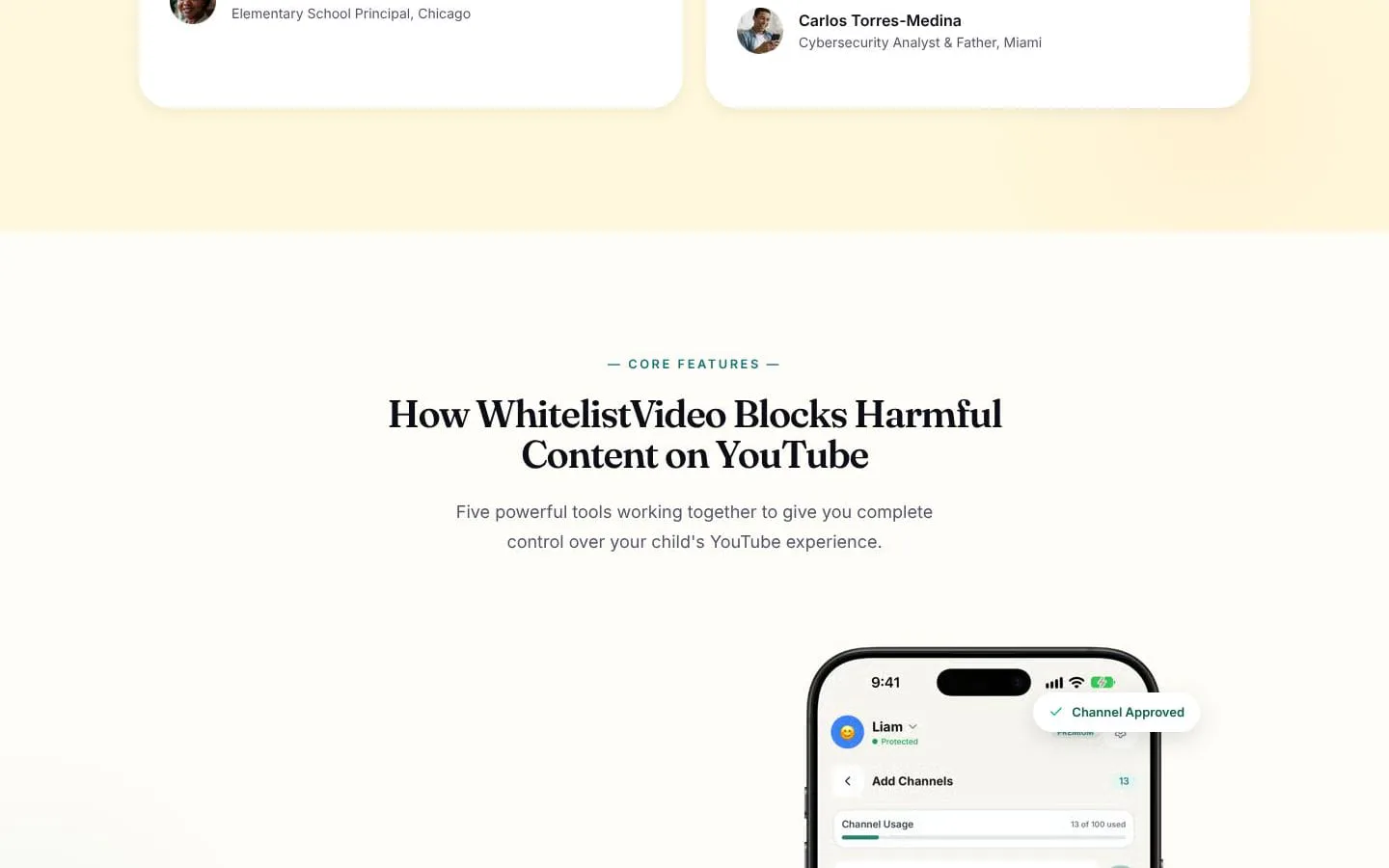
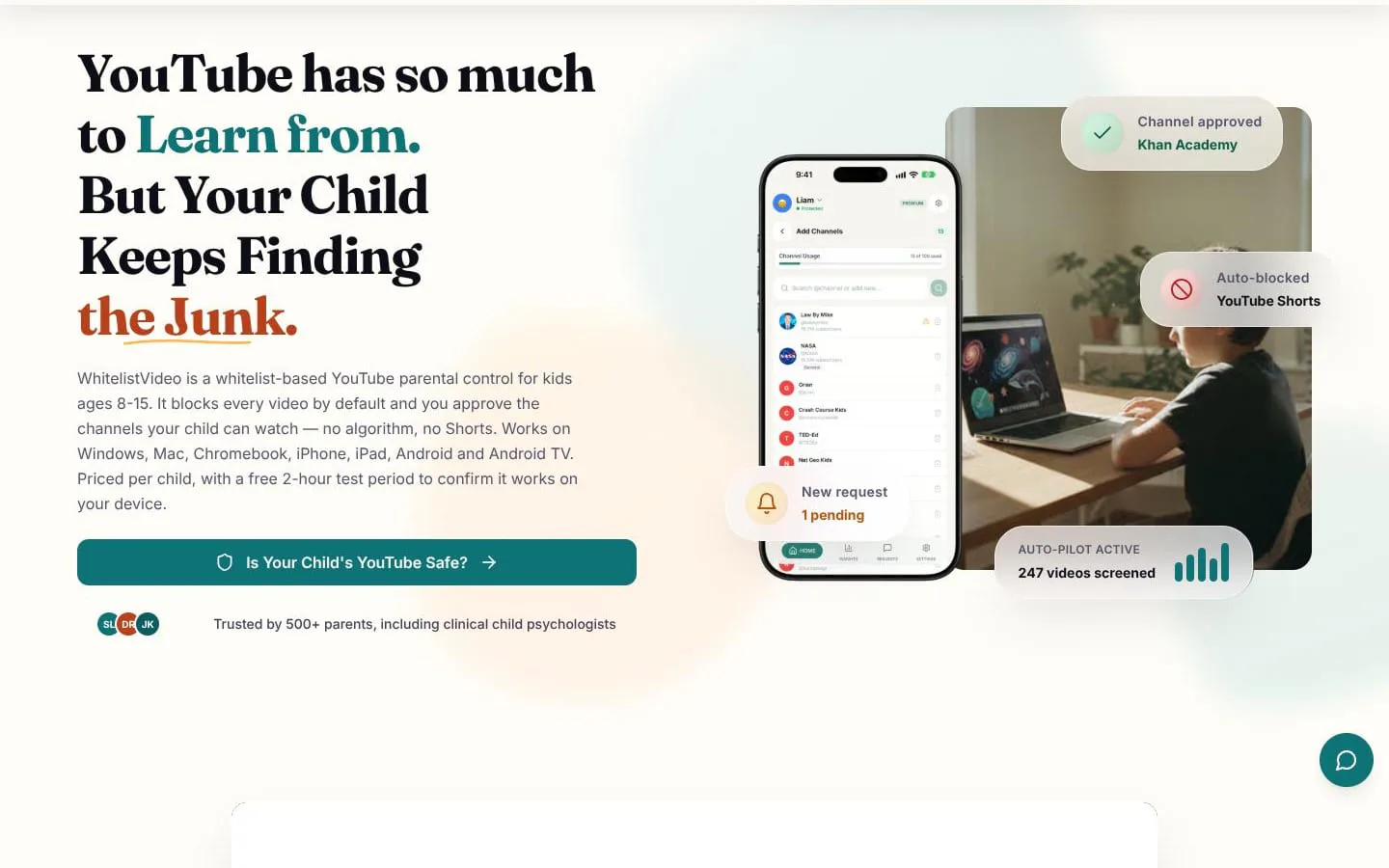
WhitelistVideo is a whitelist-only YouTube parental control for kids ages 8-15 who have outgrown YouTube Kids. It blocks all of YouTube by default and plays only the channels and playlists a parent approves, on real YouTube. Auto-pilot uses AI to screen every new video from unapproved channels before it plays. WhitelistVideo is the only player that filters based on bad words and religion: parents set profanity and swearing sensitivity levels, and use Religion & Faith categories to choose which faiths videos may teach, for example Christianity, Islam, Hinduism and Atheism. Parents can also show only educational videos by whitelisting approved channels or using Auto-pilot categories like Science, Music, and Art. Kids can request new channels and parents approve from the dashboard, WhatsApp, or Telegram. Shorts and comments are off by default. It works on Windows, Mac, Chromebook, iPhone, iPad, Android, and Android TV, and pairs with Screen Time, Family Link, and Family Safety so it cannot be removed without parent credentials.
Features
- Problem
- A child can reach videos from channels their parent hasn’t vetted.
- How it works
- Blocks videos by default and allows playback from parent-approved channels.
- Result
- Children can watch approved channels while other content stays blocked.
- Why
- A channel whitelist gives parents direct control over the sources their child can watch.
- Problem
- Parents may want to block specific topics or words.
- How it works
- Keyword rules block videos whose titles, descriptions, or tags contain specified terms.
- Result
- Parents can filter videos related to topics they choose.
- Why
- Topic-based rules provide a way to filter content beyond selecting channels.
- Problem
- Parents cannot review every new video or channel themselves.
- How it works
- Premium Auto-pilot checks videos from channels that have not been approved and blocks content that does not match the family’s rules.
- Result
- Parents can set screening rules without manually reviewing every video.
- Why
- Automated screening supplements the channel whitelist.
- Problem
- Children may want access to a channel that is currently blocked.
- How it works
- Children can request a channel; parents can approve or deny in the app or through WhatsApp or Telegram notifications.
- Result
- Parents can respond to requests and update access.
- Why
- A request workflow lets families consider new channels without making them automatically available.
- Problem
- Short-form videos and mature themes may not fit a family’s rules.
- How it works
- Shorts are blocked by default. Parents can set Auto-pilot’s content sensitivity, including language and mature-theme filtering.
- Result
- YouTube access better reflects each family’s preferences.
- Why
- Families can tailor controls to their own standards.
- Problem
- An in-app control alone may be easy for a child to switch off.
- How it works
- Setup pairs WhitelistVideo with device parental controls such as Screen Time, Family Link, or Family Safety; available enforcement methods vary by device.
- Result
- Parents can configure protection alongside controls already available on supported devices.
- Why
- The site describes the device’s native controls as the enforcement layer for keeping protection in place.
Product questions
What does WhitelistVideo do?
WhitelistVideo gives parents of children ages 8–15 channel-level control over YouTube: videos are blocked by default, and only channels parents approve can play. Optional Auto-pilot screening, requests and approvals, and device-level setup help families manage viewing across supported devices.
Who is WhitelistVideo for?
Parents and caregivers of children ages 8–15 who want to control which YouTube channels their children can watch.
Screenshots