Productivity
Trayage
A little order for your Downloads
- Category
- Productivity
- Stage
- Growth
- For
- macOS users who want to review and clean up their Downloads folder
- Platforms
- macOS
- Pricing
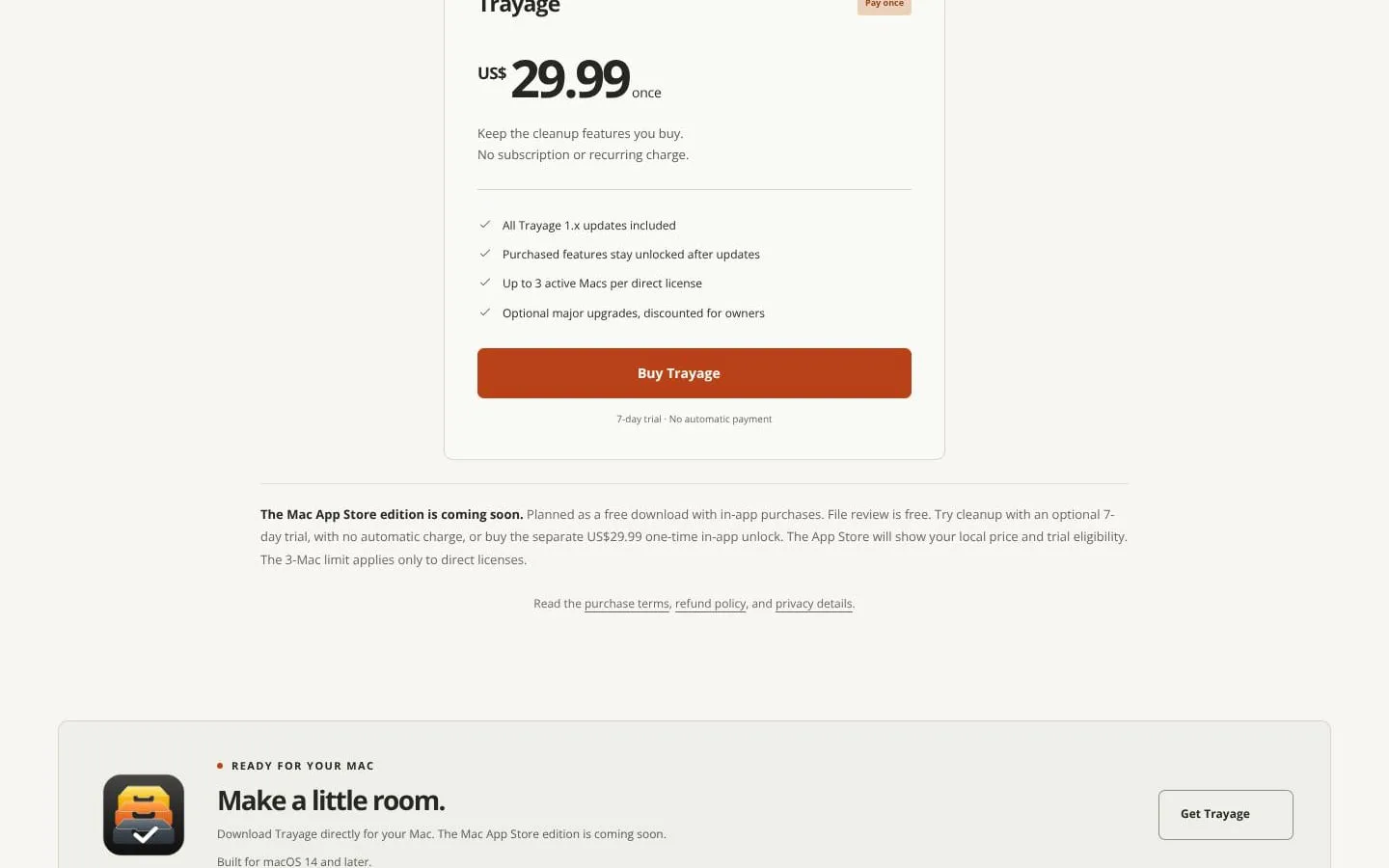
- 7-day trial; US$29.99 one-time unlock for up to three Macs, including all 1.x updates. No subscription.
About
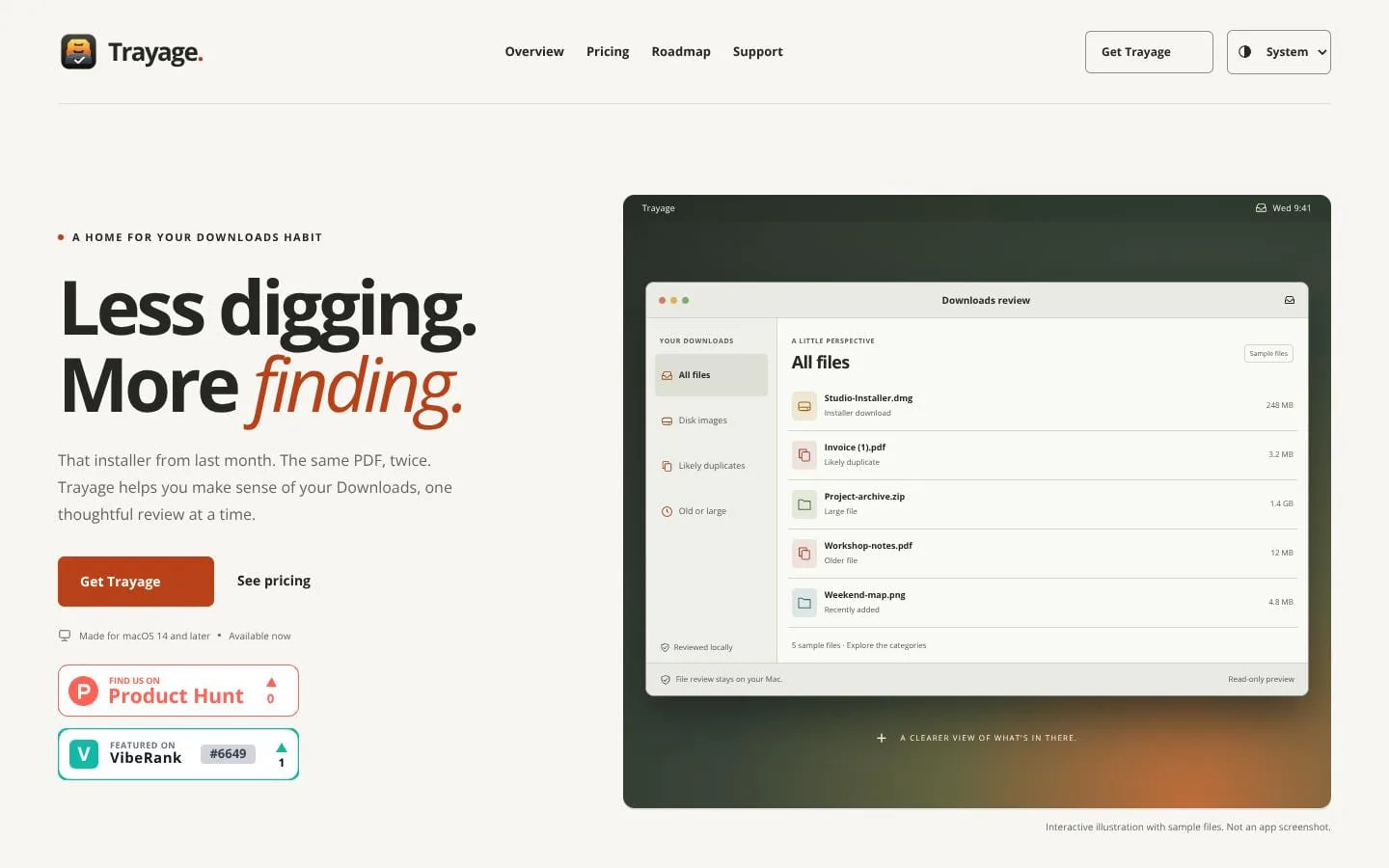
Trayage is a native Mac app for reviewing your Downloads folder. Find leftover installers, likely duplicates, and old or large files. See why each file stands out, review locally on your Mac, and confirm before moving anything to Trash.
Features
- Problem
- Installers can remain after the related app is installed.
- How it works
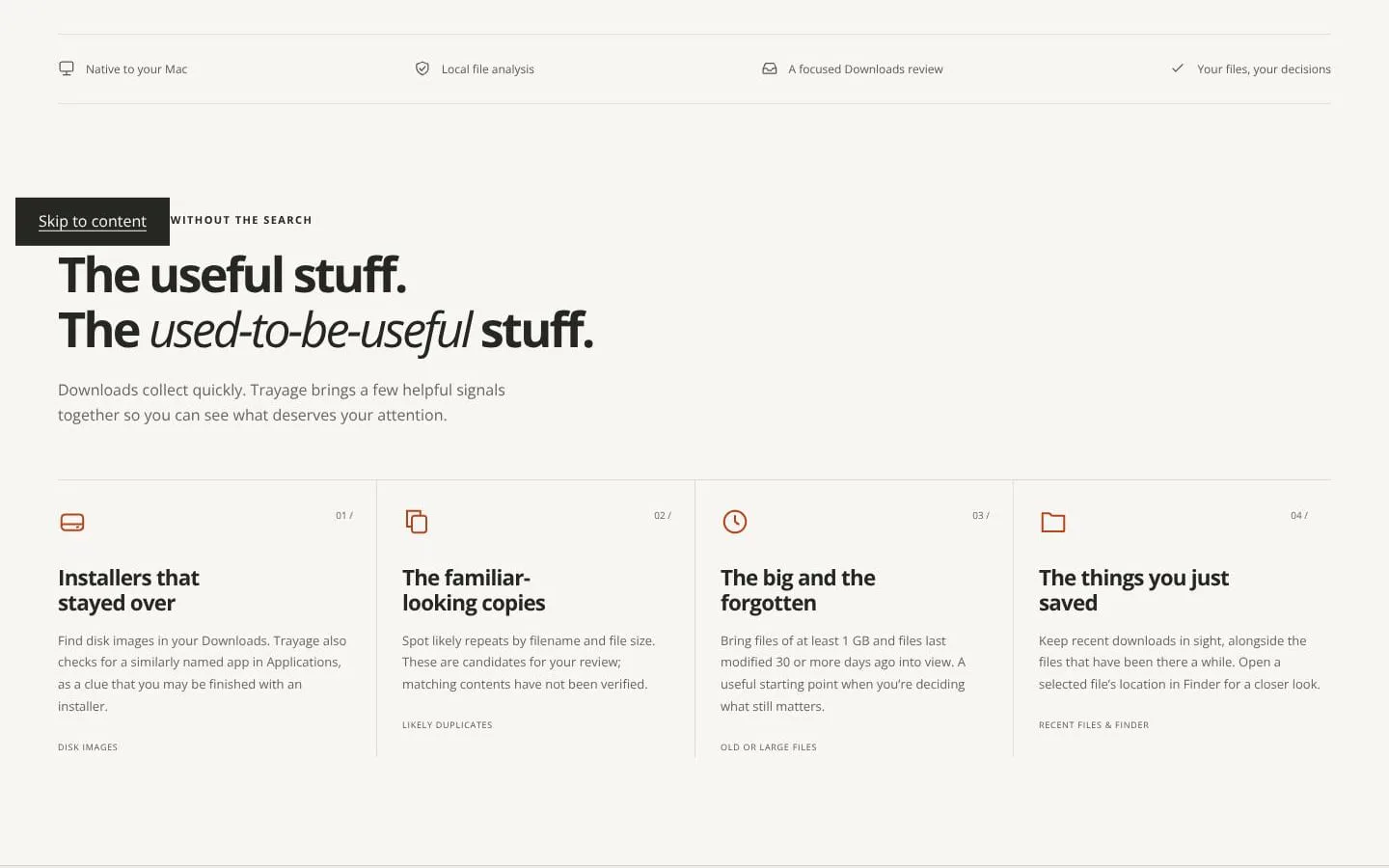
- Groups disk images and checks for a similarly named app in Applications.
- Result
- Users can review lingering installers with more context.
- Why
- A related app is a clue that an installer may no longer be needed.
- Problem
- Similar files can be difficult to spot in a crowded Downloads folder.
- How it works
- Flags likely duplicates using normalized filename and file size.
- Result
- Users can inspect potential repeats before deciding what to keep.
- Why
- These signals identify candidates without claiming content verification.
- Problem
- Large and forgotten downloads are easy to miss.
- How it works
- Surfaces files at least 1 GB and files last modified 30 or more days ago.
- Result
- Users can focus on files that may no longer matter.
- Why
- Size and age provide practical starting points for review.
- Problem
- Cleanup tools can feel risky.
- How it works
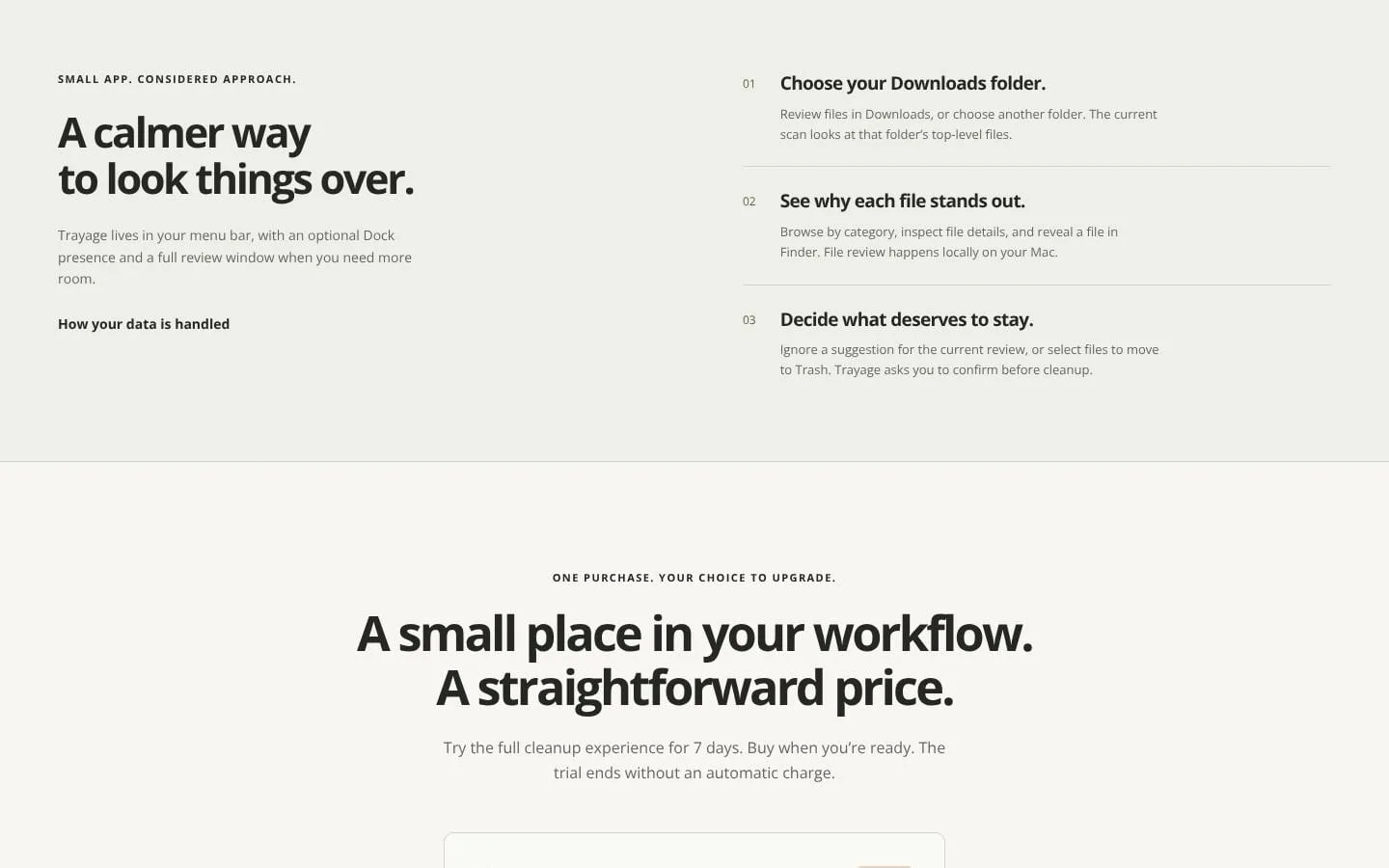
- Lets users ignore suggestions for the current review or select files to move to Trash, then asks for confirmation.
- Result
- Users retain control over cleanup decisions.
- Why
- Review and cleanup remain user-directed; Trayage does not empty the Trash.
- Problem
- Files need closer inspection in their original context.
- How it works
- Reveals a selected file in Finder and offers a menu-bar popover, optional Dock presence, and full review window.
- Result
- Users can move from a quick review to detailed file inspection.
- Why
- The app stays close at hand while allowing a larger workspace when needed.
Screenshots