Productivity
Winq
Gaze focus for your Mac: look, and it's focused
- Category
- Productivity
- Stage
- Growth
- For
- Mac users with multiple displays, including developers and creators who want to switch windows by looking; also people with RSI or limited hand mobility.
About
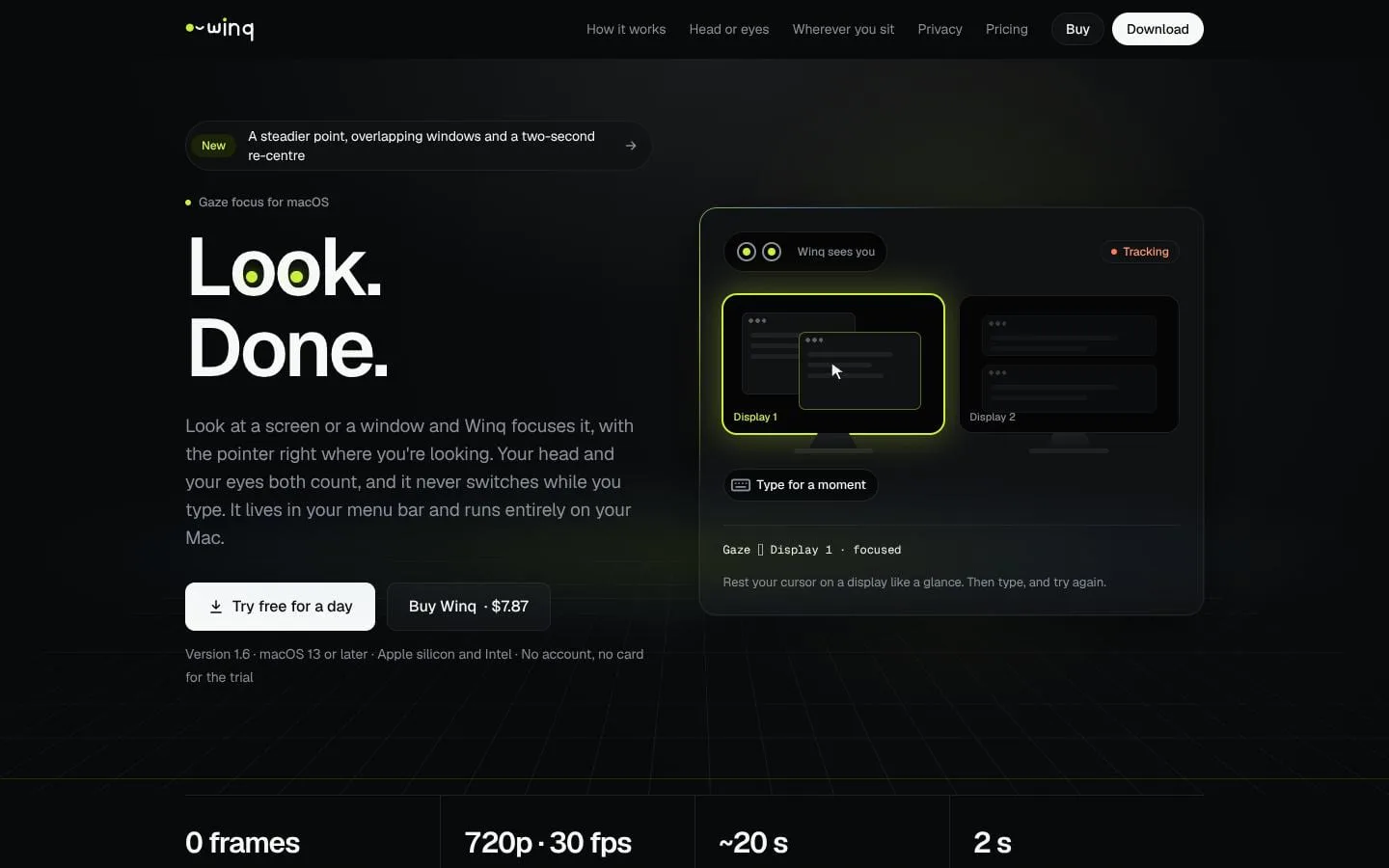
Gaze focus for macOS from your Mac's camera: look at a display or a window and Winq focuses it, with the pointer where you're looking. Head and eyes both count, it waits while you type or use the mouse, and it keeps learning from your clicks. For multi-monitor setups, developers, and anyone who wants their hands on the keyboard. On-device and private. Free for a day.
Features
- Problem
- Finding and focusing the intended display or window interrupts hands-on work.
- How it works
- A settled look selects a display or window, raises it, and moves the pointer to where the user is looking.
- Result
- Users can move between workspaces by looking instead of reaching for the mouse.
- Why
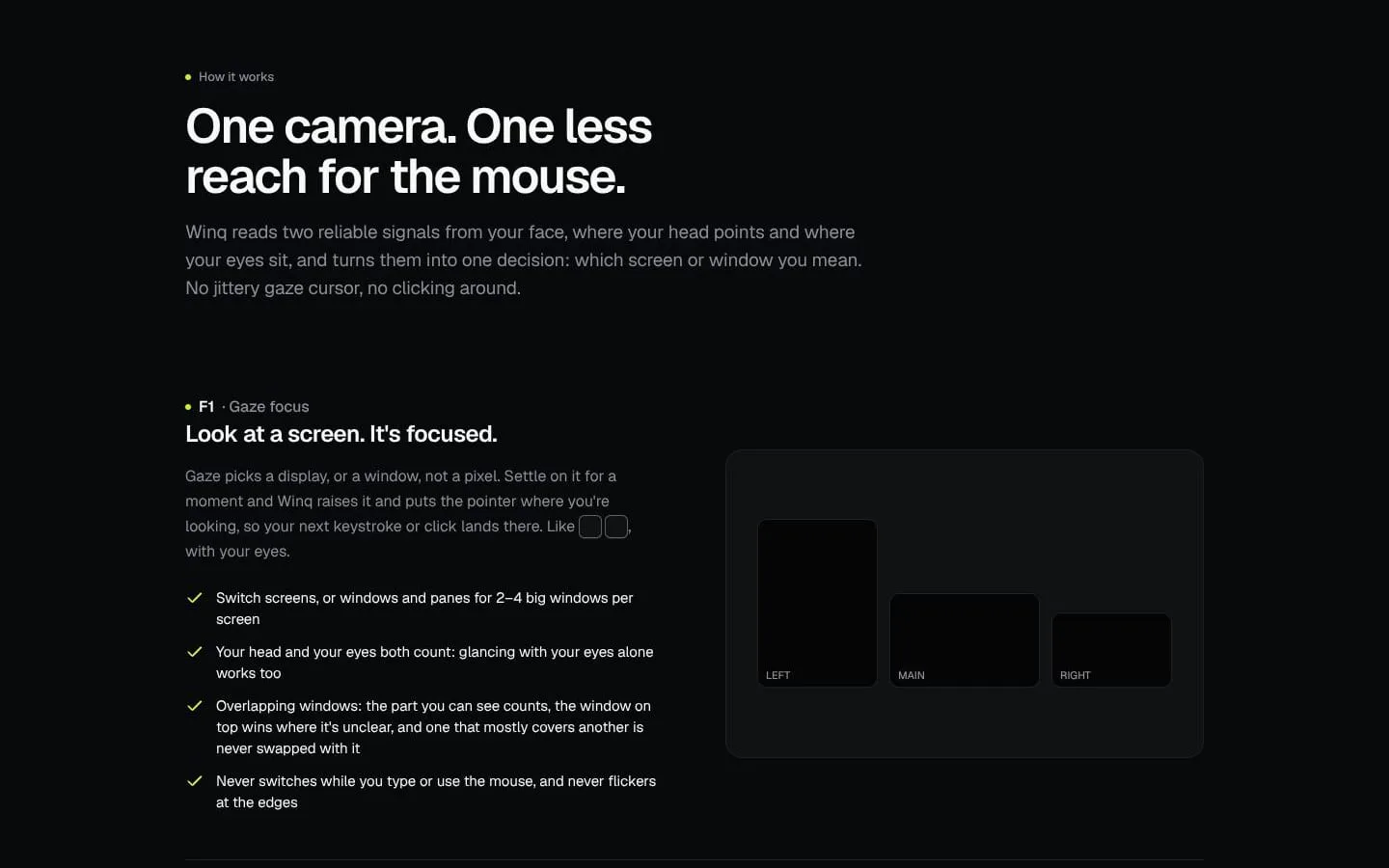
- Winq interprets head direction and eye position together, focusing on screens and windows rather than trying to target individual pixels.
- Problem
- Unintended focus changes can disrupt typing, mouse use, or reading.
- How it works
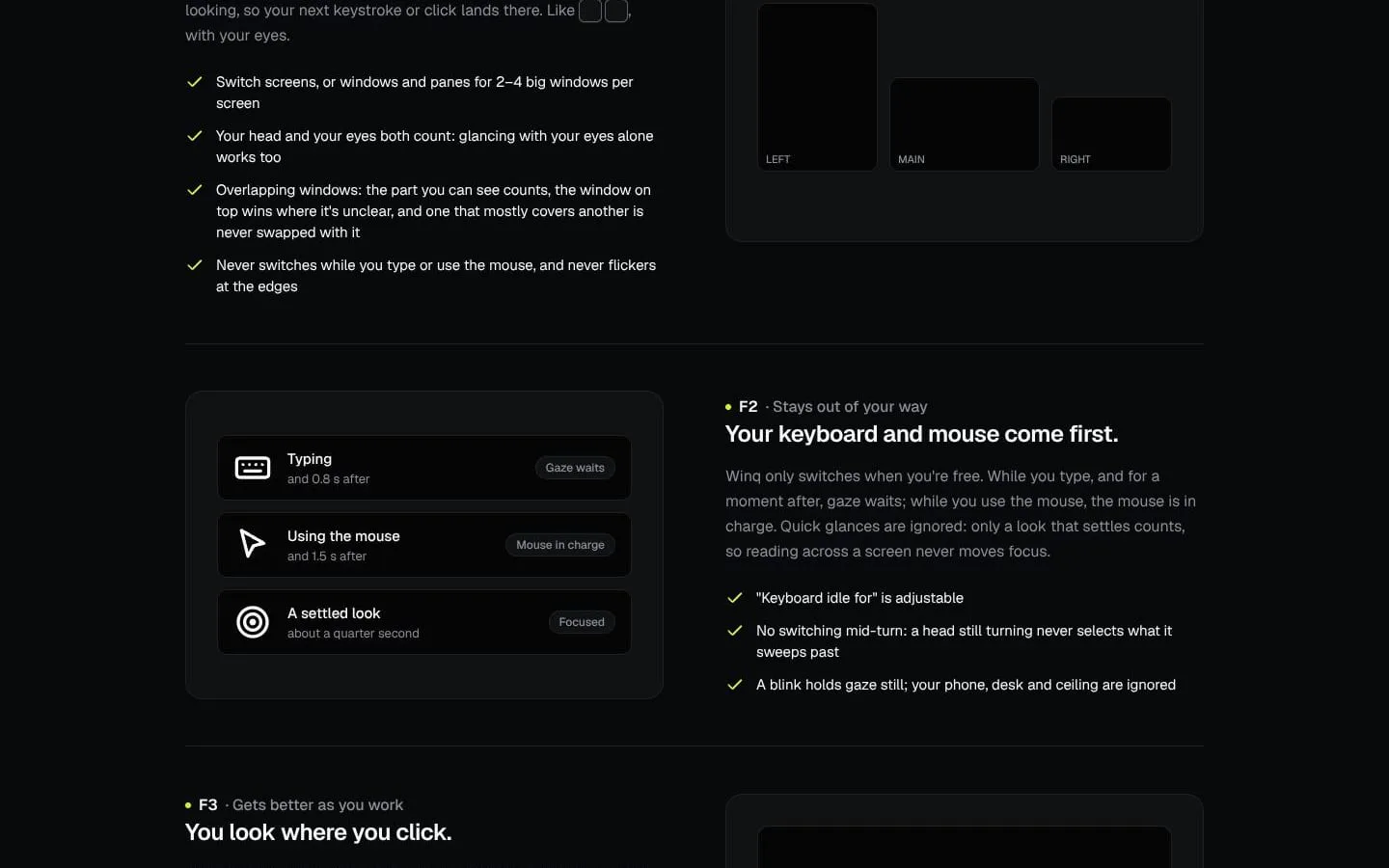
- Winq waits while the user types and briefly afterward, yields to mouse use, and ignores quick glances and head turns in progress.
- Result
- Focus is less likely to change while the user is working or scanning text.
- Why
- Only a settled look should trigger a switch, and active keyboard or mouse use takes priority.
- Problem
- Webcam gaze estimates can wobble, and posture changes can make them miss.
- How it works
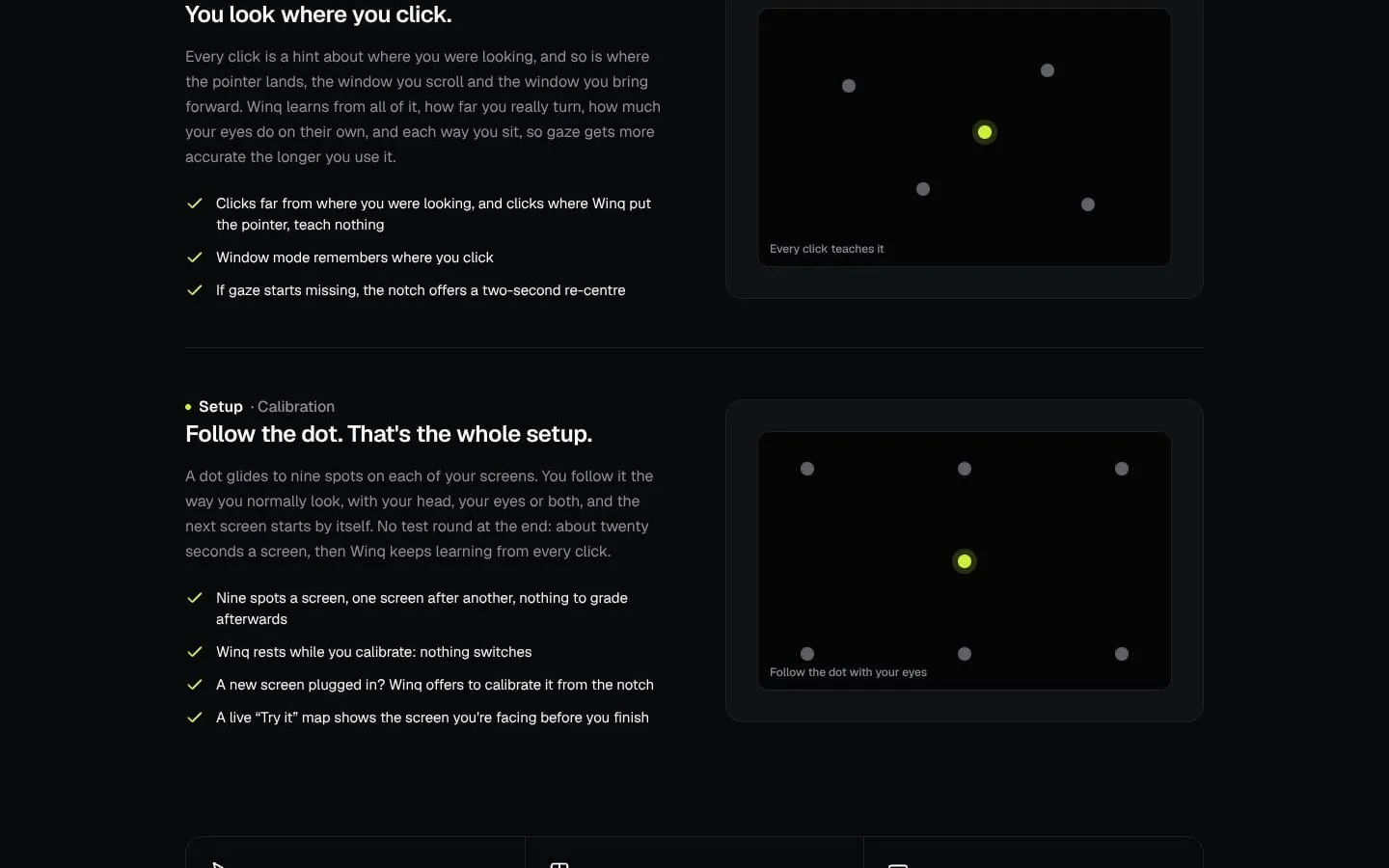
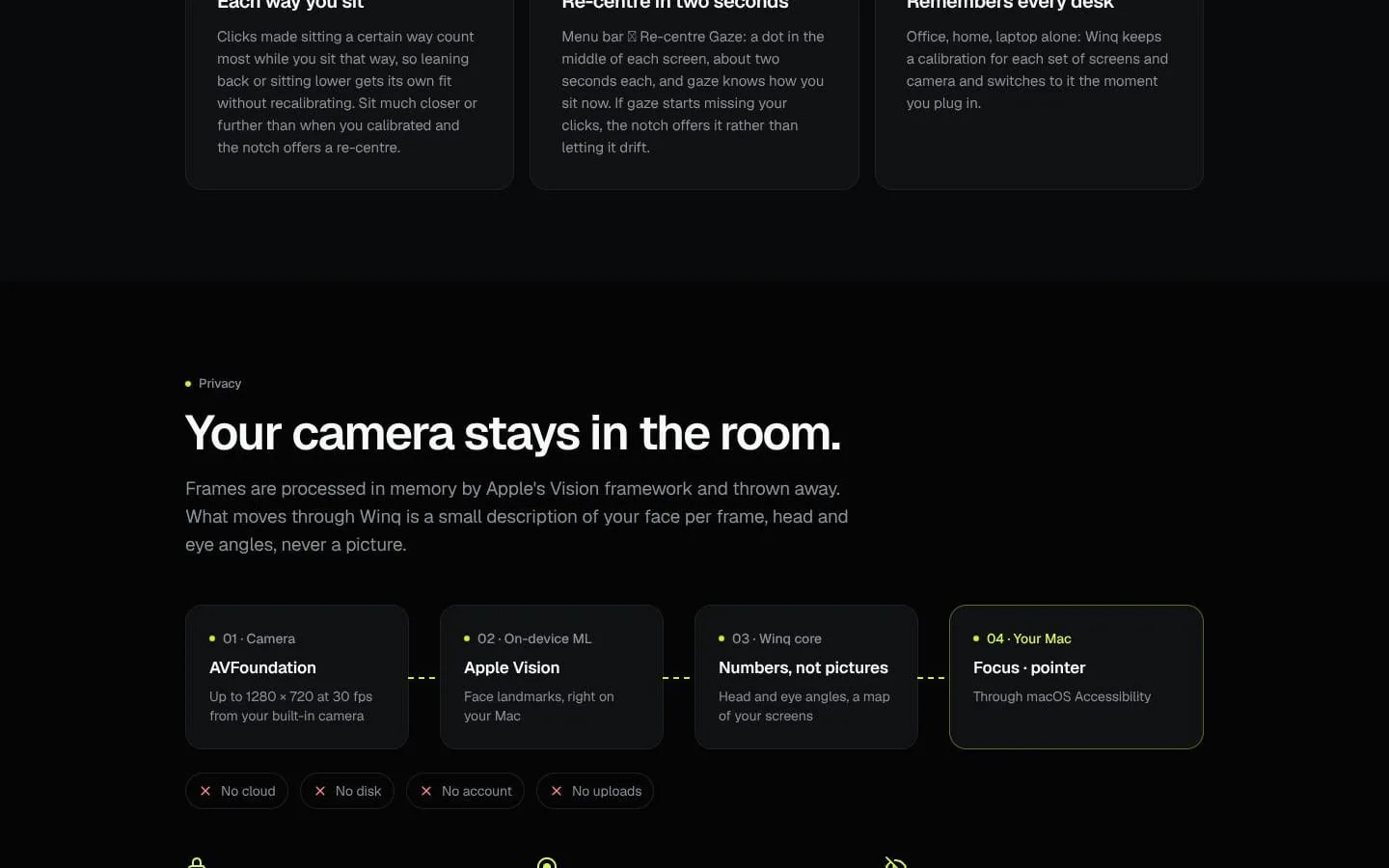
- Winq steadies the gaze point, learns from qualifying clicks, and offers a two-second re-centre.
- Result
- Tracking can improve during use and be adjusted when the user sits differently.
- Why
- Clicks provide information about gaze, while re-centring adapts to a changed sitting position without full recalibration.
- Problem
- Setting up gaze tracking across several displays can be cumbersome.
- How it works
- The user follows a dot at nine spots per screen; calibration proceeds to the next screen automatically and takes about twenty seconds per screen.
- Result
- Winq can use gaze focus across the calibrated screens.
- Why
- A short, guided calibration builds a map of the user’s head and eye movements for each display.
- Problem
- Overlapping windows can make it unclear which one a glance should bring forward.
- How it works
- Winq counts the visible portion of a window; where the target is unclear, the window on top wins, and a window mostly covering another is not swapped with it.
- Result
- A glance is less likely to bury the window currently being used.
- Why
- Visible area and stacking order help avoid selecting an obscured window.
- Problem
- Camera-based interaction can raise privacy concerns.
- How it works
- Winq processes camera frames in memory using Apple Vision, discards them, and stores calibration measurements rather than images on the Mac.
- Result
- Camera images are not saved or uploaded.
- Why
- Face tracking can be performed on-device without retaining camera frames.
- Problem
- Frequent mouse or trackpad reaches can be difficult for people with RSI or limited hand mobility.
- How it works
- Winq lets users focus screens and windows by looking and works alongside macOS Head Pointer and Voice Control.
- Result
- Users have an additional hands-free way to switch windows and displays.
- Why
- Changing focus is one of the recurring tasks that can be shifted away from the hands.
Product questions
What does Winq do?
Winq is a Mac menu-bar app that uses the built-in camera to focus the screen or window you look at, then places the pointer where you’re looking. It combines head direction and eye movement, and runs on your Mac.
Who is Winq for?
Mac users with multiple displays, including developers and creators who want to switch windows by looking; also people with RSI or limited hand mobility.
Screenshots