Productivity
Outsmart Notes
Fast, Private Online Notepad & Text Editor
- Category
- Productivity
- Stage
- Mature
- For
- People who want a fast, private place to write and organize notes, including students, professionals, developers, and researchers.
About
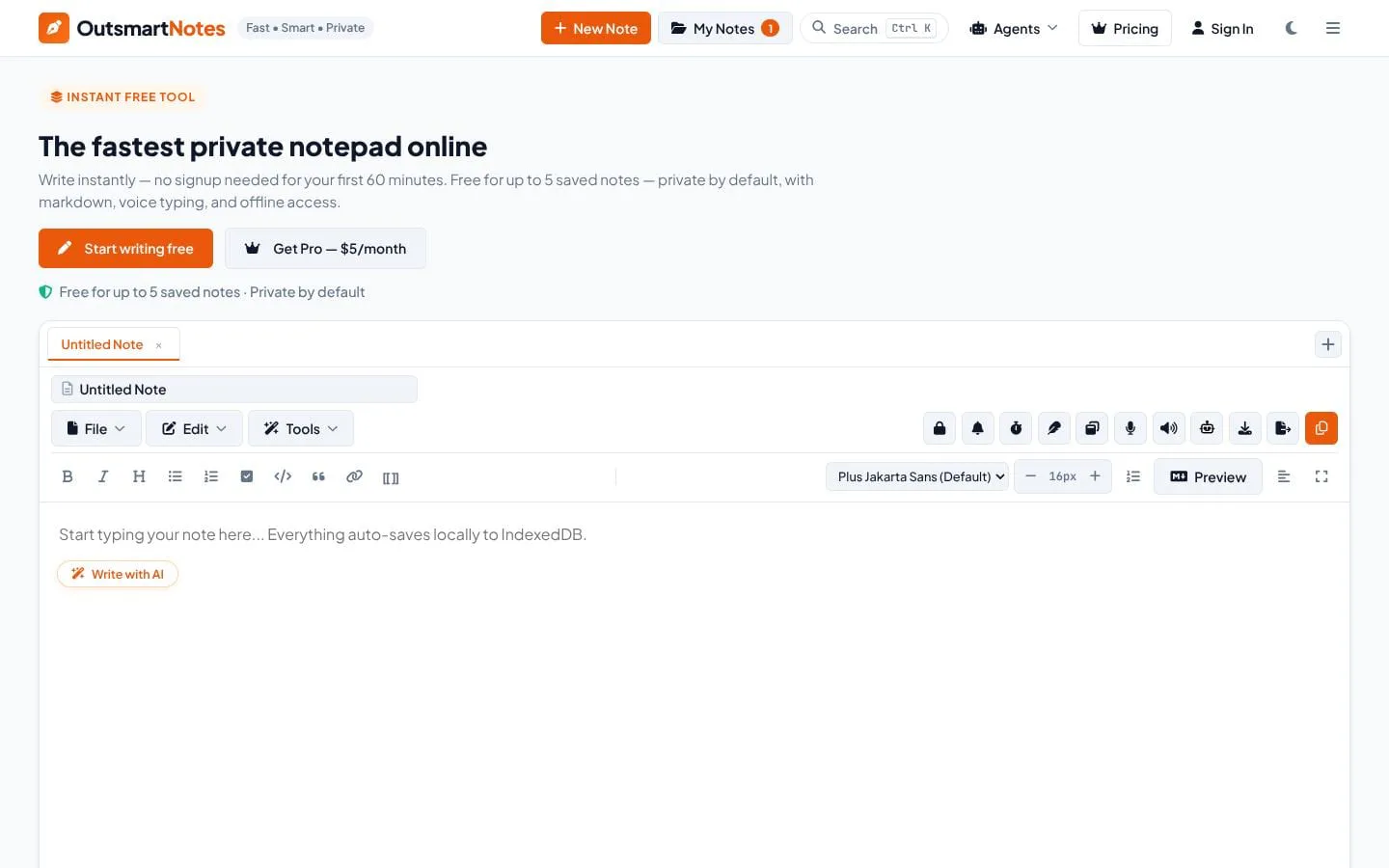
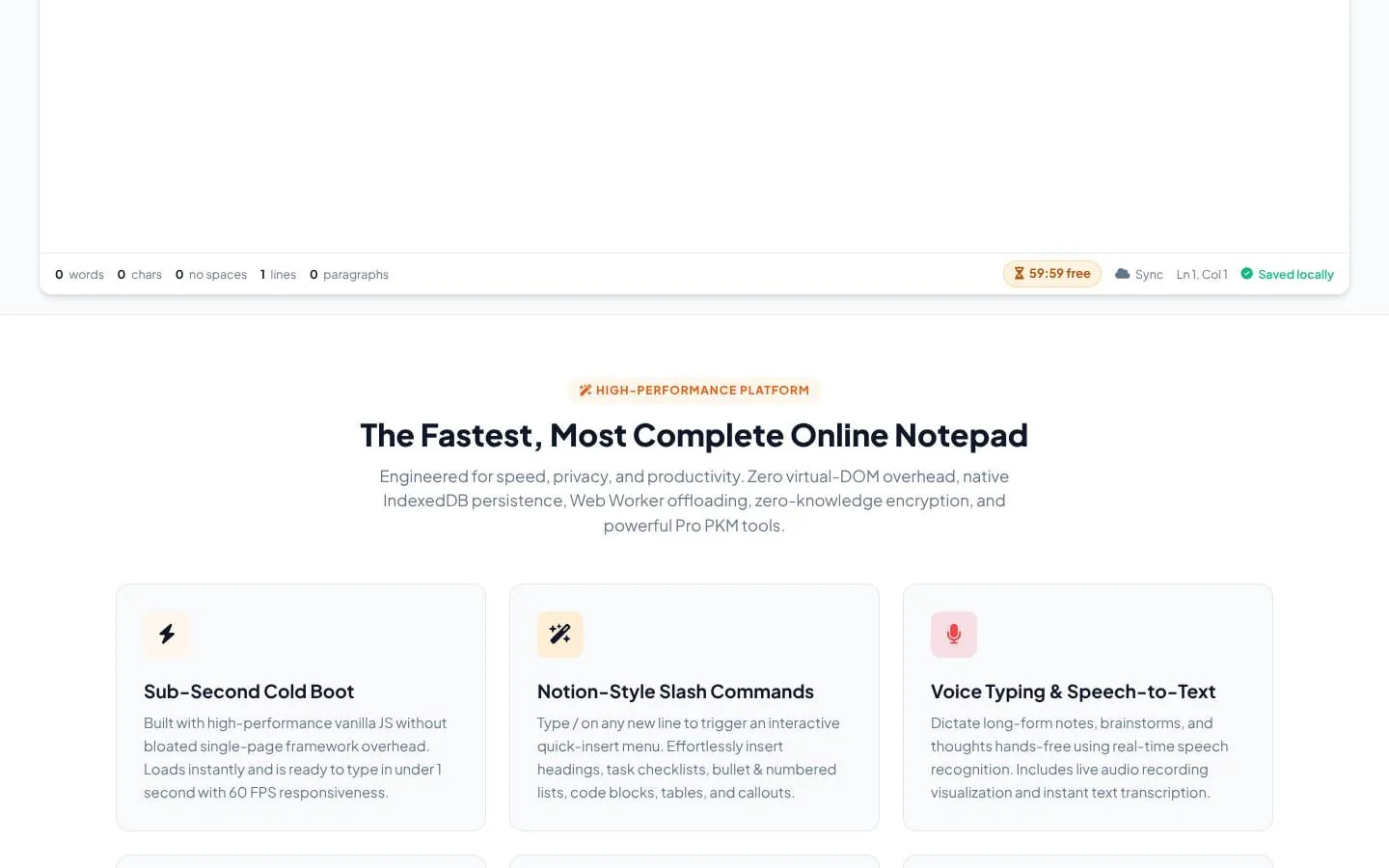
The fastest online notepad on the internet. Sub-second load, instant auto-save to IndexedDB, live word count, markdown preview, zero-knowledge encryption, and offline PWA.
Features
- Problem
- Starting a note can involve signup friction or slow-loading software.
- How it works
- Opens in the browser and allows writing without signup for an initial session.
- Result
- Users can capture thoughts immediately.
- Why
- The product emphasizes a quick, low-friction path from opening the page to writing.
- Problem
- Cloud-dependent notes can raise privacy concerns or be unavailable offline.
- How it works
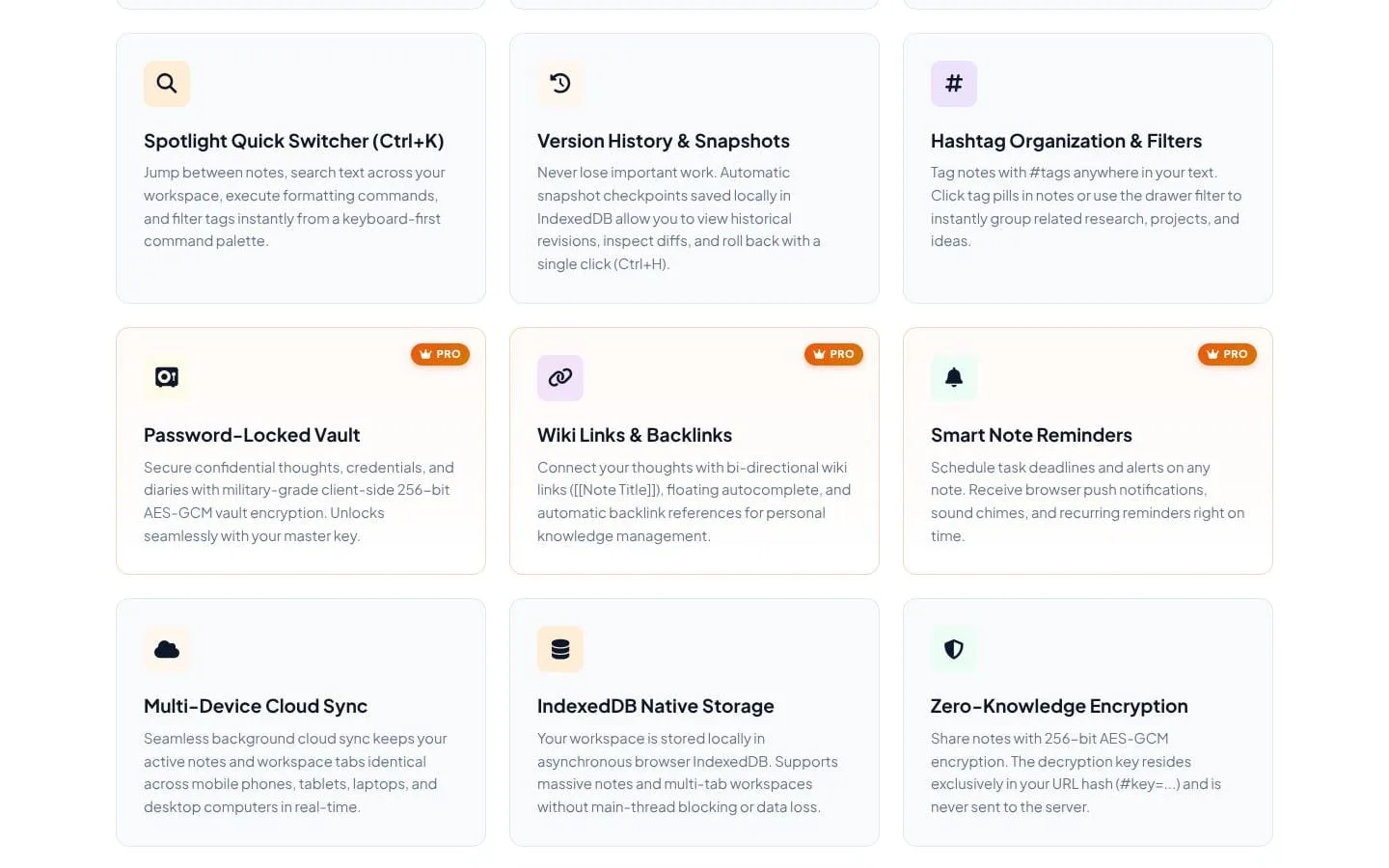
- Saves notes locally in browser IndexedDB and supports offline use as a Progressive Web App.
- Result
- Notes remain accessible without a network connection.
- Why
- Local-first storage keeps everyday writing on the user's device and permits offline access.
- Problem
- Plain text editors offer limited structure and writing aids.
- How it works
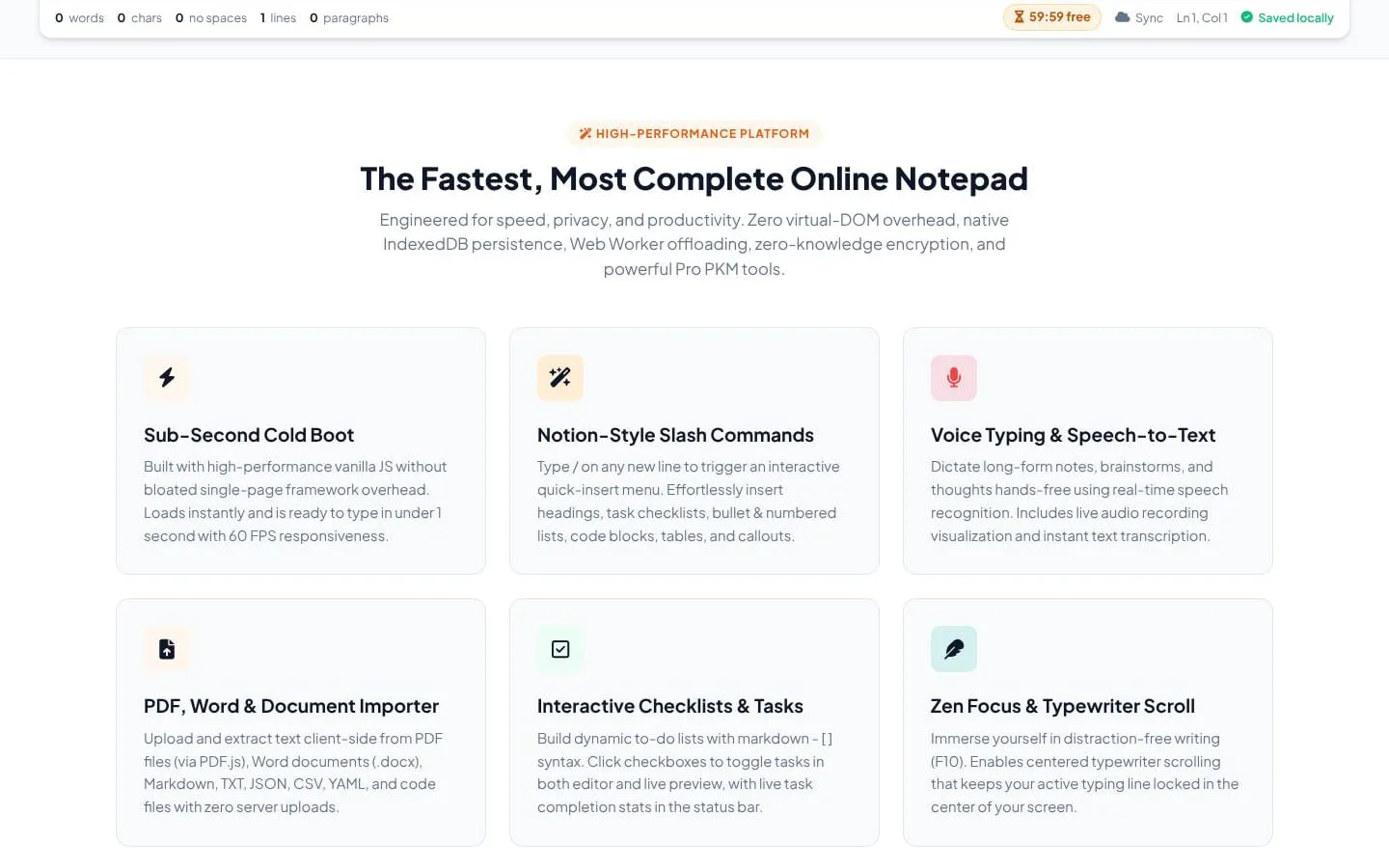
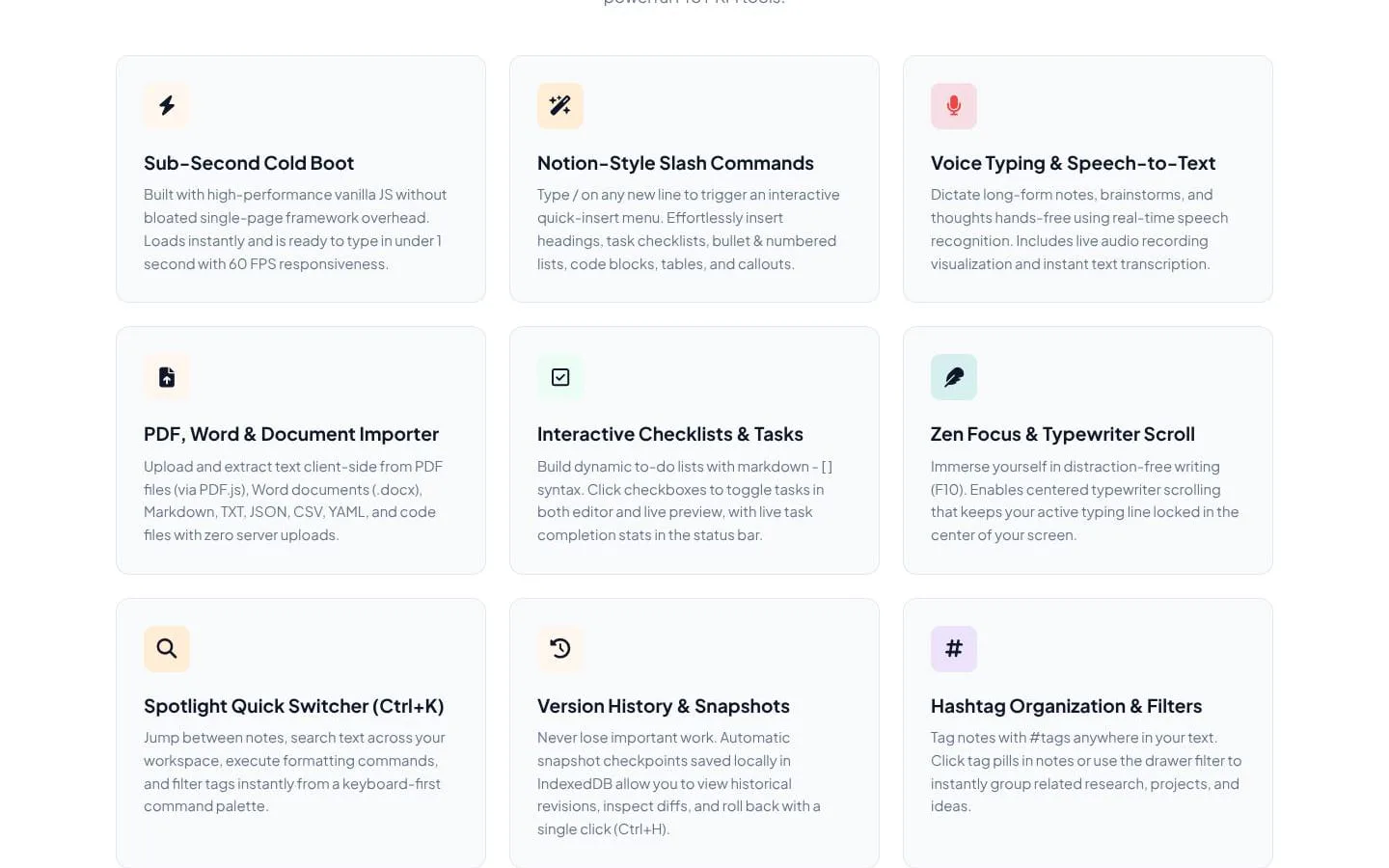
- Supports Markdown, slash-command blocks, interactive checklists, voice typing, focus mode, and a writing timer.
- Result
- Users can draft, format, dictate, and focus in one workspace.
- Why
- Built-in tools support varied writing and planning tasks without requiring a separate app.
- Problem
- Finding and connecting information across notes can be cumbersome.
- How it works
- Provides a keyboard-first quick switcher, hashtag filters, version snapshots, and Pro wiki links with backlinks.
- Result
- Related notes and earlier revisions are easier to retrieve.
- Why
- Search and linking make a growing collection easier to navigate and maintain.
- Problem
- Moving drafts between tools or devices can require manual reformatting.
- How it works
- Imports common document formats and exports notes to formats including PDF, Word, Markdown, and text; Pro adds cloud sync.
- Result
- Notes can be reused, shared, and accessed across devices.
- Why
- Broad format support and optional synchronization help notes fit existing workflows.
- Problem
- Routine workspace tasks can take repeated manual effort.
- How it works
- Google Gemini-powered agents can work with permitted notes, create or edit content, and run on schedules with permissions and approvals.
- Result
- Users can automate note-based workflows and review agent activity.
- Why
- Scoped, scheduled automation delegates selected tasks while retaining user oversight.
Product questions
What does Outsmart Notes do?
Outsmart Notes is a fast, browser-based notepad for drafting, formatting, organizing, and exporting notes. It starts without signup, saves notes locally, and offers offline writing, privacy controls, and optional Pro collaboration and AI features.
Who is Outsmart Notes for?
People who want a fast, private place to write and organize notes, including students, professionals, developers, and researchers.
Screenshots