Real estate
Roomora Studio
AI virtual staging for real estate photos
- Category
- Real estate
- Stage
- Growth
- For
- Real estate agents, property managers, and others preparing property listings.
About
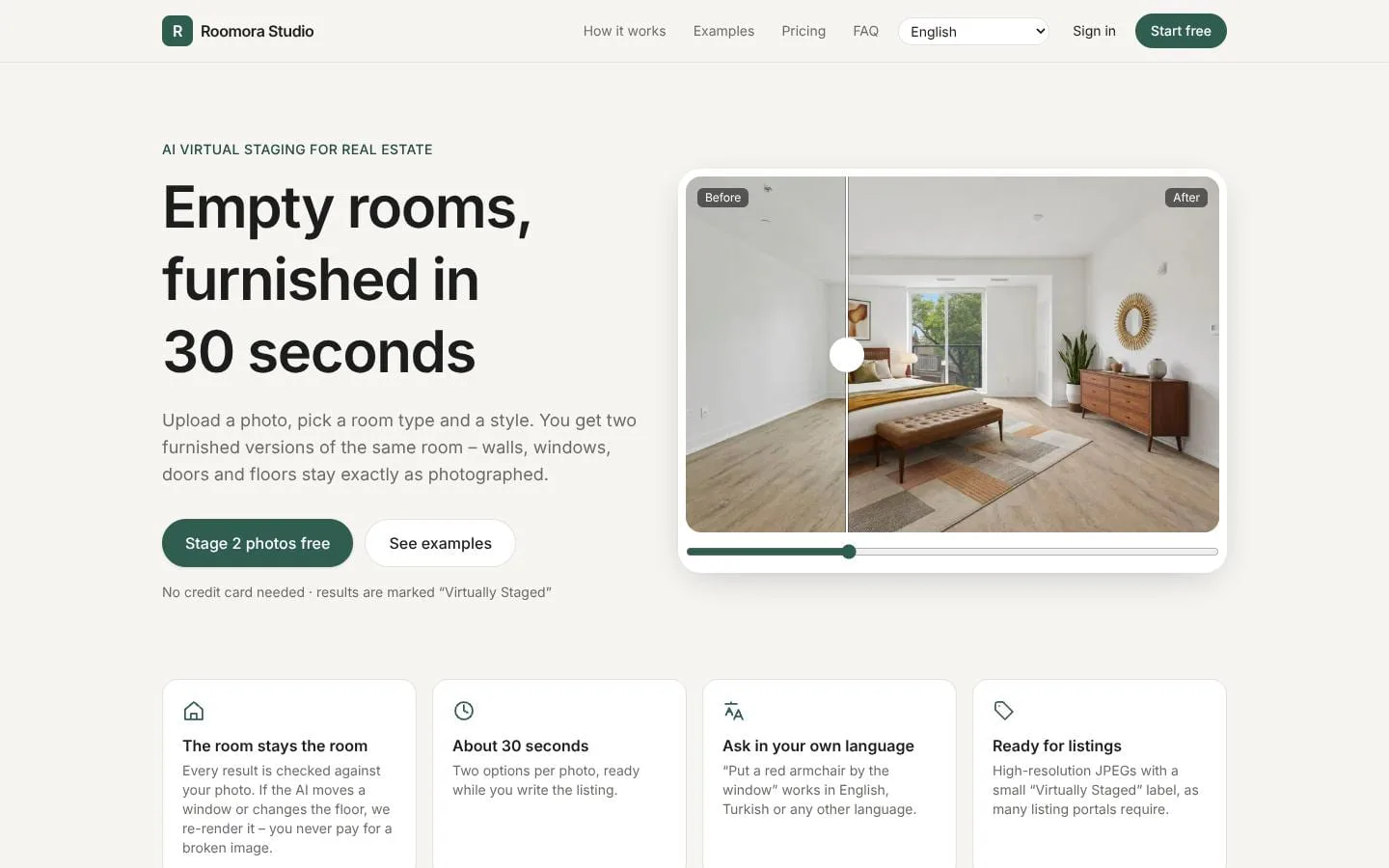
Upload a photo of an empty room and get furnished versions in about 30 seconds. Walls, windows and floors stay exactly as they are. 2 free credits.
Features
- Problem
- Empty rooms can be difficult for prospective buyers or tenants to visualize as living spaces.
- How it works
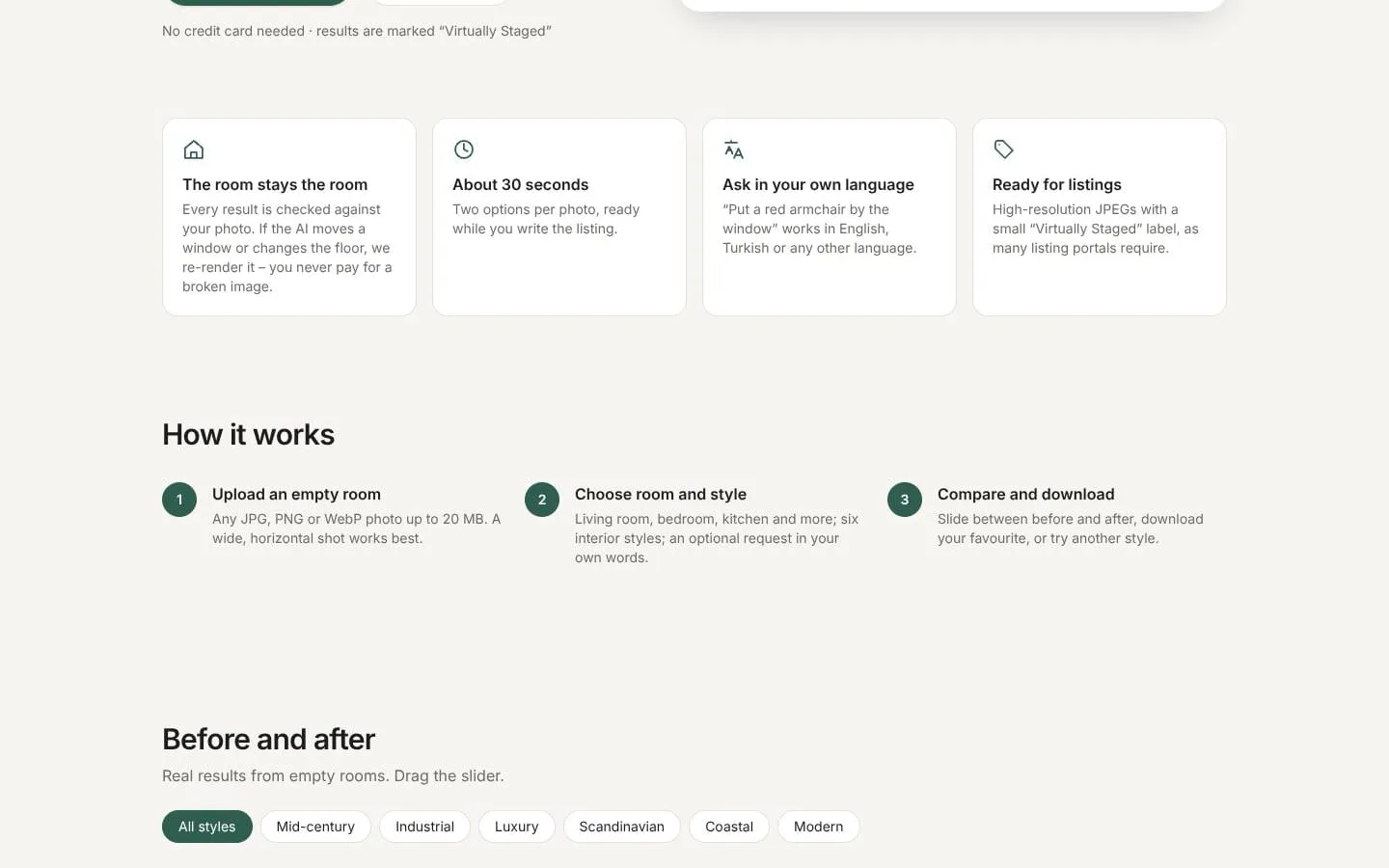
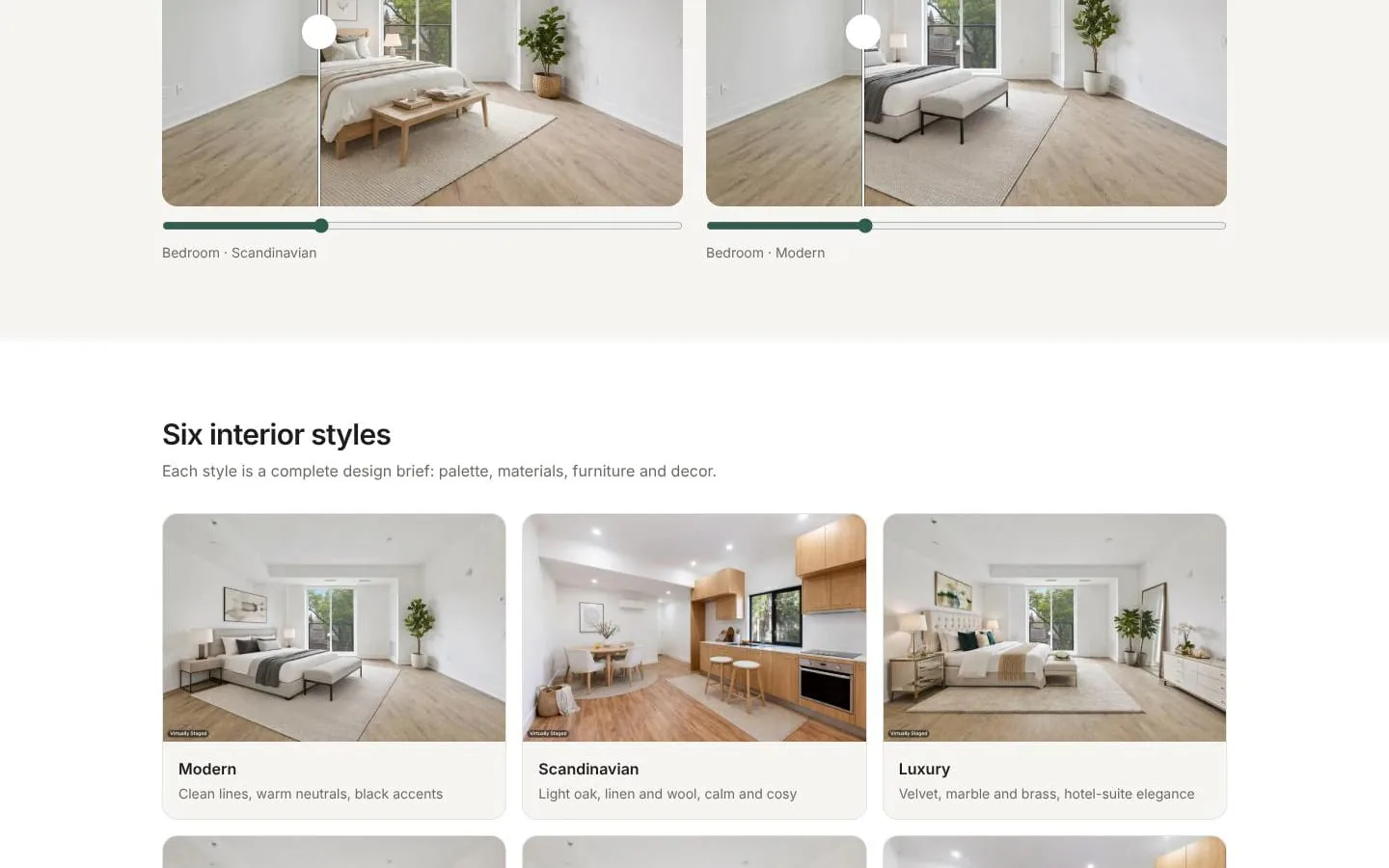
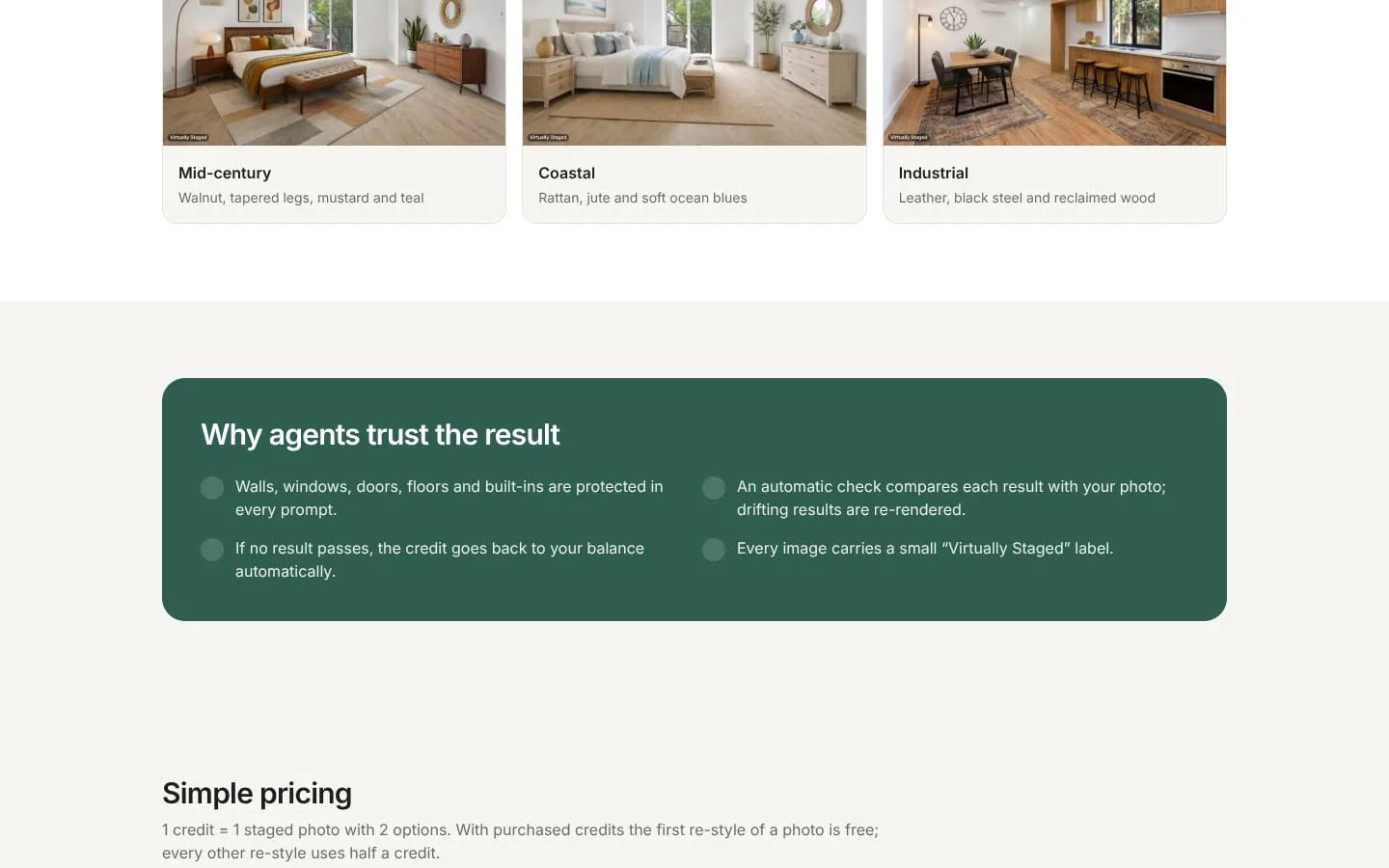
- Users upload a room photo and select a room type and one of six interior styles to generate two furnished options.
- Result
- Listing-ready staged images that help viewers imagine the space furnished.
- Why
- Offer a fast alternative to physically staging a property.
- Problem
- AI-generated edits could alter important features of the photographed property.
- How it works
- The service compares each result with the source photo and re-renders or discards results that change features such as windows or floors.
- Result
- Room structure is protected, and credits are refunded if no result passes the check.
- Why
- Keep the staged image faithful to the actual room.
- Problem
- A fixed furniture brief may not suit the agent’s vision for a room.
- How it works
- Users can add a short custom request in their own language, such as asking for a red armchair by the window.
- Result
- Staged options can reflect the user’s requested furniture and decor.
- Why
- Allow specific furnishing preferences without changing the room itself.
- Problem
- Listing portals may require disclosure when an image has been virtually staged.
- How it works
- Every generated image carries a small “Virtually Staged” label.
- Result
- Images are labeled for use in listings, subject to the relevant portal or MLS rules.
- Why
- Make the staged status visible on the image.
- Problem
- Users need a way to compare options and revise a design.
- How it works
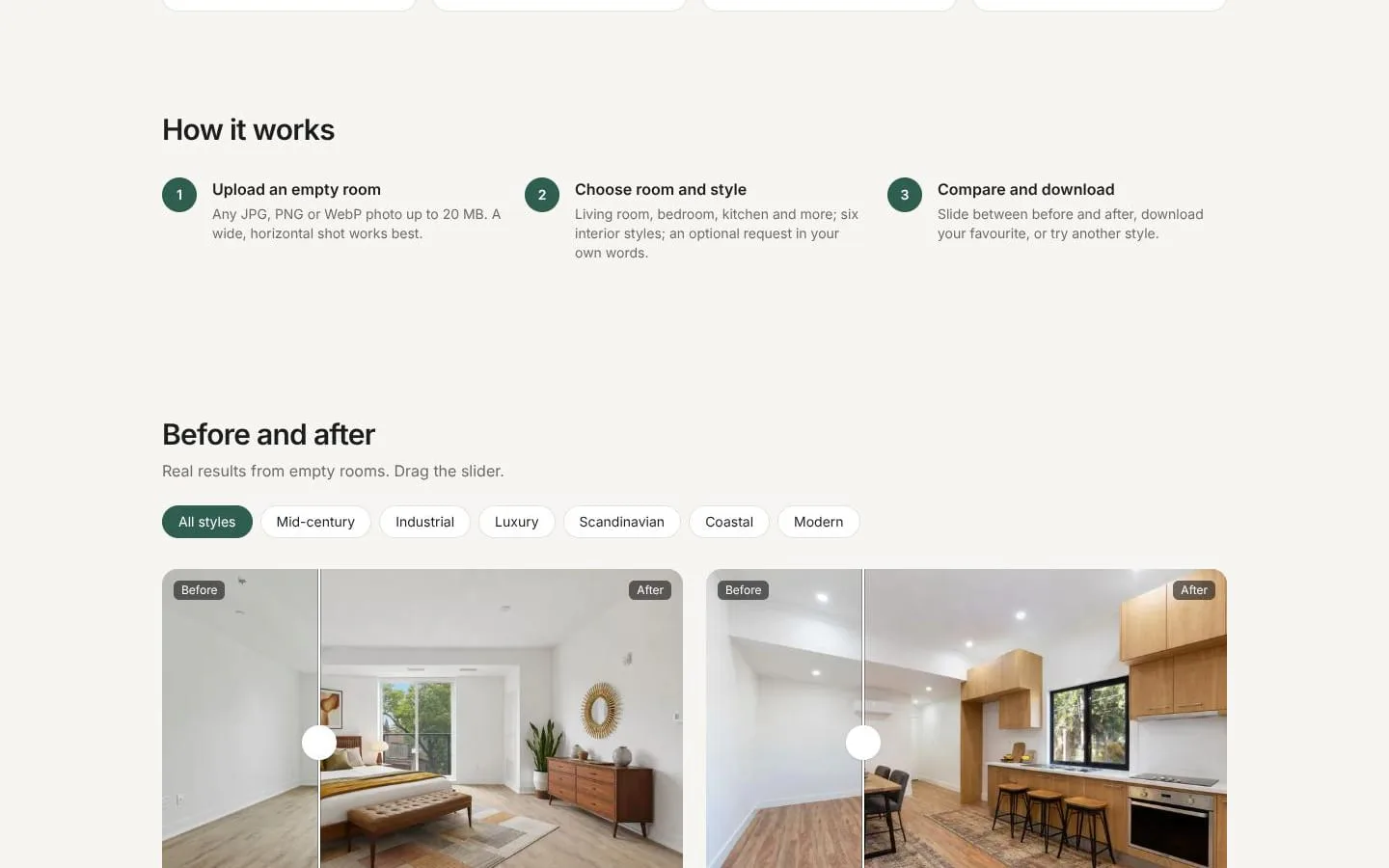
- Users can compare before and after, download a preferred result, or try another style.
- Result
- Users can select and download the option that best fits the listing.
- Why
- Make it easy to review the generated staging before using it.
Product questions
What does Roomora Studio do?
Roomora Studio turns photos of empty rooms into virtually staged listing images. Users upload a photo, choose a room type and interior style, and receive two furnished versions while the photographed room structure is preserved.
Who is Roomora Studio for?
Real estate agents, property managers, and others preparing property listings.
Screenshots