Developer tools
EnvDesk
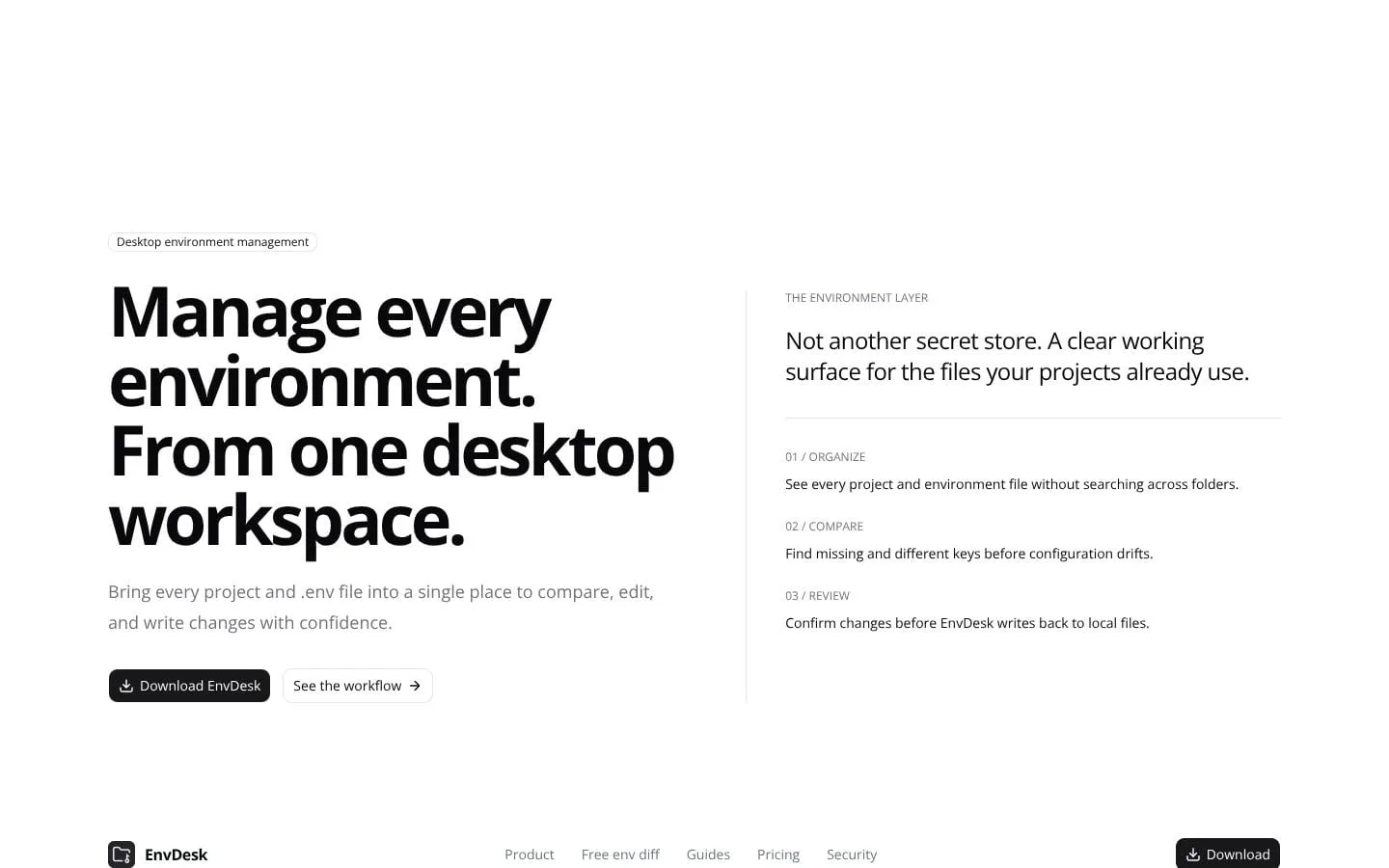
Manage every environment from one workspace
- Category
- Developer tools
- Stage
- Growth
- For
- Developers managing local .env files across multiple projects and environments.
About
A local-first desktop workspace for managing and comparing environment files across projects.
Features
- Problem
- Environment files are distributed across folders and repositories.
- How it works
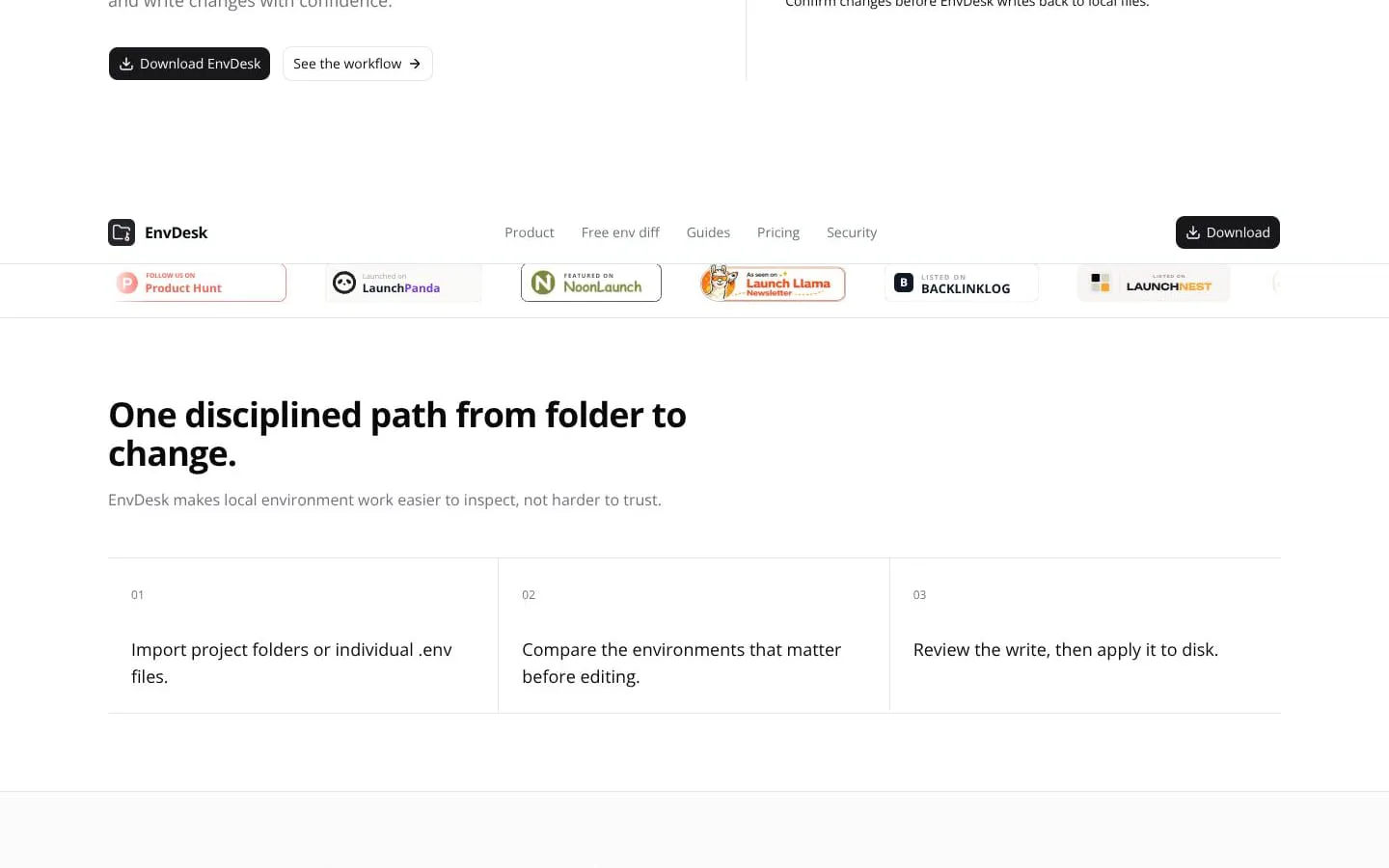
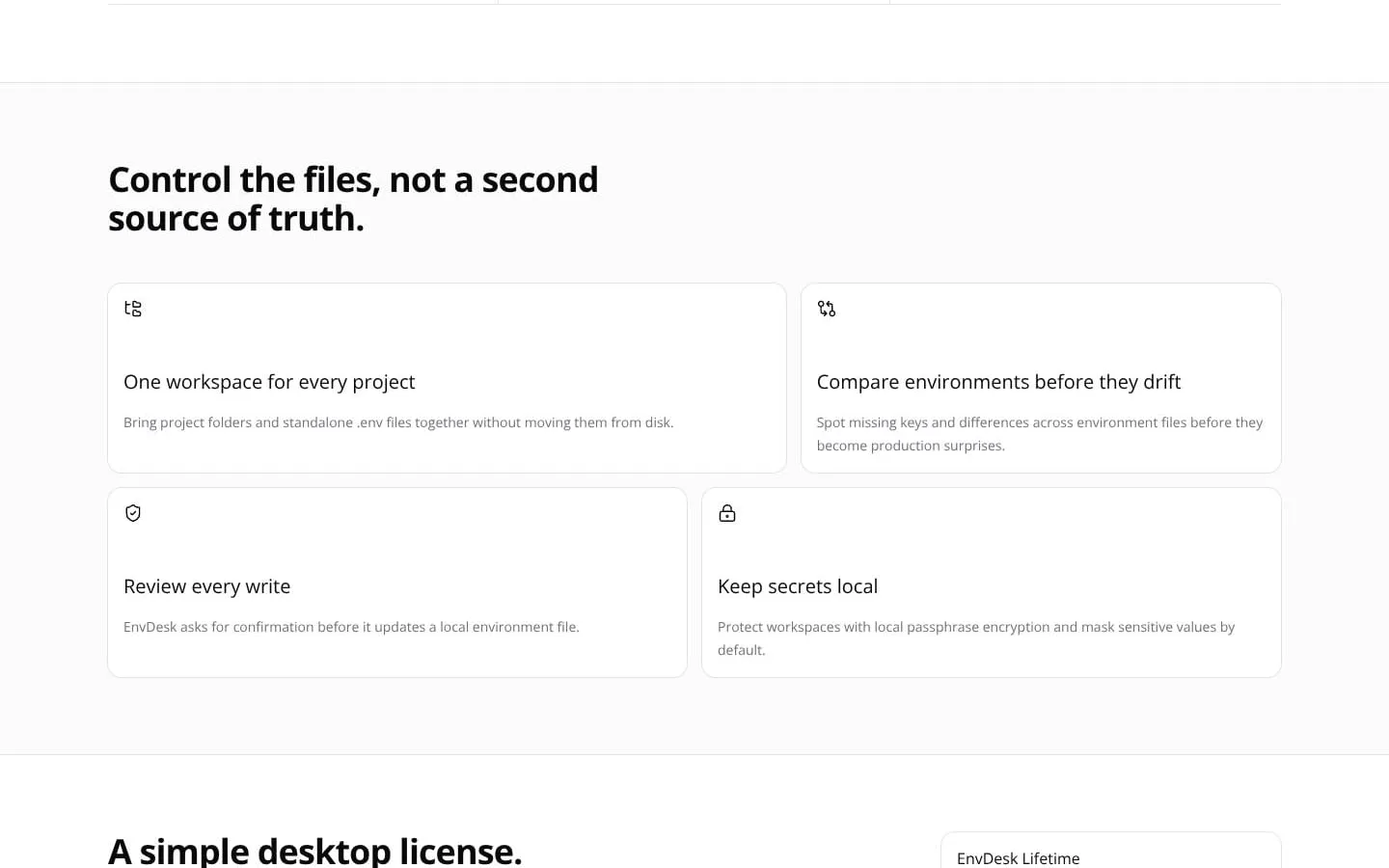
- Imports project folders or individual .env files into one workspace without relocating them.
- Result
- A unified view of environment files across projects.
- Why
- Keeps developers working with the file-based workflow their projects already use.
- Problem
- Configuration drift can leave required variables missing or inconsistent.
- How it works
- Compares environment files by key and highlights missing, extra, and different entries.
- Result
- Developers can catch drift before runtime or deployment issues.
- Why
- Key-level comparison reveals inconsistencies without requiring whole-file copying.
- Problem
- Sensitive values should not be unnecessarily exposed during inspection.
- How it works
- Masks sensitive values by default, including in comparisons.
- Result
- Safer local review of environment configuration.
- Why
- Lets users focus on keys and differences while limiting on-screen exposure.
- Problem
- Direct file edits can create unintended local changes.
- How it works
- Shows proposed writes and asks for confirmation before updating a file on disk.
- Result
- A reviewable path from edit to approved local write.
- Why
- Makes changes inspectable before they affect the existing source file.
- Problem
- Developers may not want environment values in a hosted workspace.
- How it works
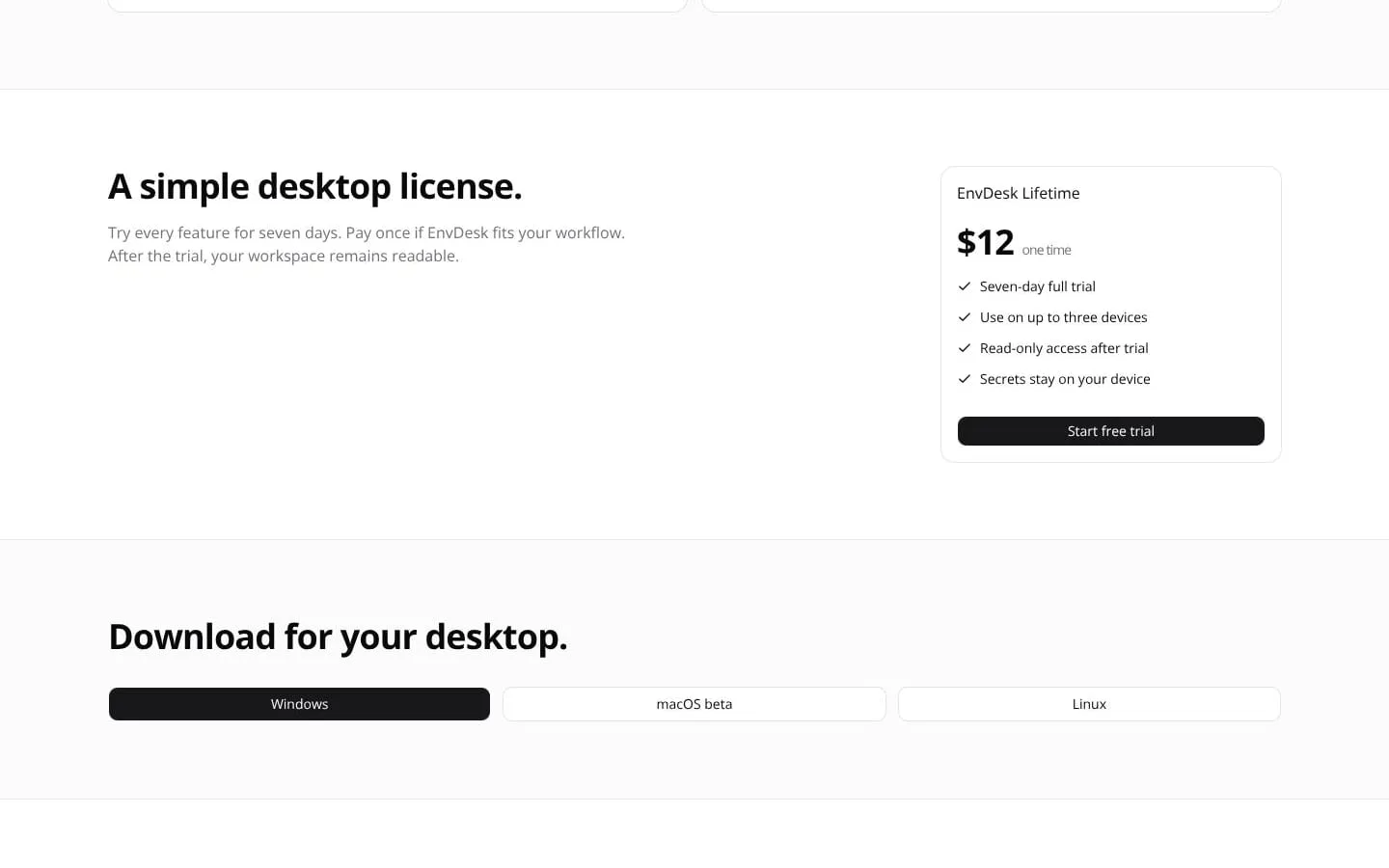
- Operates on files stored locally without requiring upload to an EnvDesk cloud workspace.
- Result
- Environment-file management remains local to the developer's machine.
- Why
- Avoids creating a second cloud source of truth for local environment files.
Screenshots