Accounting
Paprly
AI Invoice Parser for Accountants & Bookkeepers
- Category
- Accounting
- Stage
- Beta
- For
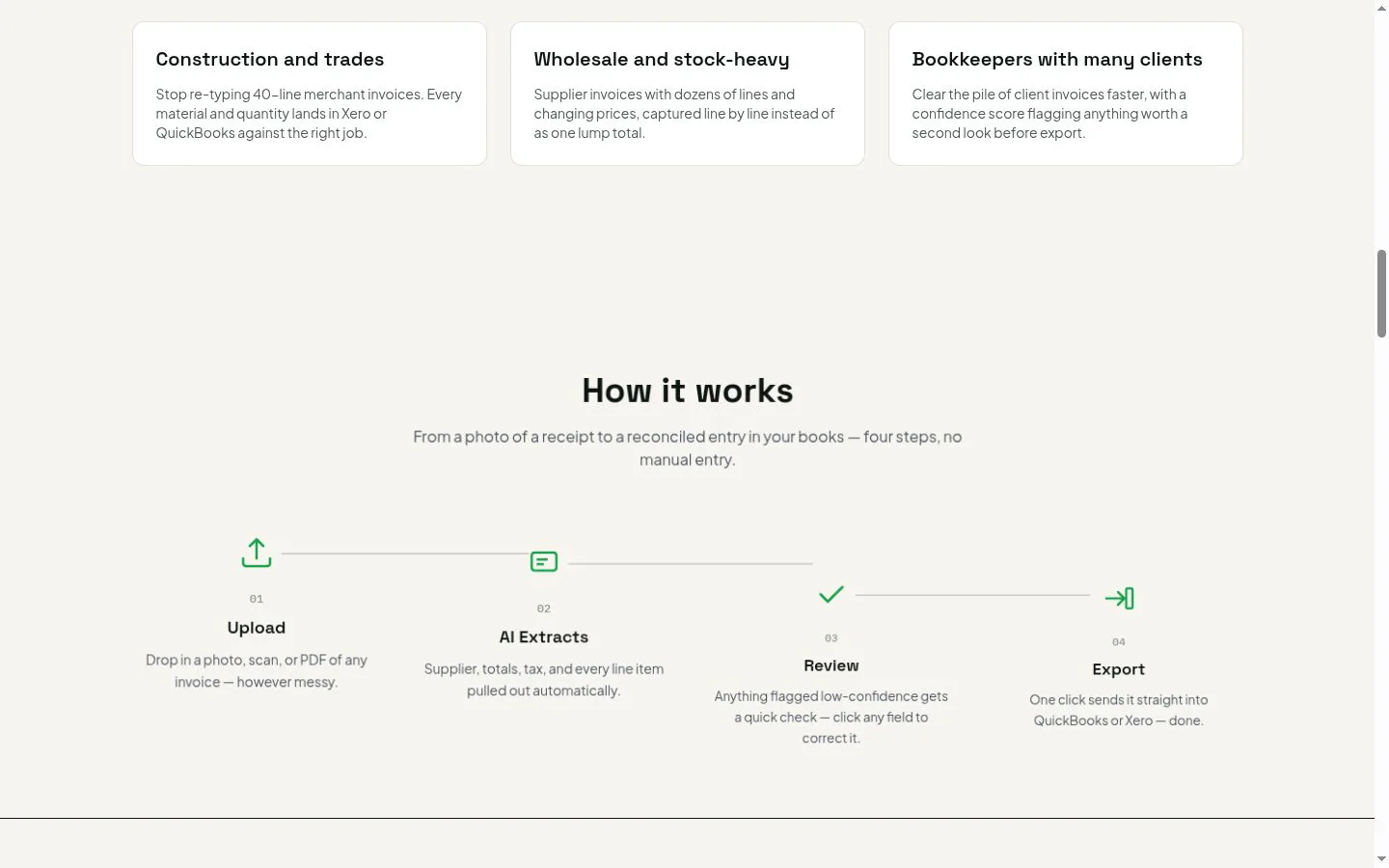
- Accountants, bookkeepers, and businesses that process many supplier invoices, especially construction, trades, and wholesale businesses.
About
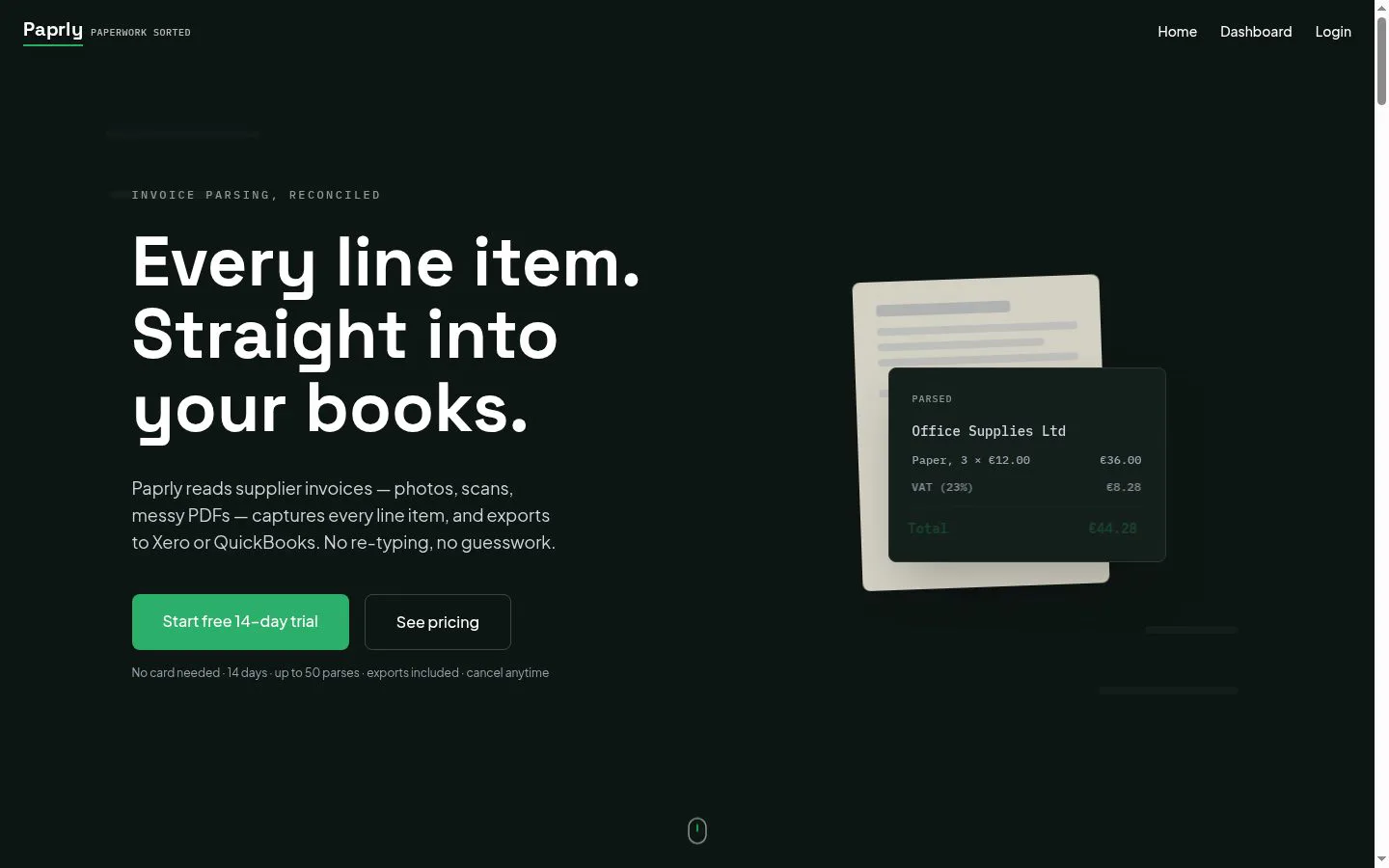
Upload an invoice, get structured data in seconds, export straight into QuickBooks or Xero.
Features
- Problem
- Invoice details must otherwise be entered by hand.
- How it works
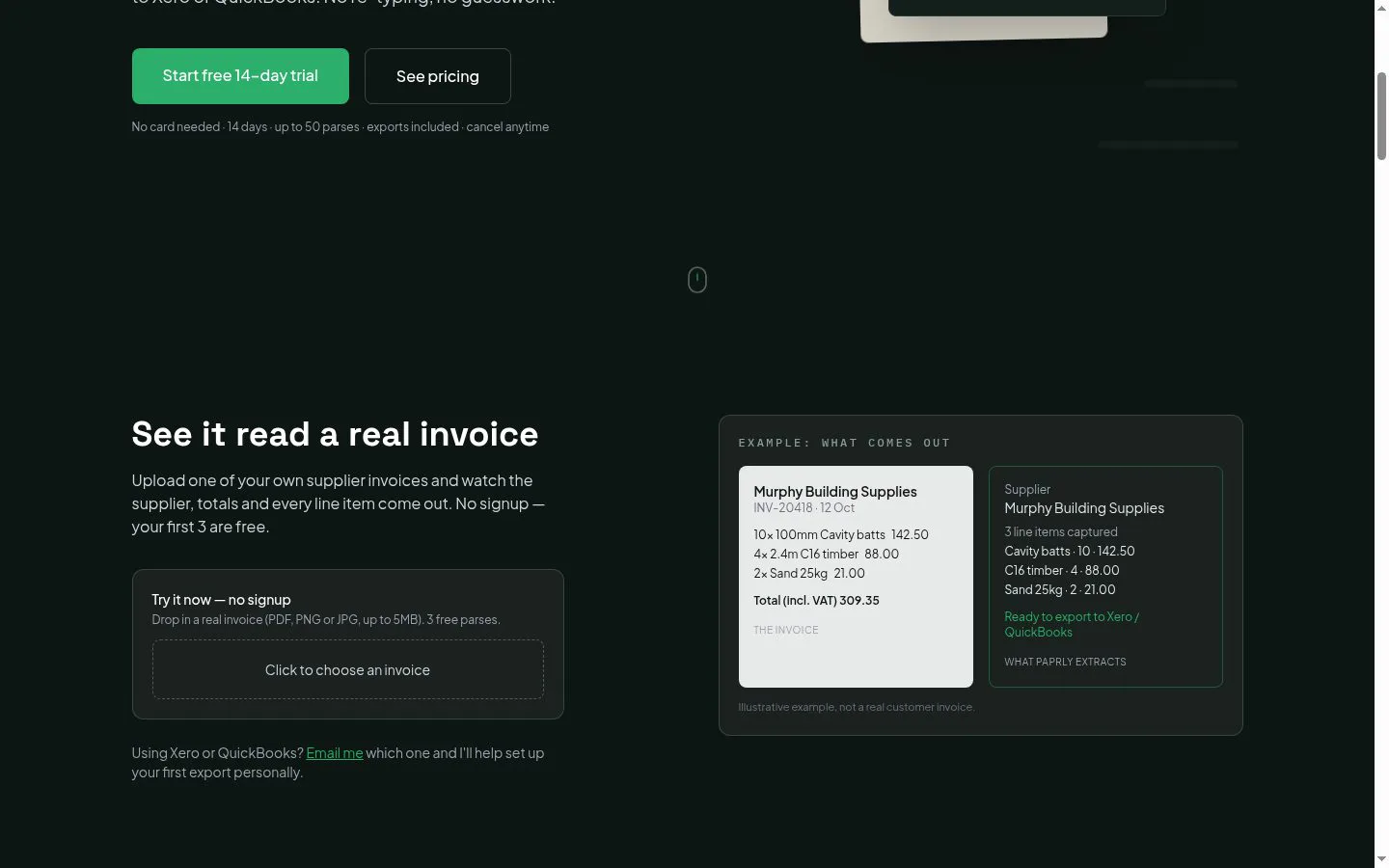
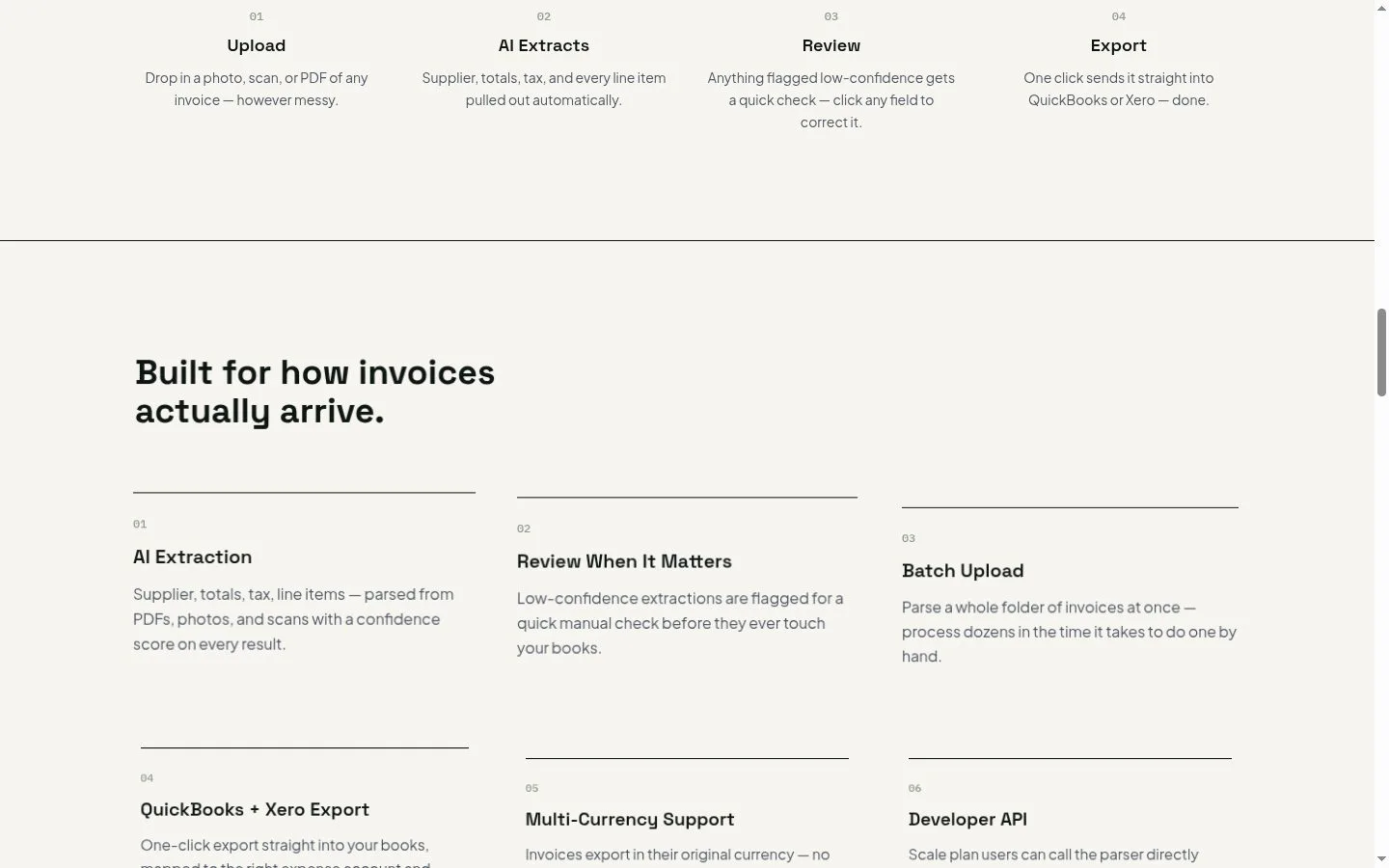
- Extracts suppliers, totals, tax, and line items from photos, scans, and PDFs.
- Result
- Invoice data is ready to review and export.
- Why
- Capturing invoice details automatically reduces repetitive typing.
- Problem
- Extraction errors can go unnoticed before reaching accounting records.
- How it works
- Assigns confidence scores and flags low-confidence fields for review and correction.
- Result
- Uncertain details can be checked before export.
- Why
- Users can focus checks on information the system is less certain about.
- Problem
- Processing invoices one at a time slows down teams with large workloads.
- How it works
- Batch upload processes a folder of invoices at once.
- Result
- Dozens of invoices can be processed in less time than one-by-one entry.
- Why
- Handling multiple invoices together supports higher-volume workflows.
- Problem
- Invoice data needs to be transferred into accounting software.
- How it works
- Exports to Xero or QuickBooks, with expense account and currency mapping described for the export.
- Result
- Reviewed invoice data is ready in the user's books.
- Why
- A direct export avoids re-entering extracted details in accounting software.
- Problem
- Invoices may use foreign currencies or formats that need extra attention.
- How it works
- Supports invoices in their original currency and reads European date formats; flags uncertain data for review.
- Result
- Users can review and export invoices with less reformatting.
- Why
- Recognizing differing invoice formats helps reduce manual corrections.
- Problem
- Some businesses want to connect invoice parsing to their own systems.
- How it works
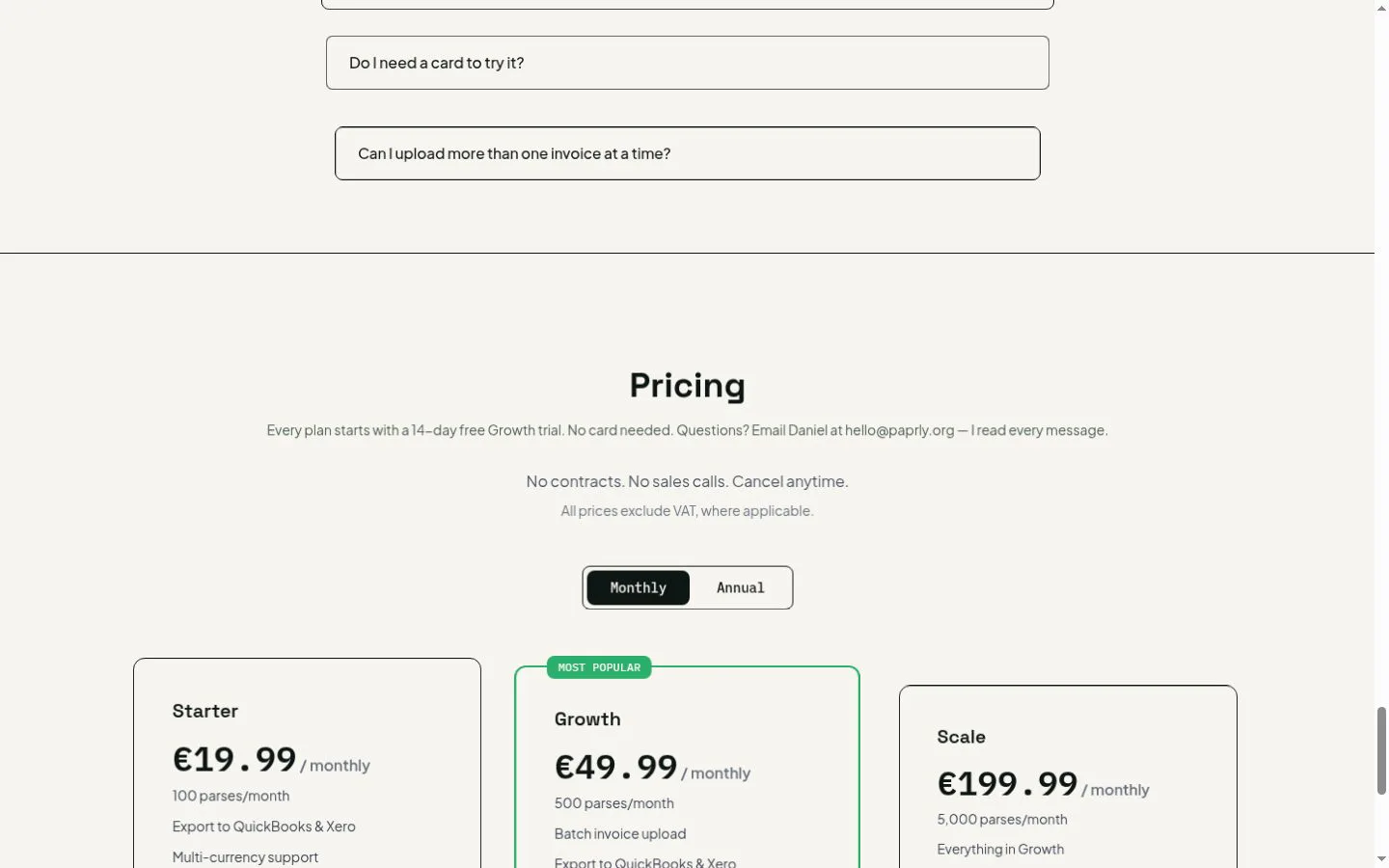
- The Scale plan provides direct developer API access and a raw JSON data view.
- Result
- Scale users can access parsed data programmatically.
- Why
- API access supports use from a customer's own systems.
Product questions
What does Paprly do?
Paprly extracts supplier details, totals, tax, and individual line items from invoice photos, scans, and PDFs, then exports the results to Xero or QuickBooks.
Who is Paprly for?
Accountants, bookkeepers, and businesses that process many supplier invoices, especially construction, trades, and wholesale businesses.
Screenshots