Content creation
Visual Maker AI
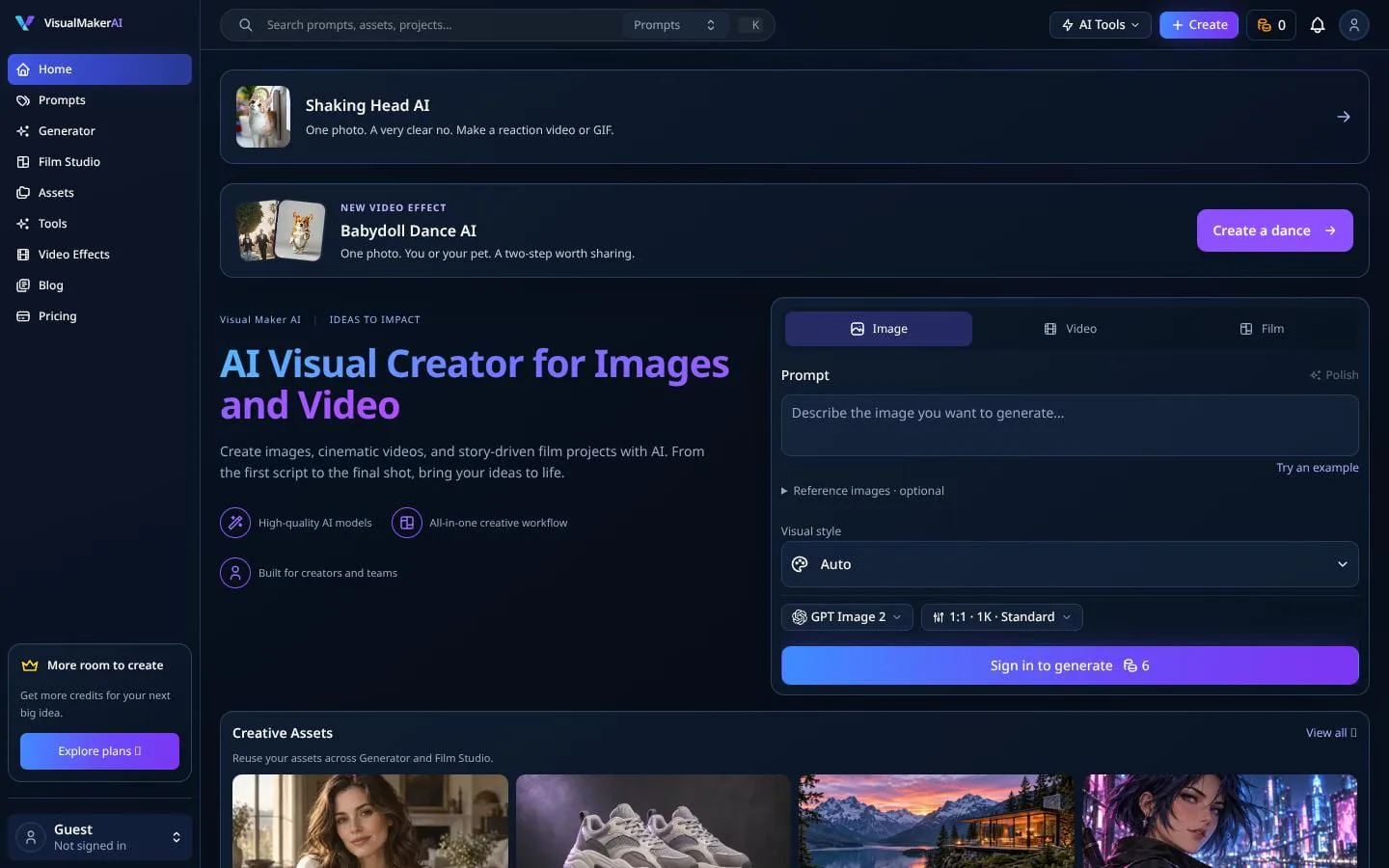
Create images, cinematic videos, and story-driven film projects with AI.
- Category
- Content creation
- Stage
- Growth
- For
- Creators, marketers, social media teams, and e-commerce sellers creating visual content and short videos.
About
Create AI images and videos from text or photos with Visual Maker AI. Explore prompts and multiple models. New accounts get 10 credits to start.
Features
- Problem
- Starting a visual from a blank page can slow down creative exploration.
- How it works
- Generate images from text prompts or reference images, with visual styles and model settings to refine results.
- Result
- Still images for product visuals, campaigns, social posts, and concepts.
- Why
- Prompt and reference workflows give creators alternative starting points and support iteration.
- Problem
- Static images may not be engaging enough for short-form content or campaigns.
- How it works
- Animate an uploaded image with a motion prompt and model-specific controls for aspect ratio, duration, resolution, and quality.
- Result
- Short video assets for ads, social posts, product demos, and story scenes.
- Why
- Reusing an existing image as the source can turn a still asset into motion without starting from a new concept.
- Problem
- Producing a multi-shot film or product story requires planning shots and maintaining continuity.
- How it works
- Turn a script or creative brief into draft scenes, shots, key-image prompts, and motion prompts; keep the plan editable and add project references.
- Result
- An editable film or ad plan with production-ready scene concepts.
- Why
- A structured shot plan helps creators move from an idea toward connected scenes.
- Problem
- Teams can lose time recreating characters, products, places, or visual styles between projects.
- How it works
- Organize creative assets by type and project, then reuse them across Generator and Film Studio.
- Result
- Reusable visual building blocks for more consistent projects.
- Why
- A shared library makes references available across different creation workflows.
- Problem
- Creating familiar social formats from photos can require specialized editing.
- How it works
- Choose preset photo-to-video effects with defined photo requirements, scene direction, duration, and quality options.
- Result
- Personalized clips such as dances, reactions, and cinematic scenes.
- Why
- A ready-made format reduces setup for specific short-form concepts.
- Problem
- Finding a useful prompt or a focused design workflow can be difficult.
- How it works
- Browse prompt examples and use dedicated tools for posters, flyers, album covers, and YouTube thumbnails.
- Result
- A quicker path from inspiration to usable creative output.
- Why
- Examples and purpose-built entry points help users adapt ideas to a concrete deliverable.
Product questions
What does Visual Maker AI do?
Visual Maker AI is an AI visual creation workspace for generating and editing images, animating images into short videos, creating photo-based video effects, and developing scripts into editable film scenes.
Who is Visual Maker AI for?
Creators, marketers, social media teams, and e-commerce sellers creating visual content and short videos.
Screenshots