Education
Readback
remember what you read
- Category
- Education
- Stage
- Beta
- For
- People who read technical articles to learn and want to retain and recall the ideas later.
About
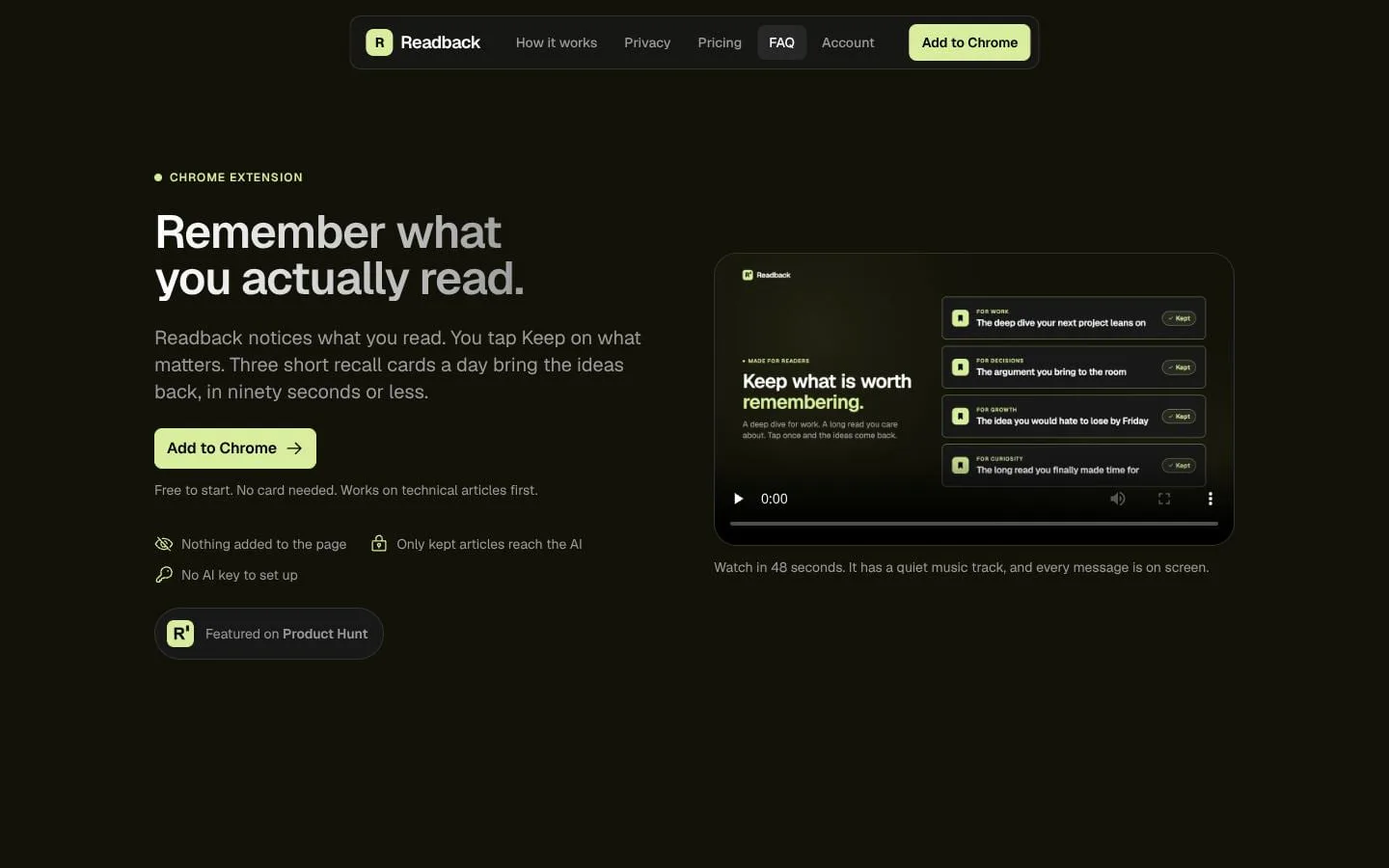
Readback is a Chrome extension for people who read to learn. Tap Keep on the articles that matter and get three short recall cards a day, so the ideas stick. Works on technical articles first.
Features
- Problem
- Readers may want to revisit an article without remembering to save it first.
- How it works
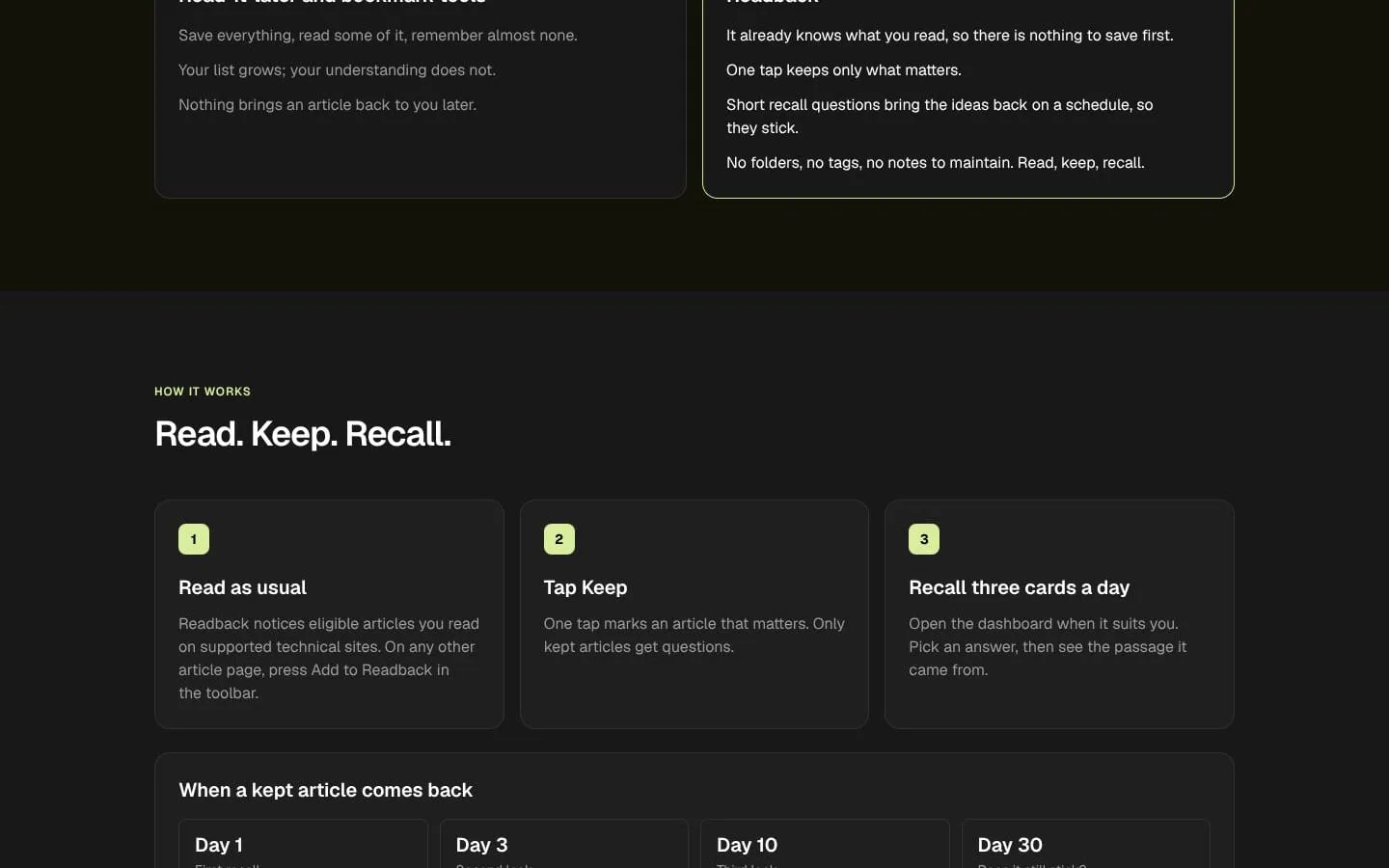
- Readback detects reading on supported technical sites; on other article pages, the reader can add the page from the toolbar.
- Result
- Eligible articles can be tracked, and readers choose which ones matter.
- Why
- Reduce friction while keeping reading behavior familiar.
- Problem
- Saving everything can create an unwieldy list and does not ensure learning.
- How it works
- A reader taps Keep on an article; only kept articles are used to create questions.
- Result
- A focused set of articles becomes material for recall.
- Why
- Make selection simpler than filing and tagging.
- Problem
- Readers forget ideas after finishing an article.
- How it works
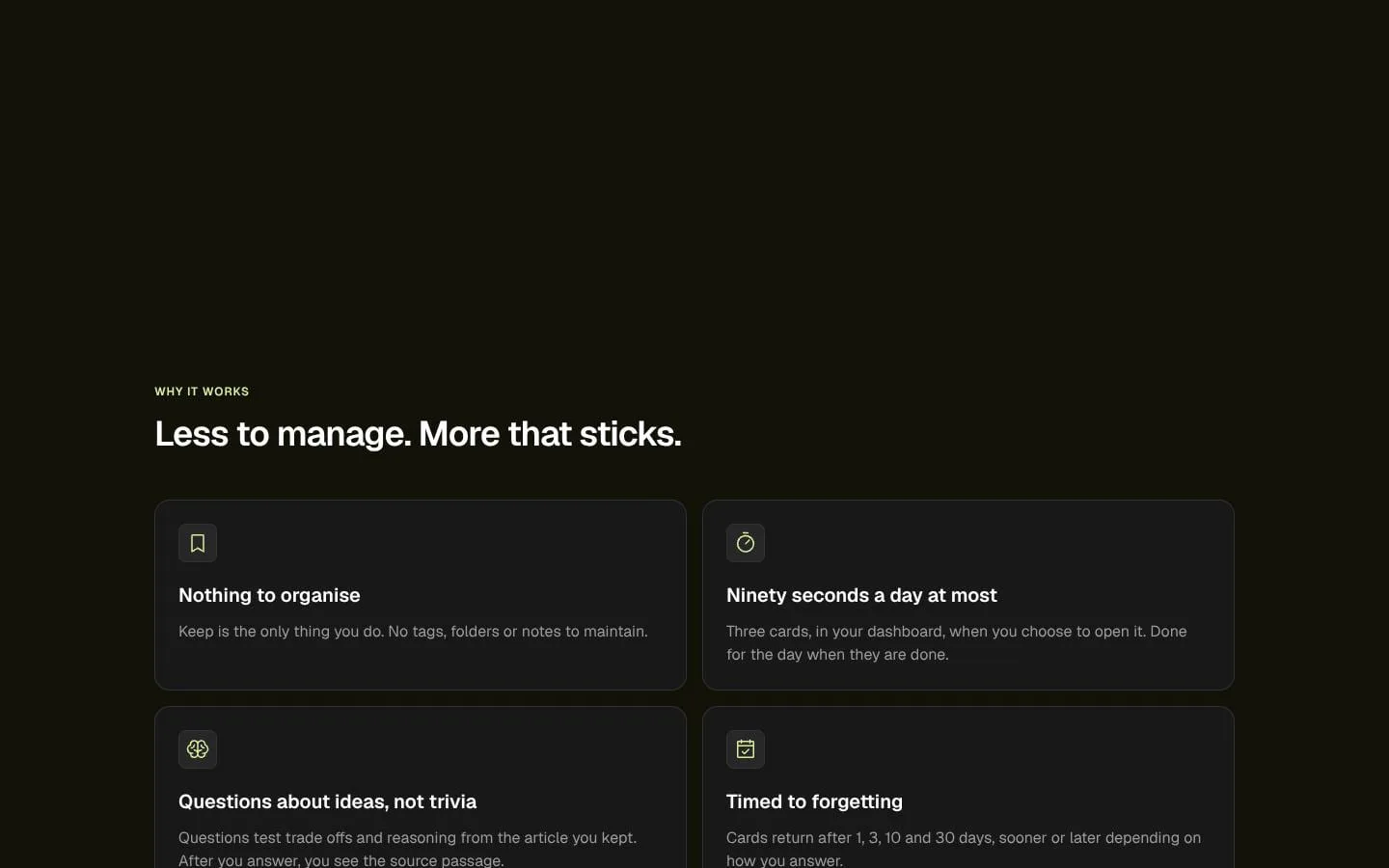
- The dashboard presents three short recall cards a day, with questions about ideas, trade-offs, and reasoning; answers reveal the source passage.
- Result
- Readers get a brief daily way to revisit what they learned.
- Why
- Prompt active recall and connect answers to the original text.
- Problem
- A fixed review interval may not suit how well someone remembers an idea.
- How it works
- Cards are scheduled at 1, 3, 10, and 30 days; correct answers push the next card later and misses bring it sooner.
- Result
- Recall practice returns at intervals tailored to performance.
- Why
- Adjust repetition based on answers.
- Problem
- Readers may be concerned about article text leaving their device.
- How it works
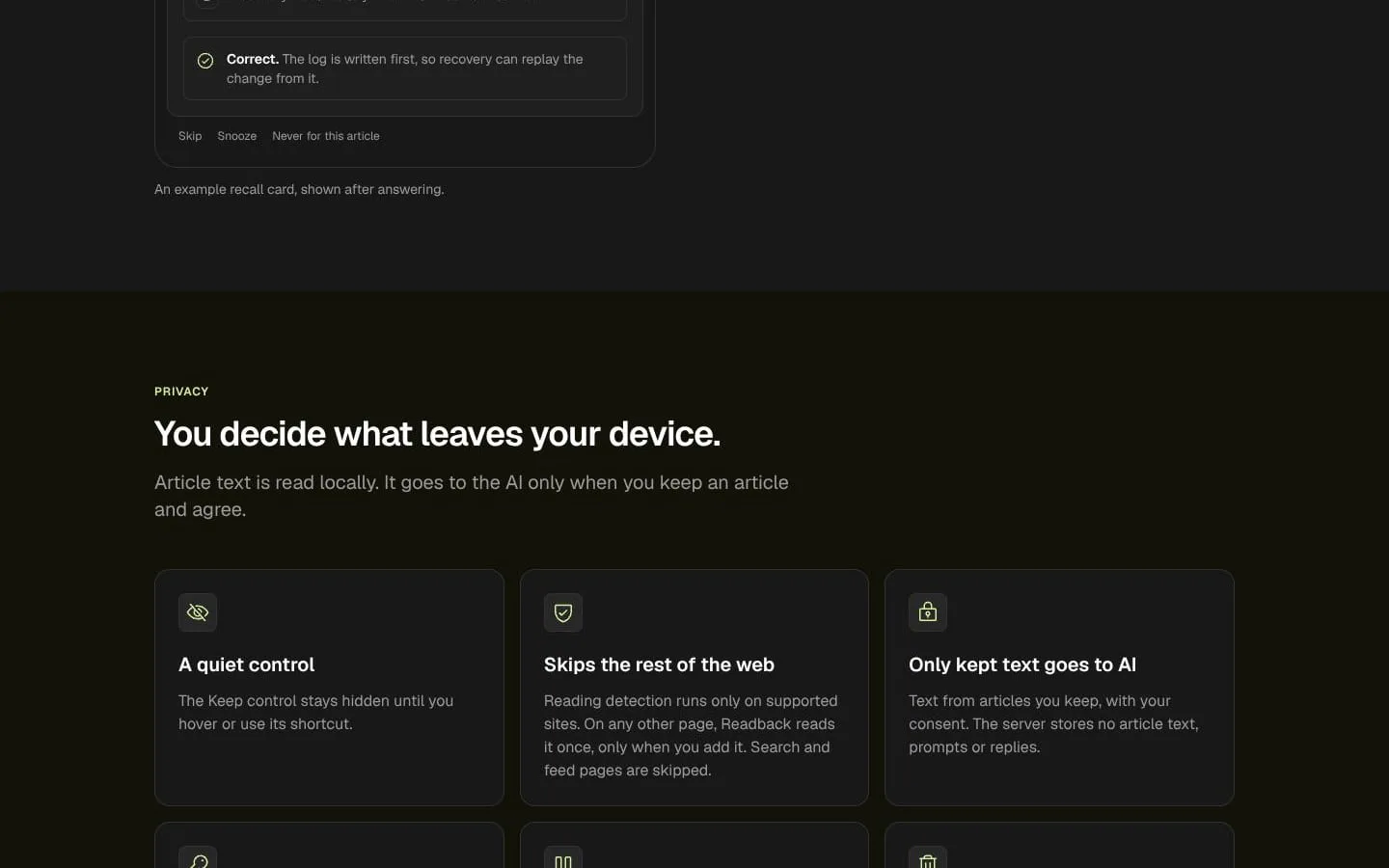
- Article text is read locally and sent to AI only for kept articles and with consent; users can pause tracking or delete local, cloud, or account data.
- Result
- Readers can use the product with clear controls over data sharing and deletion.
- Why
- Give readers control over tracking and AI use.
- Problem
- Readers may want their library and progress on multiple devices.
- How it works
- After signing in, users can sync article metadata, question sets, cards, schedules, results, and settings; sync can be switched off.
- Result
- Users can continue reviewing across devices with sync controls.
- Why
- Make the same study library available across devices while keeping article text and typed answers local.
Product questions
What does Readback do?
Readback is a Chrome extension and web dashboard that helps people retain ideas from technical articles. It detects eligible reading, lets you keep articles with one tap, and brings their ideas back as short recall questions.
Who is Readback for?
People who read technical articles to learn and want to retain and recall the ideas later.
Screenshots