Design
TopoSnap
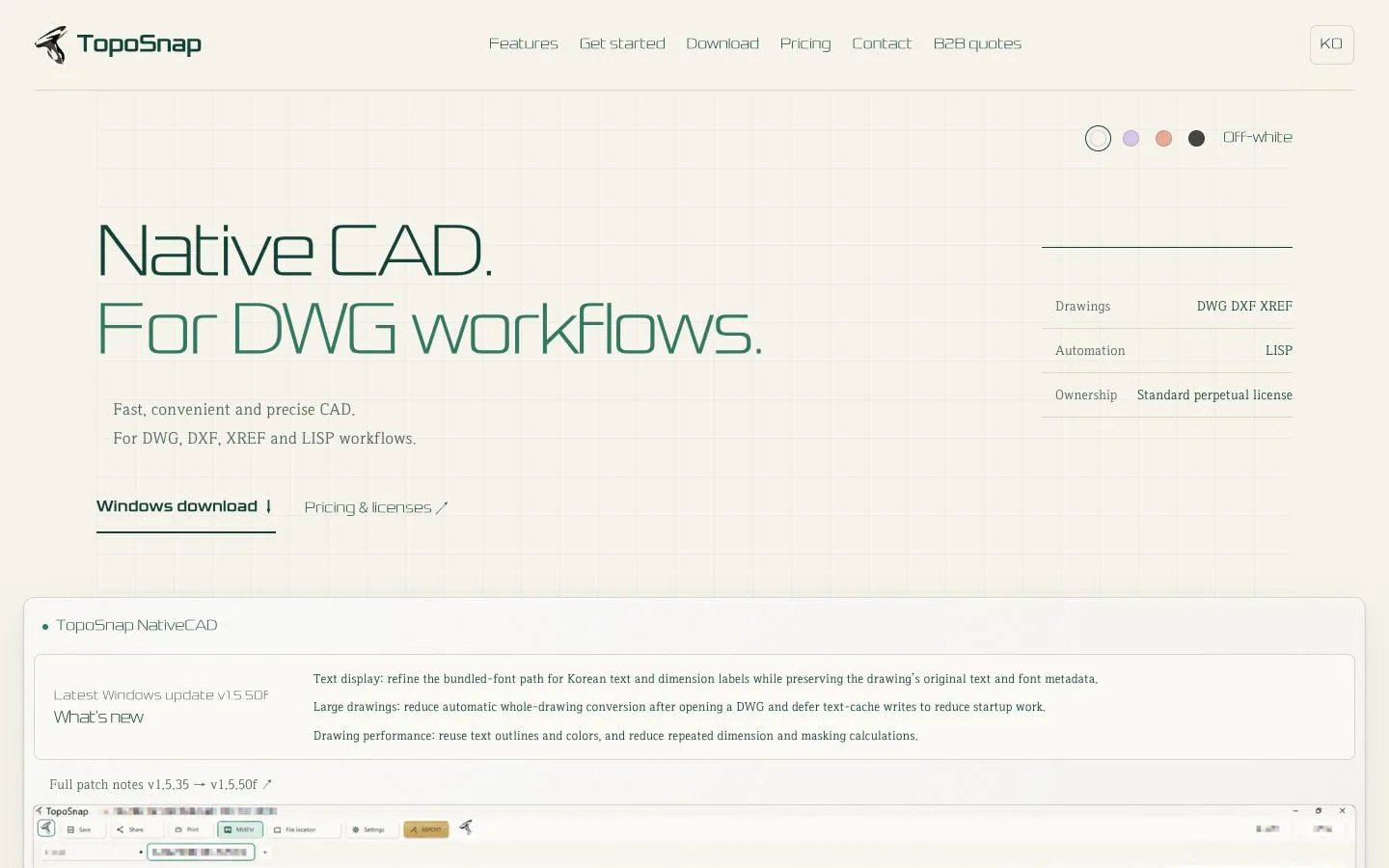
Native CAD for DWG workflows
- Category
- Design
- Stage
- Growth
- For
- Windows-based designers and CAD professionals who edit DWG/DXF drawings and use XREF references, blocks, LISP automation, and plotting workflows.
About
For designers: edit DWG with familiar commands. Try TopoSnap free for 7 days.
Features
- Problem
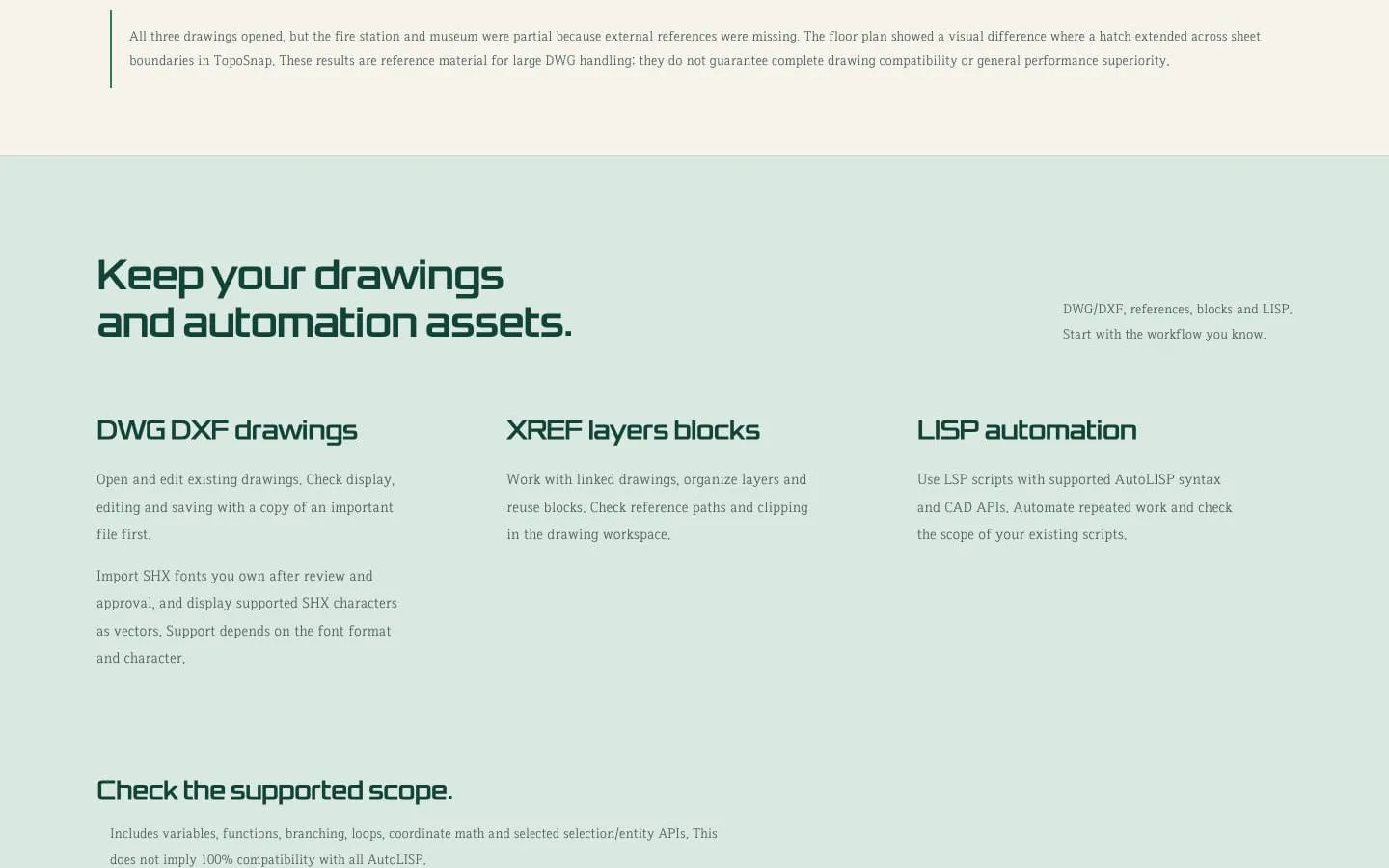
- Existing DWG and DXF drawings may contain important geometry, text and metadata.
- How it works
- Opens and edits existing drawings, with support for saving and checking results. SHX font import and display are available for supported fonts and characters.
- Result
- A workflow centered on existing files, with compatibility checked against copies.
- Why
- Lets users work from their current drawing assets rather than start over.
- Problem
- Projects often depend on linked drawings, layer organization and reusable components.
- How it works
- Works with XREFs, layers and blocks, including reference paths and clipping workflows.
- Result
- Users can continue working with references and reusable drawing elements.
- Why
- Keeps common drawing structures available during editing.
- Problem
- Repeated tasks may depend on existing CAD automation.
- How it works
- Runs LSP scripts using supported AutoLISP syntax and selected CAD APIs; compatibility with all AutoLISP and Visual LISP APIs is not promised.
- Result
- Users can test and reuse supported scripts for repeated work.
- Why
- Supports automation while making its compatibility scope explicit.
- Problem
- Editing drawings requires familiar commands as well as precise navigation and modification.
- How it works
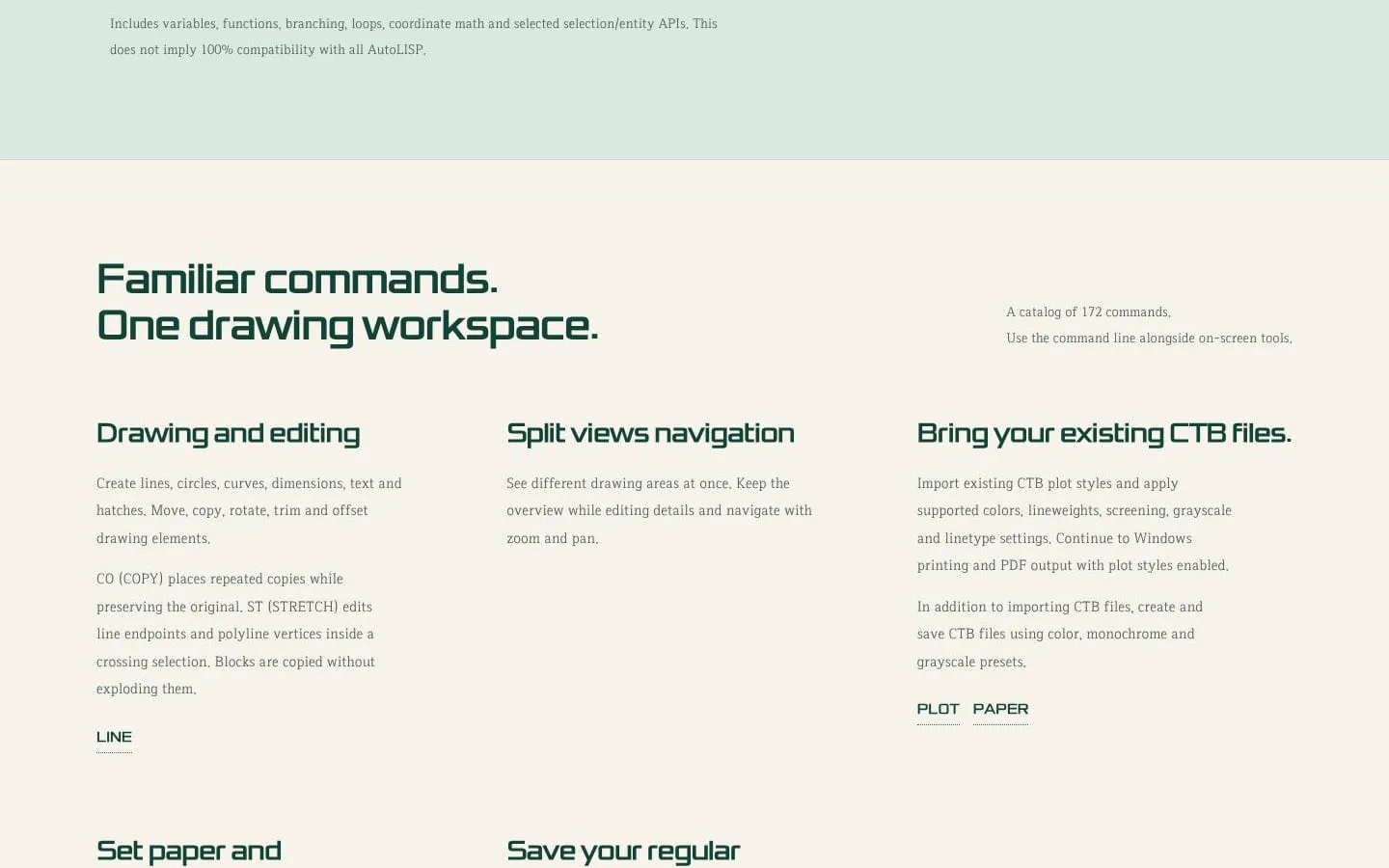
- Provides a catalog of 172 commands for drawing, editing, measurement, dimensions, arrays, snaps and split views, alongside on-screen tools.
- Result
- Users can draw and revise geometry, navigate details and measure within one workspace.
- Why
- Combines command-line workflows with visual controls.
- Problem
- Plotting can require repeated paper, scale, margin and style setup.
- How it works
- Imports and creates CTB plot styles, supports paper and scale selection, previews print regions, saves named print presets and supports Windows printing and PDF output.
- Result
- Users can prepare and review print output using established settings.
- Why
- Preserves familiar plotting assets and makes repeat setup reusable.
- Problem
- Users need to evaluate drawing behavior and protect confidential project files.
- How it works
- Offers a seven-day trial and states that device registration and activation do not upload drawings; drawings remain on the computer.
- Result
- Users can test their workflows before purchase without sending drawing files for activation.
- Why
- Enables evaluation on real files while clarifying local file handling.
Product questions
What does TopoSnap do?
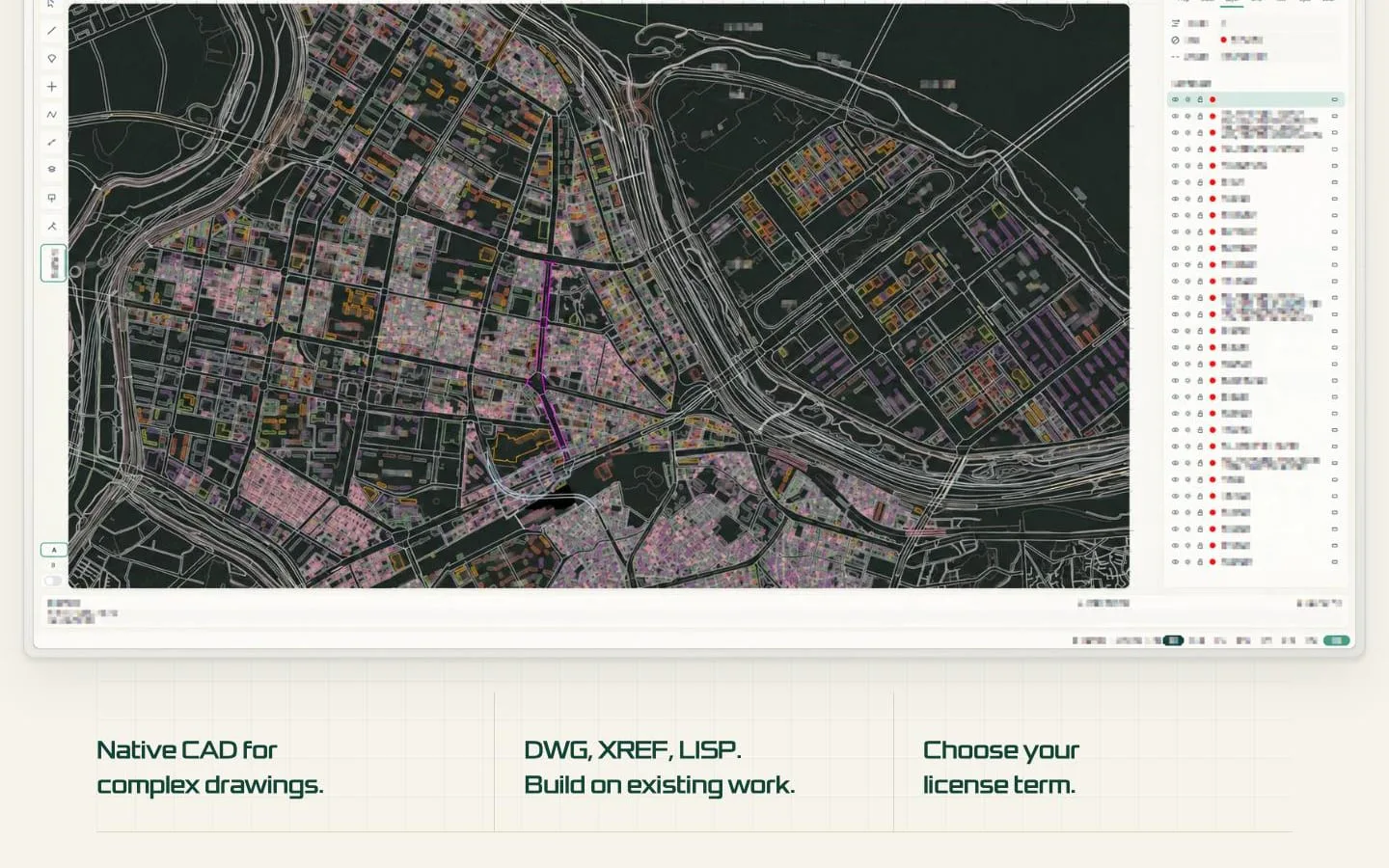
TopoSnap is a native CAD application for Windows DWG/DXF workflows. It lets designers open and edit existing drawings, work with references, blocks and supported LISP scripts, then measure and plot their work.
Who is TopoSnap for?
Windows-based designers and CAD professionals who edit DWG/DXF drawings and use XREF references, blocks, LISP automation, and plotting workflows.
Screenshots