Developer tools
Crontinel
Laravel schedule and queue monitoring. Catch silent cron, queue, and agent failures before users do.
- Category
- Developer tools
- Stage
- Beta
- For
- Developers and operations teams running Laravel applications, queues, scheduled jobs, and agents.
About
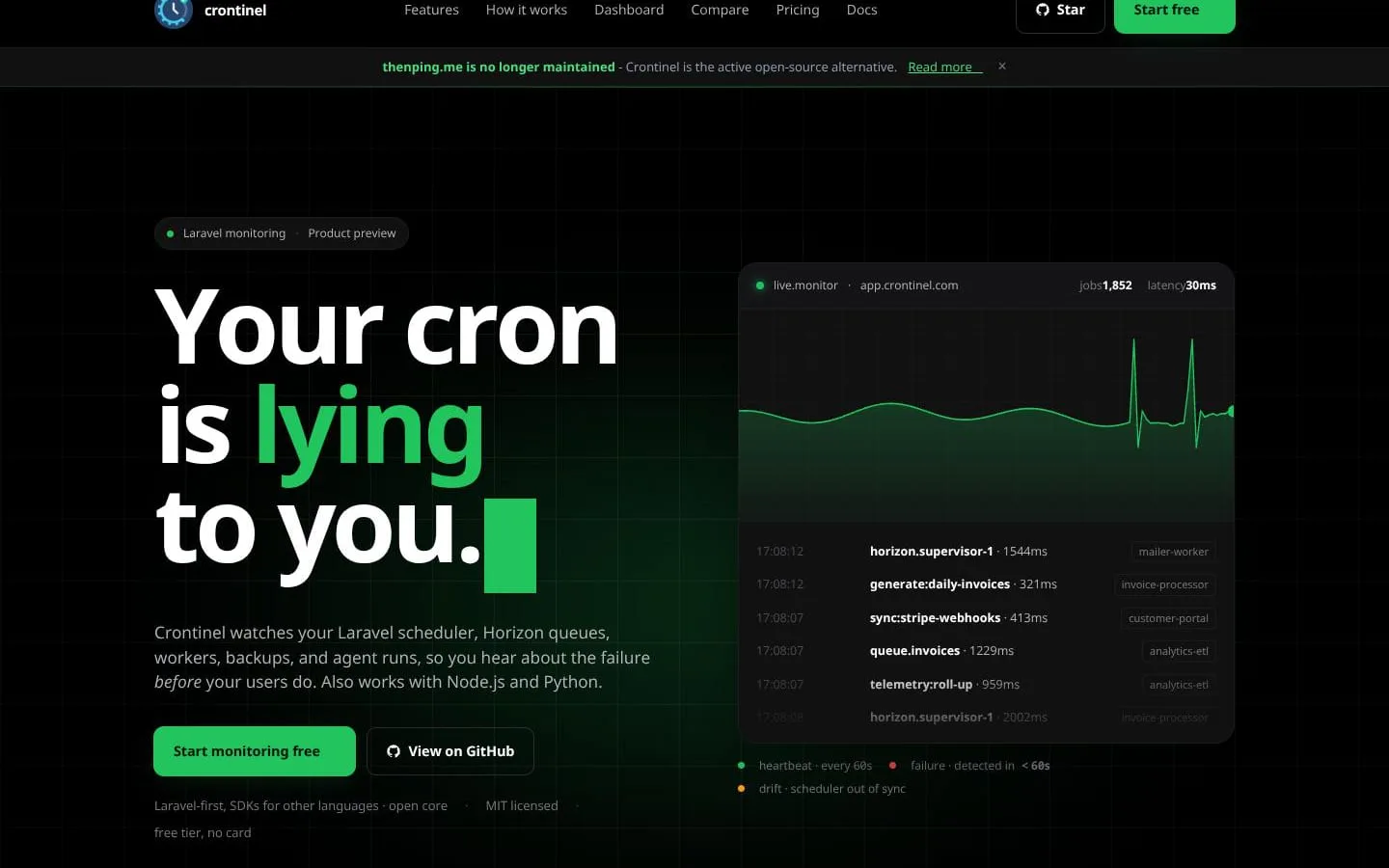
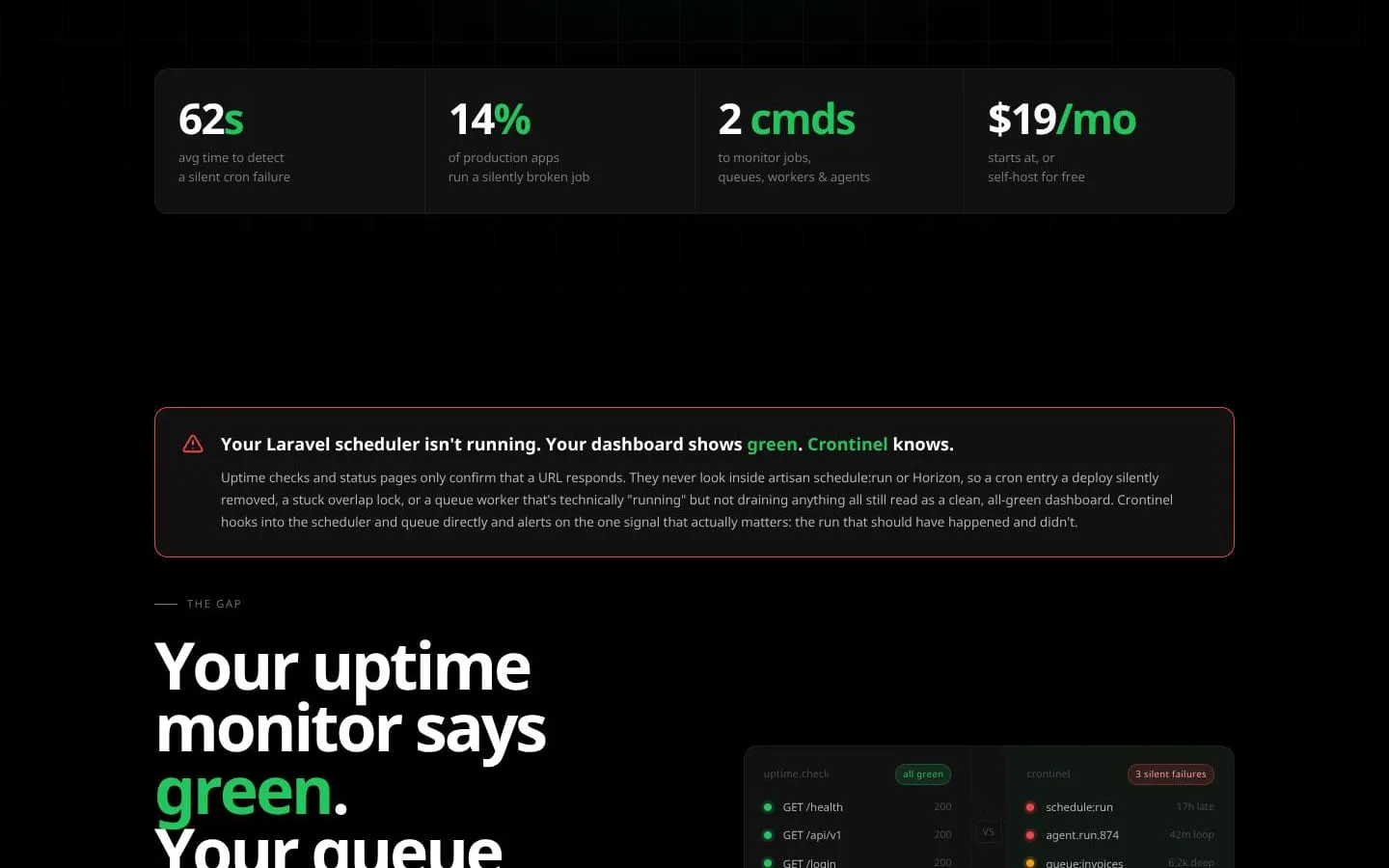
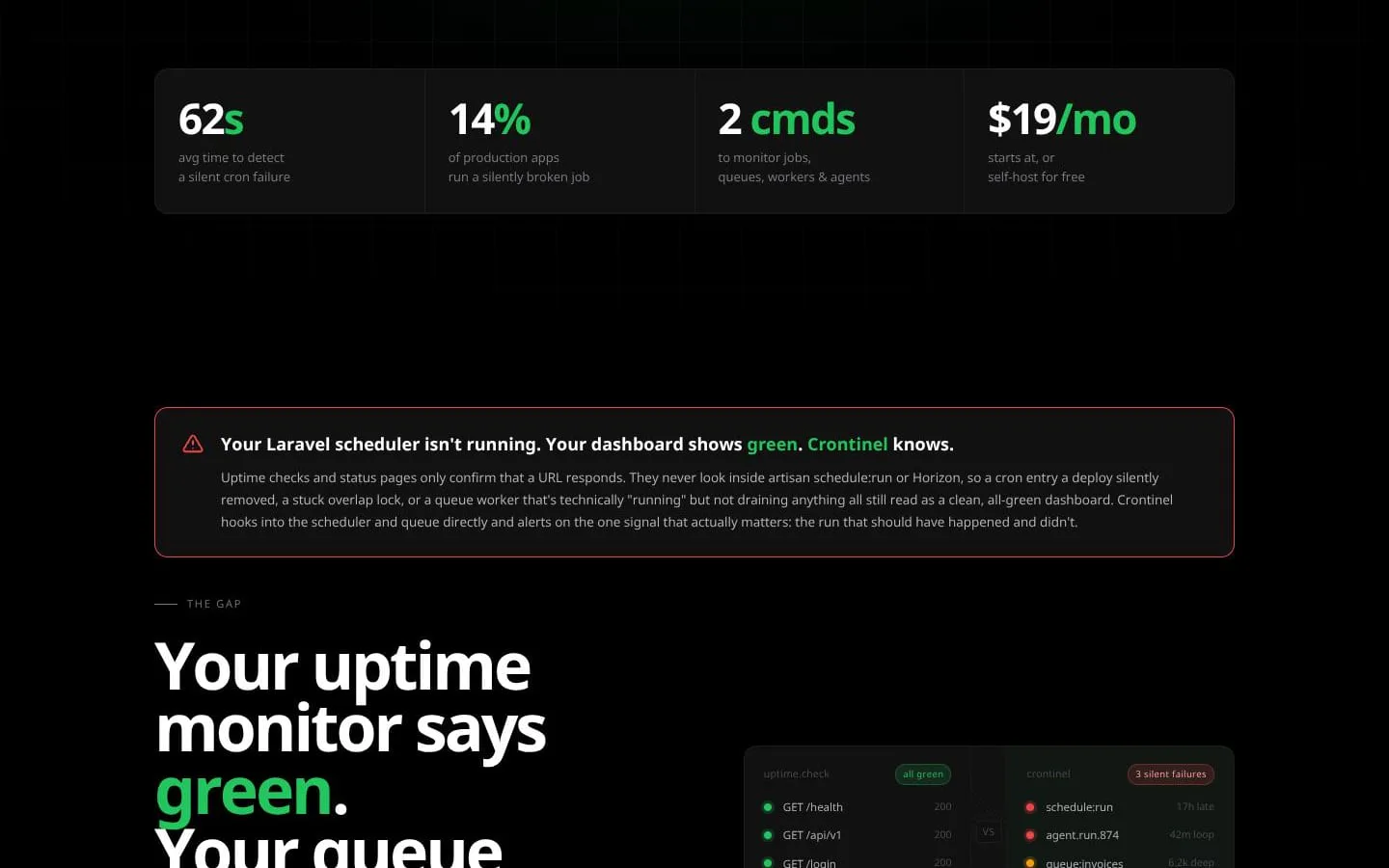
Crontinel watches Laravel scheduler, Horizon queues, workers, backups, and agent runs. Also Node/Python SDKs. Open core, MIT, free tier. Uptime can be green while schedule:run is 17h late. Crontinel alerts on the run that should have happened.
Features
- Problem
- A scheduler can silently stop while the application remains reachable.
- How it works
- Hooks into Laravel scheduler events to record each scheduled run, exit code, and duration, and detects late or missed runs.
- Result
- Teams can identify silent cron failures before missed jobs affect users.
- Why
- A successful HTTP response does not prove that scheduled work ran on time.
- Problem
- Horizon can appear running while an individual supervisor or queue is unhealthy.
- How it works
- Reads Horizon Redis keys directly for supervisor state, pause status, queue depth, and failed-job rate.
- Result
- Teams can alert on supervisor outages, backlog growth, and failure spikes.
- Why
- Horizon-wide or HTTP health signals can conceal a down or paused supervisor.
- Problem
- Queue backlogs become visible only after customer-facing delays.
- How it works
- Monitors per-queue depth, failed counts, and oldest-job age with configurable thresholds.
- Result
- Teams can respond to backpressure and stalled processing earlier.
- Why
- Queue volume alone does not indicate whether jobs are waiting too long.
- Problem
- Alerts can become noisy or fail to reach the right responder.
- How it works
- Routes alerts to Slack, PagerDuty, email, webhooks, Discord, Microsoft Teams, or Telegram, with automatic resolution and alert cooldowns.
- Result
- Teams receive actionable incident notifications with less repeat noise.
- Why
- Operational signals require differentiated routing and recovery notifications.
- Problem
- Deploys can leave schedulers, supervisors, or queues in an unhealthy state.
- How it works
- Provides a `crontinel check` CLI command for deploy hooks to verify scheduler, worker, queue, and agent health.
- Result
- CI/CD workflows can fail loudly when monitored services are unhealthy.
- Why
- A deployment can succeed while post-deploy background processing is broken.
- Problem
- Teams may need monitoring without a hosted dependency.
- How it works
- Offers MIT-licensed, self-hosted SDKs and CLI with a local dashboard; the hosted product adds multi-app views, roles, longer history, and managed infrastructure.
- Result
- Teams can choose standalone self-hosting or a managed SaaS dashboard.
- Why
- Some teams need to keep monitoring data and infrastructure under their own control.
Screenshots