Content creation
Glidecue
An iPhone teleprompter for rehearsing and recording natural-looking videos.
- Category
- Content creation
- Stage
- Beta
- For
- iPhone users who record talking-head videos, including creators, presenters, and professionals sharing ideas on camera.
About
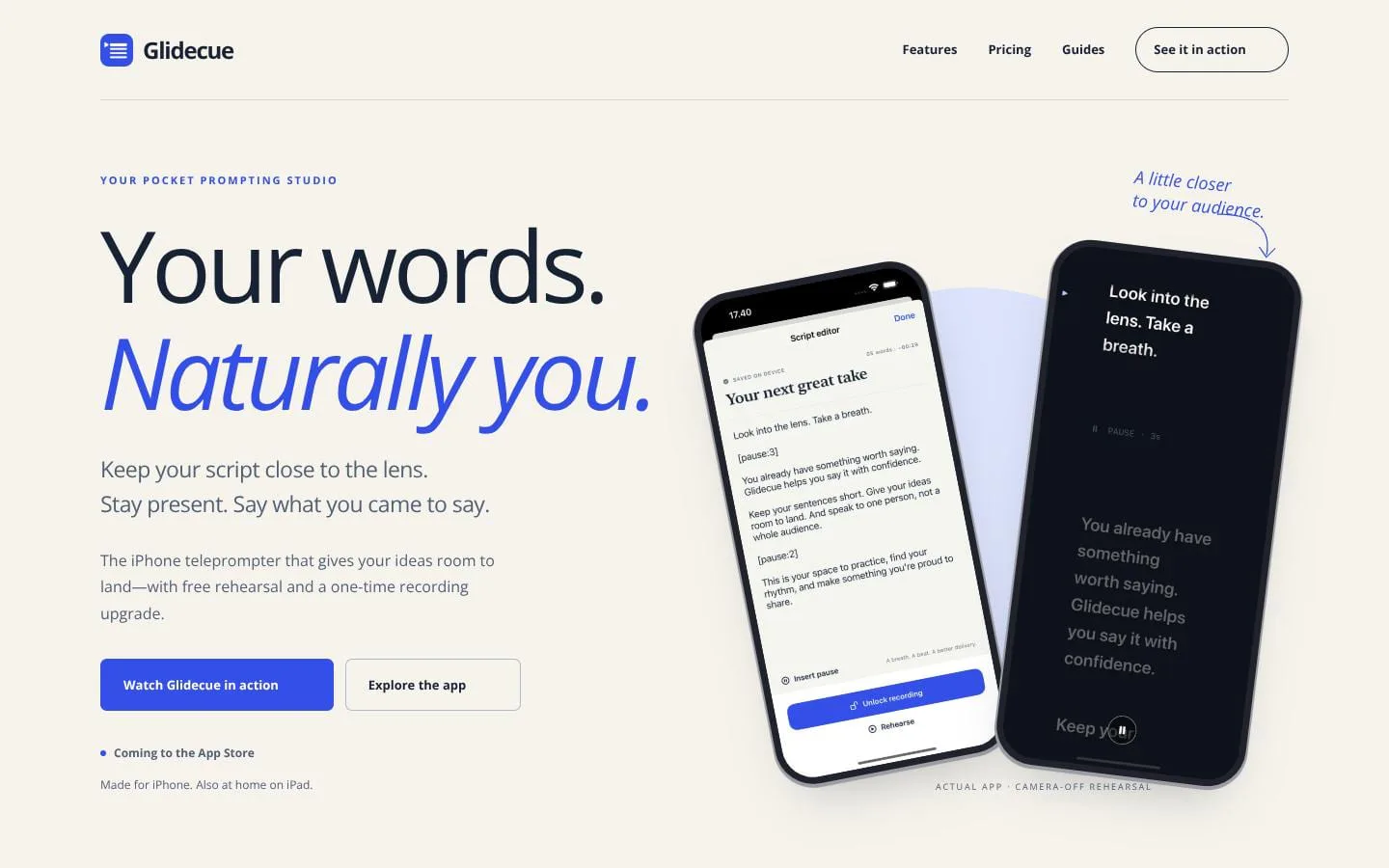
Glidecue is an iPhone teleprompter and front-camera video recorder. Rehearse free, place your script near the lens, and unlock recording with one purchase.
Features
- Problem
- Looking down or across the screen to read can make on-camera delivery feel disconnected.
- How it works
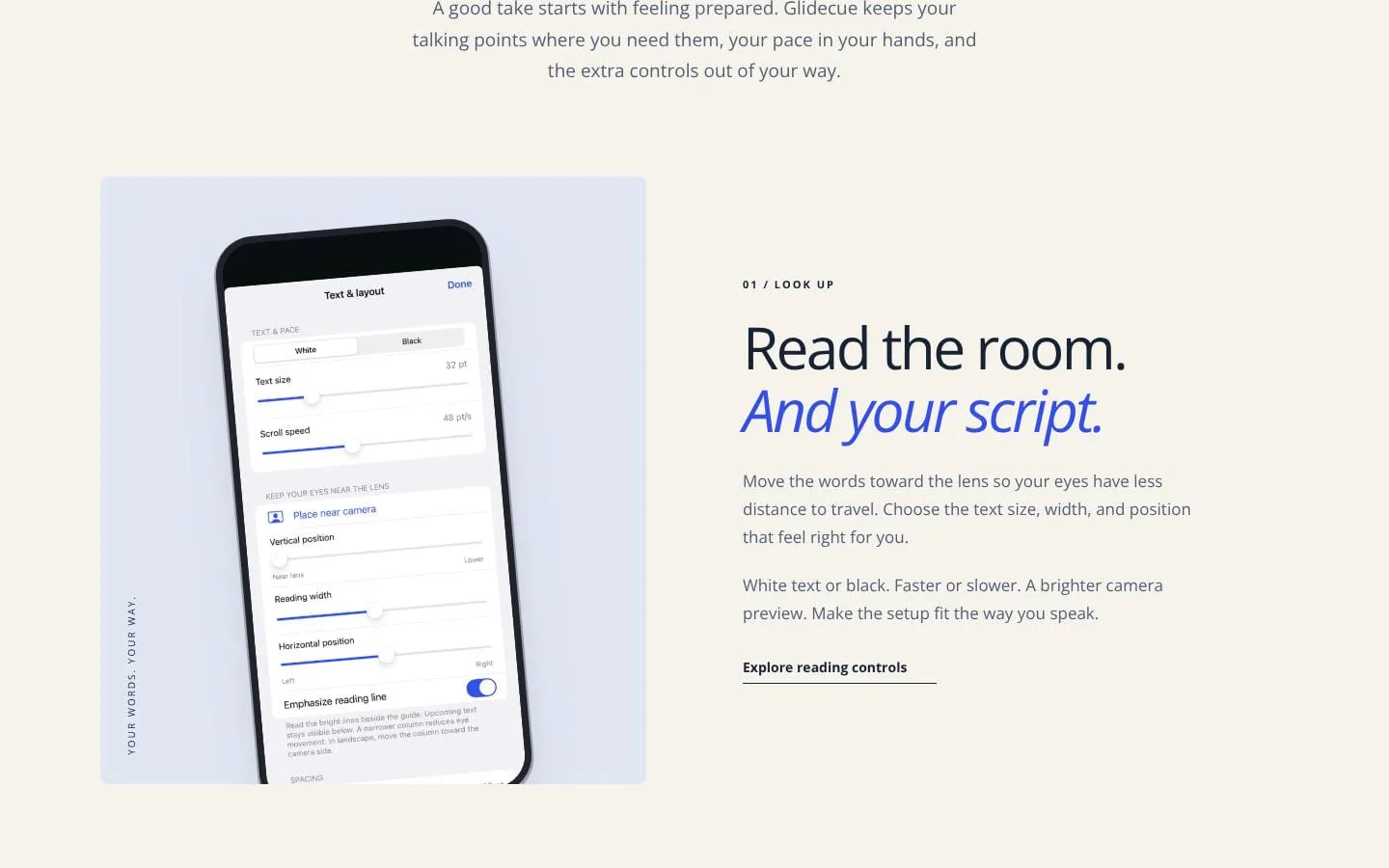
- Users can position the reading column near the camera and adjust its size, width, position, contrast, and scrolling speed.
- Result
- A customizable reading setup designed to support more natural-looking delivery.
- Why
- Reducing the distance between the words and the lens can make it easier to keep eyes near the camera.
- Problem
- Talking points may be difficult to follow or deliver at a comfortable pace.
- How it works
- Users can write or paste scripts, import UTF-8 text files, and insert timed pauses; drafts save on the device.
- Result
- A script that can be followed at the speaker’s chosen pace.
- Why
- Short sections and pauses give speakers a way to organize ideas and leave room to breathe.
- Problem
- Speakers may need practice before recording, without the pressure of making a take.
- How it works
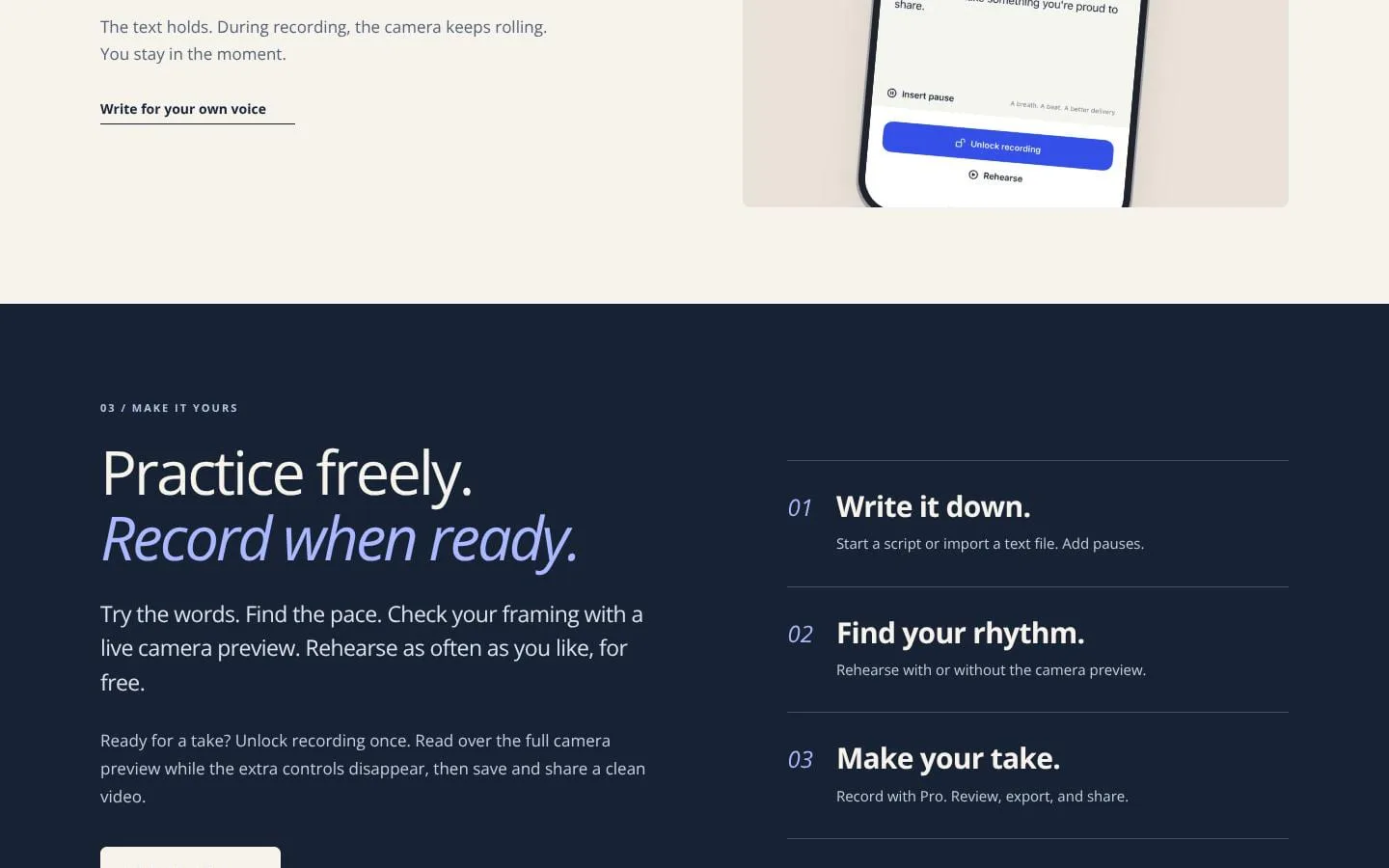
- Users can rehearse without limits, with the camera off or with a live front-camera preview, and adjust framing and pace.
- Result
- A free rehearsal workflow for preparing a take.
- Why
- Repeated practice helps users get comfortable with their words and setup before recording.
- Problem
- Visible controls or script overlays can distract from recording or appear in the finished video.
- How it works
- With Glidecue Pro, users can record front-camera video with audio while extra controls hide during delivery; exported videos omit the script overlay and watermark.
- Result
- A saved recording users can review and export.
- Why
- Keeping the prompt available during recording while excluding it from the export supports a clean finished take.
- Problem
- Some users may prefer to keep scripts and recordings private and on their device.
- How it works
- Glidecue requires no account, and scripts and recordings stay on the device until users choose to share them.
- Result
- A private-by-default workflow with user-controlled sharing.
- Why
- Local storage and sharing by choice reduce the need to hand content to a Glidecue cloud account.
Product questions
What does Glidecue do?
Glidecue is an iPhone and iPad teleprompter for writing, rehearsing, and recording talking-head videos. It places adjustable scrolling script text near the camera lens to help people stay present while speaking.
Who is Glidecue for?
iPhone users who record talking-head videos, including creators, presenters, and professionals sharing ideas on camera.
Screenshots