Productivity
Simple Mass Downloader
Bulk Download Files in Chrome
- Category
- Productivity
- Stage
- Growth
- For
- Desktop Chrome users who need to collect and batch-download linked files for research, study, projects, or other work.
About
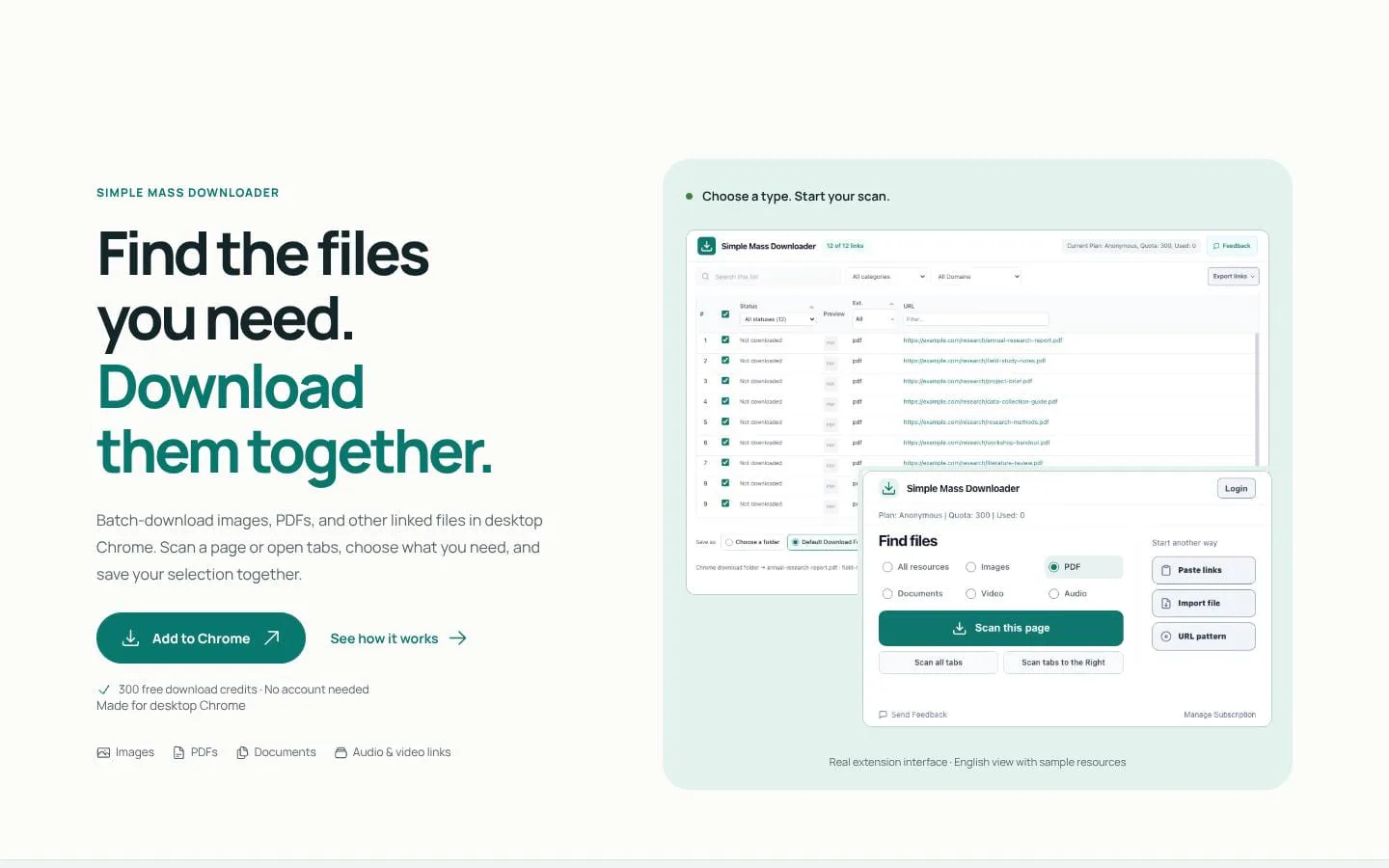
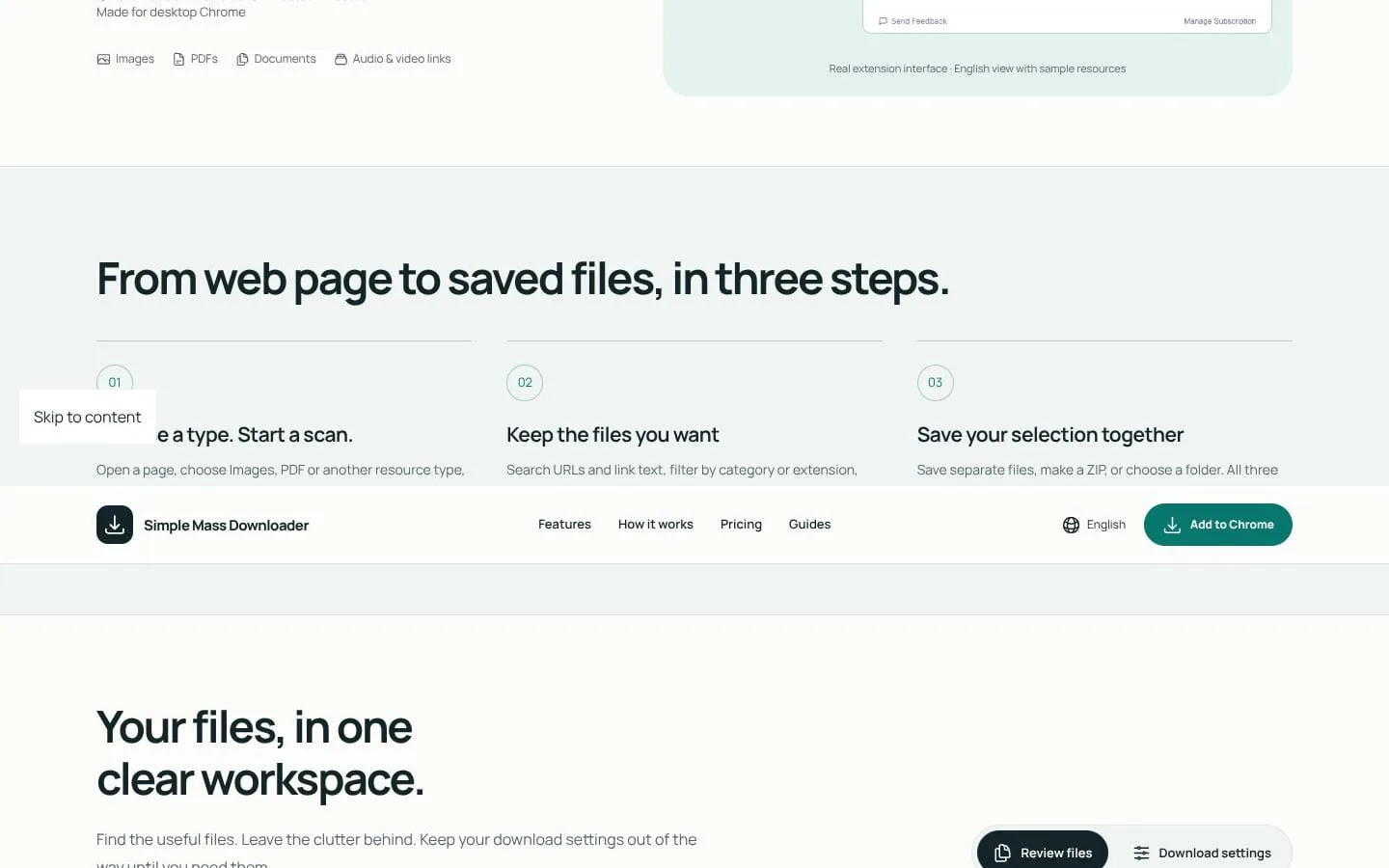
Batch-download images, PDFs, and other linked files in desktop Chrome. Scan a page or open tabs, choose what you need, and save your selection together.
Features
- Problem
- Collecting files individually across pages and tabs takes time.
- How it works
- Scans a page, open tabs, tabs to the right, pasted links, and TXT/CSV URL lists; it can also generate a known numbered URL sequence.
- Result
- A collected list of candidate files ready to review.
- Why
- Users can gather accessible resources from a broader set of starting points in one workflow.
- Problem
- A page may contain irrelevant links, duplicate links, icons, or thumbnails.
- How it works
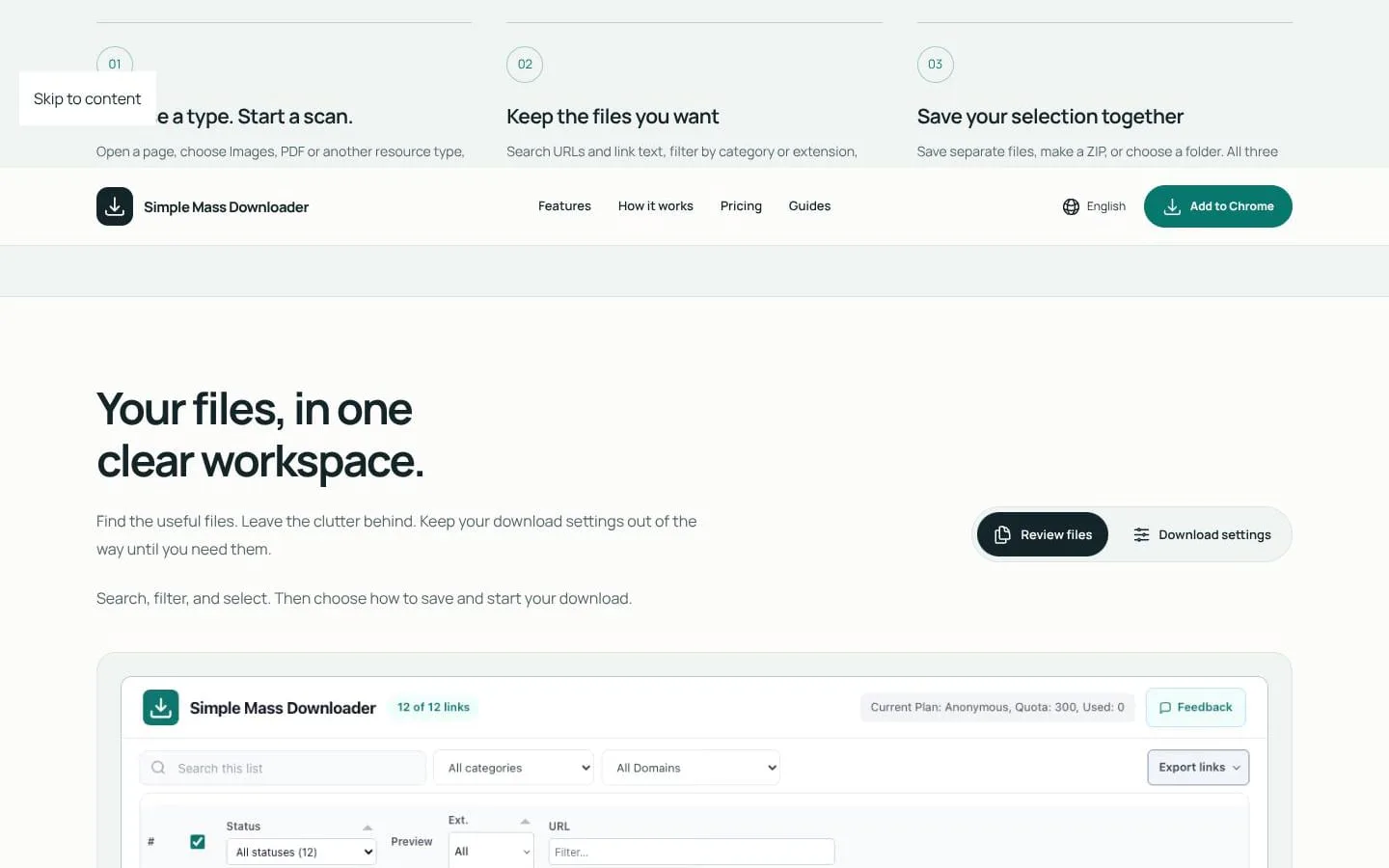
- Searches URLs and link text, filters by category, extension, keyword, or image dimensions, previews images, and handles duplicate links.
- Result
- A more focused batch with less unwanted content.
- Why
- Filtering and previewing help users choose useful files before downloading.
- Problem
- Saving or sharing a batch may require different destinations and formats.
- How it works
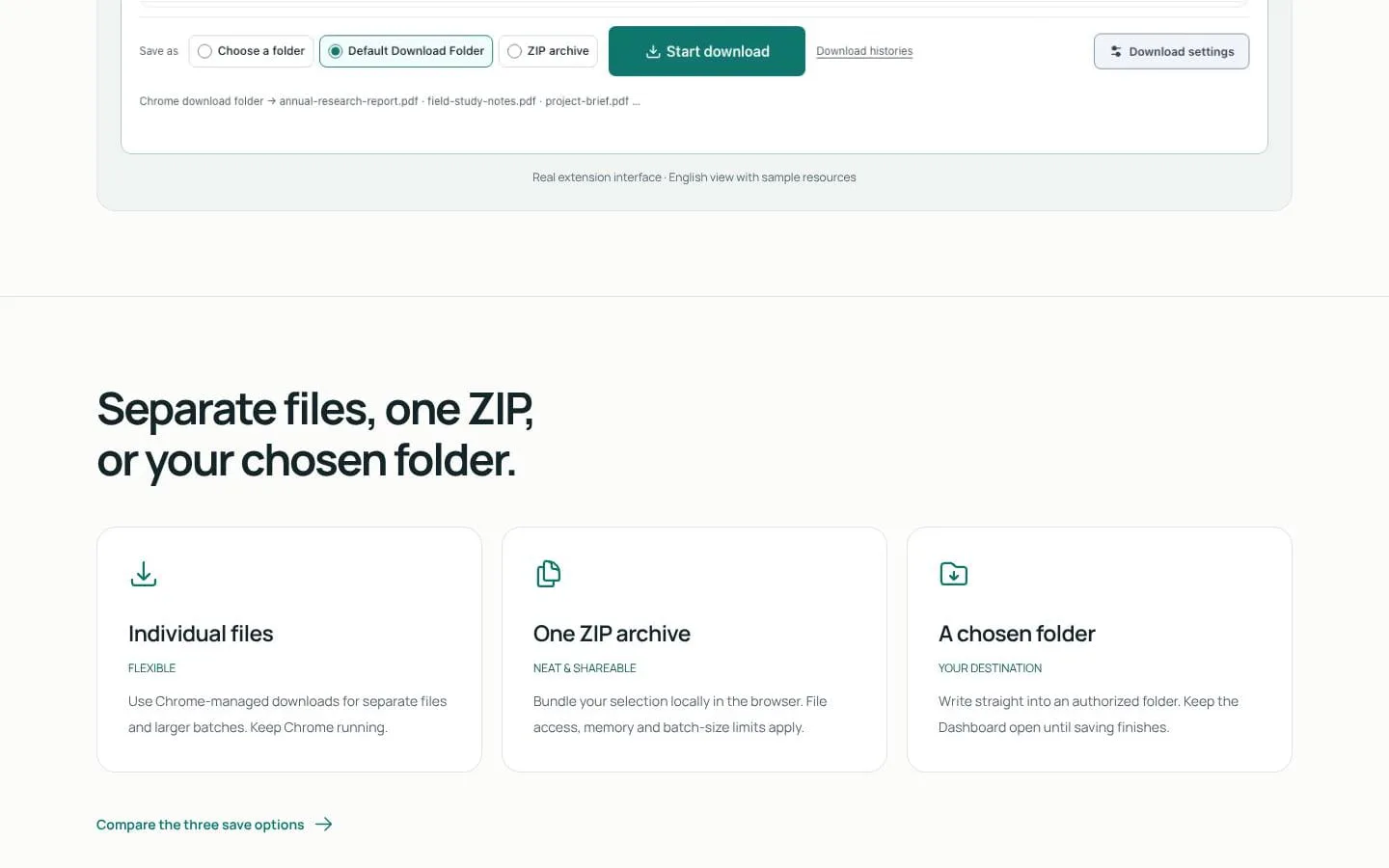
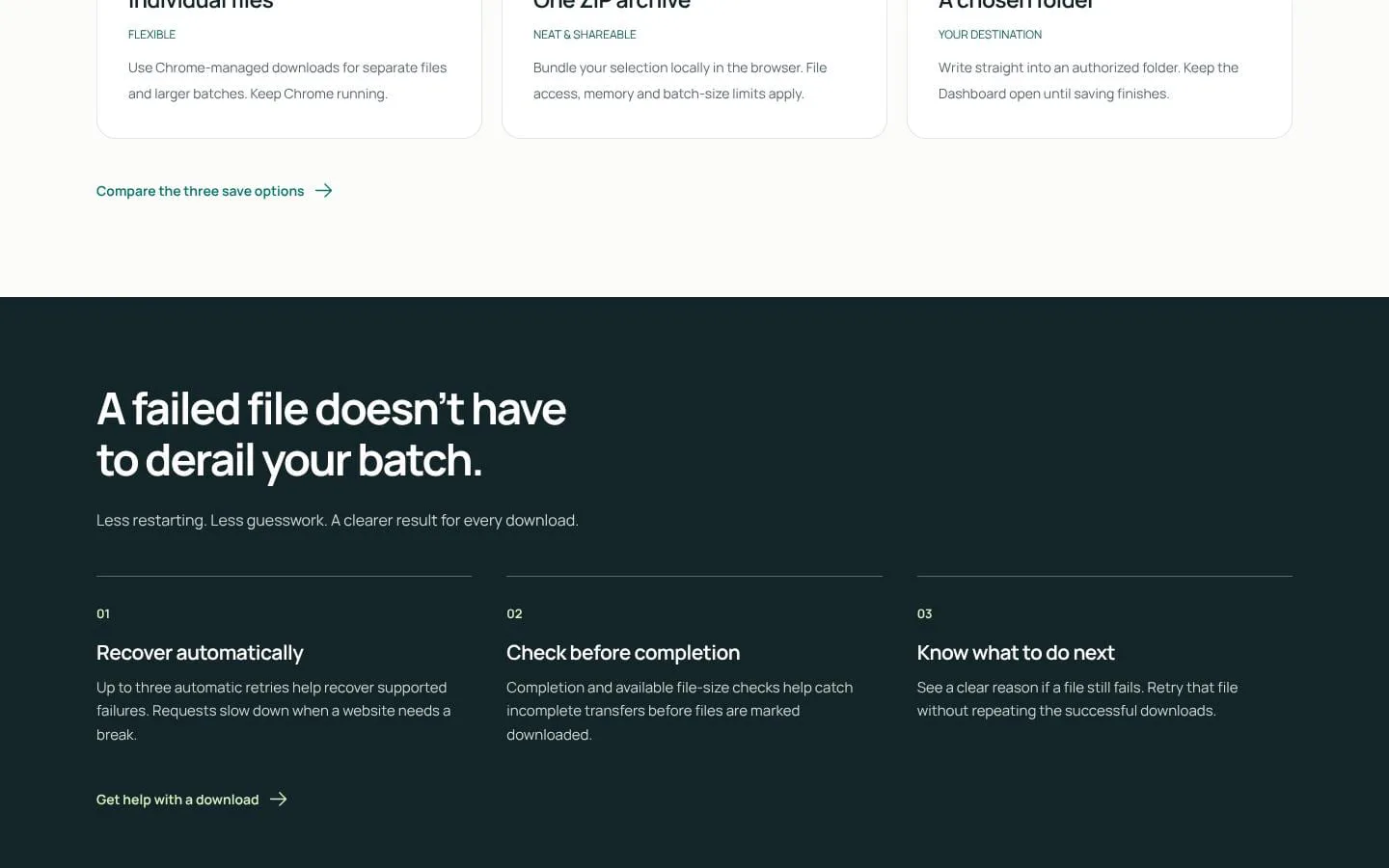
- Saves separate files through Chrome-managed downloads, bundles selections into a browser-created ZIP, or writes to an authorized folder.
- Result
- Files are saved using the option suited to the task.
- Why
- Different jobs call for individual files, a single archive, or a chosen destination.
- Problem
- One failed or incomplete transfer can make batch results uncertain.
- How it works
- Retries supported failures up to three times, slows requests when needed, checks completion and available file size, and allows retrying a failed file alone.
- Result
- Users can identify unresolved failures without repeating successful downloads.
- Why
- Per-file recovery and status information reduce unnecessary repetition.
- Problem
- Repeated download jobs can require repeated setup and sorting.
- How it works
- Supports filename numbering, grouping by source, naming and folder rules, personal categories, saved presets, and controls for concurrency and pacing.
- Result
- Batches can follow a consistent setup and download rhythm.
- Why
- Reusable organization and pace settings support recurring work.
- Problem
- Users may want to try the workflow before committing.
- How it works
- Offers 300 initial download credits without an account; paid plans provide larger allowances.
- Result
- Users can begin with a free batch and choose a larger plan if needed.
- Why
- A no-account starting allowance lets users try collecting and saving files.
Product questions
What does Simple Mass Downloader do?
Simple Mass Downloader is a desktop Chrome extension that collects accessible file links from webpages, open tabs, and URL lists so users can filter and batch-save the files they want.
Who is Simple Mass Downloader for?
Desktop Chrome users who need to collect and batch-download linked files for research, study, projects, or other work.
Screenshots